From request to payment
Advances, payments and settlements in one flow
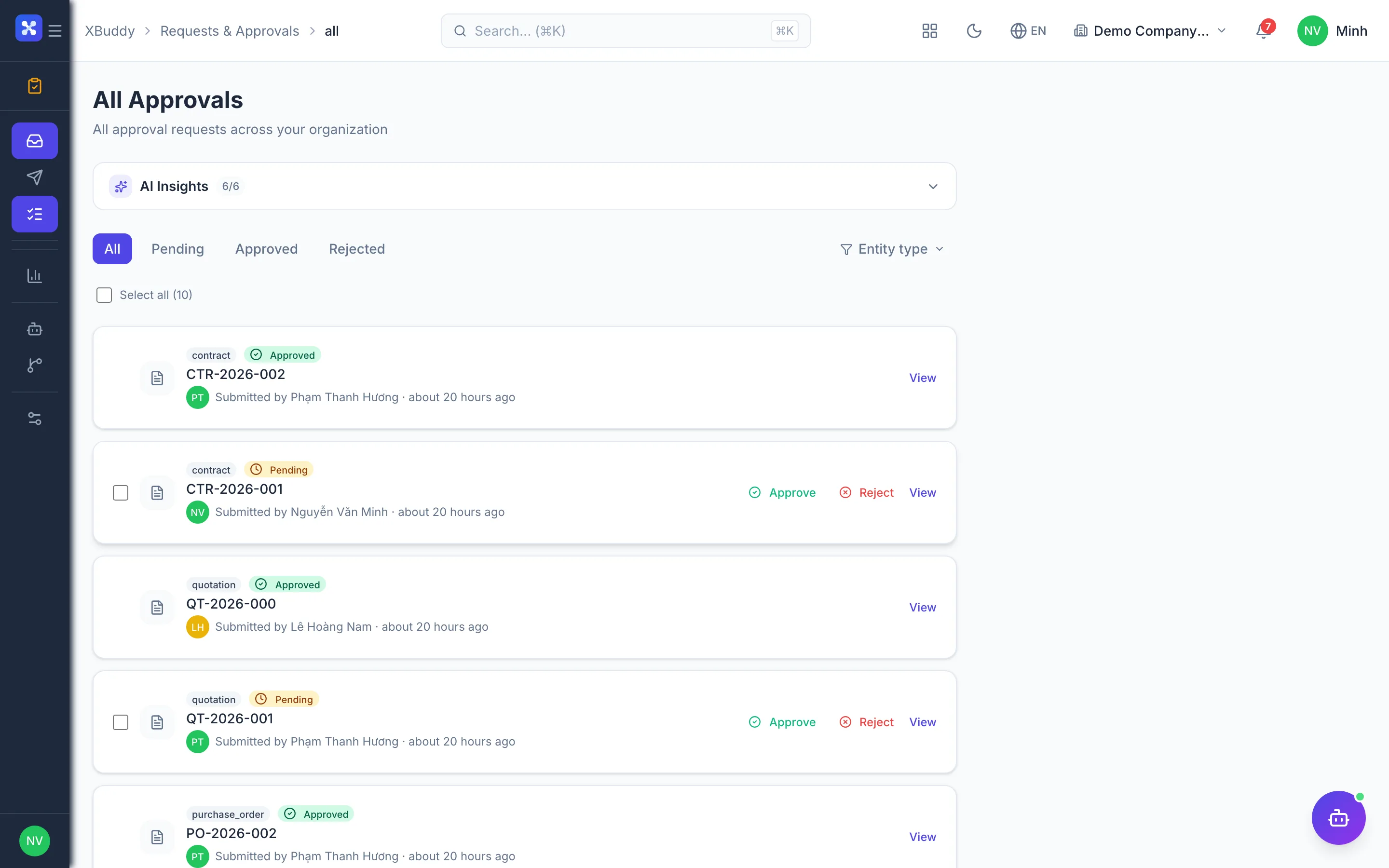
Staff submit requests on web or phone; approvals follow the request type’s chain, payouts pass the payment gate and post themselves — no paper loops.
Key outcomes
- Submit and approve requests right on the phone
- Know which step a request is at and who holds it
- Every payout has a journal entry; advances tracked until cleared
Problems solved
- Paper forms passed hand to hand — Advance and payment requests are printed and signed department by department. When an approver travels the form just waits, and the employee has no idea where it is.
- Accounting re-keys the numbers — Once approved, accounting types the amount, payee and description into the software again to pay and post it. Every re-entry is another chance for error.
- Advances never settled — The advance has been paid out but the settlement receipts never come back. Employee advance balances sit open for months with no one following up.
- Payouts outside any control — Payments to staff sometimes take a side route that skips the person authorized to approve spending. Submitters may even approve their own requests.
How it works
- Submit the request
- Multi-level approval
- Pay out
- Settle & refund
- Post to the books
- Track employee balances
This is a summary. The full content, step screenshots and FAQ are on the original page.
Related operations guide: From request to payment