Closing content gaps with AI
Turn reader behavior into an action list.
When to use
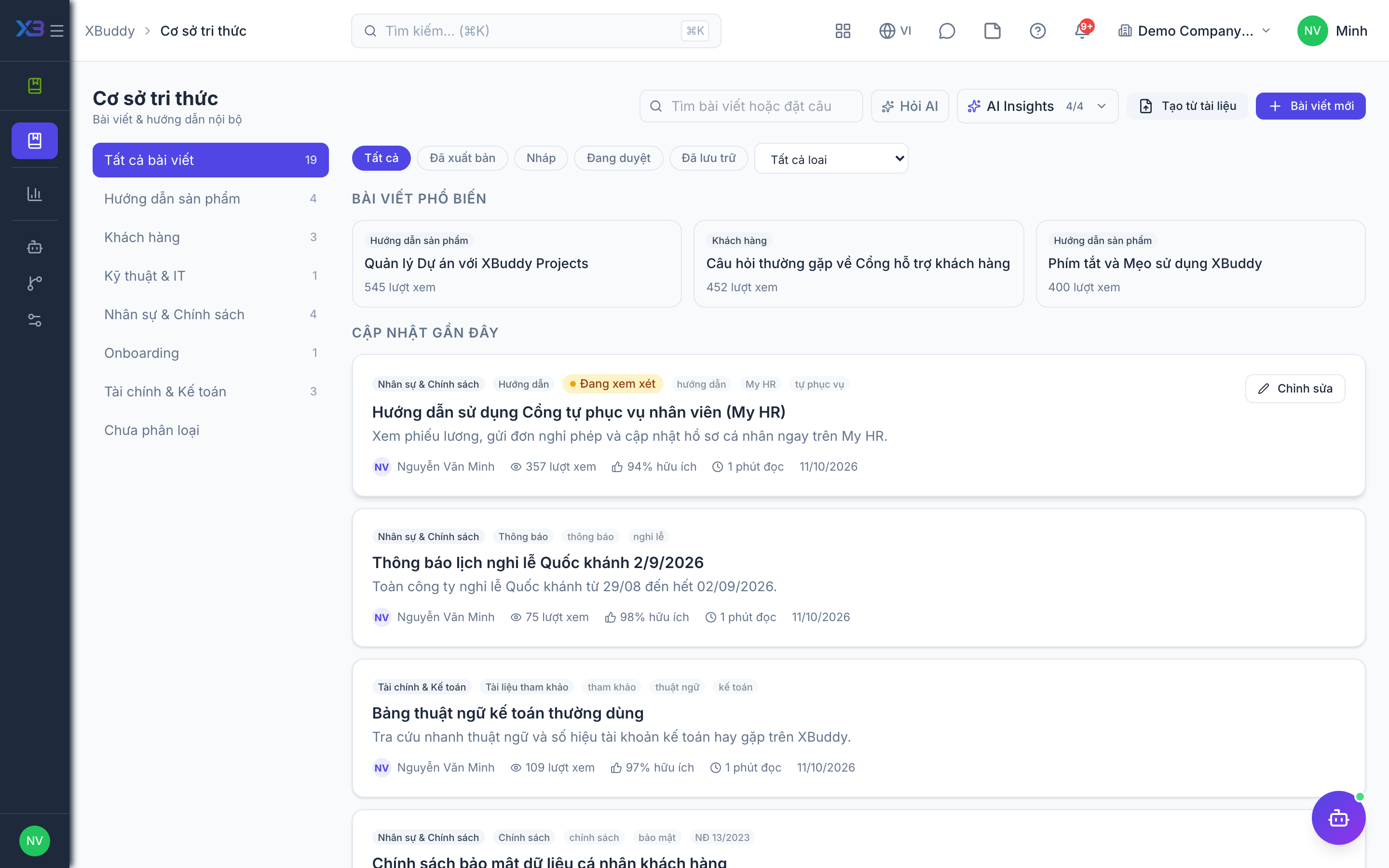
Use this for regular content upkeep: finding stale articles, categories with too little content, and poorly rated articles that need a rewrite.
Before you start
- The AI Hub is at
/knowledge/automation/agents; the assistant is Knowledge Curator. - You need
kb:readto review insights andkb:writeto turn a suggestion into a draft. - The assistant only creates drafts or suggestions; it never publishes on its own.
Steps
-
Open /knowledge/automation/agents (AI Hub).
-
Review the insights: articles not updated for over 90 days, and categories with few published articles.
-
For a poorly rated published article, ask for improvement suggestions (the article improvement advisor).
-
For a thin category, ask for a new article outline: title plus structure (the gap filler).
-
Review and edit the draft, then publish it yourself.
Tips & common mistakes
- Treat AI output as a first draft; check facts and tone before publishing.
- Run this on a regular rhythm so stale articles do not pile up.
- Fix the category first when a gap is only a classification problem.
- Because the assistant never publishes, drafts left unreviewed simply stay as drafts.