OKR setup guide
This page walks through 7 steps to set up OKR, in the order the in-app Setup assistant recommends. Each step lists what to prepare, the questions to answer first and the screen to use.
In the app, open Settings → Setup assistant: it measures your current state, asks the survey questions below and proposes a change set you approve before it is applied. This page is the read-only version for preparing ahead or doing it by hand.
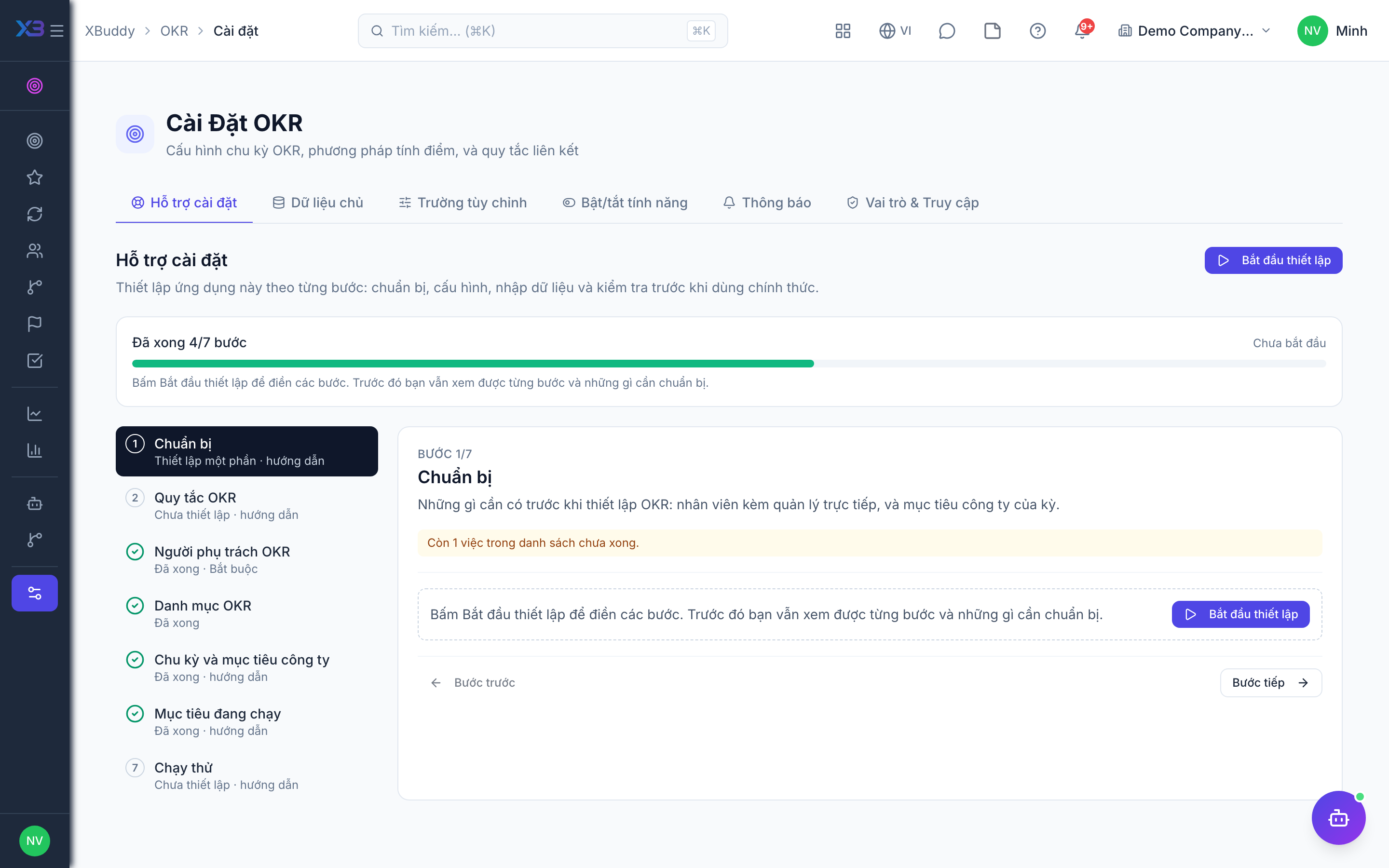
1. Prepare
Optional
What to have ready before setting up OKR: employees with their managers, and the company goals for the period.
| # | Task | How | Screen |
|---|---|---|---|
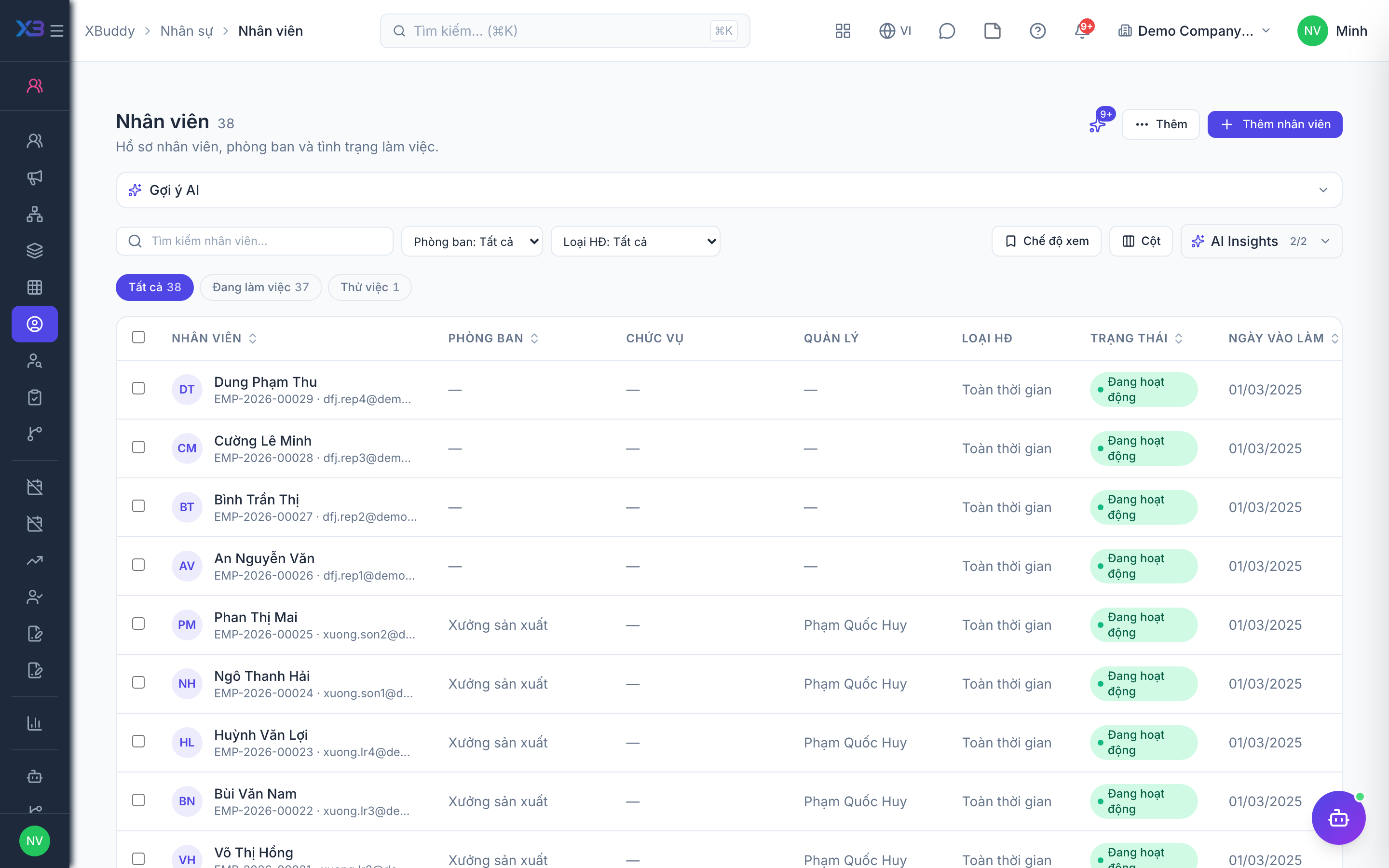
| 1 | Employees with line managers | Objectives belong to an employee, a team or the company — employees must exist with department and manager. | /hr/employees |
| 2 | Company goals agreed | 3–5 company objectives for the period, each with measurable key results, agreed with management. | — |
2. OKR rules
Optional
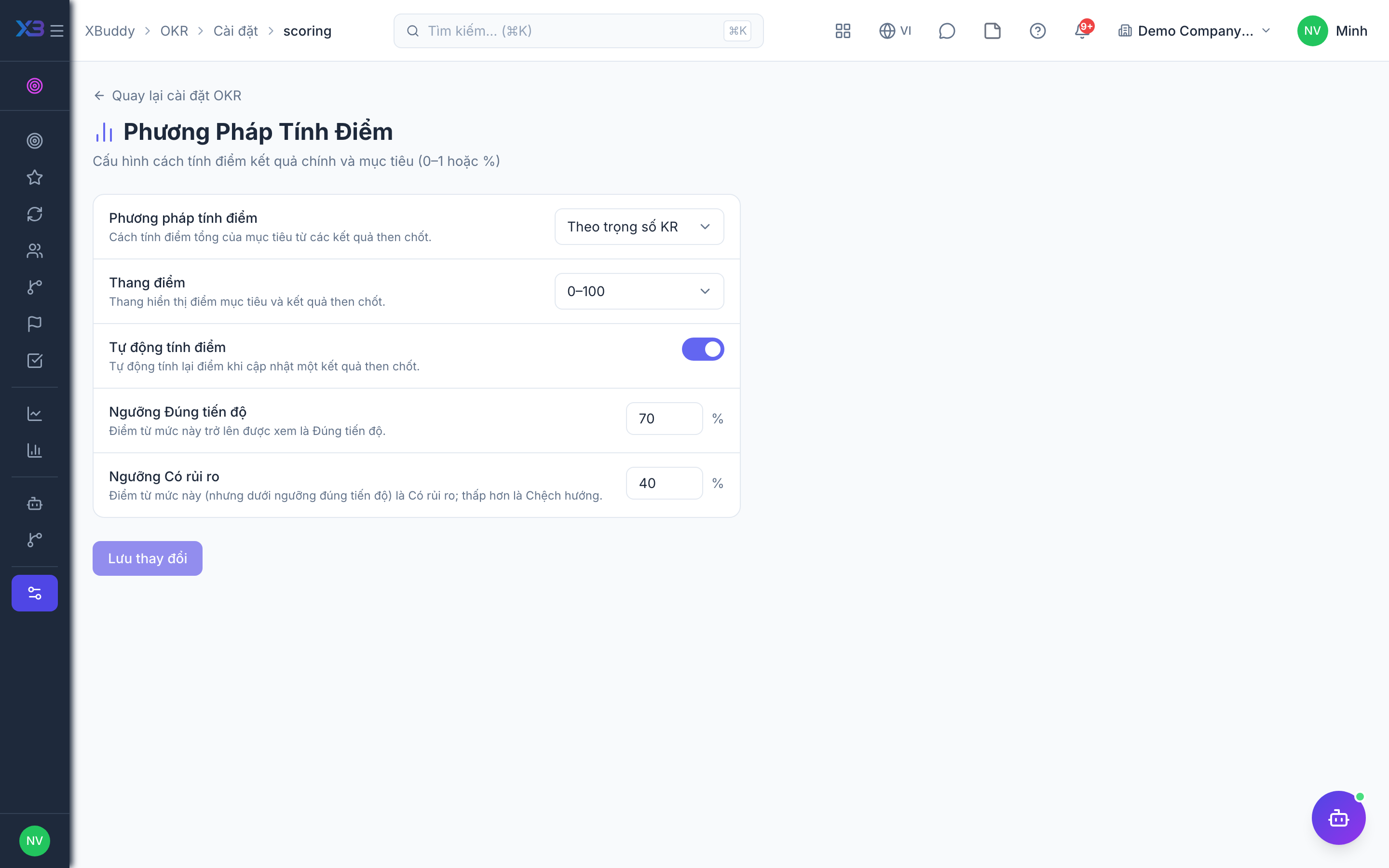
Decide how goals are scored, cascaded, checked in and shown. Each rule opens the existing OKR settings page; the defaults are valid — tick an item once you have reviewed it.
Prepare first
- A decision on how progress is scored, how deep goals may cascade, how often people check in and who may see whose goals.
Questions to answer
- How do you score an objective — a simple average of its key results, or weighted by importance? From what % is a goal “on track”, and below what % “at risk”?
- Must every team and personal goal hang under a company goal? How many levels (company → department → team → person)?
- How often should owners update progress (weekly, every two weeks, monthly), and should they be reminded?
- Should everyone see all goals and their progress, or may some goals be private?
| # | Task | How | Screen |
|---|---|---|---|
| 1 | Scoring reviewed | Score method (average, weighted, roll-up), automatic recompute, and the on-track / at-risk thresholds every progress badge uses. | /okr/settings/scoring |
| 2 | Alignment reviewed | Whether every non-company objective needs a parent (saving is refused otherwise), the maximum cascade depth, and cross-team alignment. | /okr/settings/alignment |
| 3 | Check-ins reviewed | The agreed check-in frequency and day. These values are saved as the company rhythm only — no reminder is sent from them yet, so managers remind their teams. | /okr/settings/check-ins |
| 4 | Visibility reviewed | Default visibility of new objectives, whether private objectives are allowed (otherwise they get the default visibility) and whether everyone sees progress. | /okr/settings/visibility |
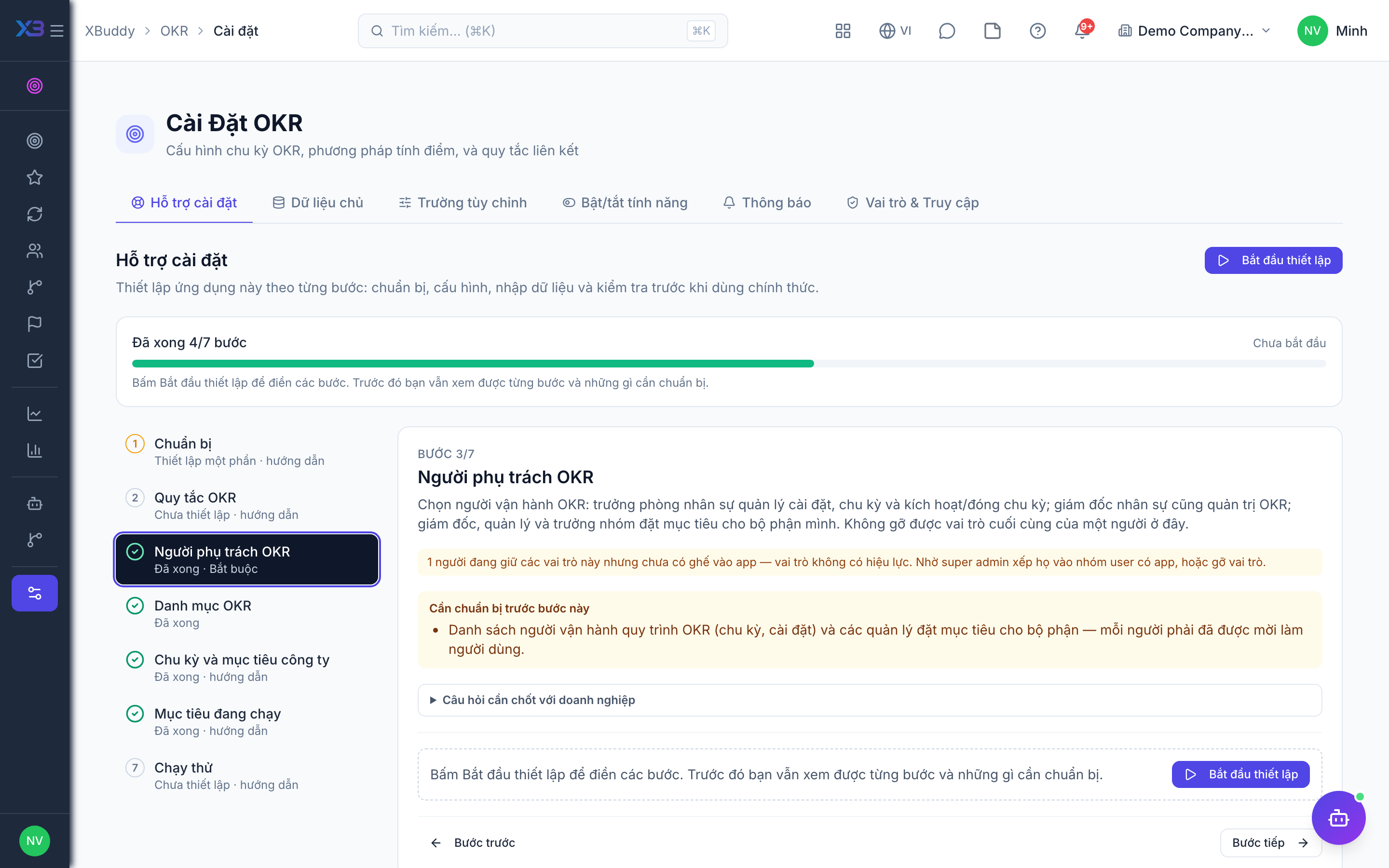
3. OKR owners
Required
Choose who runs OKR: the HR manager owns settings and cycles and activates/closes them; the CHRO also administers OKR; directors, managers and team leads set the goals of their area. You cannot remove a person’s last role here.
Prepare first
- The list of who runs the OKR process (cycles, settings) and the managers who set goals for their area — each must already be invited as a user.
Questions to answer
- Who runs the OKR process: opens and closes each cycle, and owns the scoring and alignment rules?
- Which managers set and update goals for their department or team?
| Role template | Key | For |
|---|---|---|
| HR Manager | hr_manager | HR manager: owns OKR settings and cycles, activates and closes cycles |
| Chief Human Resources Officer | chro | CHRO: oversees and also administers OKR |
| Director / General Manager | director | Director: sets and updates the goals of their division |
| Manager | manager | Manager: sets and updates department goals |
| Team Lead | team_lead | Team lead: sets and updates team goals |
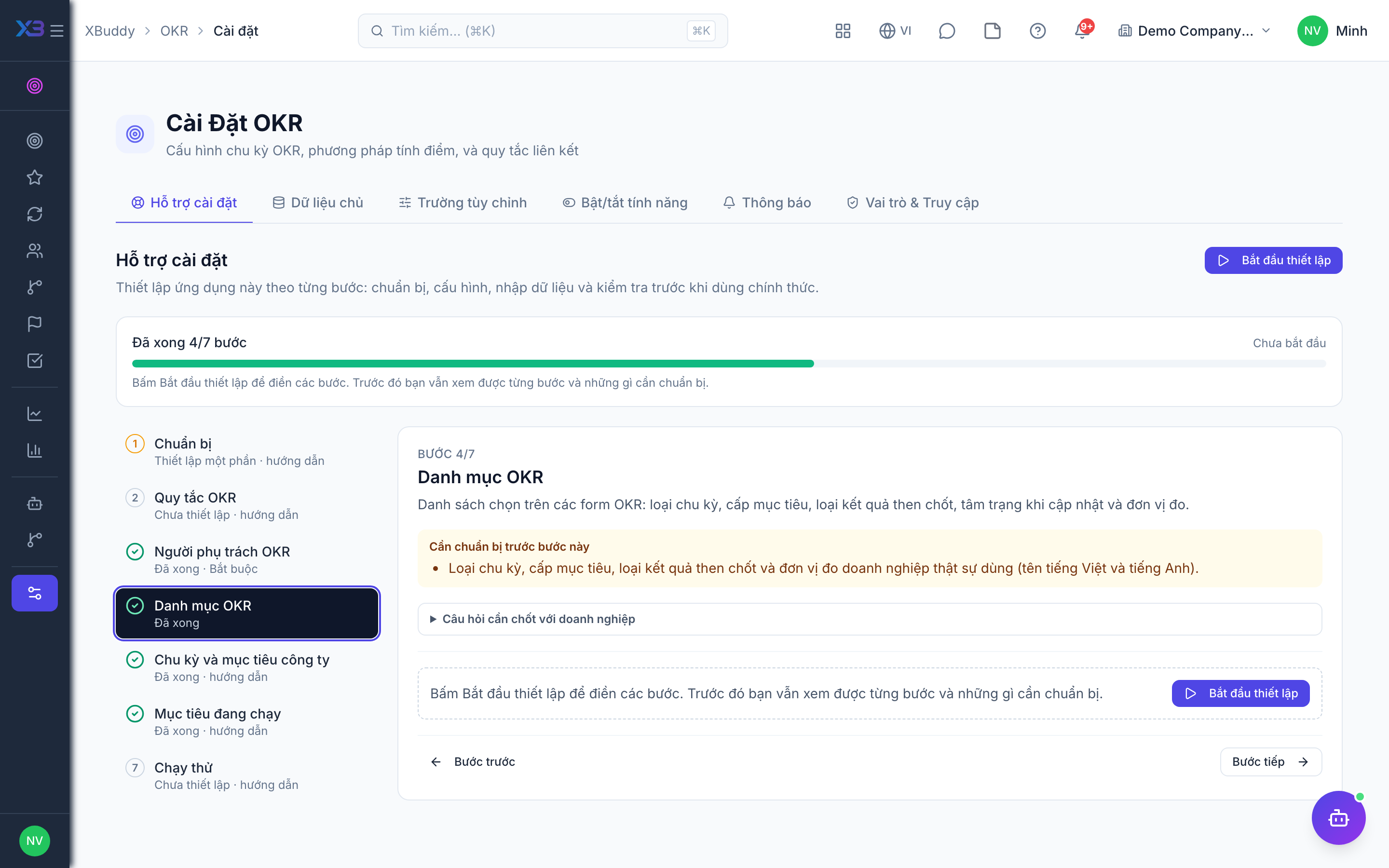
4. OKR lists
Optional
Pick-lists on the OKR forms: cycle types, goal levels, key result types, check-in moods and units.
Prepare first
- The cycle types, goal levels, key result types and units the business really uses (names in Vietnamese and English).
Questions to answer
- Do you run goals by quarter, half-year or year?
- Which units do key results use (%, VND, customers, tickets…)?
Lookups to review (Settings → Lookups):
- Key Result Types (
kr_types) - Metric Units (
metric_units) - Check-in Moods (
okr_check_in_moods) - OKR Cycle Types (
okr_cycle_types) - OKR Levels (
okr_levels)
5. Cycle and company goals
Optional
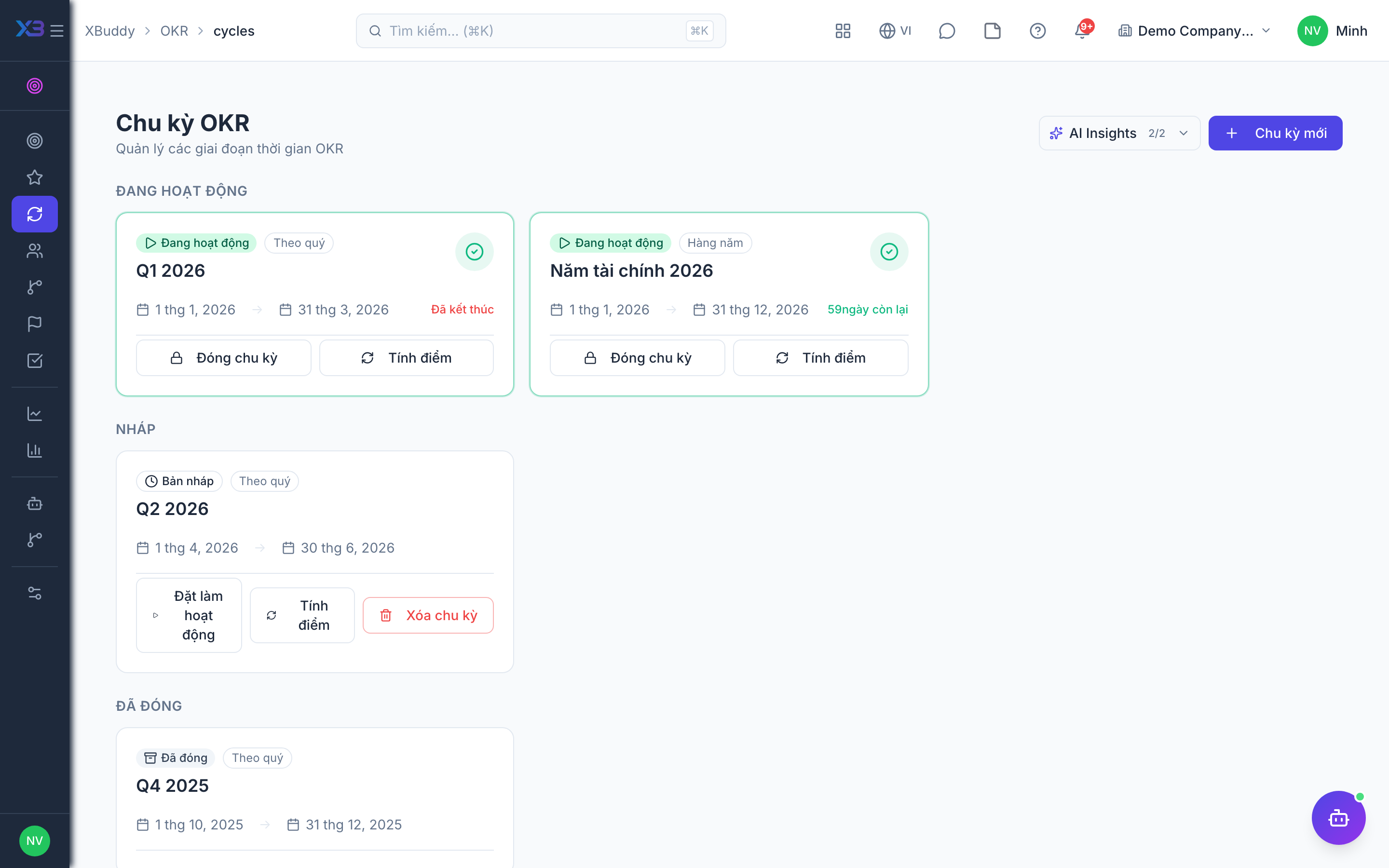
Create the first cycle and enter the company-level objectives everyone else aligns to.
Questions to answer
- When does the first cycle start and end, and what are the company goals for it?
| # | Task | How | Screen |
|---|---|---|---|
| 1 | First cycle created | Name, type, start and end date; someone with OKR approval activates it when goals are ready. | /okr/cycles |
| 2 | Company objectives entered | Company-level objectives of the cycle with their key results. | /okr/objectives/new (Create) |
6. Running goals
Optional
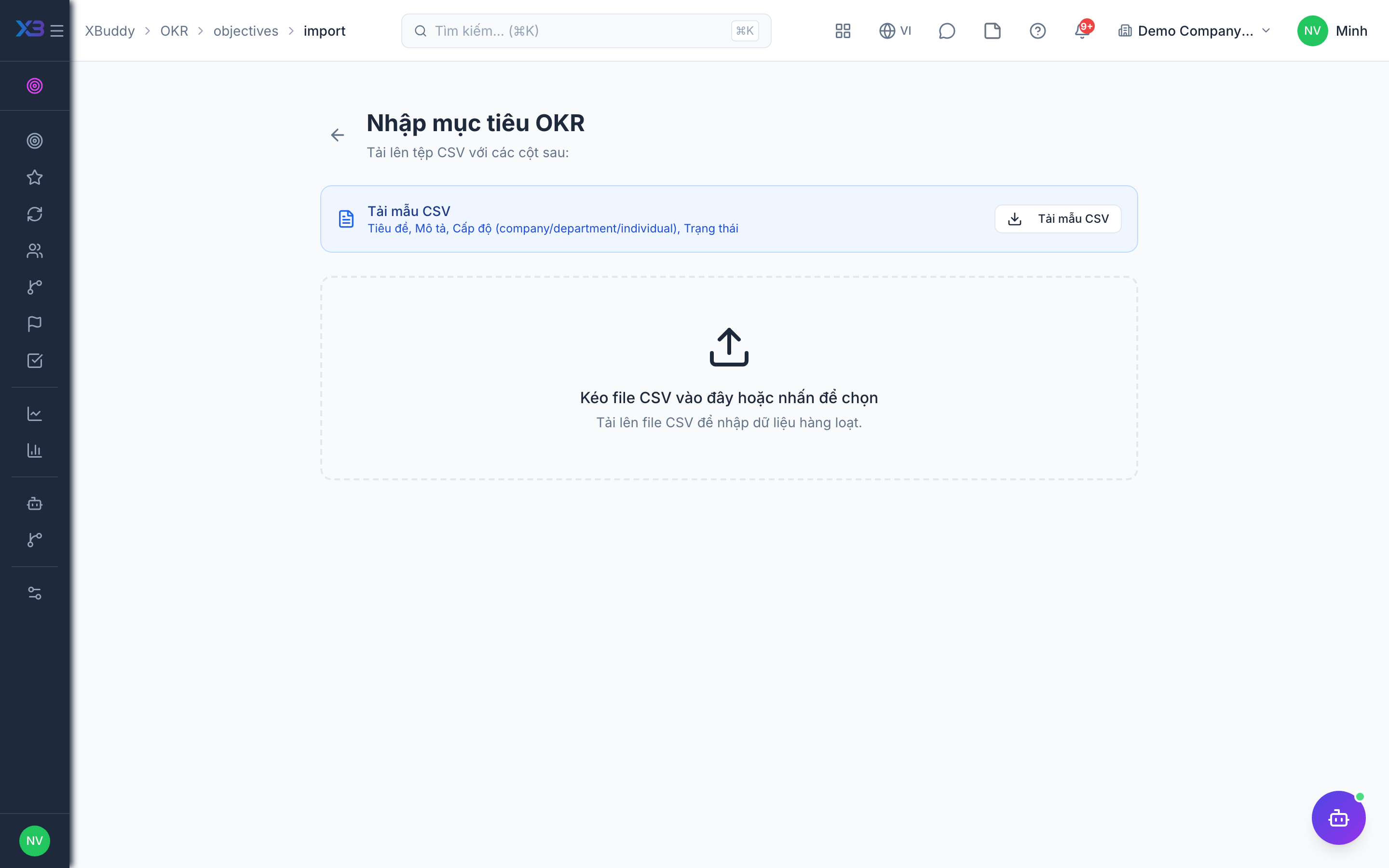
Bring in the department, team and personal goals still running.
Prepare first
- The department, team and personal goals still running, in a spreadsheet: cycle, title, level, owner, parent goal.
| # | Task | How | Screen |
|---|---|---|---|
| 1 | Department, team and personal objectives | Import or create them, aligned to the company goals. | /okr/objectives/import (Import + template) |
7. Trial run
Optional
Run one cycle end to end with one manager and one employee before rolling out.
Prepare first
- Pick one manager and one employee to run the test with; agree who checks each result.
| # | Task | How | Screen |
|---|---|---|---|
| 1 | Cycle activated | Activate the cycle; objectives of the cycle become editable by their owners. | /okr/cycles |
| 2 | Goal cascaded | As the manager, create a team objective under a company objective; the tree shows the link, and one deeper than the configured depth is refused. | /okr/tree |
| 3 | Check-in recorded | As the employee, check in progress on a key result; the score and the on-track / at-risk badge update. | /okr/my-okrs |
Next
See the feature pages of this app in the left menu, or the setup guides of every app.