Preventive maintenance
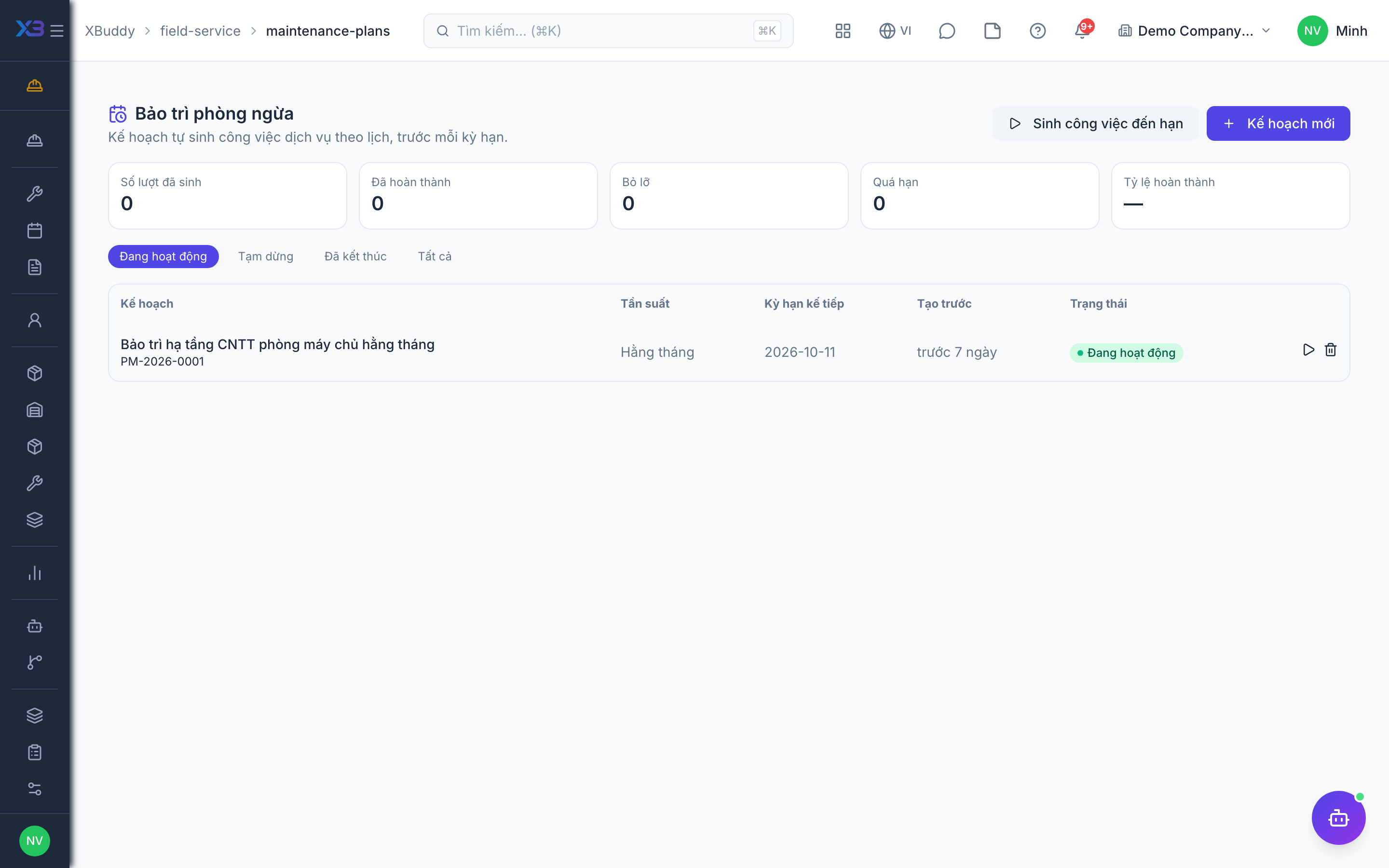
Maintenance plans generate jobs automatically on a schedule, so recurring service (inspections, servicing) is never forgotten.
When to use
Use it for assets or contracts that need regular visits.
Before you start
- Open
/field-service/maintenance-plans. Permissions:field_service:readto view,field_service:writeto create or edit plans. - Toggle:
service.preventive_maintenance(default off, on for new companies). A plan is anchored to an asset or a contract.
Create a plan
Choose the asset or contract, the recurrence and the job type.
Let the system generate jobs
Jobs are created automatically when due; each run is recorded so the same visit is never generated twice.
Execute and review
Dispatch the generated job as normal and review it in the reports.
Tips & common mistakes
- Check the job type and its template first — generated jobs inherit the checklist and parts plan.
- If a plan produces no jobs, check the toggle and that the plan is active.
- Internal asset maintenance generates internal jobs (no invoice).