Attendance, schedules, and roster
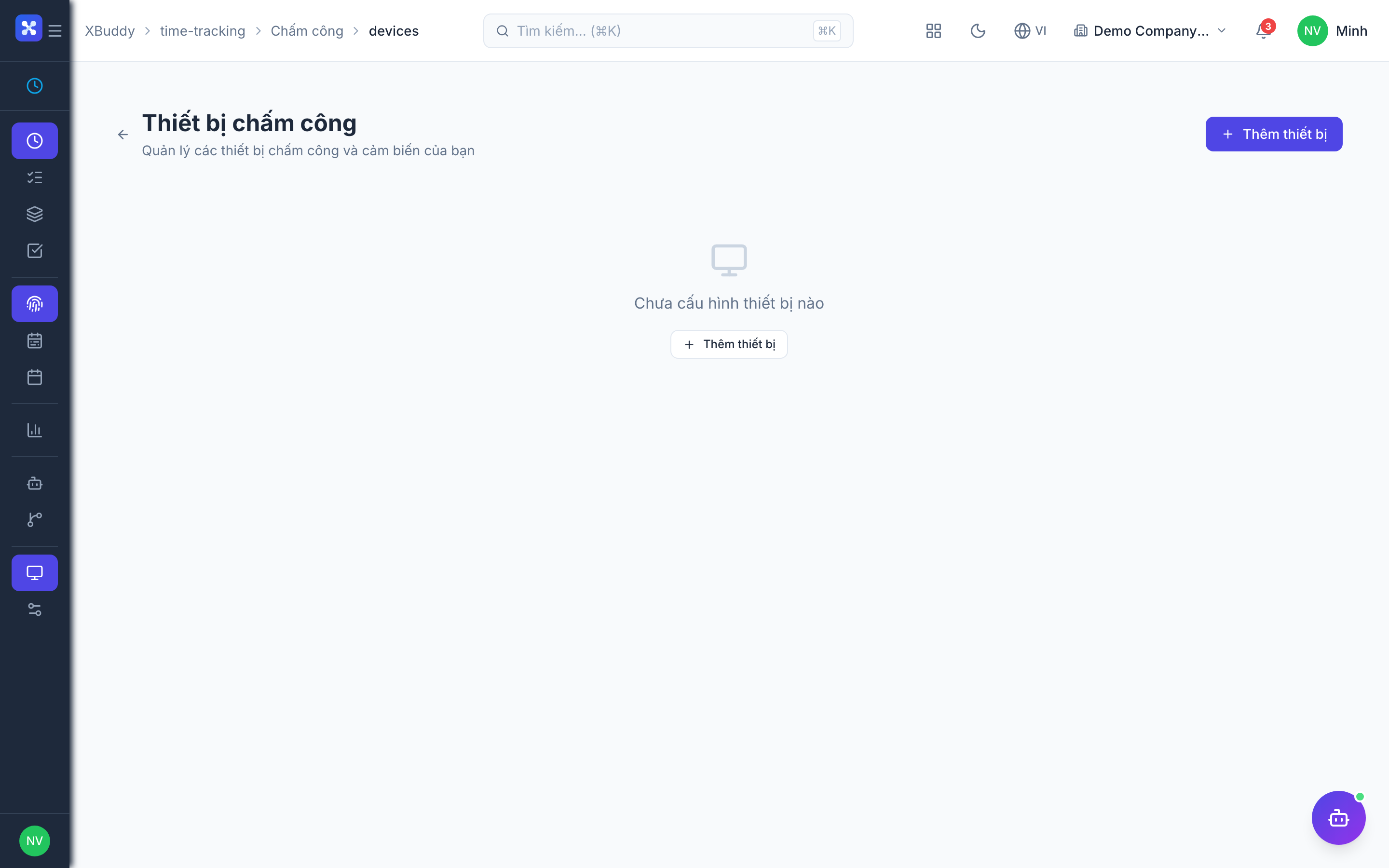
The Attendance page (/time-tracking/attendance) is the operational hub for time capture beyond entries — it groups clock records, overtime, schedules, adjustments, holidays, devices, and overtime rules into one place.
When to use
Use this to see who was present, set what a normal working day is, plan shifts, and correct missed punches. Attendance is the source for working days and overtime in payroll.
Before you start
- Permissions:
attendance:readto view;attendance:manageto review days, approve overtime and manage devices. - Toggle
people.web_attendance_clock(default off): allows clocking in on the web. - Toggles
people.attendance_check_in_photo_requiredandpeople.attendance_check_out_photo_required(default off): require a photo at clock-in or clock-out. - Toggle
people.attendance_review_required(default off): working days must be reviewed before payroll can run. - Toggle
people.attendance_labor_limits(default off): checks daily, monthly and yearly hour and overtime caps when approving.
Clock in and out
Employees clock in/out from Time Tracking → Attendance or at a registered physical device. Daily totals accumulate automatically and are compared against the employee’s assigned schedule.
Define and assign schedules
Go to Time Tracking → Schedules (/time-tracking/schedules) to define working days, shift times, and expected daily/weekly hours, then assign a schedule to individuals or teams. Attendance is measured against whatever schedule is assigned.
See the team roster
Go to Time Tracking → Roster (/time-tracking/roster) for a team-wide view of who’s scheduled to work, who’s clocked in, and who’s on leave — useful for daily coverage checks without opening each employee’s record.
Handle exceptions
Register holidays on the holiday calendar and record manual adjustments for missed punches or corrections, so genuine deviations show up correctly as under-hours or overtime rather than data errors.
How a day is derived
Every punch from web, mobile or a time-clock device goes into one punch log, duplicates inside a short window (default 5 minutes) are filtered, and the working day is derived from the punches (default: first in, last out). Late and early are measured against the shift assigned for that date, otherwise against the person’s assigned schedule.
Day review
When day review is on, the Attendance tab on Approvals lists days for a manager to confirm. A manager can review a single day or a batch, and reopen a reviewed day. The day shows its punches, the clocked, logged and approved overtime minutes, and any flags or limit violations. Payroll is blocked while days remain unreviewed.
Roster
The roster supports copying a week, locking a week, and CSV import and export. Locked weeks and leave or double-booking conflicts are surfaced as chips on the roster.
Tips & common mistakes
- Assign a schedule to every employee; late and early are measured against it.
- Fix a missed punch with an adjustment request rather than editing records; the adjustment is approved in the inbox.
- Turn on day review only when someone will actually process the queue, or payroll will be blocked.
- Overtime rounding defaults to 15 minutes (
people.attendance_ot_rounding_minutes).