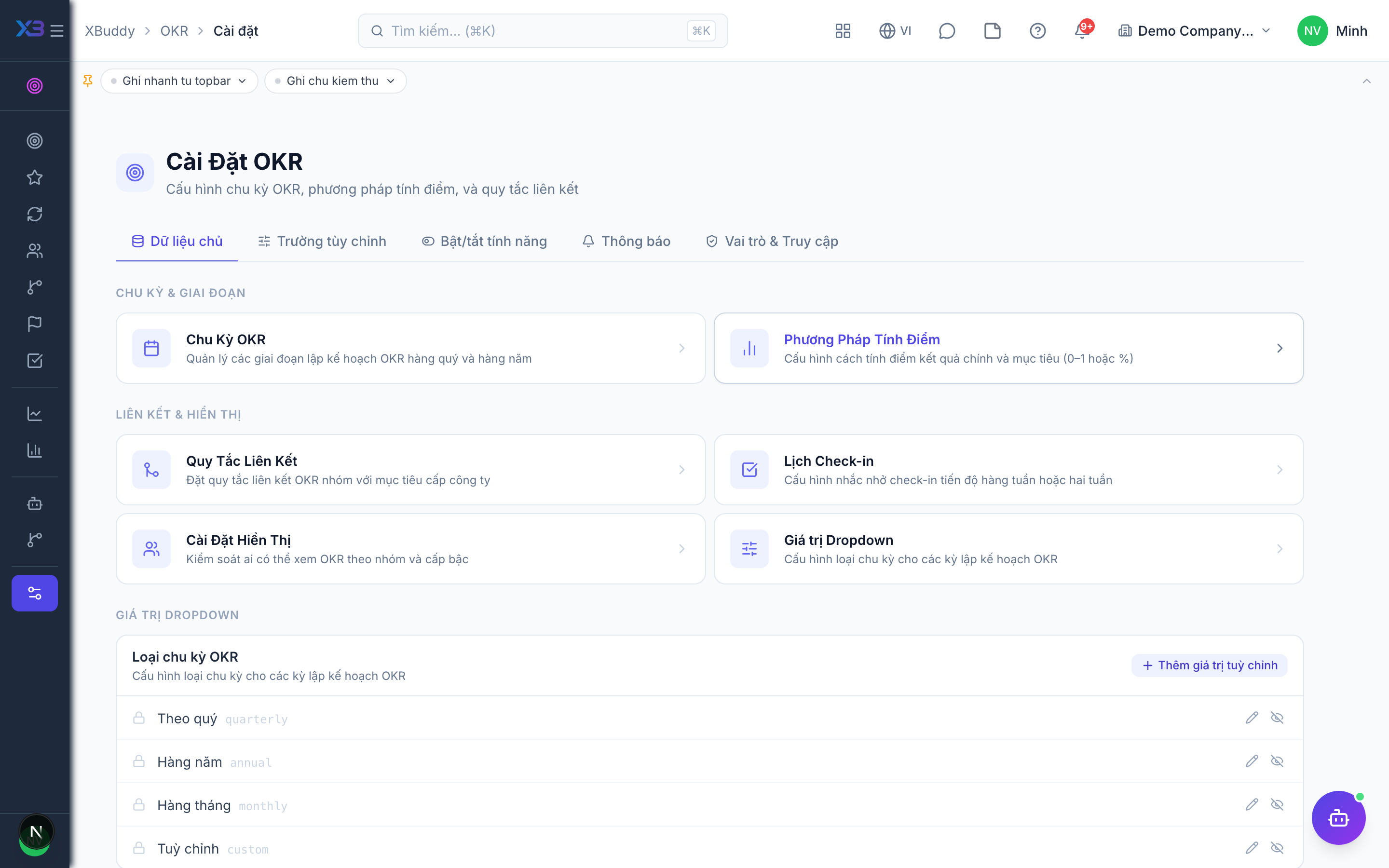
Settings and CSV import
Tune how OKRs work in your company and bulk-load objectives from a spreadsheet.
When to use
Use this at set-up, to tune how OKRs behave in your company, and at the start of a cycle, to load many objectives at once from a spreadsheet instead of typing them.
Before you start
- Permission:
okrs:writefor the four settings pages and for import;settings:readto open Settings. - Settings cover check-ins, visibility, alignment and scoring.
- Import creates objectives from CSV after a preview; export gives you the current objectives as CSV.
Open settings
Go to OKR → Settings (/okr/settings) and review check-ins, visibility, alignment and scoring.
Prepare the CSV
Export the current objectives to see the columns, then fill in your new ones.
Import and fix
Upload at /okr/objectives/import; correct any row errors and upload again.
Settings pages
| Page | Route |
|---|---|
| Settings | /okr/settings |
| Check-ins | /okr/settings/check-ins |
| Visibility | /okr/settings/visibility |
| Alignment | /okr/settings/alignment |
| Scoring | /okr/settings/scoring |
Import
Use /okr/objectives/import to upload a CSV of objectives; row errors are reported back so you can fix and re-upload.
Tips & common mistakes
- Decide visibility and scoring before the first cycle; changing them mid-cycle confuses owners.
- Export a small sample first to get the right CSV columns.
- Fix row errors in the file and re-upload instead of editing by hand afterwards.
- Check-in settings control the rhythm; align it with your management meetings.