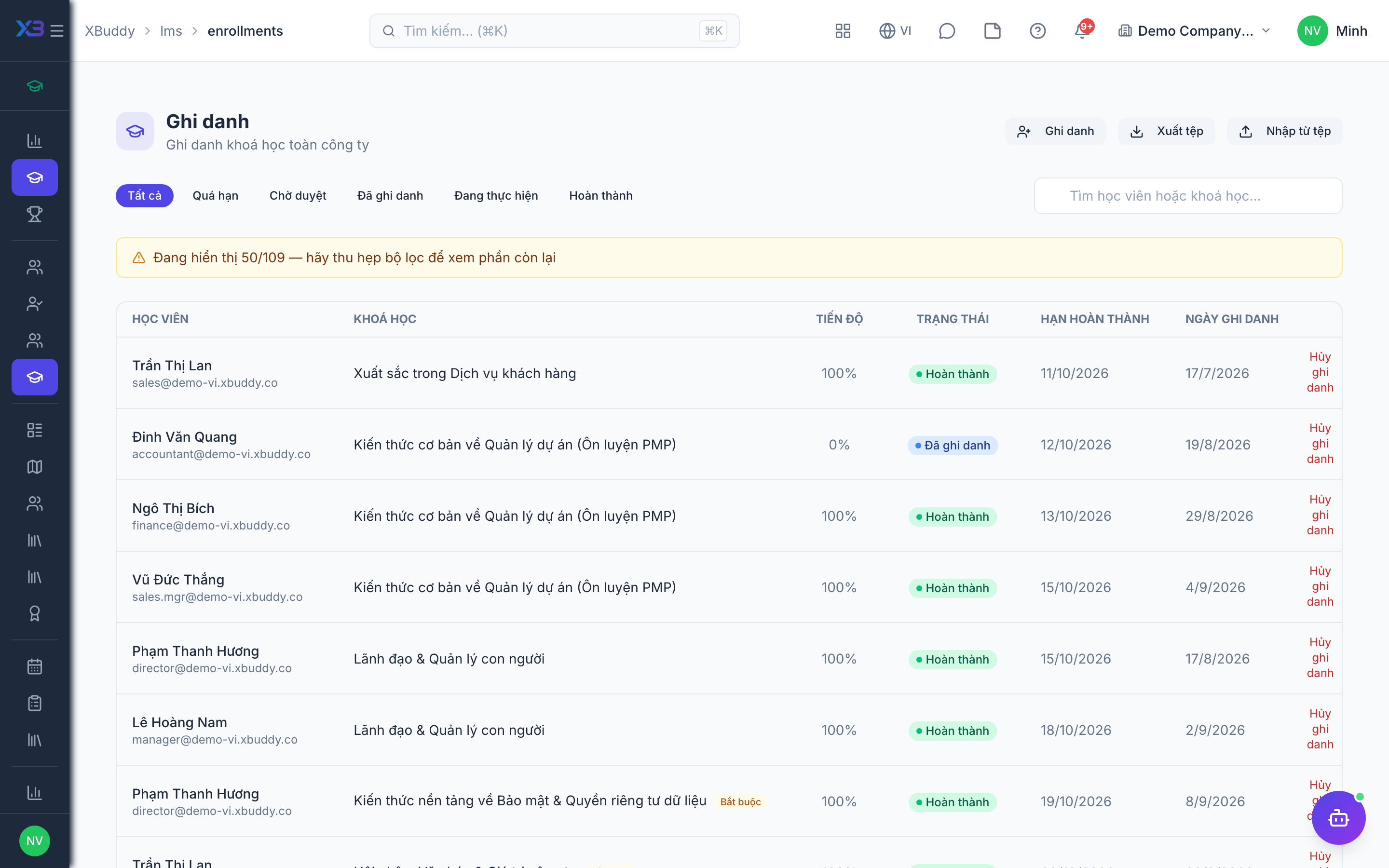
Enrollments, approvals, and import
Manage who is enrolled in what: approve, enrol, import and inspect learners.
When to use
Use this as a coordinator, to approve waiting enrolments, enrol groups by hand, bring in many learners from a spreadsheet, or look at one learner’s full history.
Before you start
- Permission:
enrollments:managefor the Enrollments and Learners pages. - Toggle
people.lms_require_enrollment_approval(default on): new enrollments wait for approval. - CSV import is available at
/lms/enrollments/import.
Review pending enrollments
Open LMS → Enrollments (/lms/enrollments) and approve or decline the waiting items.
Enrol or import
Enrol learners directly, or upload a CSV at /lms/enrollments/import.
Check a learner
Open LMS → Learners (/lms/learners) to see one person’s courses, certificates and progress.
Enrollment statuses
| Status | Meaning | Who moves it |
|---|---|---|
| Pending approval | Requested, not yet allowed to start | Created by the learner or a rule; approved by a user with enrollments:manage |
| In progress | Learner is working through the course | The learner |
| Completed | Course finished; side effects such as certificate follow | The learner by finishing, or the instructor via attendance |
These statuses are stored as text and not yet as a database enumeration, so reports may show variations.
Pages
| Page | Route |
|---|---|
| Enrollments | /lms/enrollments |
| Import | /lms/enrollments/import |
| Learners | /lms/learners |
Tips & common mistakes
- Review the pending list regularly; a learner waiting for approval cannot start.
- Import a small file first to check column mapping.
- Use the learner profile before a conversation about training gaps.
- Unenrolling is a separate permission from enrolling.