Performance setup guide
This page walks through 7 steps to set up Performance, in the order the in-app Setup assistant recommends. Each step lists what to prepare, the questions to answer first and the screen to use.
In the app, open Settings → Setup assistant: it measures your current state, asks the survey questions below and proposes a change set you approve before it is applied. This page is the read-only version for preparing ahead or doing it by hand.
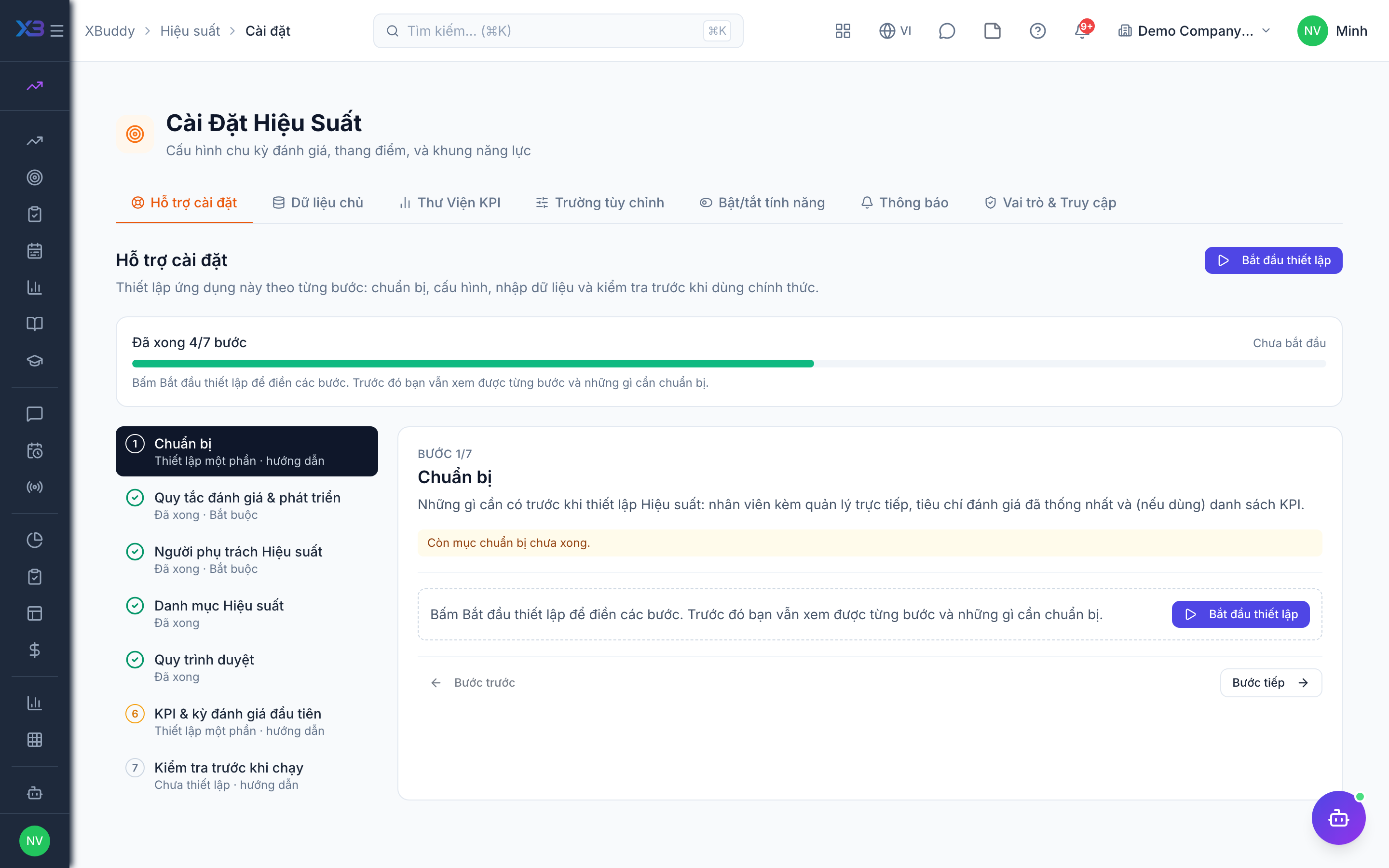
1. Prepare
Optional
What must exist before setting up Performance: employees with their line managers, agreed review criteria and (if used) KPIs.
| # | Task | How | Screen |
|---|---|---|---|
| 1 | Active employees exist | Reviews and development plans belong to an employee and go to their line manager. | /hr/employees |
| 2 | Review criteria agreed | Review criteria and the rating scale are written down and agreed with management. | — |
| 3 | KPI list ready | If you use KPIs: the KPI list per role/department with targets and weights. | — |
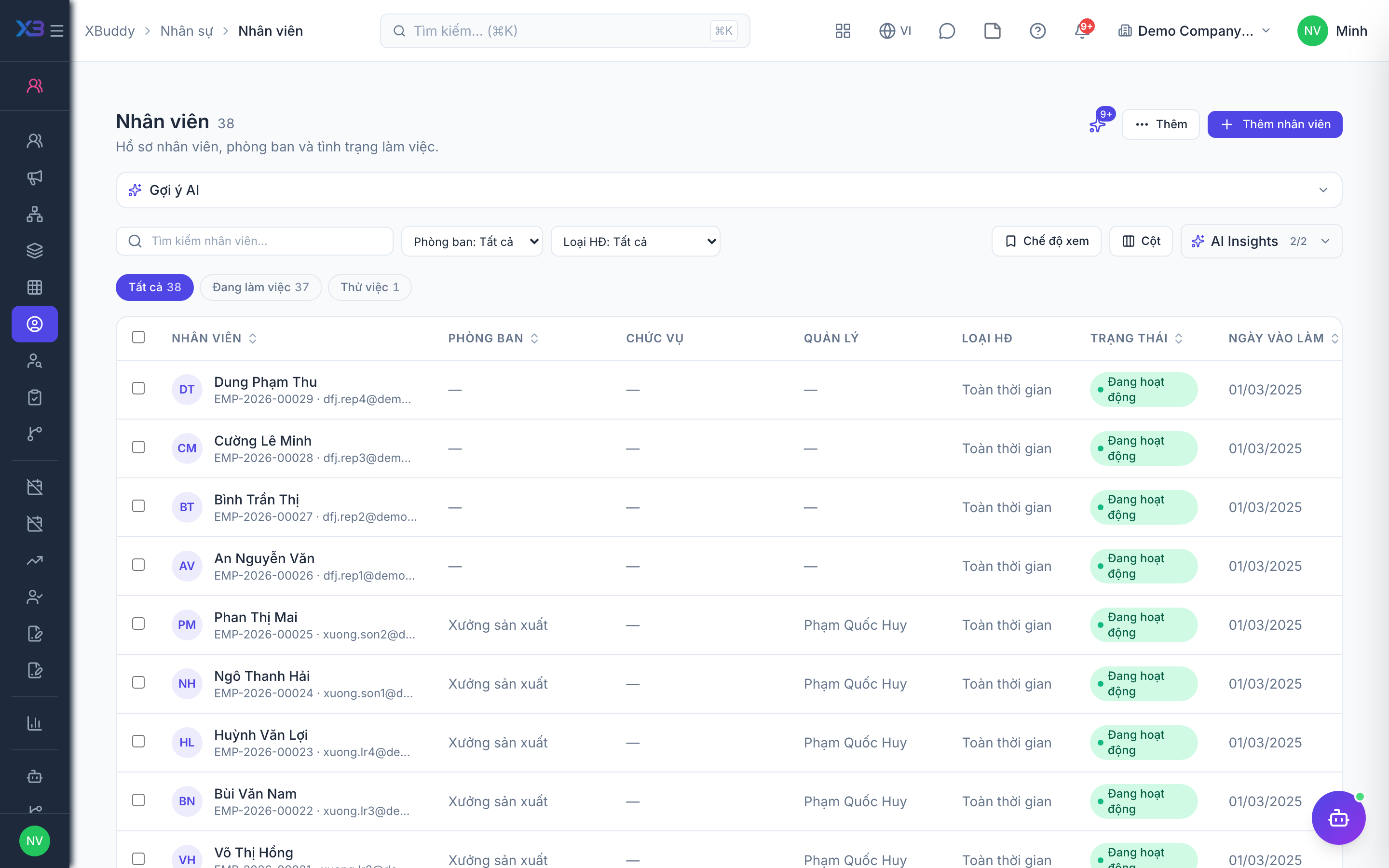
2. Review & development rules
Required
360° feedback, how review ratings lead to salary increases (calibration, development plans), goal and competency sync, and talent development. Multi-reviewer 360, blind review and AI drafting are in the central People settings.
Prepare first
- The written performance policy: review cycles per year, who reviews whom (manager only or 360), the rating scale, and whether ratings drive salary increases.
Questions to answer
- How often do you run performance reviews, and does only the manager review or also peers and reports (360)?
- Do review ratings drive salary increases? Is there a calibration meeting before ratings are final?
- Must every reviewed employee have an individual development plan (IDP) after the review?
- Do you track OKRs or KPIs, and do training courses count toward goals?
- Do you keep a competency framework, link training/coaching to skill gaps, or plan successors for key roles?
| Toggle | Key | Default | Effect |
|---|---|---|---|
| 360° Feedback | people.review_360_feedback | Off | Allow 360-degree feedback requests (peers, direct reports) in review cycles. Off: new 360 feedback requests are rejected. |
| Link Merit Pay to Review Rating | people.merit_pay_linked_to_review | Off | Allow generating merit pay (salary increase) proposals from the ratings of a completed review cycle. Off: merit pay generation is blocked. |
| Calibration Session Required | people.calibration_session_required | Off | Merit pay proposals for a cycle can only be generated after calibration is marked complete for that cycle. Applies only when merit pay is linked to reviews. |
| IDP Required After Review | people.idp_required_after_review | Off | Merit pay proposals for a cycle can only be generated when every employee with a submitted review has a development plan (IDP) for that cycle. Applies only when merit pay is linked to reviews. |
| OKR/KPI Sync | people.okr_kpi_sync | Off | When an employee completes an LMS course linked to one of their key results, the key result progress updates automatically (share of linked courses completed). |
| Review → Competency Sync | people.review_competency_sync | Off | The official manager review updates the employee’s assessed competency levels and skill history — on submit, or on finalize when multi-reviewer 360 is on. |
| Competency-based LMS Suggestions | people.idp_lms_suggestions | Off | IDP course suggestions come from LMS courses tagged with the goal’s competency (replaces keyword matching) |
| Competency-based Coaching Suggestions | people.idp_coaching_suggestions | Off | IDP plans get suggested coaching programs that match goal competencies and level gates |
| Derived Succession Readiness | people.succession_derived_readiness | Off | Successor readiness score is computed from weighted skill-gap coverage instead of manual entry |
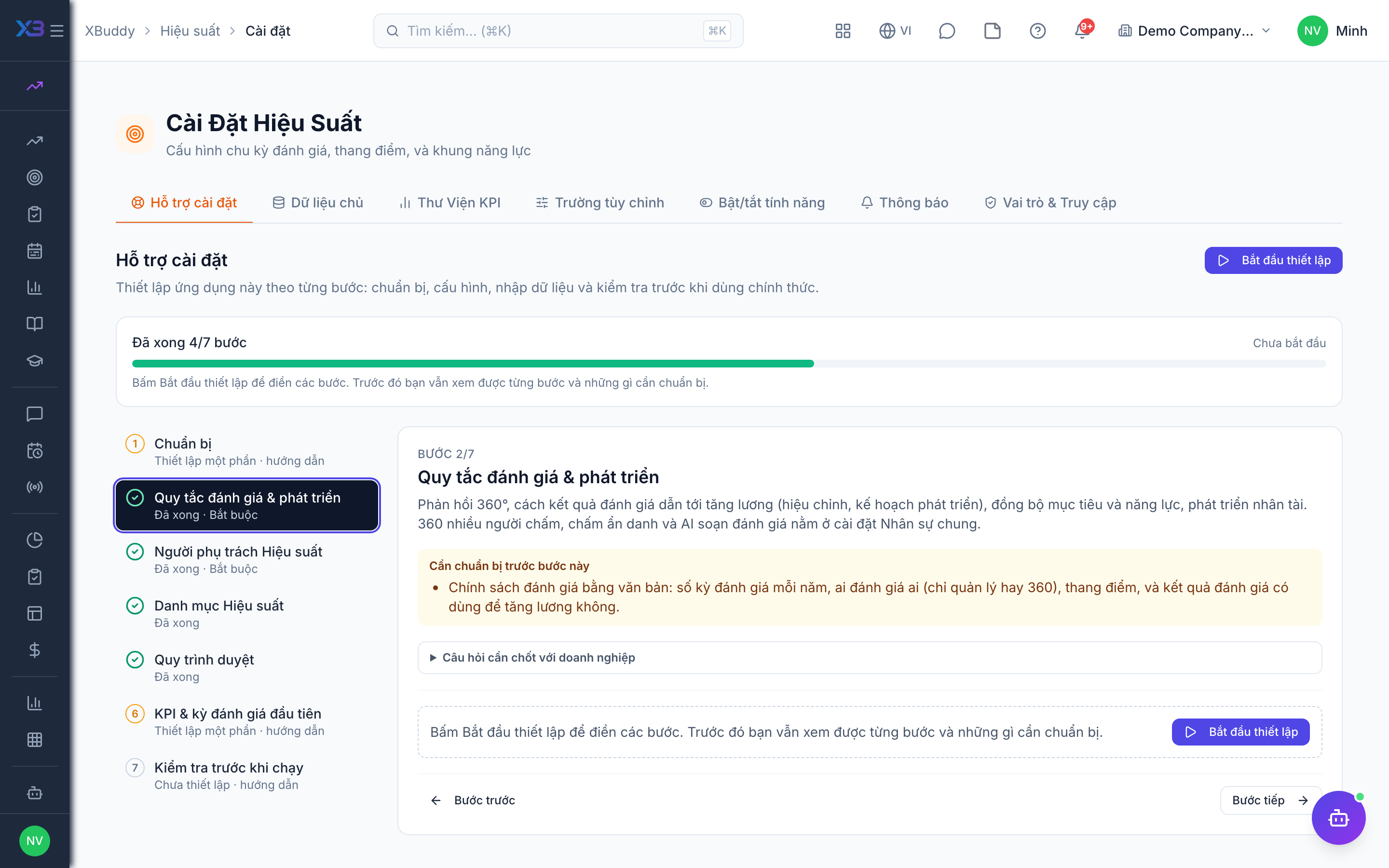
3. Performance owners
Required
Choose who owns review cycles and settings, who approves development plans and KPI results, and which managers review their teams.
Prepare first
- The list of HR staff who run review cycles and the line managers who review their teams — each must already be invited as a user.
Questions to answer
- Who owns review cycles, rating scales and the KPI library?
- Who approves development plans, KPI period closures and completion evaluations?
| Role template | Key | For |
|---|---|---|
| HR Manager | hr_manager | Owns review cycles, settings and approvals |
| Chief Human Resources Officer | chro | Oversees and approves |
| HR Business Partner | hr_business_partner | Supports managers; runs feedback and pulse surveys |
| Manager | manager | Reviews their team |
4. Performance lists
Optional
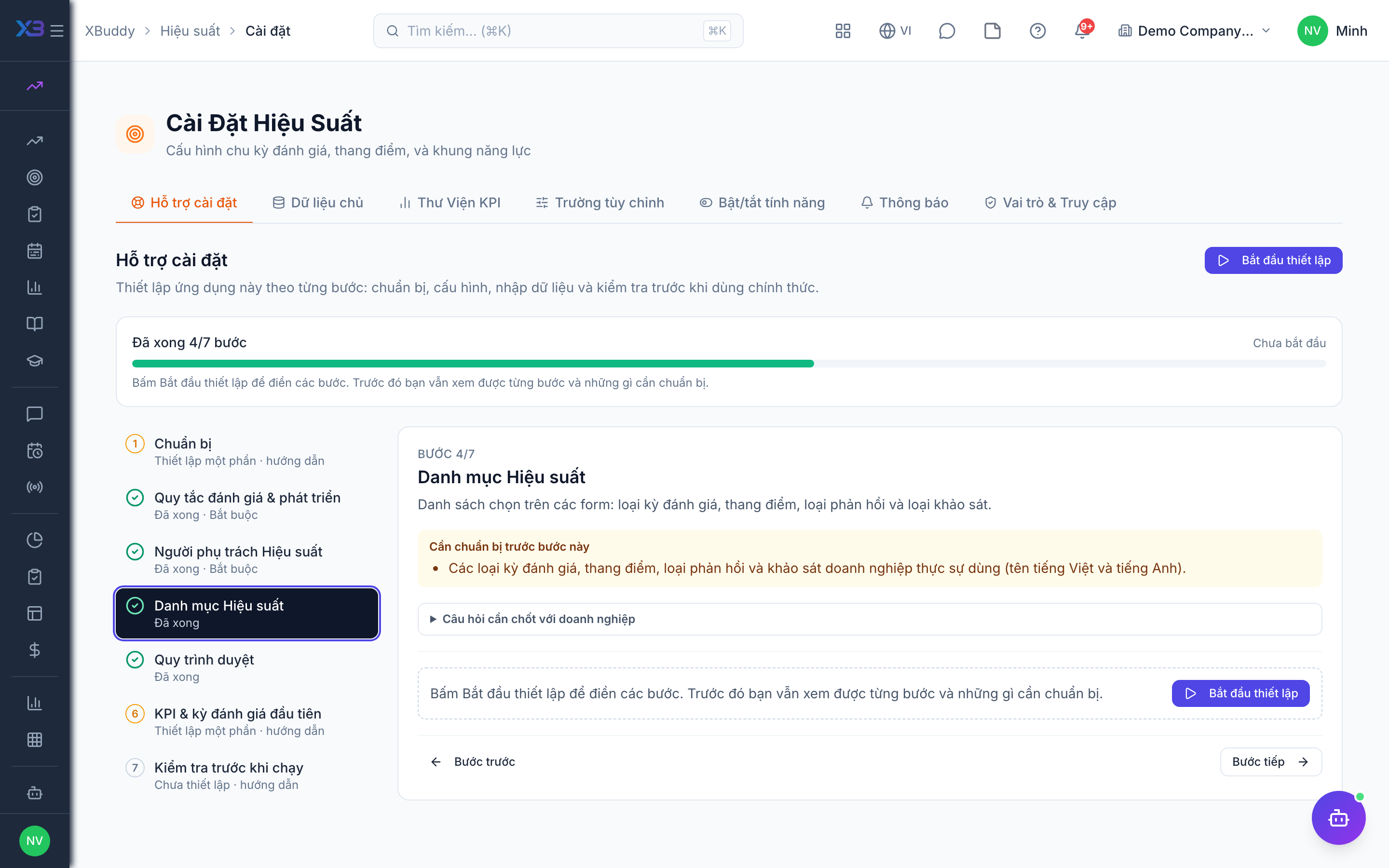
Pick-lists on the forms: review cycle types, rating scales, feedback and survey types.
Prepare first
- The review cycle types, rating scale, feedback and survey types the business really uses (names in Vietnamese and English).
Questions to answer
- What rating scale do you use (e.g. 1–5, letter grades), and what does each level mean?
- Which review types do you run (annual, mid-year, probation, project)?
Lookups to review (Settings → Lookups):
- Feedback Request Types (
feedback_request_types) - Feedback Types (
feedback_types) - Rating Scales (
rating_scales) - Review Cycle Types (
review_cycle_types) - Survey Types (
survey_types)
5. Approval workflows
Optional · After step: Review & development rules, Performance owners
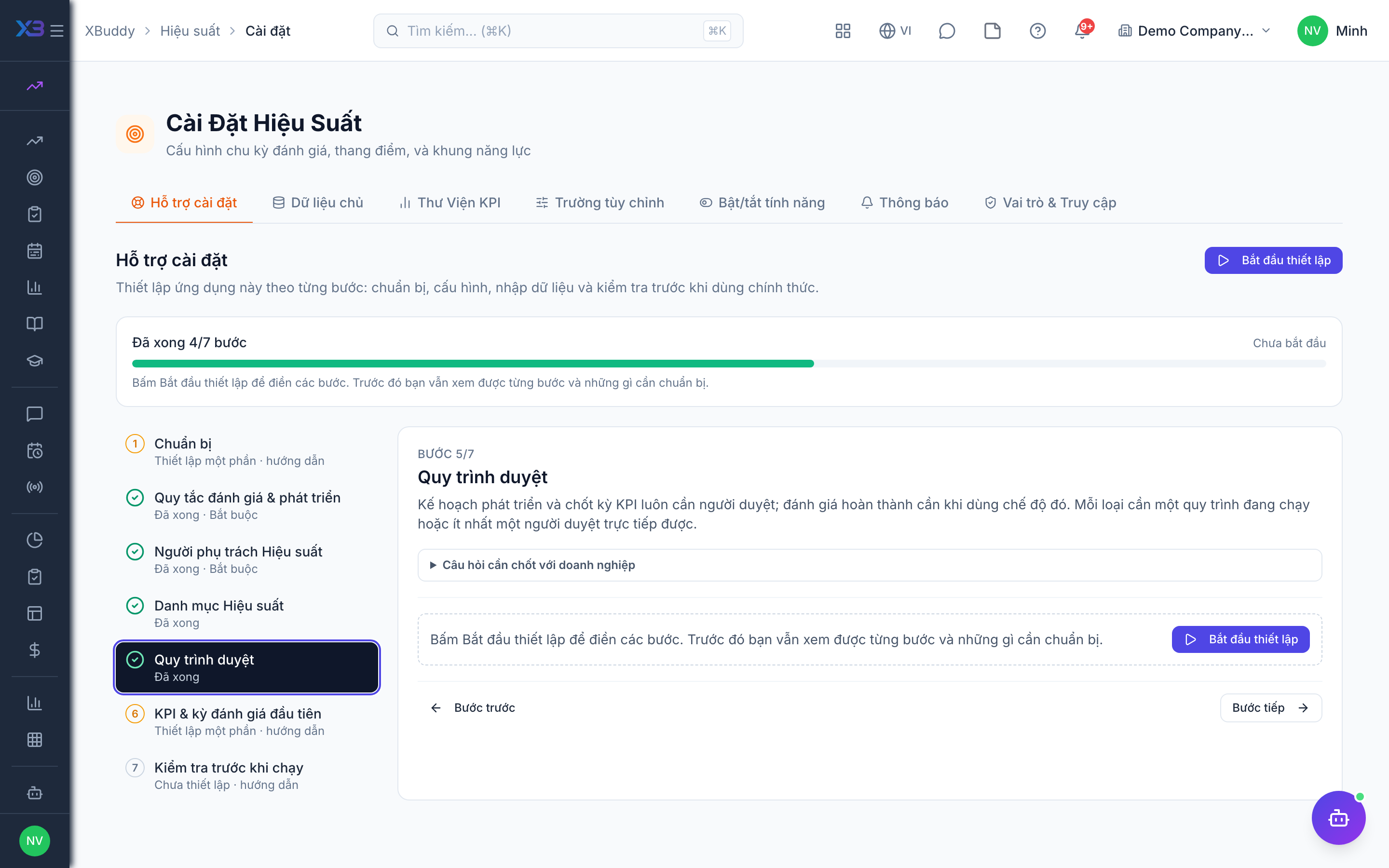
Development plans and KPI period closures always need an approver; completion evaluations do when that mode is used. Each needs a running workflow or at least one person who can approve directly.
Questions to answer
- Who approves an employee development plan: the line manager, HR, or both?
- Who signs off KPI results at the end of each period before they feed reviews or pay?
Approval workflows to enable (Workflow → Template library) — see Workflow templates:
idpkpi_period_closurecompletion_evaluation
6. KPIs & first review cycle
Optional
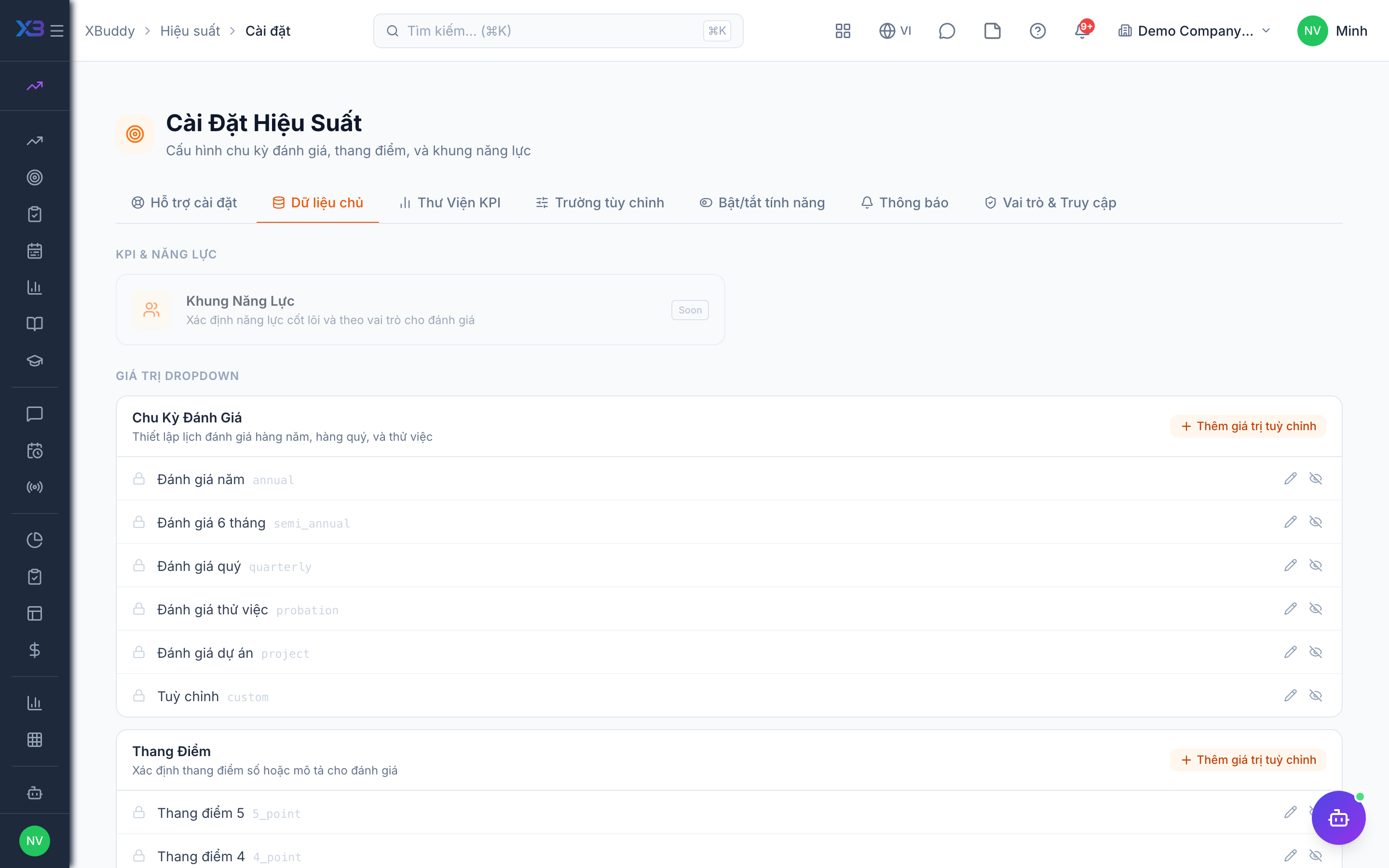
KPI library and the first review cycle — open the existing screens.
Questions to answer
- How many KPIs per role do you track, and where do the actual results come from?
| # | Task | How | Screen |
|---|---|---|---|
| 1 | KPI library | Only if you use KPIs: build the KPI library (name, unit, direction, target) or import it. | /performance/settings |
| 2 | First review cycle | Create the first review cycle (period, type, participants) — keep it in draft until the go-live test. | /performance/reviews |
| 3 | Competency framework | Only if competency sync or IDP suggestions are on: the competency framework and levels exist in HR (skills matrix). | — |
7. Go-live check
Optional
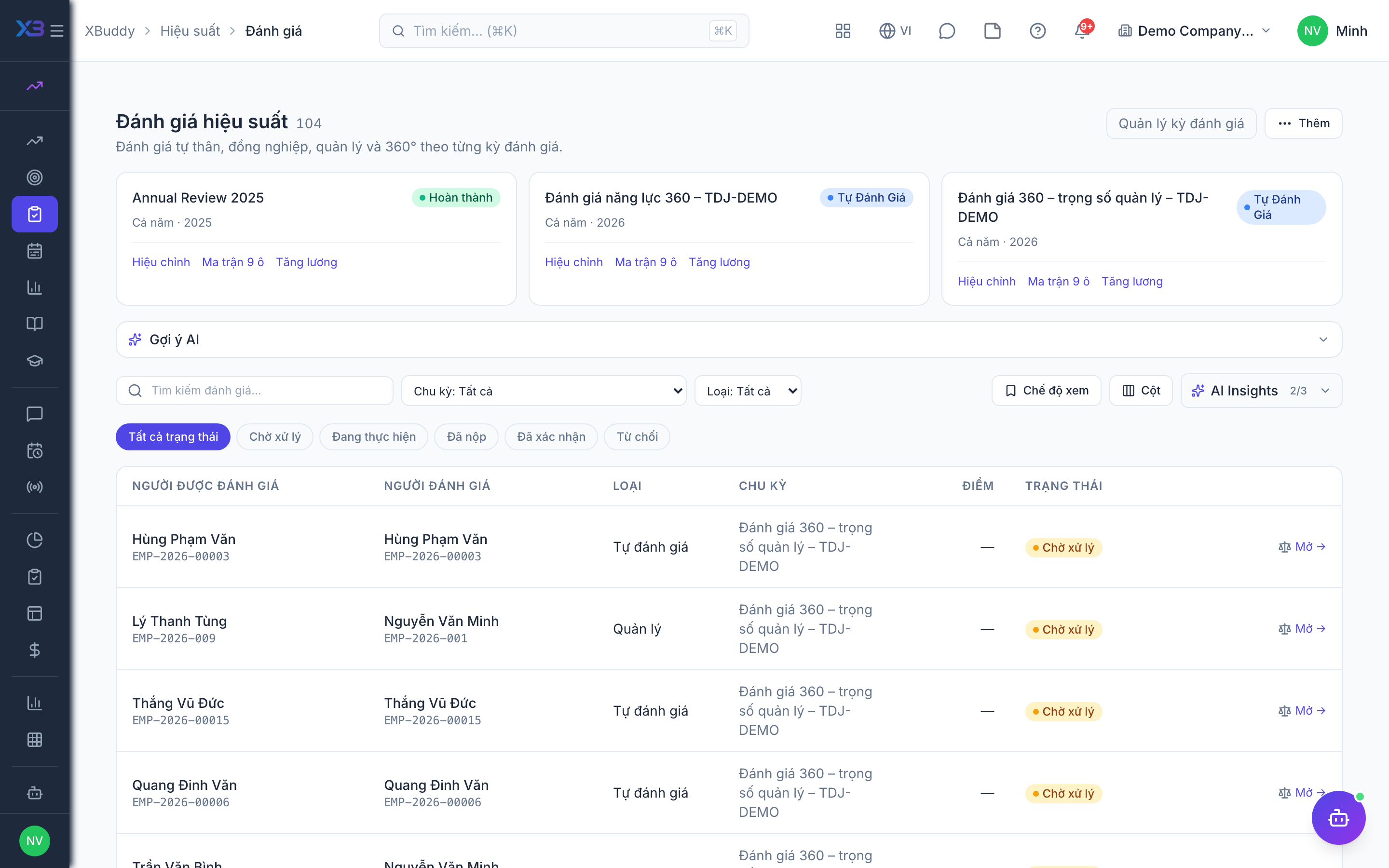
Run one small review cycle and one development plan end to end with the key users before going live.
Prepare first
- Pick one employee and their line manager to run the test with; agree who checks each result.
| # | Task | How | Screen |
|---|---|---|---|
| 1 | Launch a test cycle | Launch a small test cycle for the chosen employee; the self-review and manager review are assigned. | /performance/reviews |
| 2 | Submit reviews | As the employee and the manager: submit both reviews; the result shows on the review. | /performance/reviews |
| 3 | Development plan | Create a development plan for the employee and get it approved. | /performance/idp |
Next
See the feature pages of this app in the left menu, or the setup guides of every app.