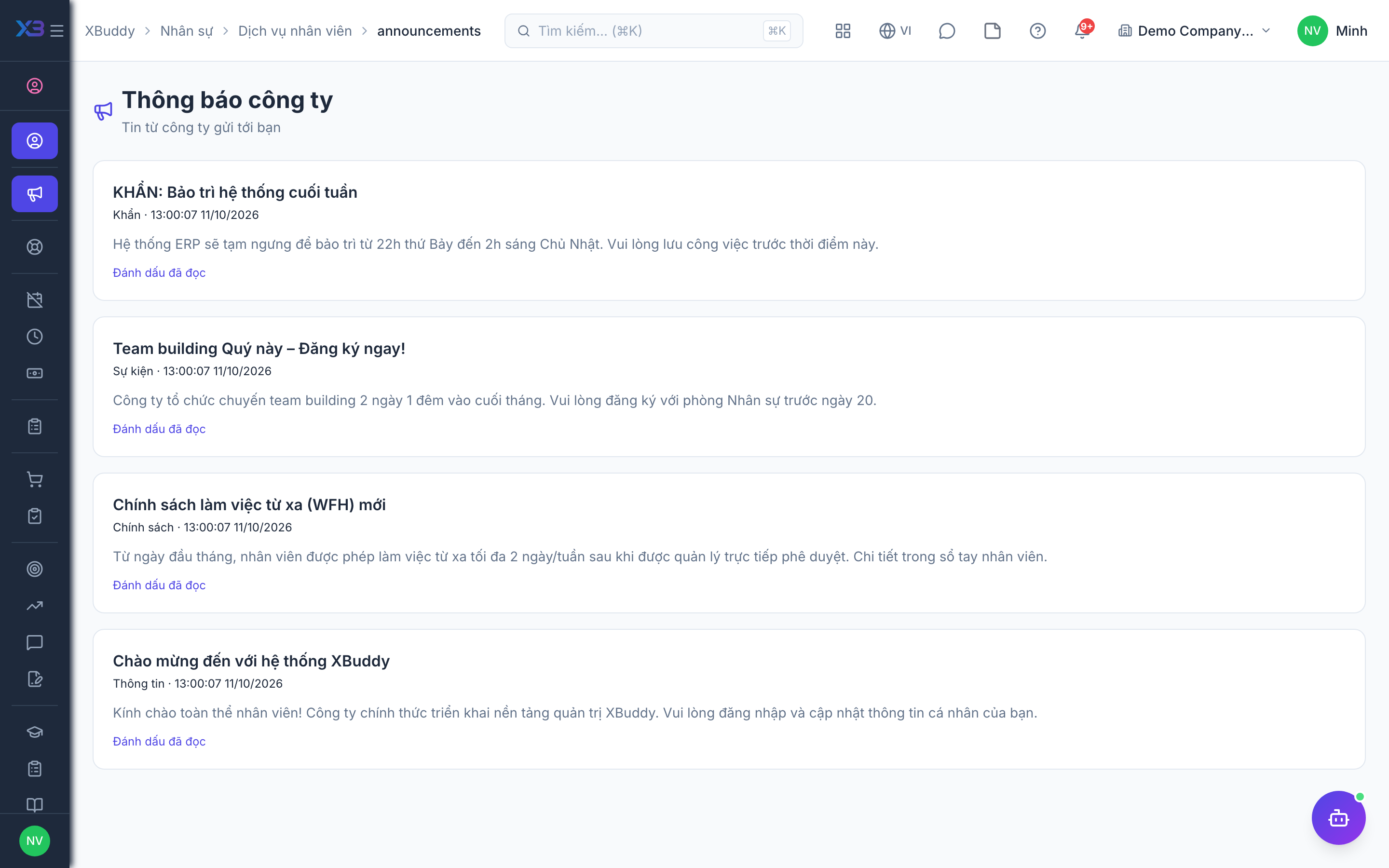
Announcements, opinions, and decisions
Where the company communicates with you and records your reply.
When to use
Use this to read company announcements, answer requests for your opinion, and confirm that you have received HR decisions about you. It is how the company reaches you and gets your reply on record.
Before you start
- Permissions:
announcements:readfor announcements;hr:ownfor opinion requests and decisions. - Decisions can be downloaded as PDF and must be acknowledged by you.
- You only see what is addressed to you.
Read announcements
Open Announcements (/hr/self-service/announcements) and acknowledge each one.
Answer opinion requests
Open Opinion requests (/hr/self-service/opinions) and respond or decline.
Acknowledge decisions
Open My decisions (/hr/self-service/decisions), download the PDF if needed and acknowledge receipt.
Pages
| Page | Route | Action |
|---|---|---|
| Announcements | /hr/self-service/announcements | Read and acknowledge |
| Opinion requests | /hr/self-service/opinions | Respond or decline |
| My decisions | /hr/self-service/decisions | Download and acknowledge |
Tips & common mistakes
- Acknowledge announcements so HR knows you have read them.
- Respond or decline an opinion request; leaving it open delays HR.
- Acknowledging a decision confirms receipt, not agreement.
- Use Help & Knowledge to look up policies before asking HR.