Revenue Recognition
XBuddy supports five ways to decide when a Sales Order’s revenue hits the general ledger. The default (on_invoice) matches how most small businesses already operate and needs no configuration. The other four methods exist for businesses that need to recognize revenue before or across the invoicing event — for example, a company that ships product in stages, or one billed under a milestone-based service contract.
Revenue recognition methods other than on_invoice are gated behind the ERP feature flag finance.advanced_revenue_recognition (off by default). Ask a Finance or Settings admin to enable it under ERP Configuration before switching a Sales Order’s method — while the flag is off, every order is forced onto on_invoice and the method picker is hidden.
| Method | Revenue posts to the ledger when… |
|---|---|
| On Invoice (default) | The invoice is sent to the customer. No entry is made at order confirmation or shipment. |
| On Order | The Sales Order is confirmed — before any goods ship or invoice is sent. |
| On Shipment | Each Delivery Order is confirmed, proportional to the quantity shipped in that delivery. A partially shipped order recognizes revenue in matching partial amounts. |
| Completion | The order is explicitly marked Fulfilled, regardless of how many partial shipments or invoices led up to that point. |
| Milestone | A named milestone (e.g. “Design sign-off”, “Phase 1 delivered”) is manually recognized from the order detail page, with its own amount and tax. |
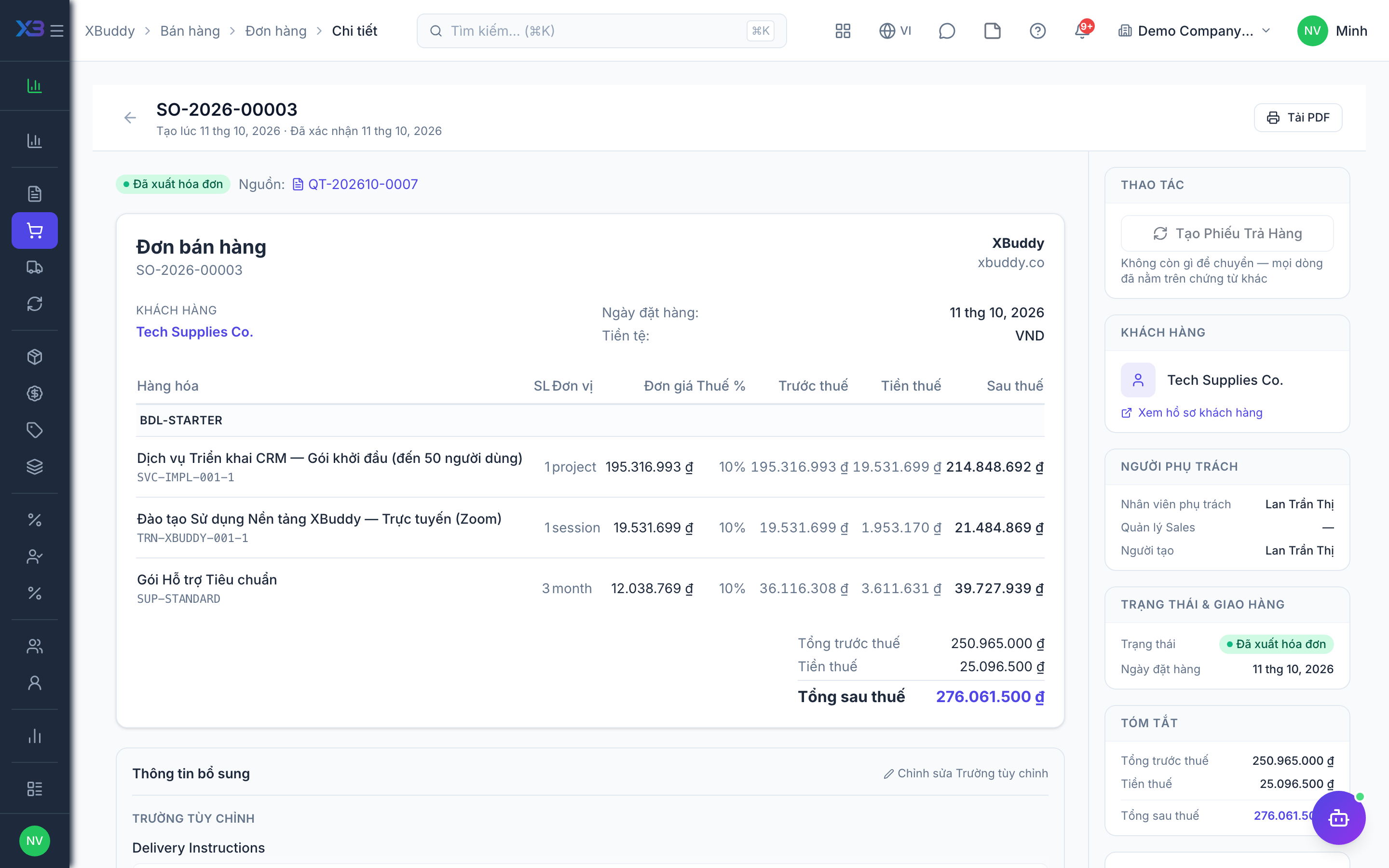
To avoid double-counting, whenever a method other than on_invoice has already posted some revenue for an order, sending the invoice nets off the amount already recognized — the invoice’s own journal entry only covers the remaining, un-recognized portion. If everything has already been recognized, the invoice posts no journal entry at all (it is still a valid billing document; the ledger entry is simply not needed twice).
Choose a method
On a Sales Order’s New or Edit page, the Revenue Recognition Method field appears once the ERP flag is on. Pick the method that matches how the business actually earns this revenue. The method cannot be changed once the order already has a live journal entry against it — plan the choice before confirming.
Watch it post
on_orderposts revenue the moment you confirm the order.on_shipmentposts a slice of revenue every time a delivery order for this Sales Order is confirmed.milestonerequires you to open the order detail page and manually recognize each milestone as it’s reached, entering its own subtotal and tax.completionposts everything in one entry when you mark the order Fulfilled.
Send the invoice as usual
Invoicing works exactly the same regardless of method. XBuddy calculates how much has already been recognized for this order and posts the invoice’s journal entry net of that amount automatically — you don’t need to do this math by hand.
Void safely
Voiding a Sales Order that has revenue journal entries reverses all of them — the order, its shipments, and any milestones — in one action, so the ledger never carries orphaned entries.