Report access settings
Control who can view which analytics reports.
When to use
Use this when a role or person needs access to a sensitive report area, such as payroll or finance, or when you need to review who currently has access.
Before you start
- Granting access needs
analytics:admin; opening settings needssettings:read. - Domain access is controlled by permissions such as
analytics:financeandanalytics:payroll. - With
analytics.module_permission_enforcementon (default: on), these domain permissions are enforced on every query, not justanalytics:read.
Steps
-
Open
/analytics/settingsto review default settings. -
Go to
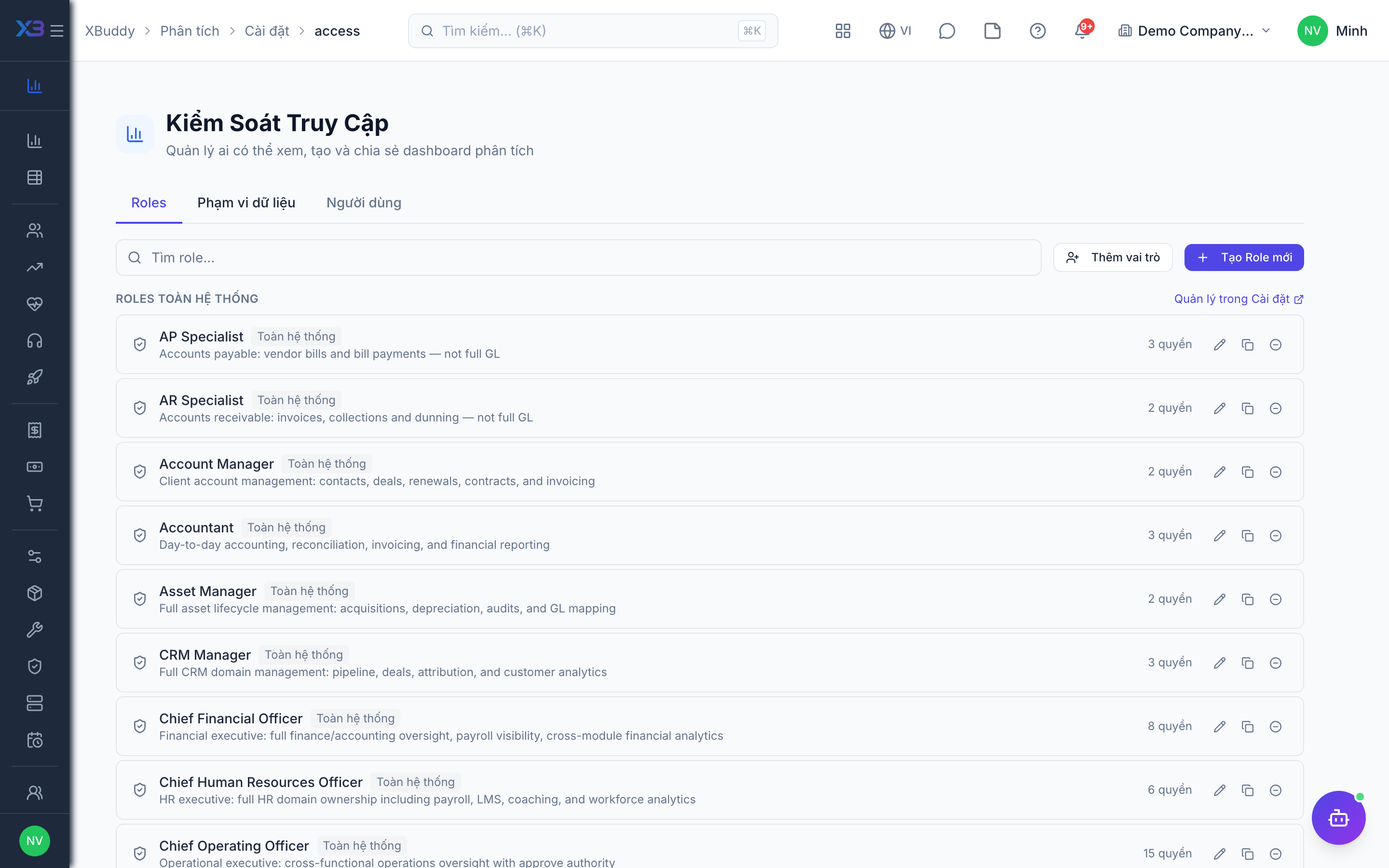
/analytics/settings/access. -
Choose a role or user and set which report areas they may view.
-
Save, then ask the person to reload and confirm they see the intended pages.
Tips & common mistakes
- Grant the narrowest access that works, especially for payroll.
- A missing page usually means a missing module or domain permission, not a bug.
- Scheduled emails also respect the creator’s access to the source.