Learning & Development setup guide
This page walks through 8 steps to set up Learning & Development, in the order the in-app Setup assistant recommends. Each step lists what to prepare, the questions to answer first and the screen to use.
In the app, open Settings → Setup assistant: it measures your current state, asks the survey questions below and proposes a change set you approve before it is applied. This page is the read-only version for preparing ahead or doing it by hand.
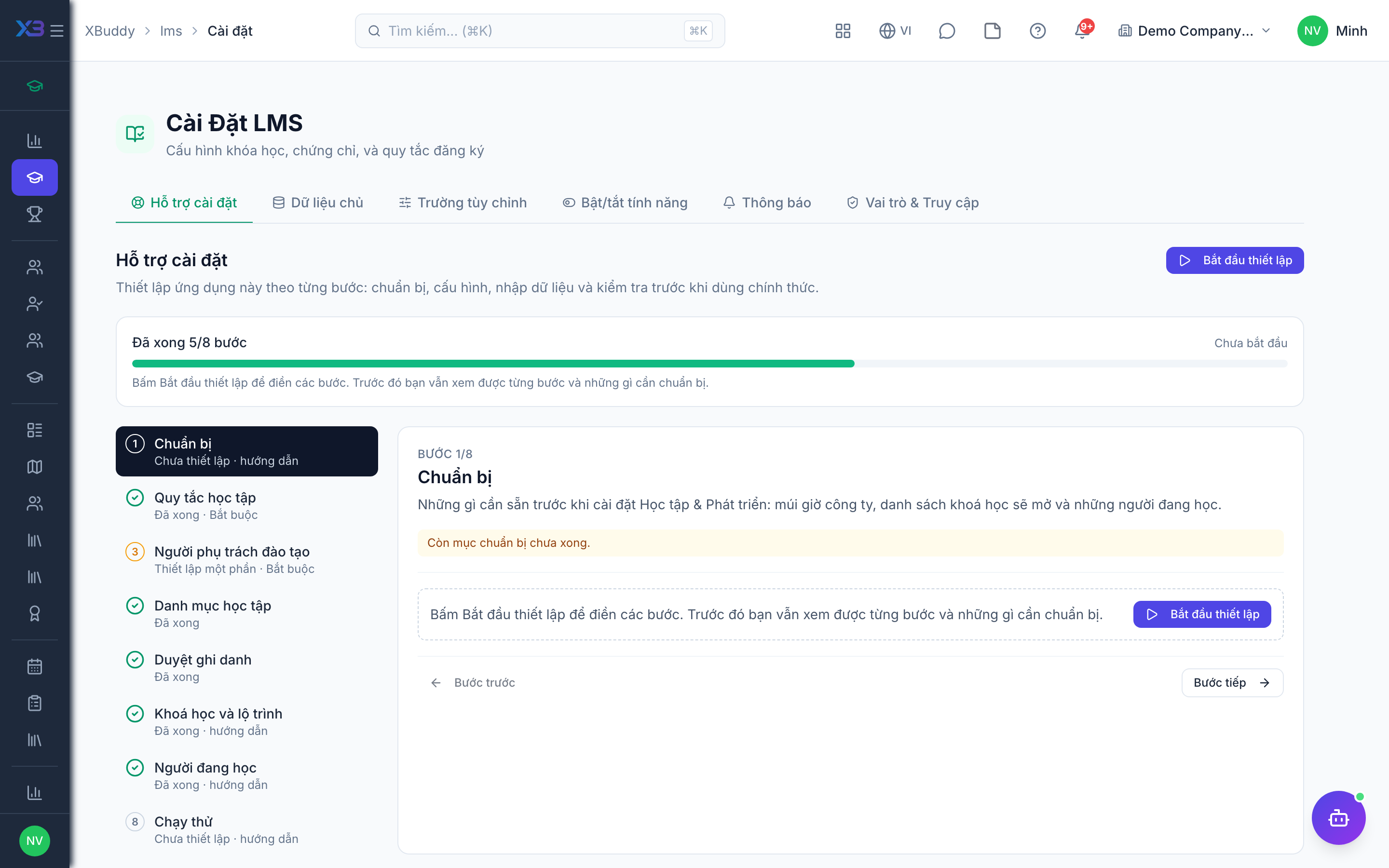
1. Prepare
Optional
What to have ready before setting up Learning & Development: the company time zone, the list of courses to offer and who is in training now.
| # | Task | How | Screen |
|---|---|---|---|
| 1 | Time zone confirmed | Company settings: session times, due dates and overdue training lists use the company time zone. | /settings/company |
| 2 | Course list ready | Title, category, level, lessons and materials, pass score, and whether a certificate is issued. | — |
| 3 | Current learners listed | Employees in training per course with their progress — enrolled by hand at go-live. | — |
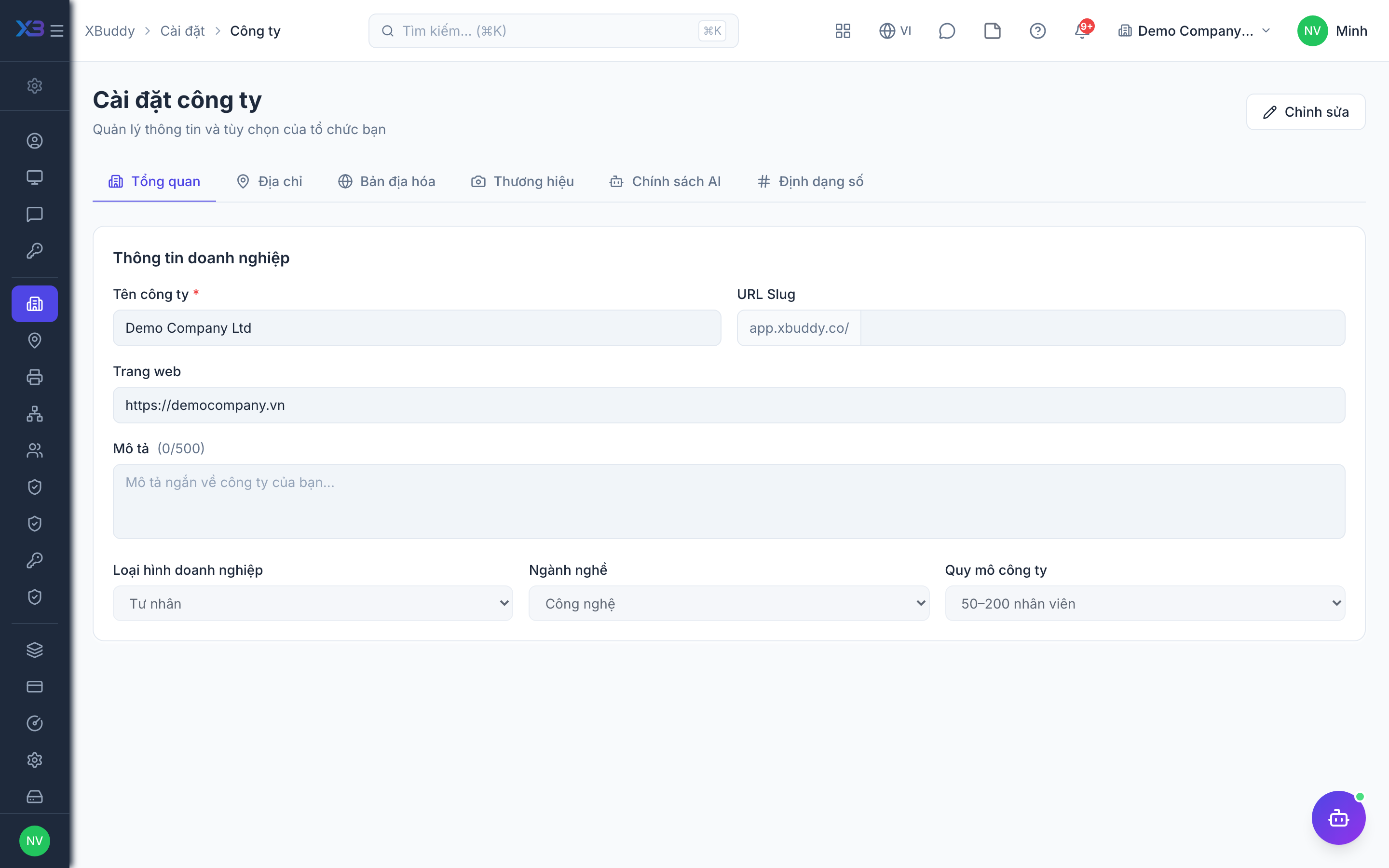
2. Learning rules
Required
Choose how people enroll (by themselves, with approval) and what completing a course means (passing tests, paths in order, automatic certificates).
Prepare first
- A short description of how training works today: who signs people up for courses, whether sign-ups are approved, and what counts as completing a course.
Questions to answer
- Can employees sign up for courses by themselves, or does a manager / L&D enroll them? Must every enrollment be approved before learning starts?
- Does finishing a course require passing its quiz or final test? Must learning paths be taken in order? Is a certificate issued automatically on completion?
| Toggle | Key | Default | Effect |
|---|---|---|---|
| Allow self-enrollment | people.lms_self_enrollment_allowed | On | Learners can enroll themselves in published courses. Off: only L&D (or enrollment rules) can enroll people. |
| Require enrollment approval | people.lms_require_enrollment_approval | On | Every new enrollment (self, by L&D, by rules, paths, cohorts, development plans) waits for approval by someone who manages enrollments or the approval workflow. |
| Require passing quiz to complete | people.lms_quiz_pass_required | Off | A lesson with a quiz cannot be completed below the course pass score, and a course with a published final test completes only after it is passed. Courses that raise a competency always require the final test. |
| Enforce sequential learning paths | people.lms_sequential_path_enforcement | Off | In a learning path marked sequential, learners must complete each earlier required course before progressing. |
| Auto-issue certificate on completion | people.lms_auto_issue_certificate | On | Automatically issue a certificate when a learner completes a course. |
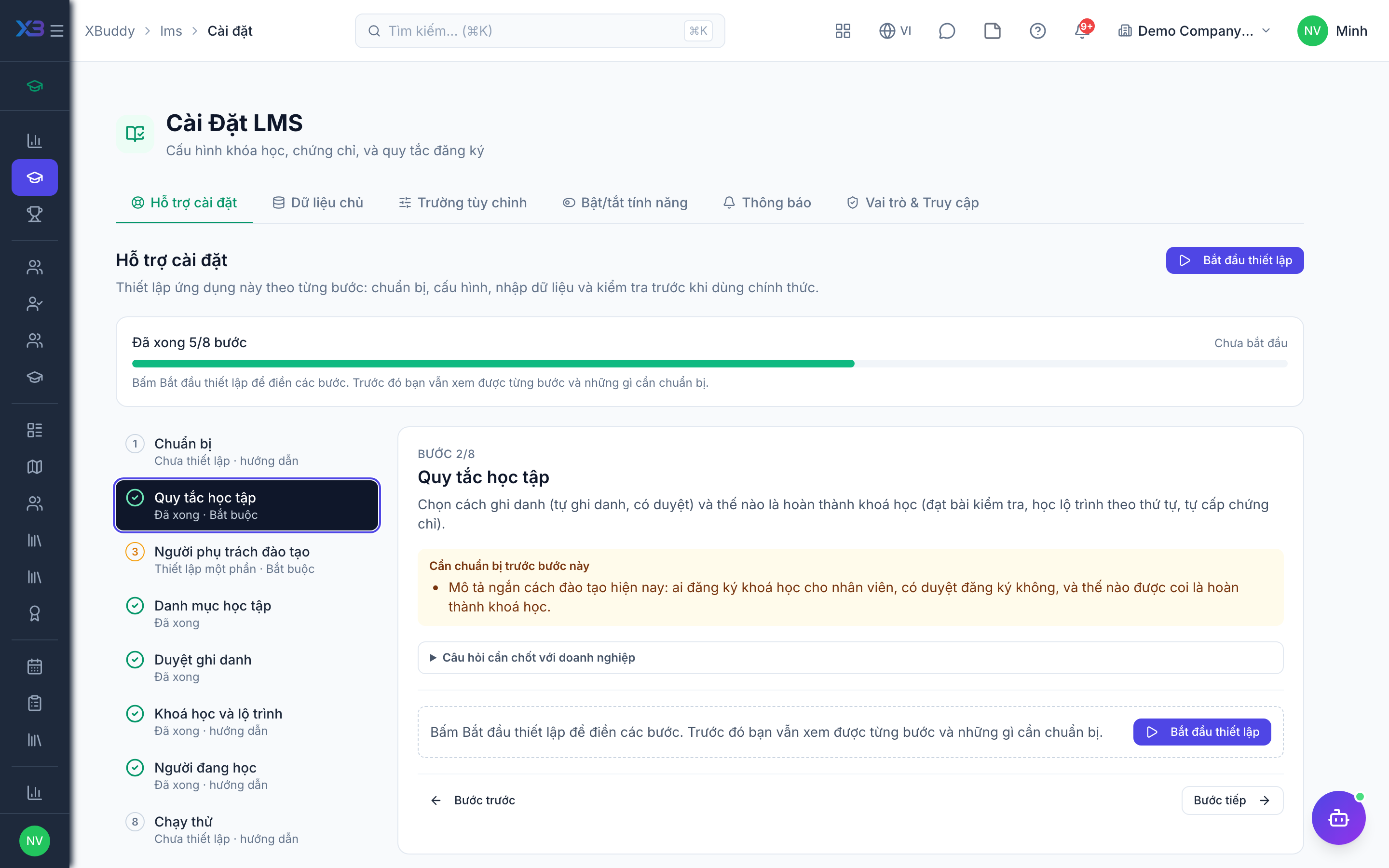
3. L&D people
Required
Choose who runs learning: the LMS administrator and the training coordinators. You cannot remove a person’s last role here.
Prepare first
- The list of L&D staff and training coordinators — each must already be invited as a user.
Questions to answer
- Who owns training (settings, catalog, approving enrollments), and who builds courses and enrolls learners?
- Are courses taught by internal trainers, external trainers, or self-paced only?
| Role template | Key | For |
|---|---|---|
| LMS Administrator | lms_admin | LMS administrator: owns LMS settings, categories and enrollment rules, approves enrollments |
| LMS Coordinator | lms_coordinator | Training coordinator: creates courses, enrolls people, tracks progress |
4. Learning lists
Optional
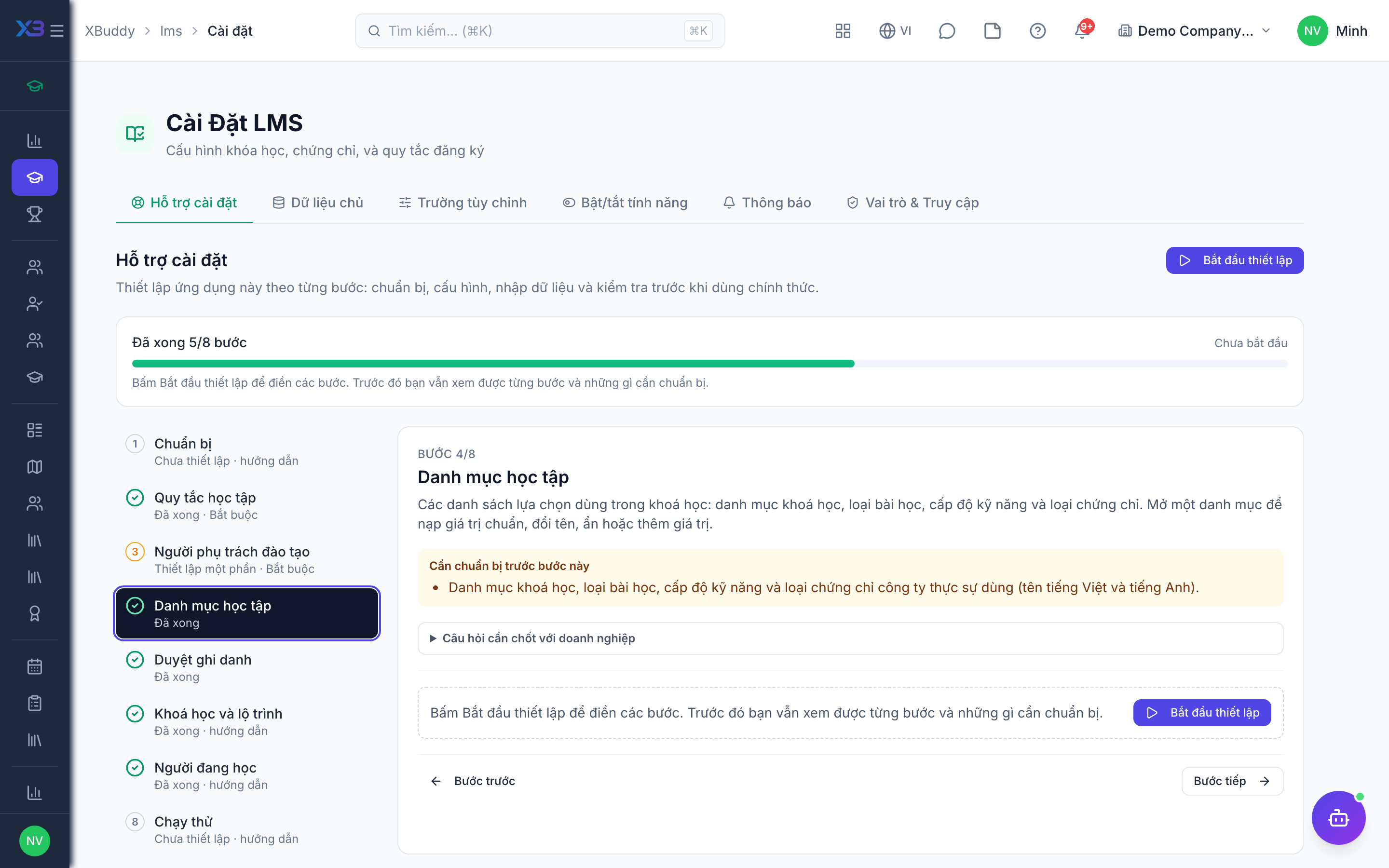
The choice lists used in courses: course categories, lesson types, skill levels and certificate types. Open a list to fill it with the standard values, rename, hide or add values.
Prepare first
- The course categories, lesson types, skill levels and certificate types the business really uses (Vietnamese and English names).
Questions to answer
- How do you group your courses (by function, by skill), and which levels do you use (beginner → expert)?
- Which kinds of certificate do you issue (internal completion, compliance, external)?
Lookups to review (Settings → Lookups):
- Certificate Types (
certificate_types) - Course Categories (
course_categories) - Lesson Types (
lesson_types) - Skill Levels (
skill_levels)
5. Enrollment approval
Optional · After step: Learning rules, L&D people
Who approves enrollments when enrollment approval is on. Without an active workflow, users holding the enroll-and-manage permission approve pending enrollments directly.
Questions to answer
- Who approves an enrollment: L&D directly, or the learner’s line manager through an approval flow (e.g. paid or external courses)?
Approval workflows to enable (Workflow → Template library) — see Workflow templates:
lms_enrollment
6. Courses and paths
Optional
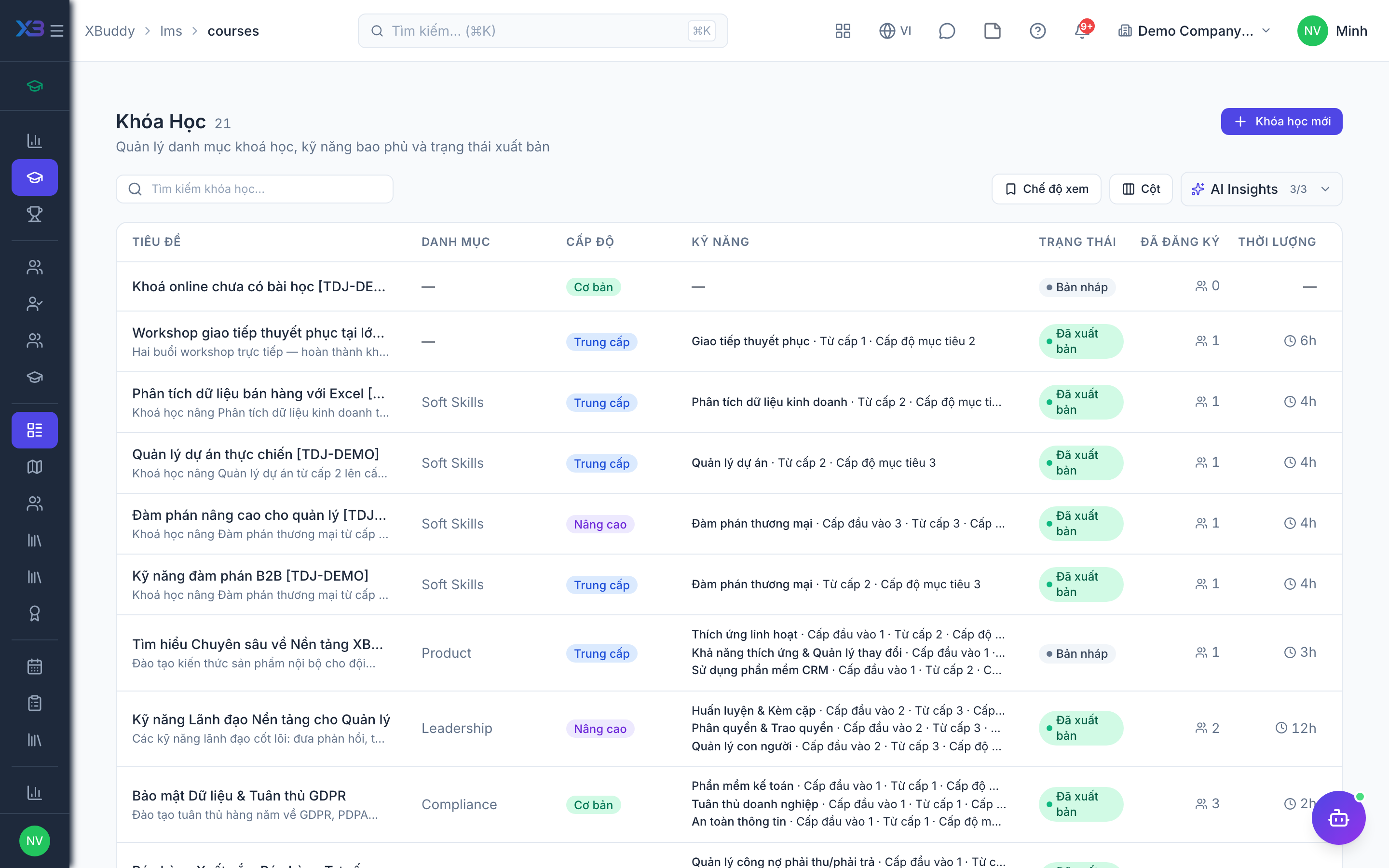
Create and publish the courses, then group them into learning paths if needed. Counts come from real data.
Prepare first
- Create and publish courses first — learning paths and enrollment rules point to published courses.
Questions to answer
- Where are the training materials kept today, and how many courses will be offered at go-live?
| # | Task | How | Screen |
|---|---|---|---|
| 1 | Published courses | Learning → Courses → New: lessons and materials, then publish. | /lms/courses |
| 2 | Learning paths (optional) | Learning → Paths: group courses taken in order; mark sequential where order matters. | /lms/paths |
7. Learners in training
Optional
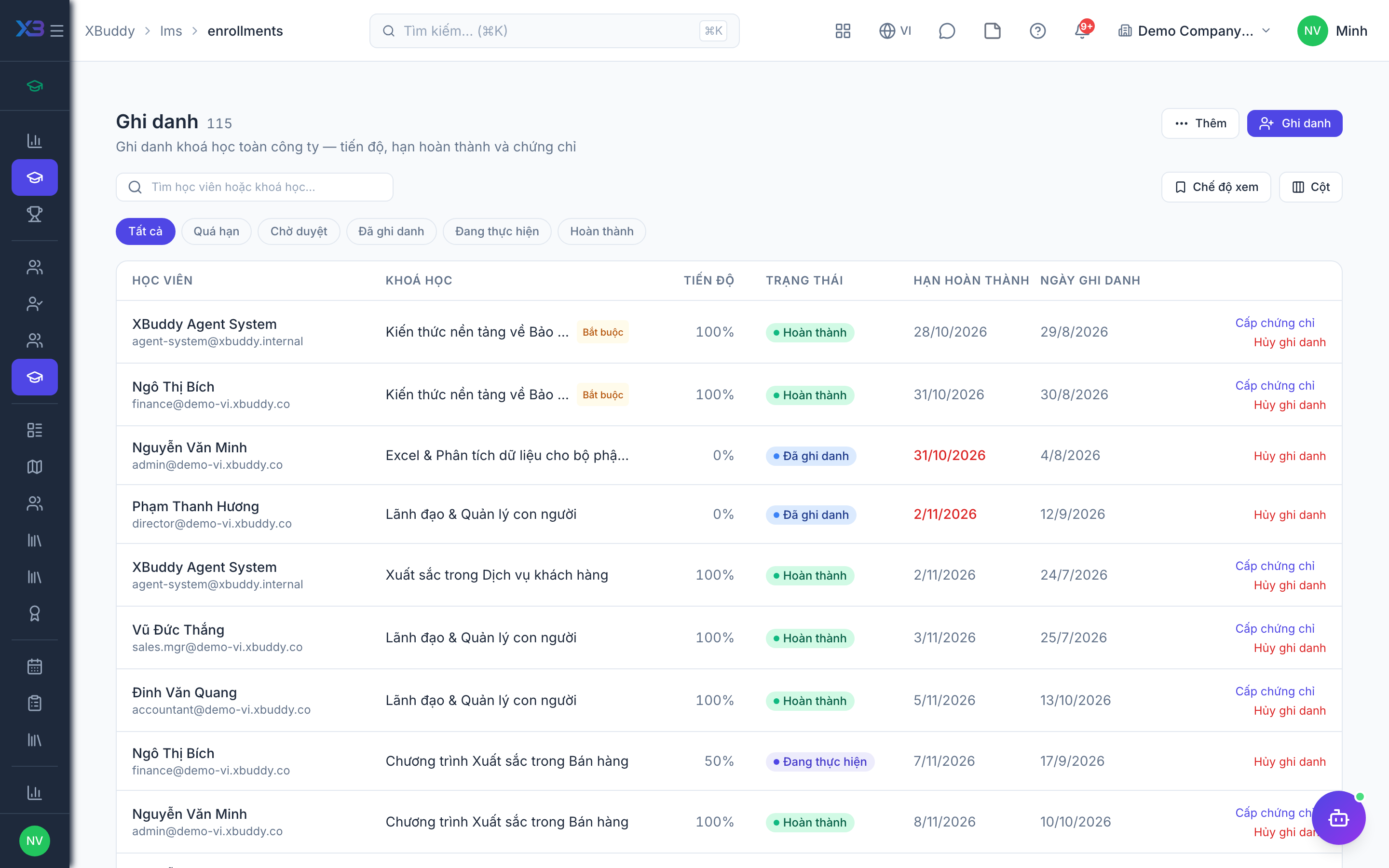
Enroll the employees still in training at go-live; finished training stays in the old records.
Prepare first
- Agree the cut-over date: learners still in a course on that day are enrolled in XBuddy; finished training stays in the old records.
| # | Task | How | Screen |
|---|---|---|---|
| 1 | Active enrollments | Learning → Enrollments: enroll each learner in the course they are taking. | /lms/enrollments |
8. Test run
Optional
Walk through one enrollment end to end before go-live.
Prepare first
- Use one real course and one test learner; agree with the L&D lead who checks each result.
| # | Task | How | Screen |
|---|---|---|---|
| 1 | Enroll a test learner | In a published course: if approval is on, the enrollment waits for approval. | /lms/courses |
| 2 | Approve the enrollment | As L&D, directly or through the approval inbox if a workflow is active. | /lms/enrollments |
| 3 | Finish the course | Lessons and quiz: a low score blocks completion if passing is required. | /lms/my-learning |
| 4 | Check the certificate | Issued on completion when auto-issue is on. | /lms/certificates |
Next
See the feature pages of this app in the left menu, or the setup guides of every app.