AI assistants for daily operations
AI handles the busywork, people keep the decisions
More than 30 specialist assistants read real data within your permissions and propose work; writes go through confirmation cards or an approval queue.
Key outcomes
- Assistants per domain, propose-only by default
- Every write action has a human approver
- See what AI did and what it cost
Problems solved
- Repetitive work fills the day — Dunning, chasing late purchase orders, reminding people to submit timesheets, checking for duplicate bills: each task is small, but together they take most of an operations team’s time.
- Fear of AI changing data — Businesses want AI but worry about tools posting entries, emailing customers or changing document status without anyone knowing.
- AI tools can’t see real data — Generic chatbots don’t know which invoices are overdue or which warehouse is running low. Staff copy numbers out, which is slow and leaks data.
How it works
- Turn on assistants per domain
- Ask XBuddy Chat
- Work through confirmation cards
- Review the suggestion queue
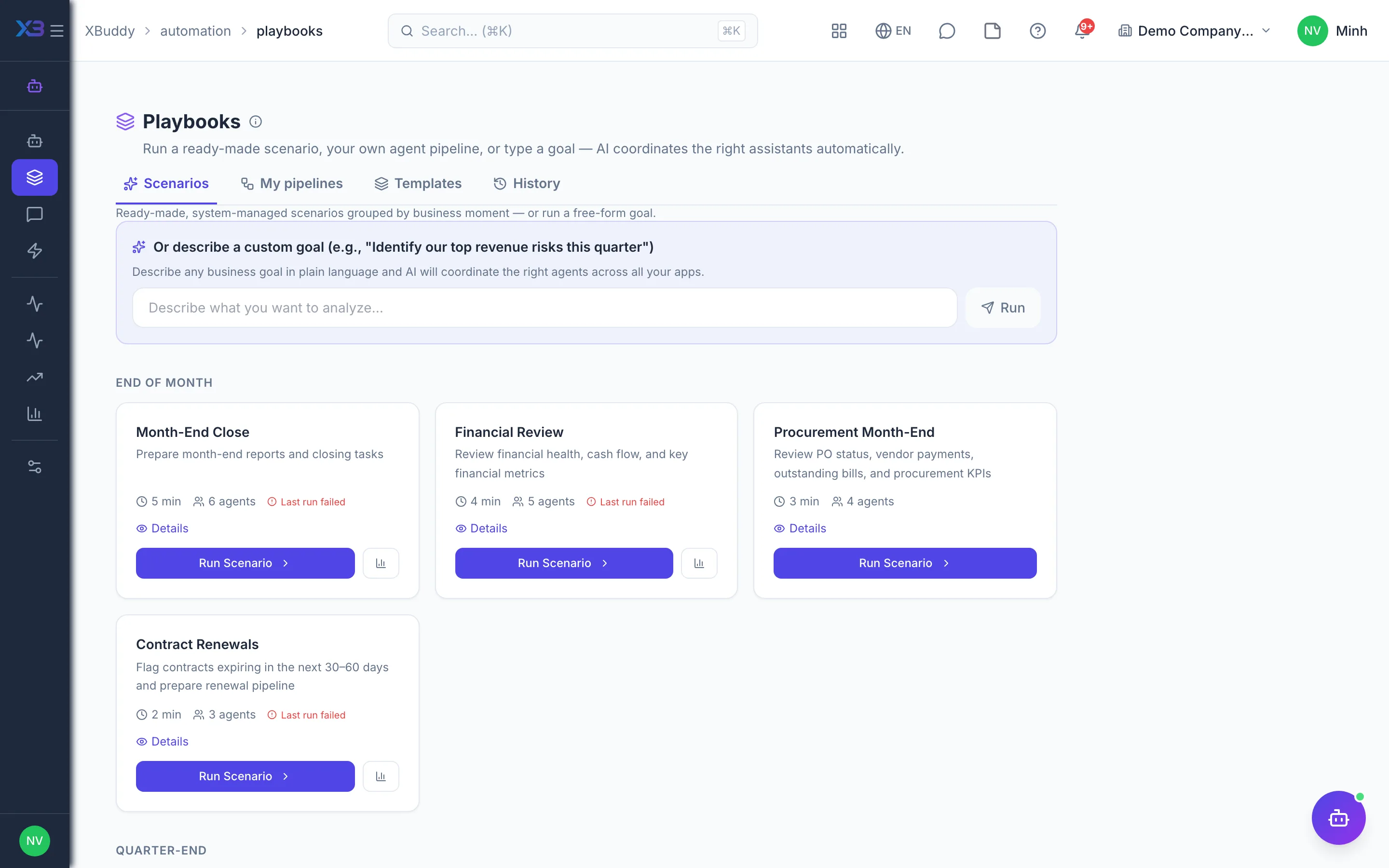
- Automated playbooks
- See what AI did
This is a summary. The full content, step screenshots and FAQ are on the original page.
Related operations guide: AI assistants for daily operations