Lot/serial traceability
When a customer asks “what went into this lot” or a supplier reports a bad material lot, lot/serial traceability answers in both directions: backward (finished goods to materials) and forward (materials to finished goods).
Who uses it
Quality managers, supervisors and customer service (manufacturing:read).
Before you start
- Lot/serial genealogy (
manufacturing.genealogy, requirespartial_execution). - Items have lot or serial tracking enabled in Inventory.
Steps
Issue with lots/serials
With the toggle on, issuing lot- or serial-tracked materials to a Work Order requires choosing the lot/serial. Lots are suggested FIFO; serials are never auto-picked.
Record lots when reporting output
Production reports record the output lots and the input lots used; on the shop floor you can scan material lot/serial codes.
Trace
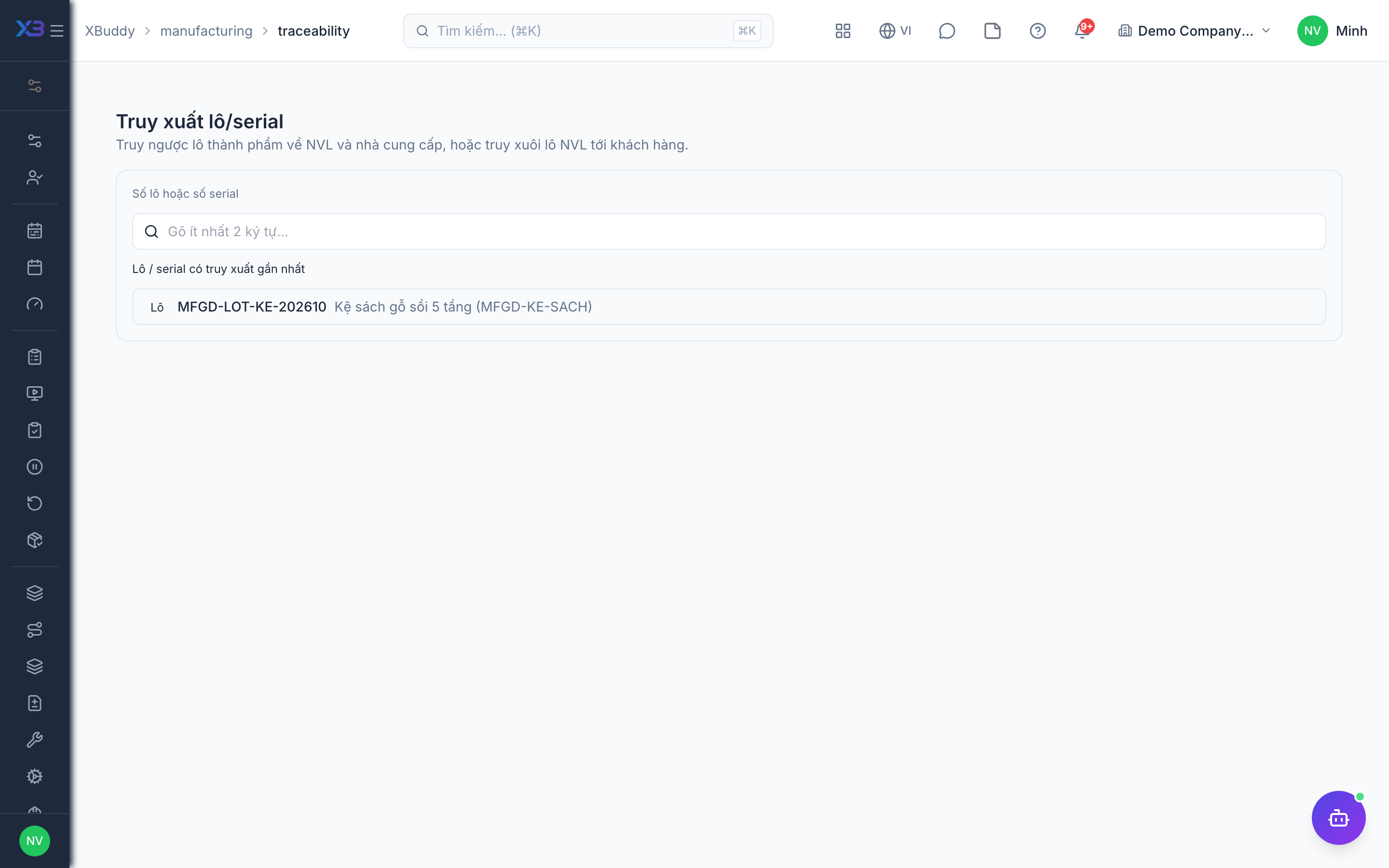
Go to Manufacturing → Lot/serial traceability (/manufacturing/traceability), enter a lot or serial, and choose backward or forward.
Tips & limits
- Voiding a production report or goods issue (including from Inventory) removes the related trace links.
- Only lots/serials recorded after the toggle is on have trace data.