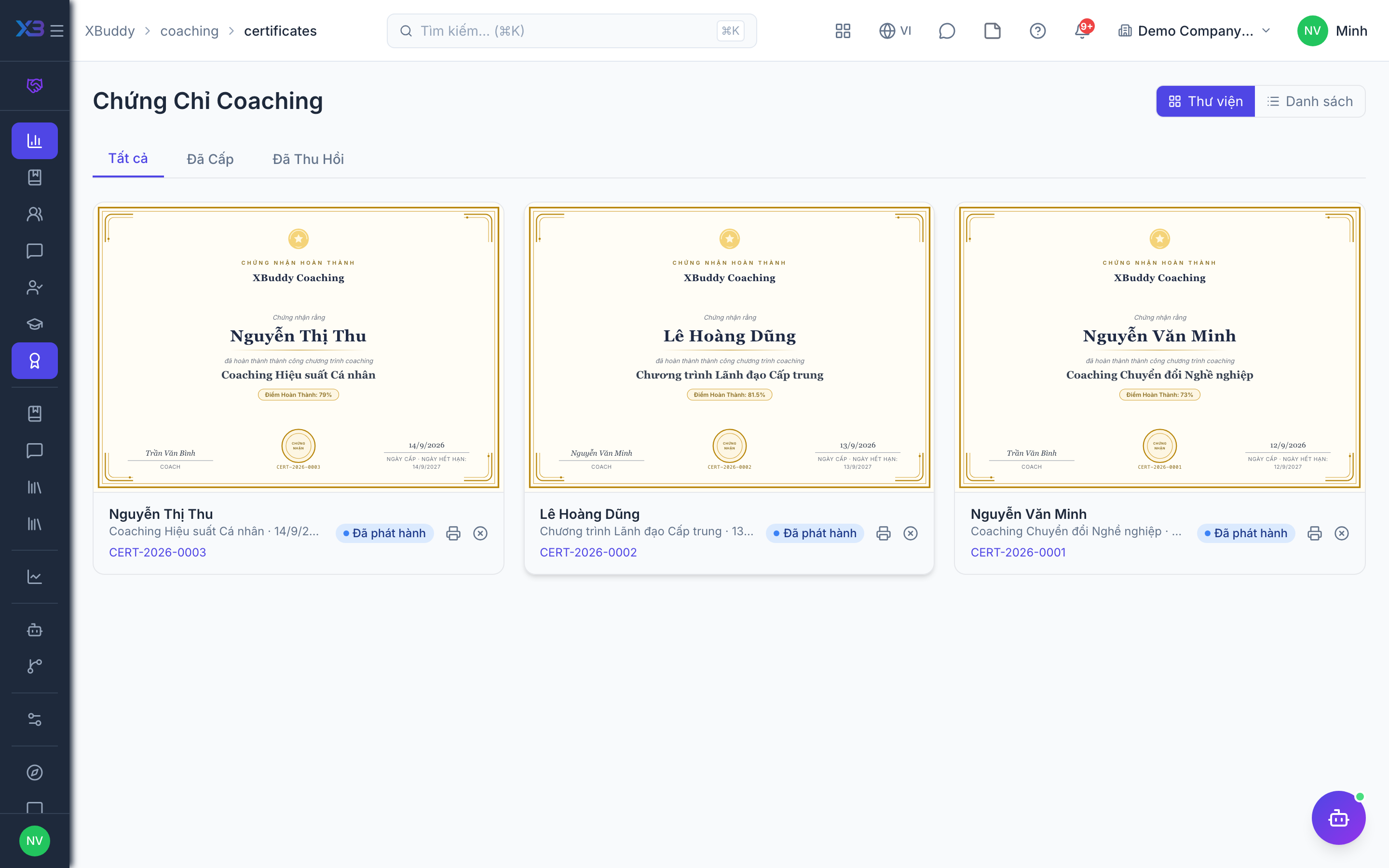
Certificates and analytics
Certificates recognise coachees who completed a program; Analytics measures whether coaching is actually working.
When to use
Use this at the end of a program to recognise coachees who met the criteria, and regularly to see whether the coaching is working: are sessions happening, are people improving, and which programs deliver.
Before you start
- Permissions:
coaching_certificates:readto view certificates, with write and revoke rights for issuing them;coaching:analyticsfor Analytics. - An engagement must be completed before a certificate can be issued.
- Issuing checks the program’s certificate criteria (minimum outcome score, required items, snapshots).
Issue certificates to coachees
Go to Coaching → Certificates (/coaching/certificates) to issue (once the engagement is completed and meets criteria) or revoke certificates for coachees; they see them in the portal.
Review analytics
Go to Coaching → Analytics (/coaching/analytics) for engagement progress, session cadence (are meetings happening as planned?), and effectiveness signals such as competency growth.
Act on the signals
Use the AI Hub agents to nudge stalled engagements and summarise outcomes for coordinators.
What Analytics shows
| View | Question it answers |
|---|---|
| Overview and trends | How much coaching is happening, and how is it moving |
| Coach performance | Which coaches deliver sessions and results |
| Program effectiveness | Which programs improve competencies |
| Compliance | Are sessions and actions on schedule |
Tips & common mistakes
- Revoke a certificate only with a clear reason; the coachee sees the change.
- If issue is refused, compare the engagement against the program criteria first.
- Look at session cadence before blaming content; missed sessions are the common cause of weak results.
- Use the AI Hub to nudge stalled engagements.