Bill of materials (BOM)
The BOM is the recipe — every component, its quantity, and its unit — needed to make one unit of a product. It’s the foundation the work order explodes into a material list, and it can also carry a routing of operations.
When to use
Use the BOM before the first work order for any product, and again whenever the recipe or the production steps change.
Before you start
- Permissions:
manufacturing:readto view,manufacturing:writeto create or edit,manufacturing:deleteto delete a BOM. - Access: Manufacturing is a beta add-on (
manufacturing_addon); there are no app-specific feature toggles. - Make sure the product and each component exist in Inventory, with their stock units set.
Steps
Create a BOM
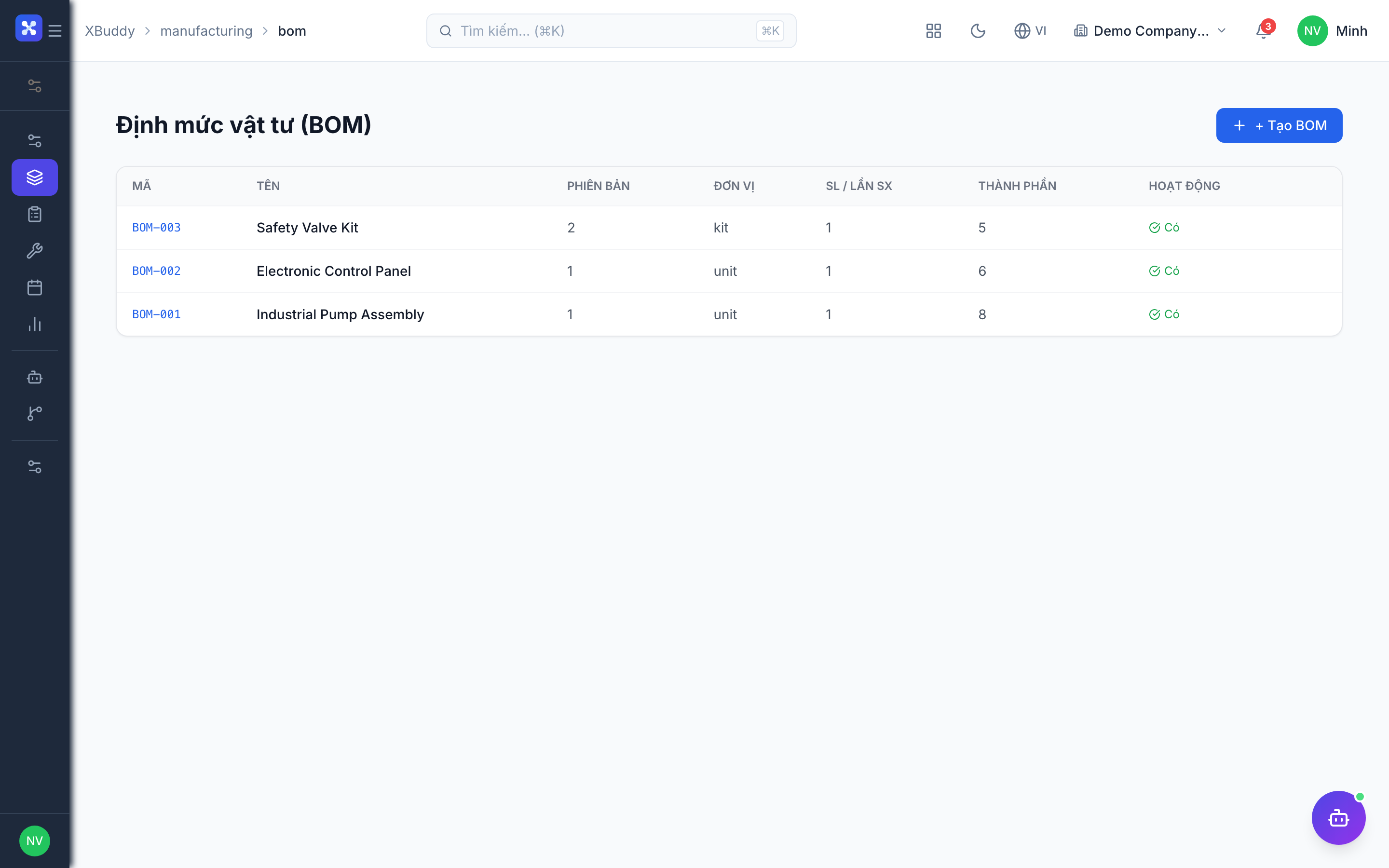
Go to Manufacturing → BOM → New BOM (/manufacturing/bom) and select the product being made.
Add components with UOM
Add each raw-material or semi-finished component with its quantity and unit of measure. The conversion factor to the base stock unit is captured per line.
Define the routing
Open the BOM (/manufacturing/bom/[id]) and add the operations: work center, setup time, run time, and whether the step is a quality check.
Save and reuse
Save the BOM; it’s reused whenever a work order is created for that product, ensuring consistent material demand. If a workflow applies to BOM changes, the edit goes through approval first.
Tips & common mistakes
- Pick the BOM line unit you actually count in; the conversion to the stock unit is handled per line.
- Complete the routing before creating work orders, because operations are copied into each new order.
- Changing a BOM does not rewrite work orders that were already created.
- Delete a BOM only when no longer needed; check the product has no open orders first.