Procurement manager
Govern suppliers and purchase categories with evidence
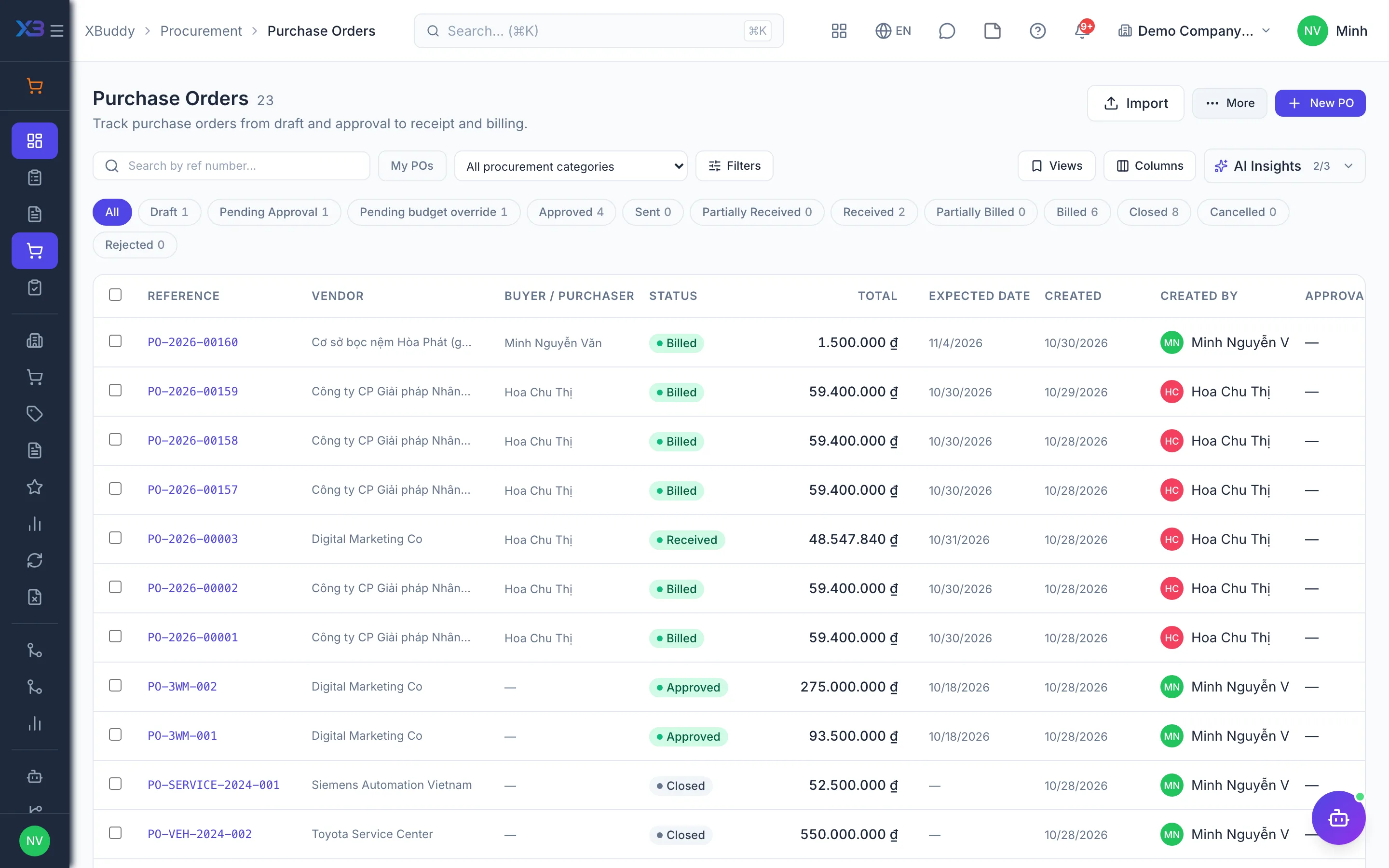
Purchase categories with access control, vendor records with price lists and contracts, RFQs via the vendor portal, scorecards and spend reports on one dataset.
Key outcomes
- Each department buys only its own categories
- Competing quotes are kept and scored
- Vendor choice backed by scorecards
Problems solved
- Departments buy across categories — Anyone can order anything, from stationery to raw materials. The procurement manager cannot control which department buys which category or who approves it.
- Quotes live in inboxes — Vendor quotes arrive by email and chat, each in a different format. When you need to justify why a vendor was chosen, there is no complete comparison file left.
- Prices and contracts in personal files — Quantity-break price lists and framework contracts sit in each buyer’s own files. New orders still go out at old prices or to vendors whose contract has ended.
- Vendors judged by gut feeling — With no on-time delivery or cycle-time data, which vendor gets more orders depends on the buyer’s impression.
How it works
- Set up purchase categories
- Vendor records, price lists, contracts
- Request quotes through the portal
- Score and award
- Approve by category and threshold
- Vendor scorecards
- Spend analysis
This is a summary. The full content, step screenshots and FAQ are on the original page.
Related operations guide: Procurement manager