Tracking Sent requests
When you submit something that needs approval, the Sent view lets you follow its progress without chasing the approver.
Purpose
It tells the submitter where a request stands: pending, approved, rejected or returned, and who is currently holding it.
When to use
Use it after submitting a request, expense or document that needs approval, or when you need to review why a request was rejected or returned.
Before you start
- You need the
approvals:requestpermission to open/approvals/sent. - Employee requests (cash advances, IT support…) have their own queue at
/approvals/requestsand needrequests:read. - The
requests.show_approver_namessetting (default On) decides whether approver names or only roles are shown. When off, names are blocked on the server.
Open Sent
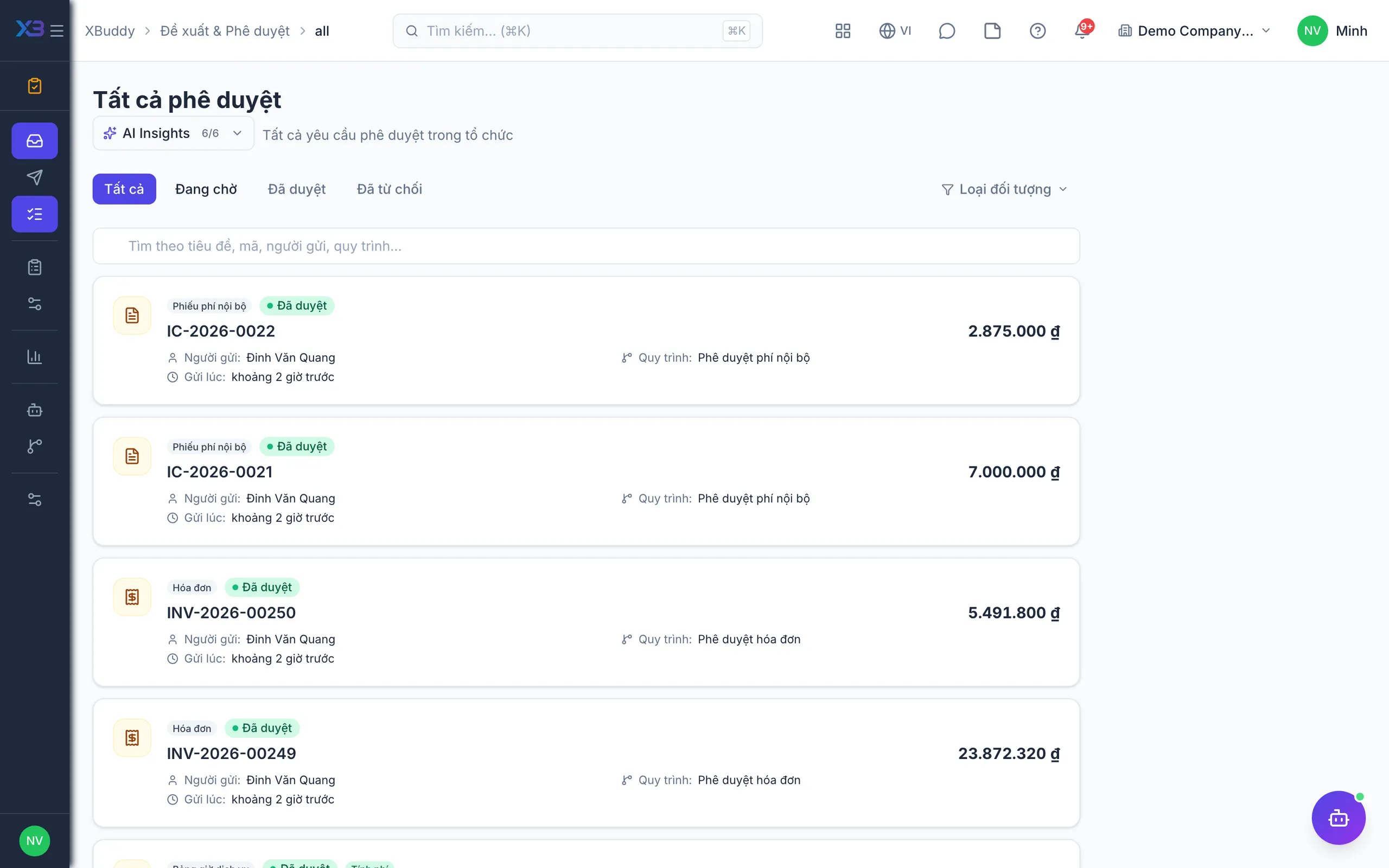
Go to Approvals → Sent to see every request you started.
Read the status
Status shows pending → approved / rejected, and for multi-step chains, which step it is on and which approver currently holds it.
Follow up
If a request stalls, the Approvals Steward may already have nudged the approver; you can also see who is holding it.
Handle a return or rejection
If the request was returned for revision, fix it on the same record and resubmit. If it was rejected, read the reason the approver wrote and create a new request if it is still needed.
When someone in the chain rejects, the chain stops at that step and approvers at later steps never see the request. You are notified with the reason.