Machines & maintenance
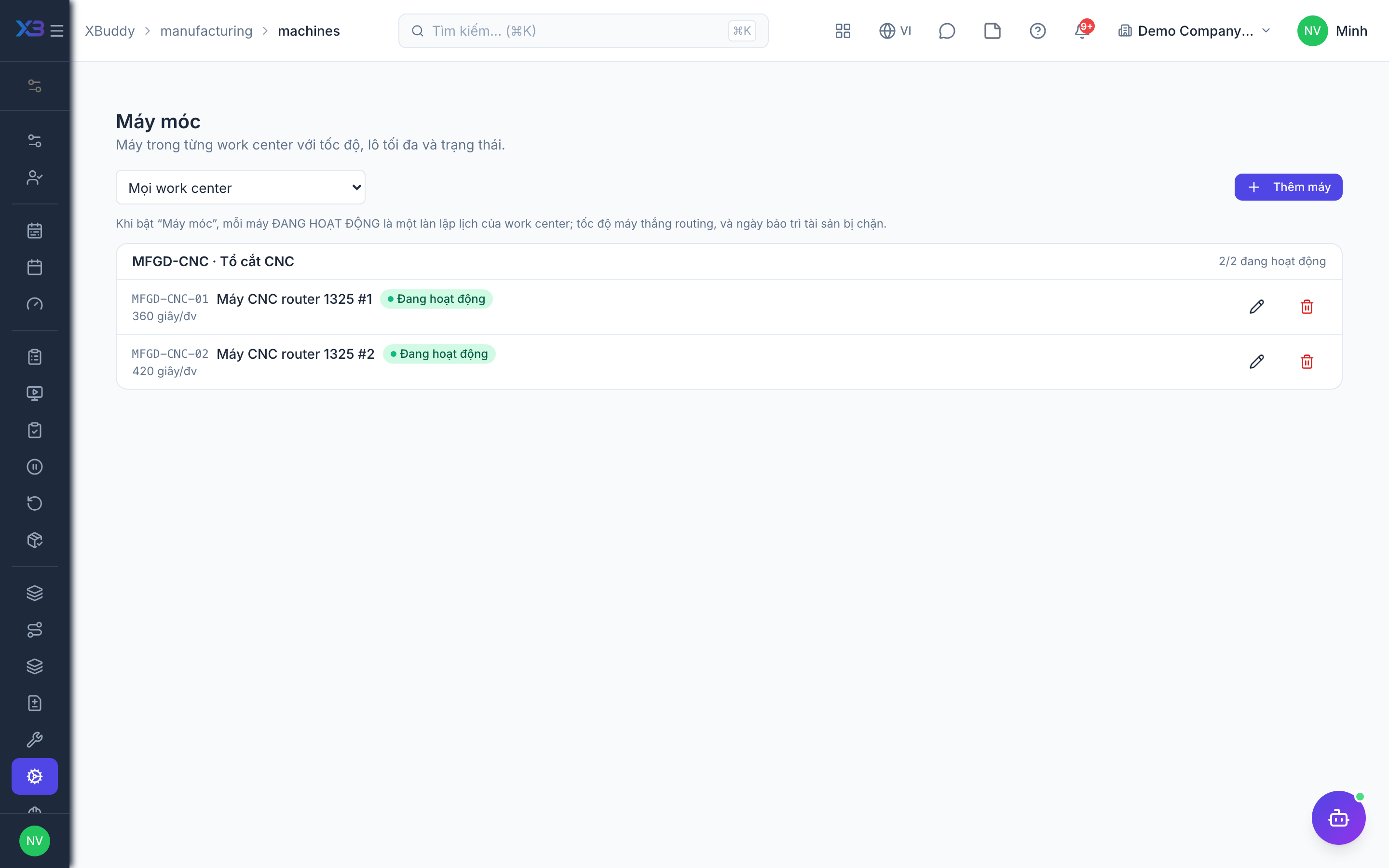
Machines are specific resources inside a work center. When a work center has machines, each active machine is a capacity resource for scheduling. Linking with Asset Management marks machines under maintenance as down automatically.
Who uses it
Supervisors and maintenance engineers. Viewing needs manufacturing:read; writing needs manufacturing:write.
Before you start
- Machines (
manufacturing.machines). - Link machine downtime to asset maintenance (
manufacturing.asset_maintenance_link, requiresdowntime; Machines must also be on). - Work centers exist; for the maintenance link, each machine is attached to an asset in Asset Management.
Steps
Declare machines
Go to Manufacturing → Machines (/manufacturing/machines), create a machine and choose its work center. Open the machine (/manufacturing/machines/[id]) to set unavailability windows.
Attach an asset
Attach the machine to its asset. One asset maps to one non-retired machine; disposed or lost assets cannot be attached, and disposing an asset retires the machine.
Let maintenance open downtime
With the link on, when an asset maintenance or PM order goes in progress, exactly one maintenance-sourced downtime opens and the machine is set to maintenance; corrective or emergency work is recorded as unplanned. When maintenance finishes, the downtime closes on its own.
Turn a breakdown into a repair order
From a downtime event, use Report breakdown → repair order to create a repair order in Asset Management (also needs assets:write).
Tips & limits
- An open maintenance-sourced downtime cannot have its times edited or be deleted from Manufacturing.
- With the link on, you cannot manually set a machine to down/maintenance — status is derived from downtime.
- Asset maintenance dates are removed from machine windows when scheduling.