Contract Management setup guide
This page walks through 8 steps to set up Contract Management, in the order the in-app Setup assistant recommends. Each step lists what to prepare, the questions to answer first and the screen to use.
In the app, open Settings → Setup assistant: it measures your current state, asks the survey questions below and proposes a change set you approve before it is applied. This page is the read-only version for preparing ahead or doing it by hand.
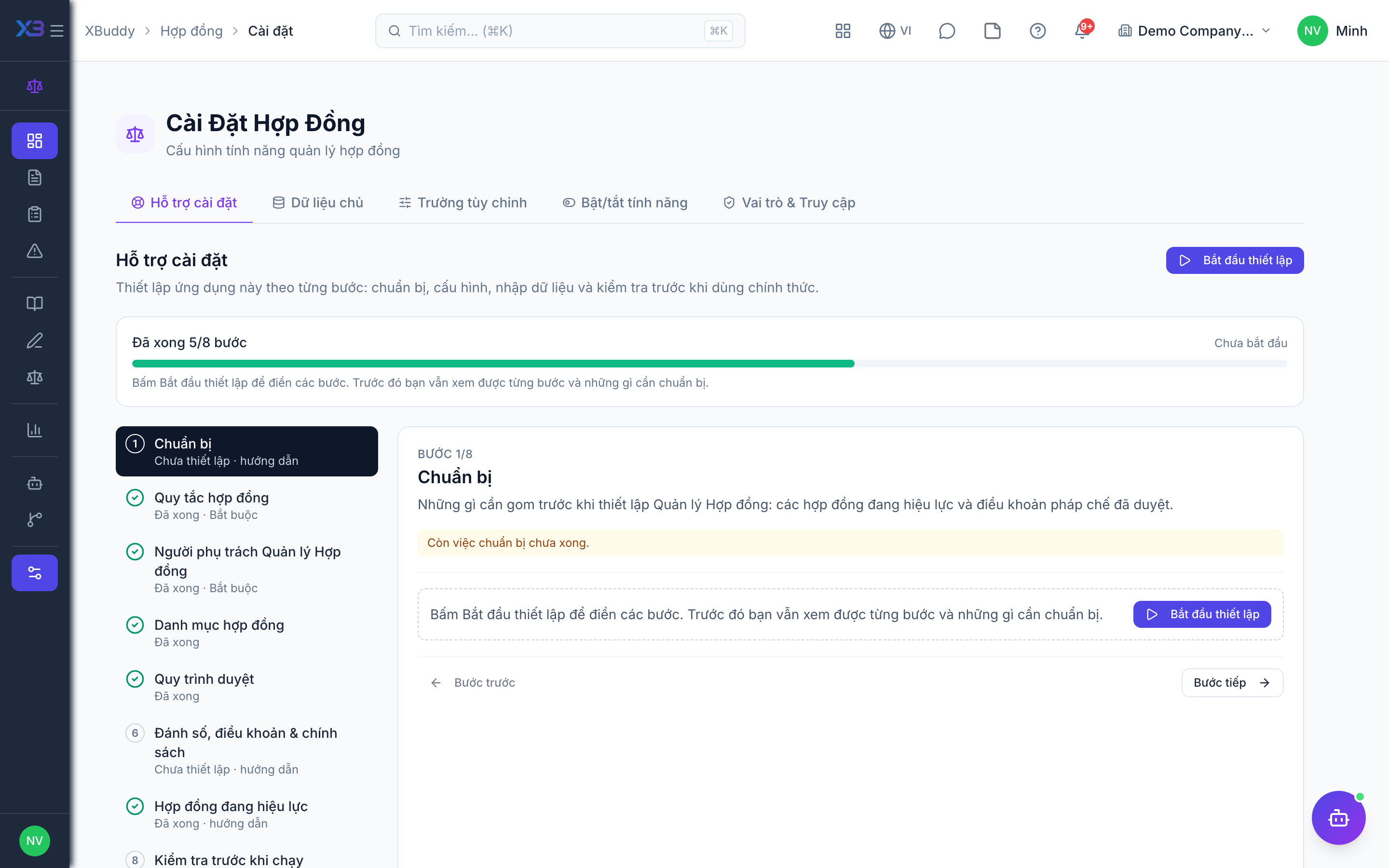
1. Prepare
Optional
What to gather before setting up Contract Management: the contracts in force and the clauses legal approves.
| # | Task | How | Screen |
|---|---|---|---|
| 1 | List of contracts in force | Party, type, value, start/end date and renewal terms of contracts not already in CRM, Procurement or Service Management. | — |
| 2 | Standard clauses agreed | The standard clauses and templates legal approves, and the playbook position for each clause type. | — |
2. Contract rules
Required
When a contract may take effect, renewals, expiry reminders and the legal review checklist.
Prepare first
- The written contract policy: which contracts need a legal review before signing, and which risks must be resolved first.
Questions to answer
- Must every contract be reviewed and approved by legal before it takes effect?
- Should an unresolved critical clause risk stop a contract from taking effect?
- Do you want expiry reminders, and must auto-renewing contracts be reviewed again before renewal?
- Does legal work through a fixed review checklist before deciding?
| Toggle | Key | Default | Effect |
|---|---|---|---|
| Approval required before active | legal.approval_required_before_active | On | A contract cannot become active without an approved legal review. |
| Open critical risk blocks activation | legal.risk_blocks_activation | Off | An unresolved CRITICAL clause risk prevents activating the contract; lower severities never block. |
| Restrict contract type change | legal.restrict_contract_type_change | Off | The contract type is locked once the contract leaves draft. |
| Expiry reminders | legal.expiry_reminder_enabled | Off | A daily job notifies legal counsel about active contracts approaching their expiry date. Off by default. |
| Auto-renewal requires review | legal.auto_renewal_requires_review | Off | Auto-renewing contracts require a fresh legal review before each renewal. |
| Require review checklist | legal.review_checklist_required | Off | A legal review cannot be approved or rejected while any required checklist item is still pending or failed. |
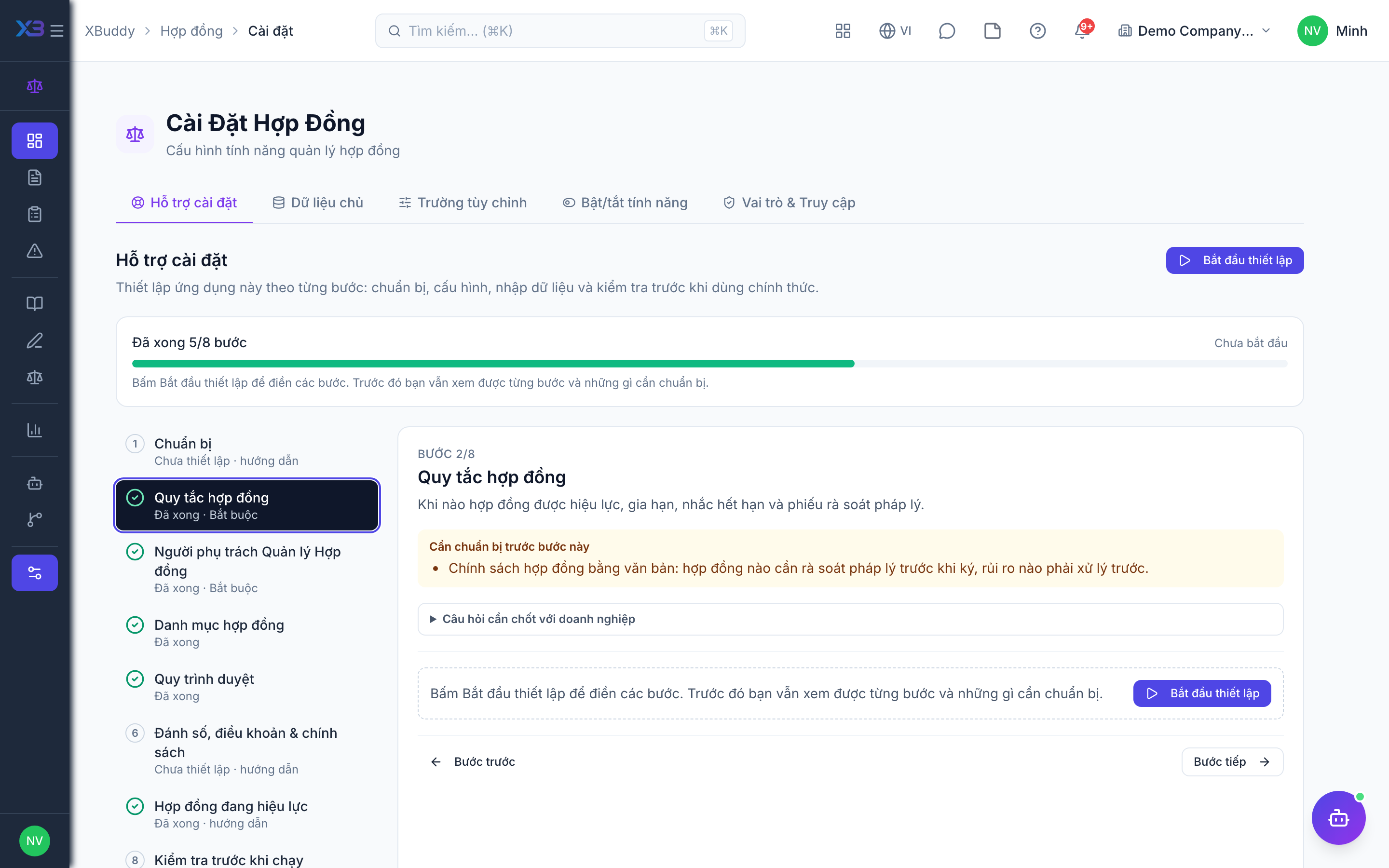
3. Contract Management owners
Required
Choose who owns contract settings and approves legal reviews, and who drafts and reviews contracts.
Prepare first
- The list of legal staff and approvers — each must already be invited as a user with a seat in the Collaboration pack.
Questions to answer
- Who owns contract settings and approves legal reviews?
- Who drafts contracts and runs legal reviews day to day?
| Role template | Key | For |
|---|---|---|
| Legal Manager | legal_manager | Owns contract settings and approves legal reviews |
| Legal Counsel | legal_counsel | Drafts contracts and runs legal reviews |
| Legal Specialist | legal_specialist | Prepares contracts and review checklists |
| Compliance Officer | compliance_officer | Follows clause risks and compliance |
| Director / General Manager | director | Oversees and may approve high-risk contracts |
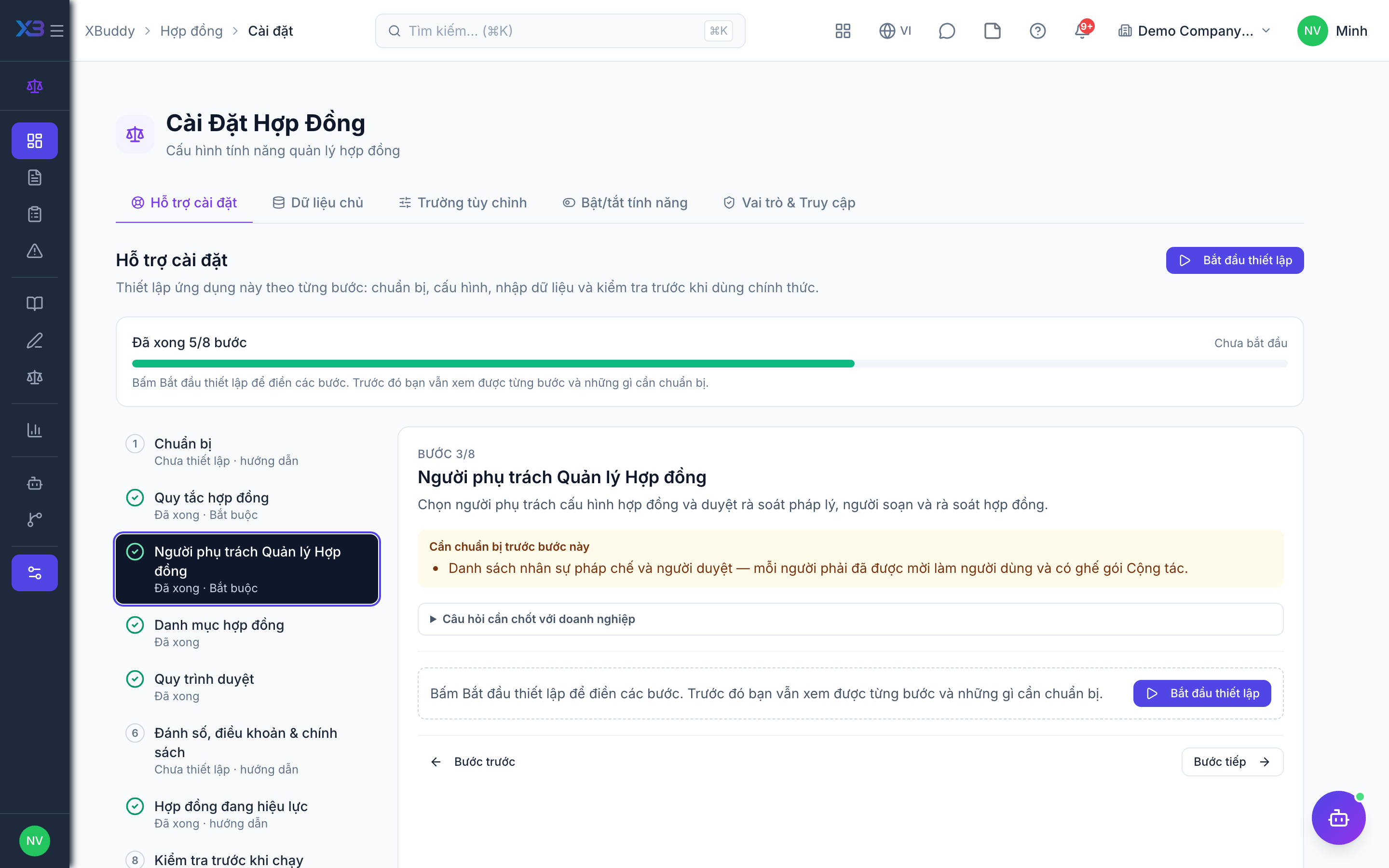
4. Contract lists
Optional
Pick-lists on the forms: reasons for renewing and terminating a contract.
Prepare first
- The reasons the business uses when renewing or terminating a contract (names in Vietnamese and English).
Questions to answer
- Why are contracts usually renewed or terminated early?
Lookups to review (Settings → Lookups):
- Contract Renewal Reasons (
contract_renewal_reasons) - Contract Termination Reasons (
contract_termination_reasons)
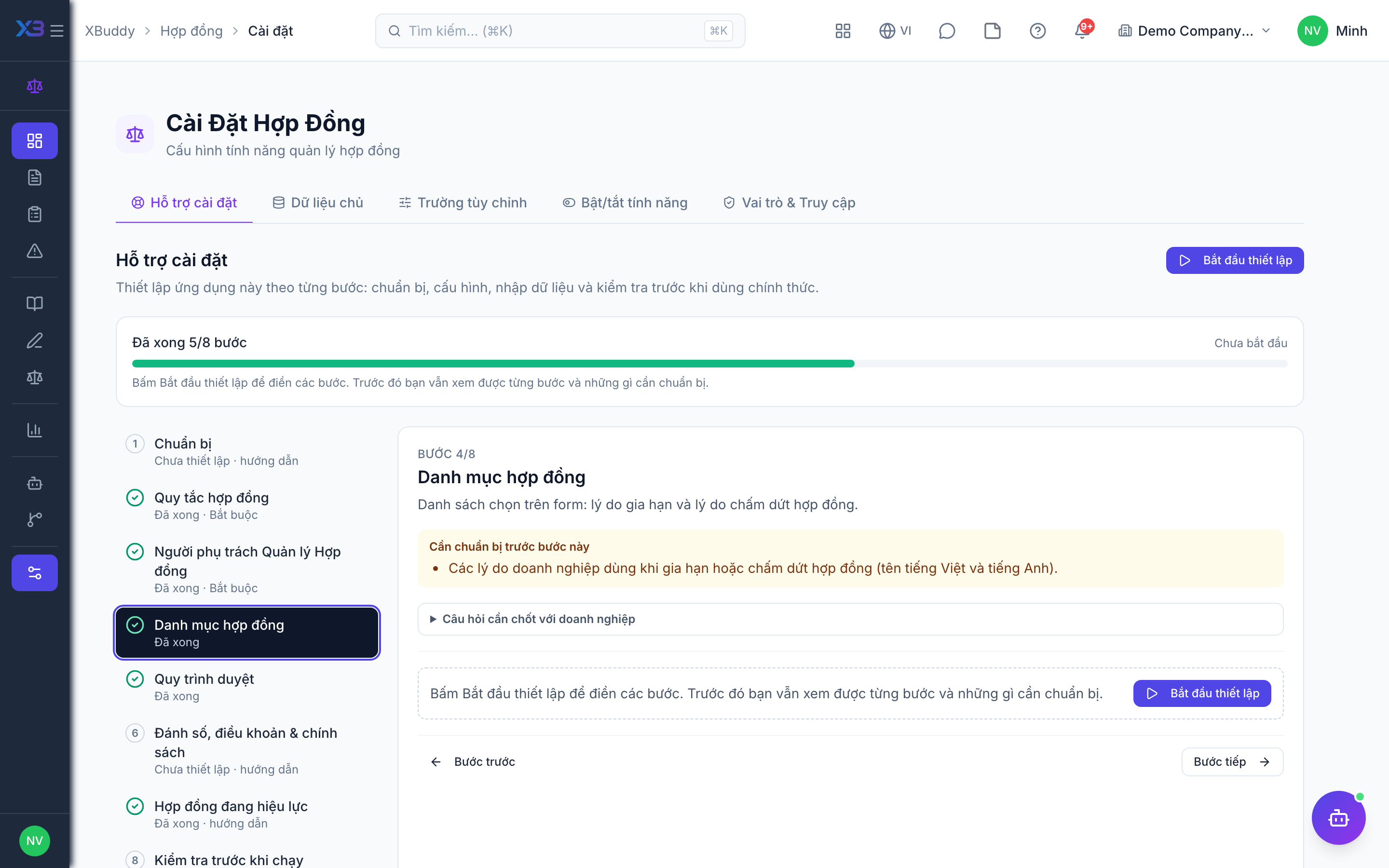
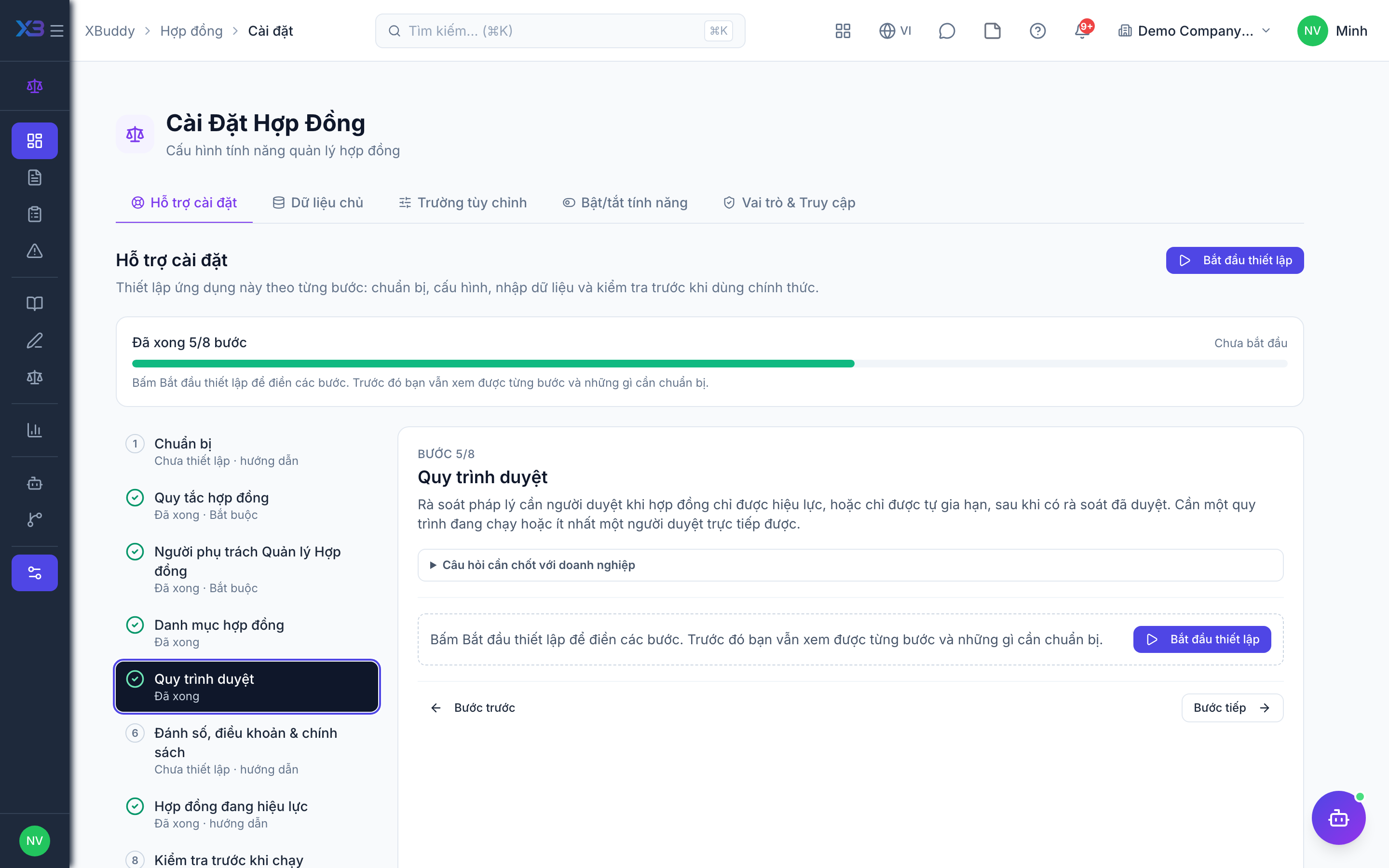
5. Approval workflows
Optional · After step: Contract rules, Contract Management owners
Legal reviews need an approver when a contract may only take effect, or an auto-renewal may only go ahead, after an approved review. That needs a running workflow or at least one person who can approve reviews directly.
Questions to answer
- Does one legal manager approve reviews, or do high-risk contracts need a second approver (director)?
Approval workflows to enable (Workflow → Template library) — see Workflow templates:
legal_review
6. Numbering, clauses & policies
Optional
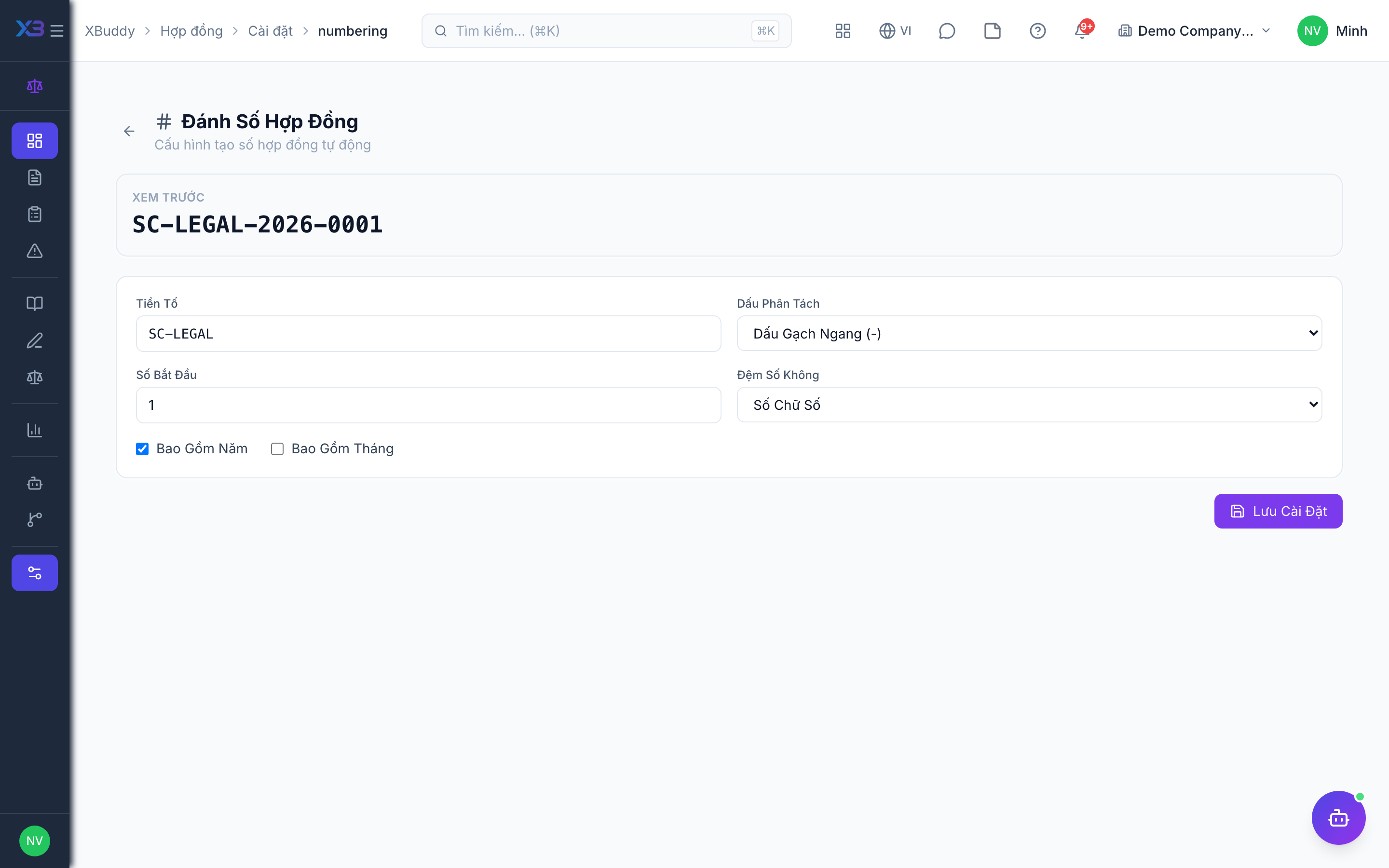
Contract numbering, standard clauses and contract policies — open the existing screens.
Questions to answer
- How are contracts numbered today (prefix, per year)?
| # | Task | How | Screen |
|---|---|---|---|
| 1 | Contract numbering | Set the numbering format of standalone contracts (prefix, length, yearly reset). | /contracts/settings/numbering |
| 2 | Standard clauses | Add the standard clauses legal approves, by clause type and language. | /contracts/templates |
| 3 | Contract policies | Only if used: who may sign which contract type, and value limits. | /contracts/policies |
7. Contracts in force
Optional
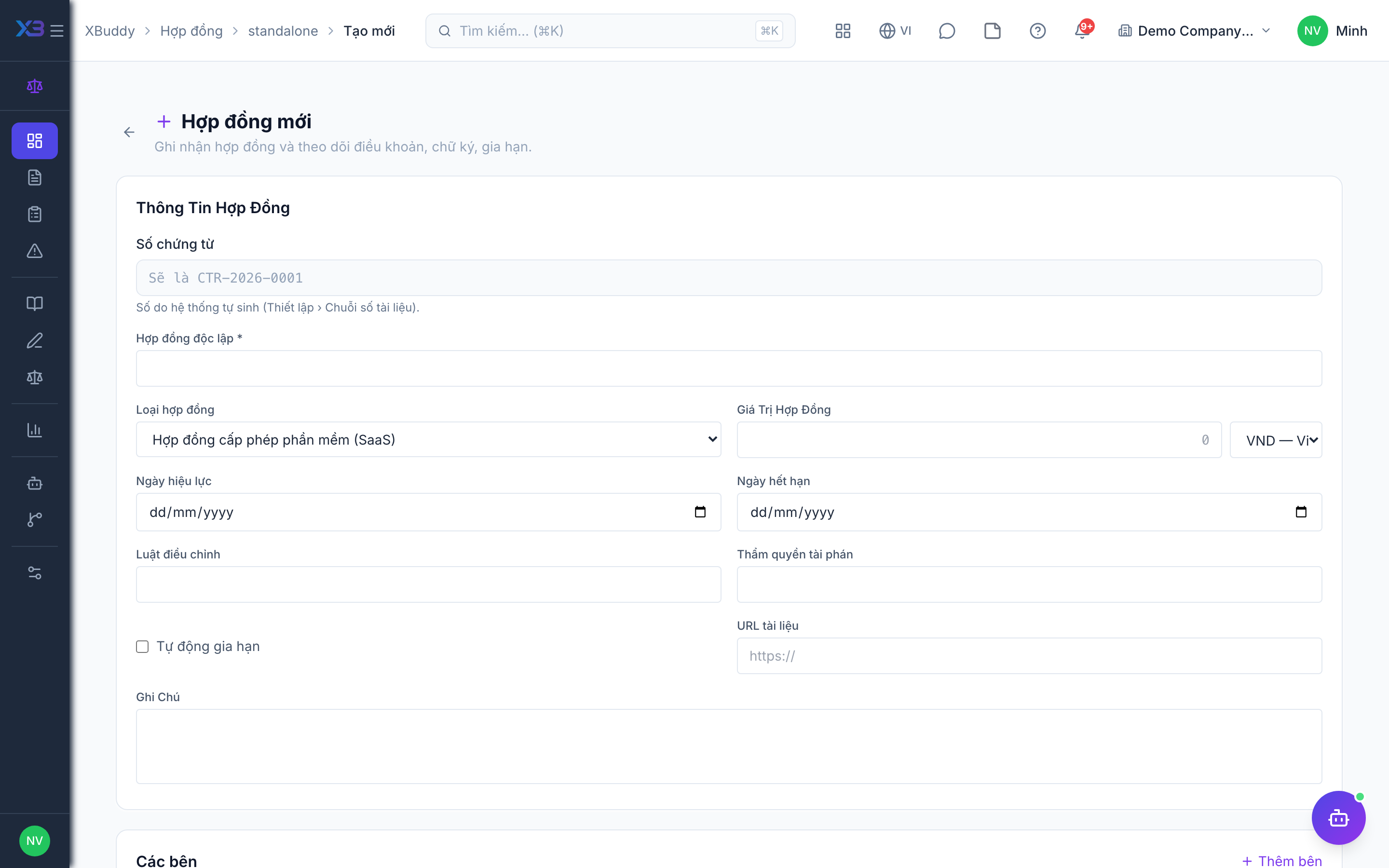
Enter the contracts already in force that no other app manages, so expiry and renewal are tracked.
Questions to answer
- Which contracts in force must be tracked here from day one?
| # | Task | How | Screen |
|---|---|---|---|
| 1 | Standalone contracts | Enter contracts in force with their real start and end dates. | /contracts/standalone/new |
8. Go-live check
Optional
Run one contract from draft to active with the key users before going live.
Prepare first
- Pick one legal specialist and one approver to run the test with.
| # | Task | How | Screen |
|---|---|---|---|
| 1 | Draft & request review | Create a test contract as a draft and request a legal review. | /contracts/standalone/new |
| 2 | Approve the review | As the approver: approve the review (complete required checklist items first if that is on). | /contracts/pending |
| 3 | Activate | Set the test contract to active — it must be refused before the review is approved if that gate is on. | /contracts/all |
Next
See the feature pages of this app in the left menu, or the setup guides of every app.