Technician Copilot
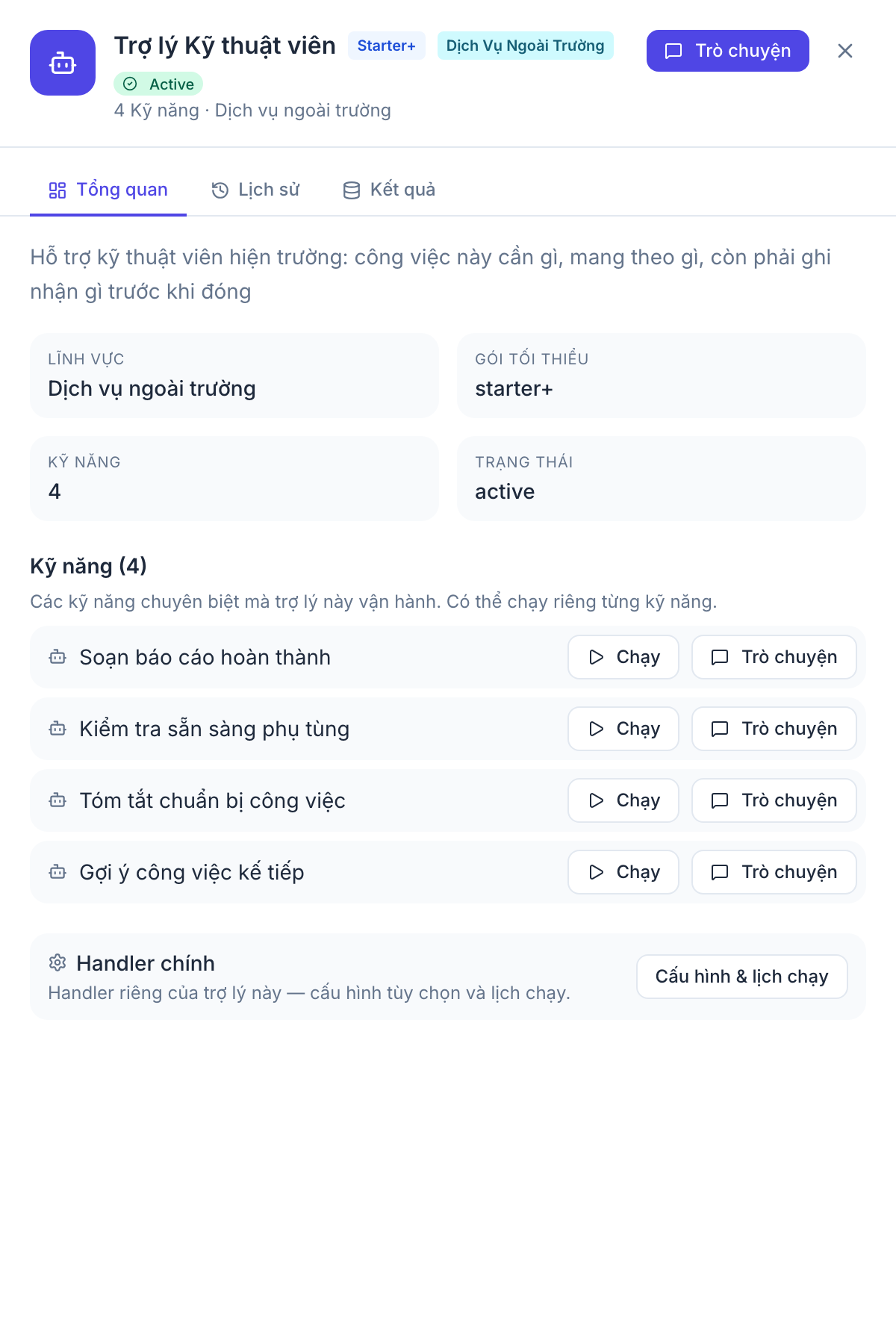
Works for the field technician: what this job needs, what to bring, what still has to be recorded before it can be closed
Domain: field_service · Code: fs_technician_copilot
Purpose
The copilot works on the side of the field technician. Instead of digging through asset history, checking stock and retyping reports, the technician gets a prep brief, a parts check and a draft write-up built from the data they already recorded.
When to use it
- Before travelling to a job: you need to know what was repaired on the asset, which failures repeat and which blockers to clear first.
- While packing: you want to be sure the parts the job is likely to need are on hand.
- After the work: you need a draft completion report from your notes, parts and hours.
- Between jobs during the day: you want to know what is next, the travel distance and the SLA pressure.
Skills
| Skill | Description |
|---|---|
| Job Prep Brief | Pre-visit briefing: prior repairs on this asset, repeat failures, and blockers to clear before travelling |
| Parts Readiness Check | Checks whether the parts this job is likely to need are on hand before the technician sets off |
| Completion Report Drafter | Drafts the job write-up from the technician’s own logs, parts and hours |
| Next Job Hint | Shows what is next on the technician’s own schedule today, with travel distance and SLA pressure |
Where to find it
Open Automation → Agents and filter by domain, or the AI assistant panel on the related app page. Skill results land in the Suggestions queue for human approval; nothing is written to the books automatically.
How to use it
Open the copilot
Go to Automation → Agents, filter by the field_service domain and pick Technician Copilot, or open the AI assistant panel on the job page itself.
Run the right skill
Pick the skill for the moment: prep brief and parts check before leaving, the report drafter after the work, the next-job hint when planning the day.
Review in the Suggestions queue
Results appear in the Suggestions queue. Read them, adjust if needed, then approve or dismiss.
The copilot only proposes. Every result needs human approval and nothing is written to the books automatically, so compare the draft report against what actually happened on site before approving.