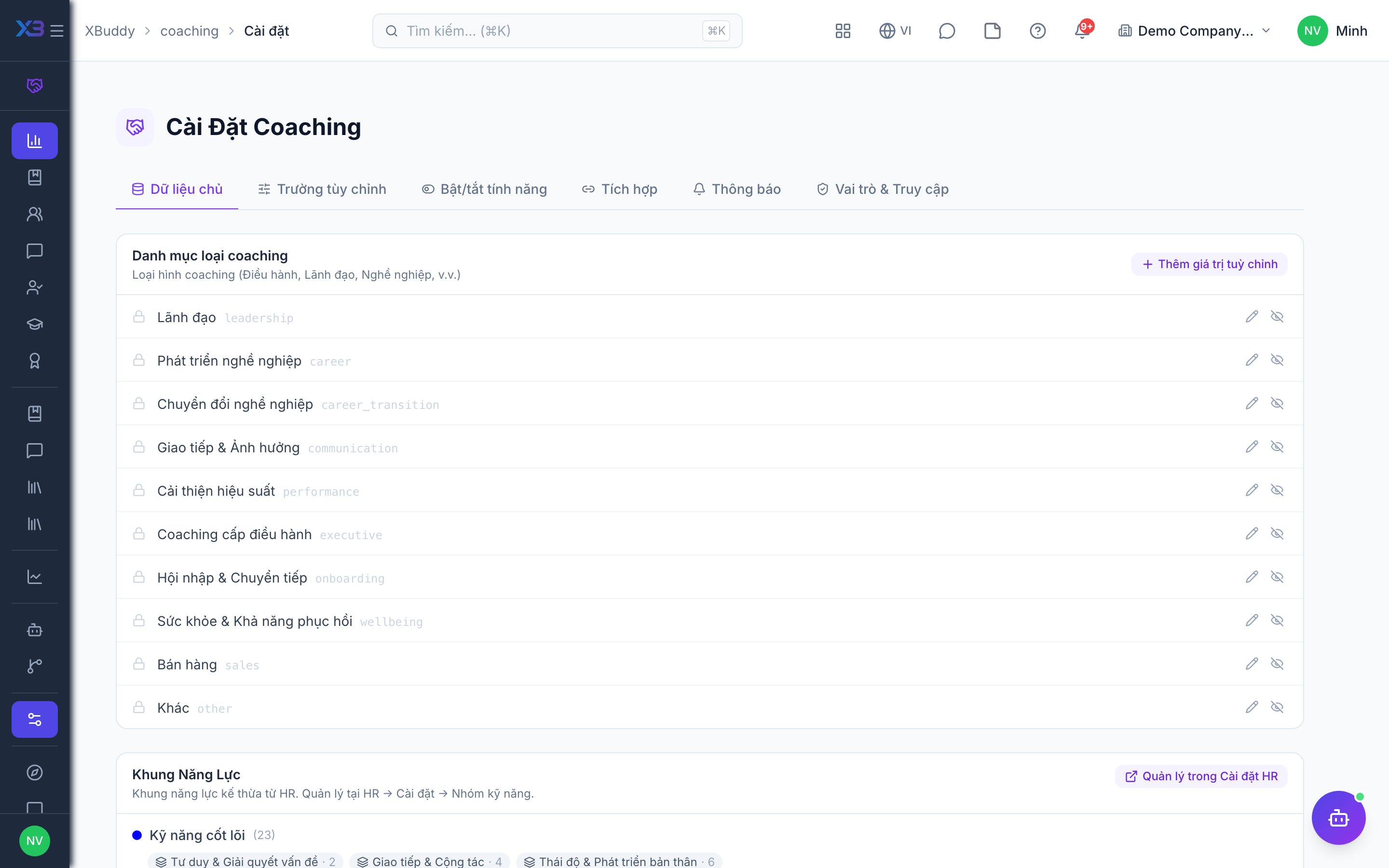
Settings and integrations
Switch coaching features and connections to other apps on or off.
When to use
Use this when switching coaching on for your company and when you want it to connect with LMS, Performance, Calendar, Tasks and Time Tracking. Each connection is a toggle, so you turn on only what you need.
Before you start
- Permission:
settings:readto open Settings (/coaching/settings); changing feature flags needs the coaching settings permission. - Defaults are shown in the table; new companies get some of them switched on.
- Turning an integration on affects new activity, not past sessions.
Open settings
Go to Coaching → Settings (/coaching/settings).
Choose integrations
Turn on LMS, Performance, Calendar, Tasks, Time Tracking and AI notes as needed.
Set the rules
Decide whether intake, outcome assessments and coachee reflections are required.
Integration toggles
| Toggle | Effect | Default |
|---|---|---|
people.coaching_lms_integration | Link LMS courses, auto-enrol coachees, receive LMS assessment scores | Off (new companies: on) |
people.coaching_performance_sync | Write coaching results to Performance when an engagement completes | Off (new companies: on) |
people.coaching_calendar_sync | Create or update calendar events for sessions | On |
people.coaching_tasks_sync | Turn action items into Tasks | Off |
people.coaching_time_tracking_sync | Record sessions as general time of the coach | Off (new companies: on) |
people.coaching_ai_session_notes | AI summarises session notes and builds a session report | Off (new companies: on) |
Rules that gate progress (people.coaching_require_intake_assessment, people.coaching_require_outcome_assessment, people.coaching_require_coachee_reflection) are all off by default.
Tips & common mistakes
- Turn on LMS integration before creating programs that contain LMS courses.
- Enable Tasks sync only if coaches really use Tasks, to avoid duplicate follow-ups.
- AI notes only summarise; coaches still review before sharing.
- Revisit settings after the first cohort to tighten the required assessments.