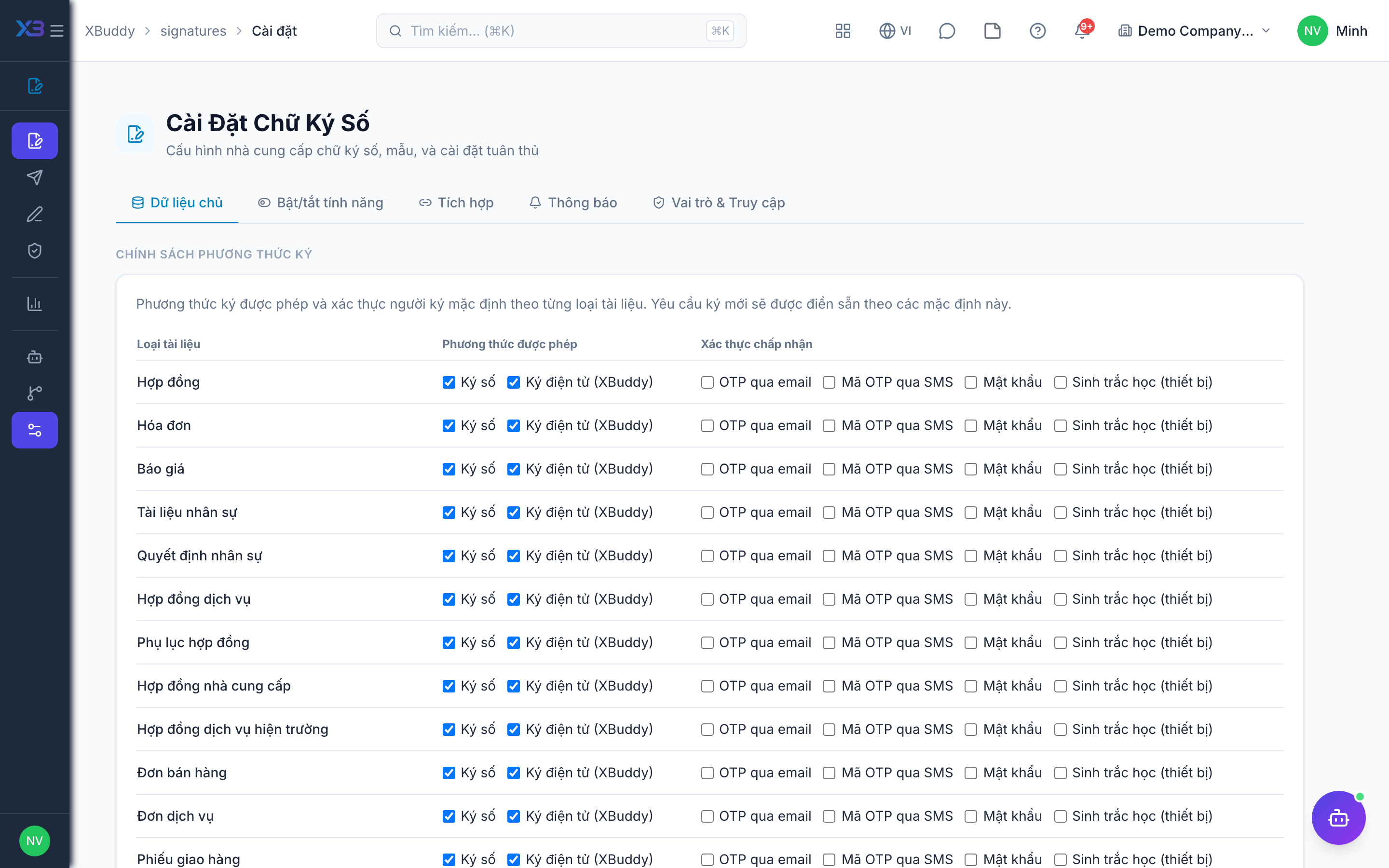
Signature policies before confirmation
When to use
Turn this on when a document must be signed before the business step goes ahead, for example a customer signing a sales order before you confirm it.
Before you start
- You need
signatures:manage(orsettings:readto view) for/signatures/settings. - The setting is the toggle
signatures.confirmation_policies. Default:{}, meaning no signature is required. - It applies only to sales order (confirm), purchase order (send) and service order (confirm).
Policy levels
| Level | Effect |
|---|---|
hidden | The signing option is not offered for that record type. |
optional | Signing is offered but not needed to continue. |
required | The action is blocked until the signature is completed. |
Open settings
Go to E-Signatures → Settings.
Pick the record type
Choose sales order, purchase order or service order.
Set the level
Select hidden, optional or required and save.
Tips & common mistakes
- With
required, users cannot confirm or send until signing is done; tell your teams first. - Completing a signature does not advance any workflow step on its own.
- Other record types cannot be made mandatory with this setting.
Related