Supplier bills
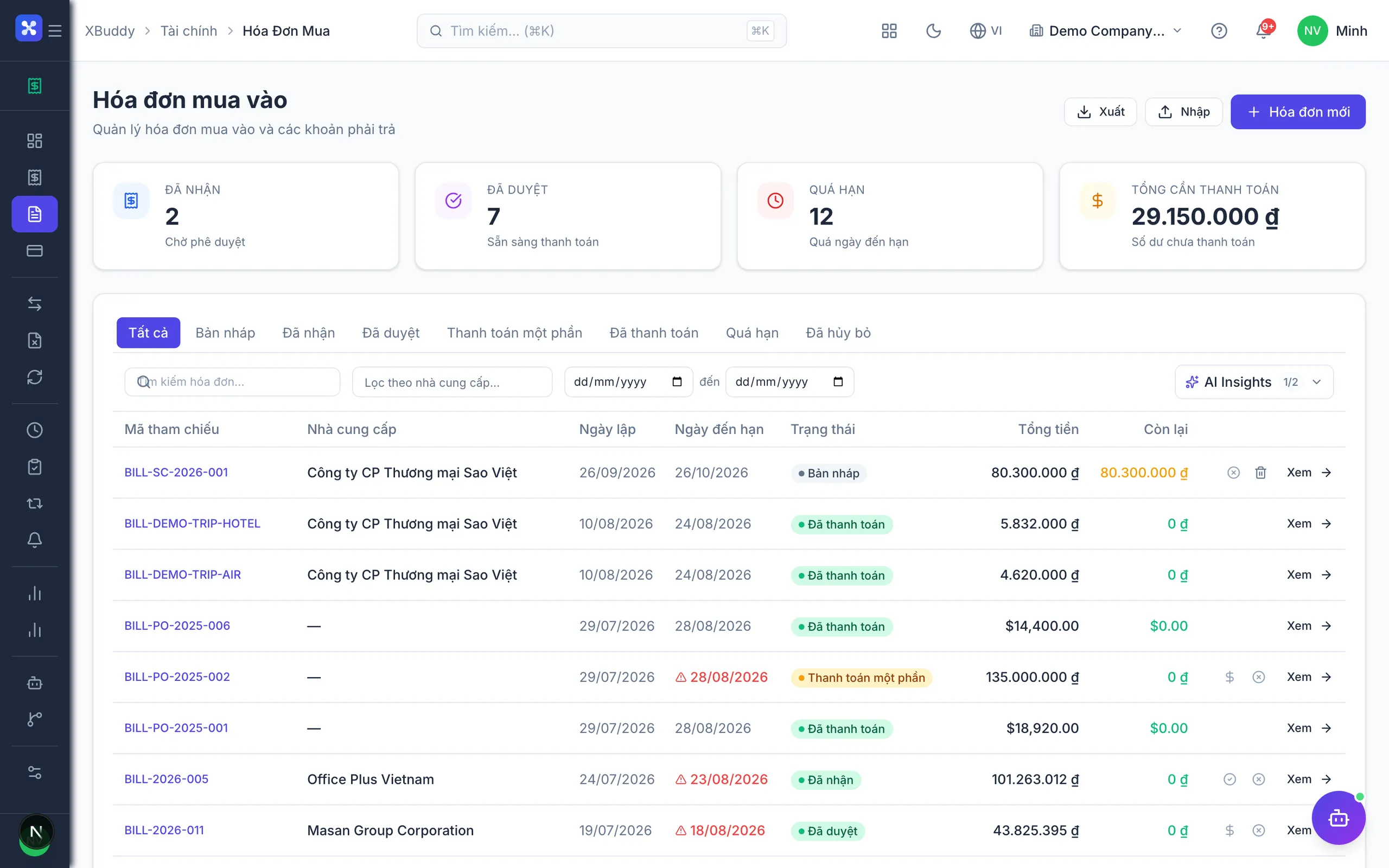
Bills record what you owe suppliers, typically created from a purchase order and its goods receipt. Bills flow through a controlled approval lifecycle before payment.
When to use
- When you receive a supplier invoice for goods or services.
- When you need to match the invoice against the purchase order and receipt.
- When you want to schedule payment by due date.
Draft the bill
Go to Finance → Bills → New Bill (/finance/bills), or create it from a PO so the lines and amounts pre-fill. You can also bulk-import from CSV at /finance/bills/import.
Submit and approve
Submit the draft; approvers review it (three-way matching against PO and GRN is available). Approved bills are cleared for payment.
Schedule and pay
Schedule the payment by due date, then record the payment. The bill status moves to paid and a journal entry posts automatically.
The procurement.three_way_match toggle enables PO–GRN–Bill matching; procurement.require_grn_before_bill requires a GRN before a Bill can be created. The AP Manager agent handles match exceptions, detects duplicate Bills and suggests early-payment discount opportunities.
A Bill that already has payments cannot be voided. Deal with the payments first before cancelling the Bill.