Shop floor & My work
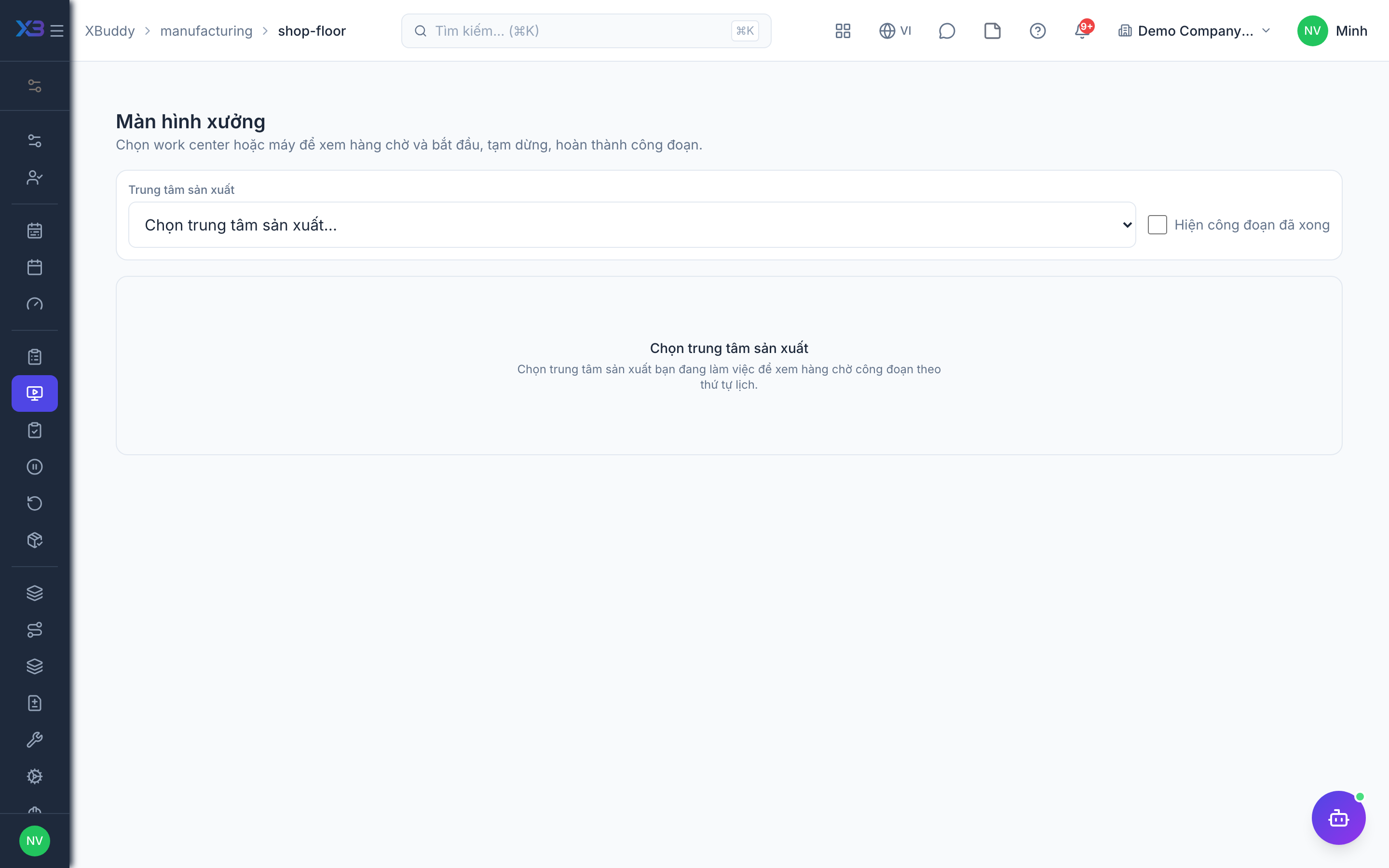
The shop floor screen is where operators and team leads work through Work Order operations: Start, Pause (with a reason), Resume, Complete. Actual labour minutes come from real run intervals, not manual entry. This is a “light MES” layer: people tap, the system records — there is no automatic data capture from machines.
Who uses it
Operators and team leads (manufacturing:execute). Assigning an operation to someone needs manufacturing:write.
Before you start
- Partial execution (
manufacturing.partial_execution) — required for quick report and the shop floor. - Shop floor & operation tickets (
manufacturing.shop_floor, requirespartial_execution). - Lot/serial genealogy (
manufacturing.genealogy) if you want to scan material lots/serials on completion. - The Work Order is confirmed and materials have been issued.
Steps
Open the queue
Manufacturing → Shop floor (/manufacturing/shop-floor) shows the shop’s operation queue; My work (/manufacturing/my-work) shows only yours. An operation card can open the BOM’s drawings and attachments.
Start an operation
Tap Start. A step can only start once previous steps are done, unless the routing allows overlap.
Pause and resume
Tap Pause and pick a reason; paused time counts zero labour minutes. With downtime tracking on, the reason is recorded as a downtime event. Tap Resume to continue.
Complete
Tap Complete and enter good, defective and scrap quantities. Completion creates a production report — stock, ledger and NCR follow a single path. Finished goods are received only at the final operation. With genealogy on, scan the material lots/serials used; codes not issued to the order are rejected.
Quick report
Team leads can use Quick report (/manufacturing/work-orders/quick-report): pick a running order on the left and report output on the right; on a phone it shows as one column.
On mobile
Field operators use the XBuddy Work app; the lot/serial scan field appears only when genealogy is on, same as the web.
Tips & limits
- Two people tapping Complete at once produce one report; the second gets a conflict message.
- With the shop floor on, you cannot set an operation to running or completed by editing it directly — use the shop floor.
- Voiding a report that completed an operation reopens it as paused; if the next step has started, void that one first.
- There is no PLC, SCADA or sensor-based output counting.