Workflows & examples
Common end-to-end scenarios for running a help center.
When to use
Use these examples as templates for your own routine: deflecting repeated questions, refreshing content and gated publishing.
Before you start
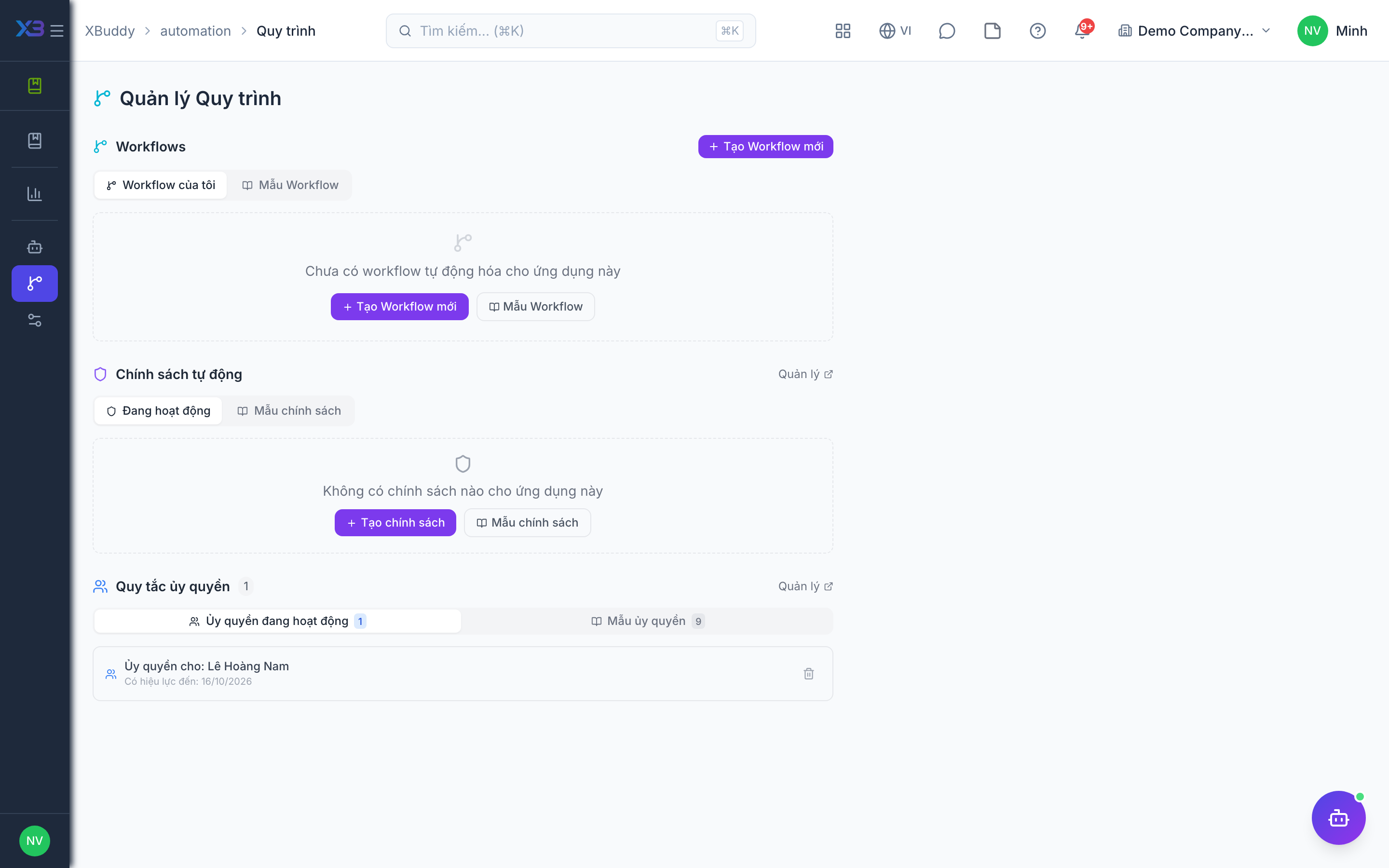
- Workflow routing is configured at
/knowledge/automation/workflows; it can attach approval to articles and folders. - Reviewing needs the review permission; authoring needs
kb:write. - Approval-before-publish is a setting; if off, drafts publish directly.
Steps
-
Deflecting a recurring support question: notice a repeated ticket topic in Service Management, draft an article in /knowledge/kb, publish it under the right category, and link it in ticket replies.
-
Content refresh: open /knowledge/reports to find poorly rated articles, ask the AI Hub for improvement suggestions, edit, and republish.
-
Reviewed publishing: author a draft, send it for review (routed by /knowledge/automation/workflows), the reviewer approves, then publish.
-
Policy with acknowledgement: import a document as a draft, edit, publish and require read acknowledgement.
Tips & common mistakes
- Link articles in ticket replies rather than pasting text, so one fix updates every answer.
- Keep one owner per category so reviews are not left waiting.
- Check the report a week after publishing to see whether feedback improved.
- Do not publish before approval when review is required; the article stays in Review until approved.