Reporting on delivery
When to use
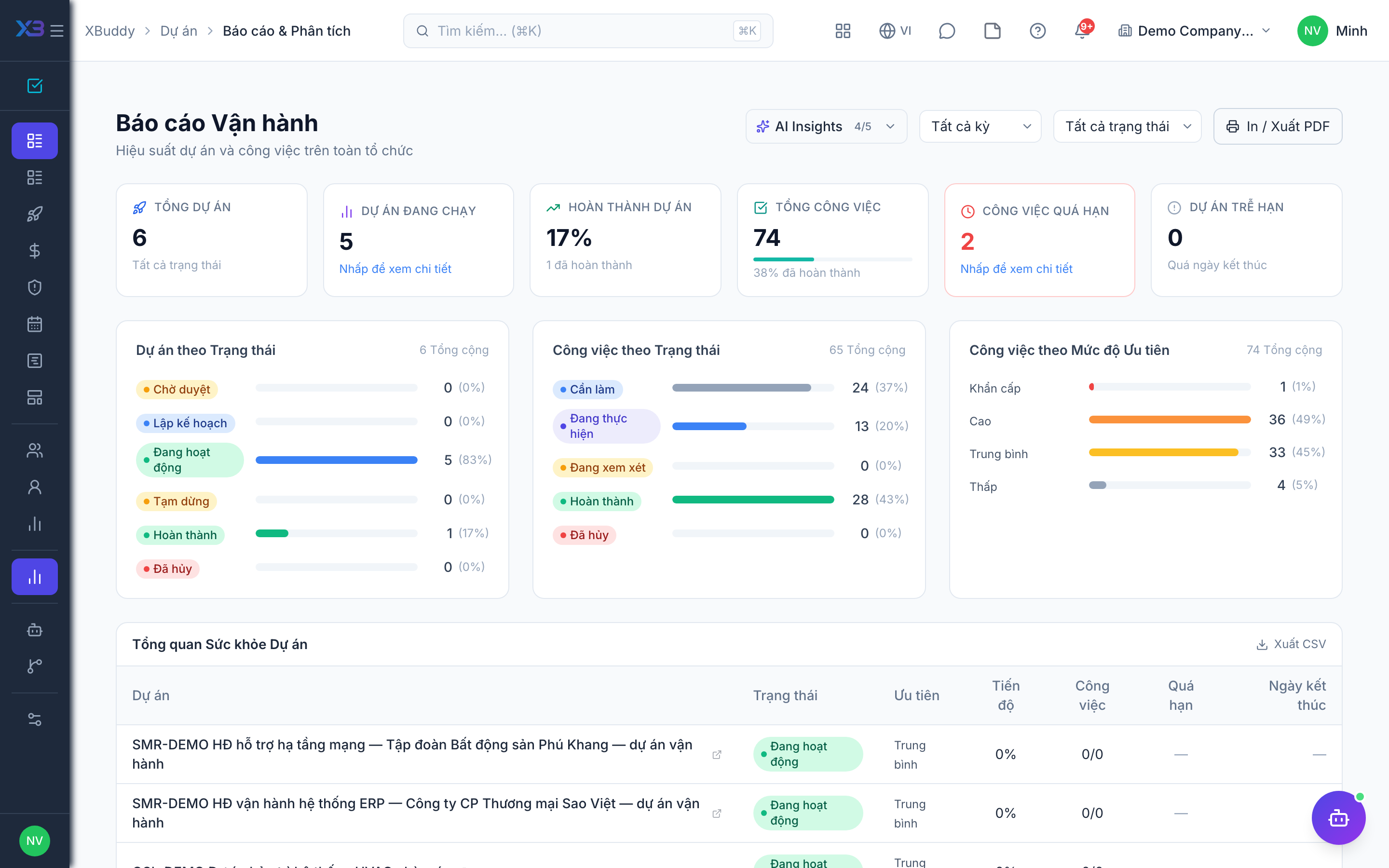
Use reports when you need numbers for a status meeting: how a project is tracking against schedule and budget, and how the team is doing on completing, balancing, and finishing tasks on time.
Before you start
- Project reports need
projects:read. Budget figures per project also depend onproject_financials:readfor the drill-down views. - Task reports need
tasks:read. - You only see data inside your data scope (own, team, or all), so two people can see different totals.
Steps
Project reports
Go to Reports (/projects/reports) for project-level reporting. For a single project, use its Profitability and Time summary tabs.
Task reports
Open Reports under Tasks (/tasks/reports). It links to three reports: completion (/tasks/reports/completion), workload (/tasks/reports/workload), and overdue (/tasks/reports/overdue).
Overview dashboard
Open Overview (/tasks/overview) for a quick look at completed and overdue work.
Tips & common mistakes
- If numbers differ between two people, check their data scope before assuming a bug.
- Overdue and completion reports depend on people updating task status. Encourage the daily log to keep them current.
- Cancelled tasks are left out of progress calculations.