Signing document templates
Templates let you set up commonly used documents once and reuse them, instead of rebuilding the signers and fields every time you send.
Purpose
They shorten request creation for repeating documents such as NDAs, standard contracts or policy acknowledgements, while keeping the layout consistent.
When to use
Use templates for documents you send again and again, so you do not rebuild signers and fields each time. For a document you will send only once, create the request directly.
Before you start
- You need
signatures:readto open/signatures/templates; creating a request still needssignatures:write, and sending needssignatures:send.
Open the template list
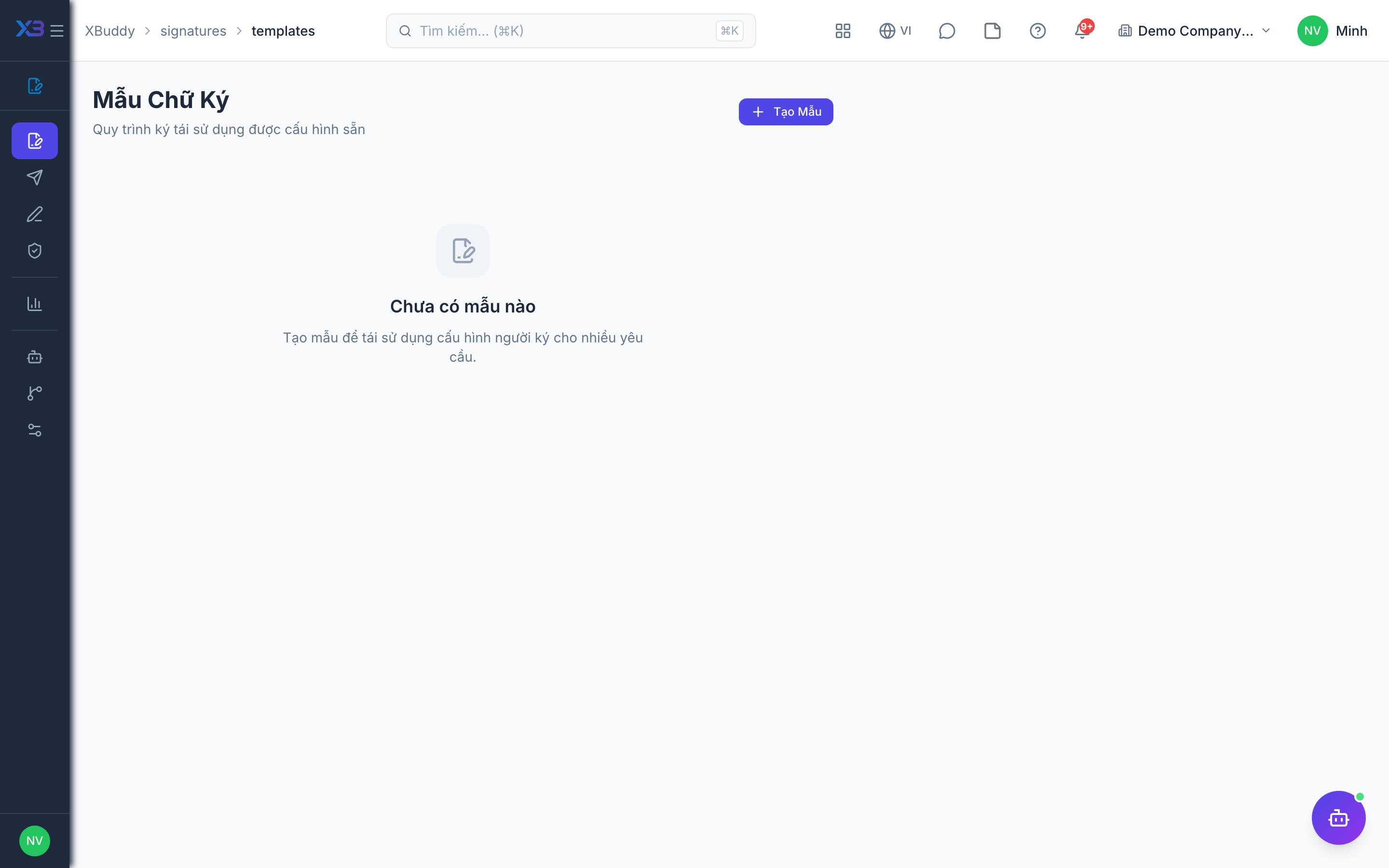
Go to /signatures/templates.
Choose a template
Pick the template that matches your document.
Start a request
Use the template when creating a new request at /signatures/new, then send as usual.
Check before sending
Review the signers, signing order and fields, adjust if needed, then click Send.
Tips & common mistakes
- Check the signers and fields before sending; a template does not replace the final check.
- Keep one template per document type to avoid picking the wrong one.
- The document content is hashed when sent, so place all fields before sending.
Need to send the same document to many recipients? Combine it with bulk scheduling: each recipient gets an independent, separately tracked request.
A template does not replace the final check. A wrong signer or a misplaced field will be sent exactly as it is if you do not review it.