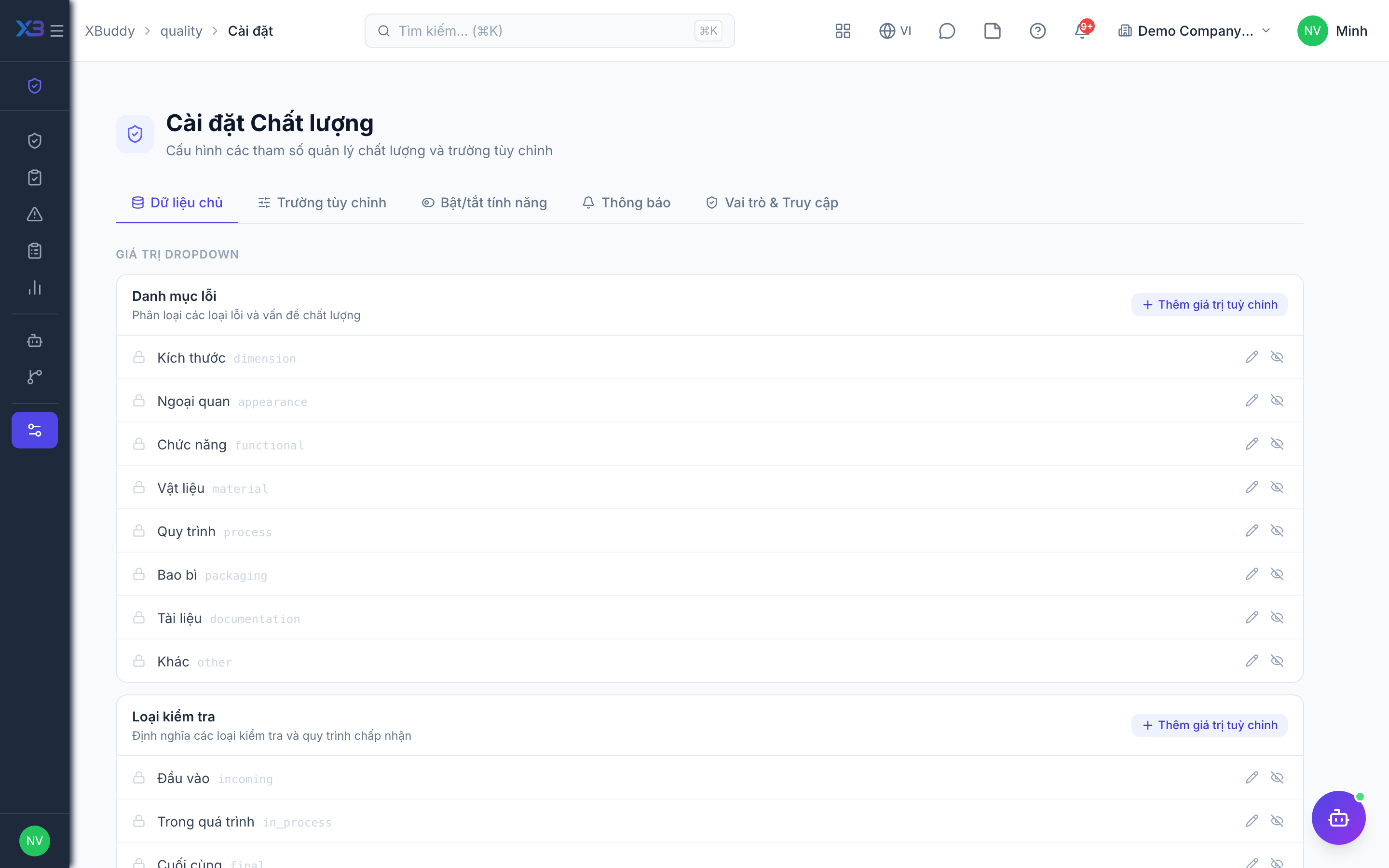
Quality settings & inspection sources
Quality rules and sources decide where inspections come from and how strict the process is.
When to use
Use it when you set up Quality, or when you want to tighten (or relax) approvals, holds and NCR rules.
Before you start
- Open
/quality/settings. Permission:quality:admin(orsettings:readto view). Workflows for inspection and NCR approval are at/quality/automation/workflows.
Choose how inspections start
Create them by hand, from a goods receipt, a purchase order or a work order — the lines are preloaded and linked in the document chain. To create them automatically after every goods receipt turn on quality.auto_inspect_on_grn (default off, on for new companies).
Set inspection rules
quality.require_inspection_approval (default on) and quality.enable_hold_on_inspection_fail (default off, on for new companies).
Set NCR rules
quality.auto_create_ncr_on_fail, quality.require_root_cause_on_ncr, quality.require_corrective_action_on_ncr, quality.ncr_due_date_required and quality.ncr_verification_notes_required.
Set data scope
Choose whether users see only their own inspections and NCRs, their team’s or all.
Tips & common mistakes
- Auto-inspect on goods receipt is optional — not every lot must be inspected; turn it on only if your policy requires it.
- Holding stock until the inspection is finished is a separate option (
quality.hold_stock_until_inspection, default off). - Rules are company-wide; tell your inspectors when you change them.
- The AI assistant suggests and warns only; it does not change rules.