Kitchen display (beta)
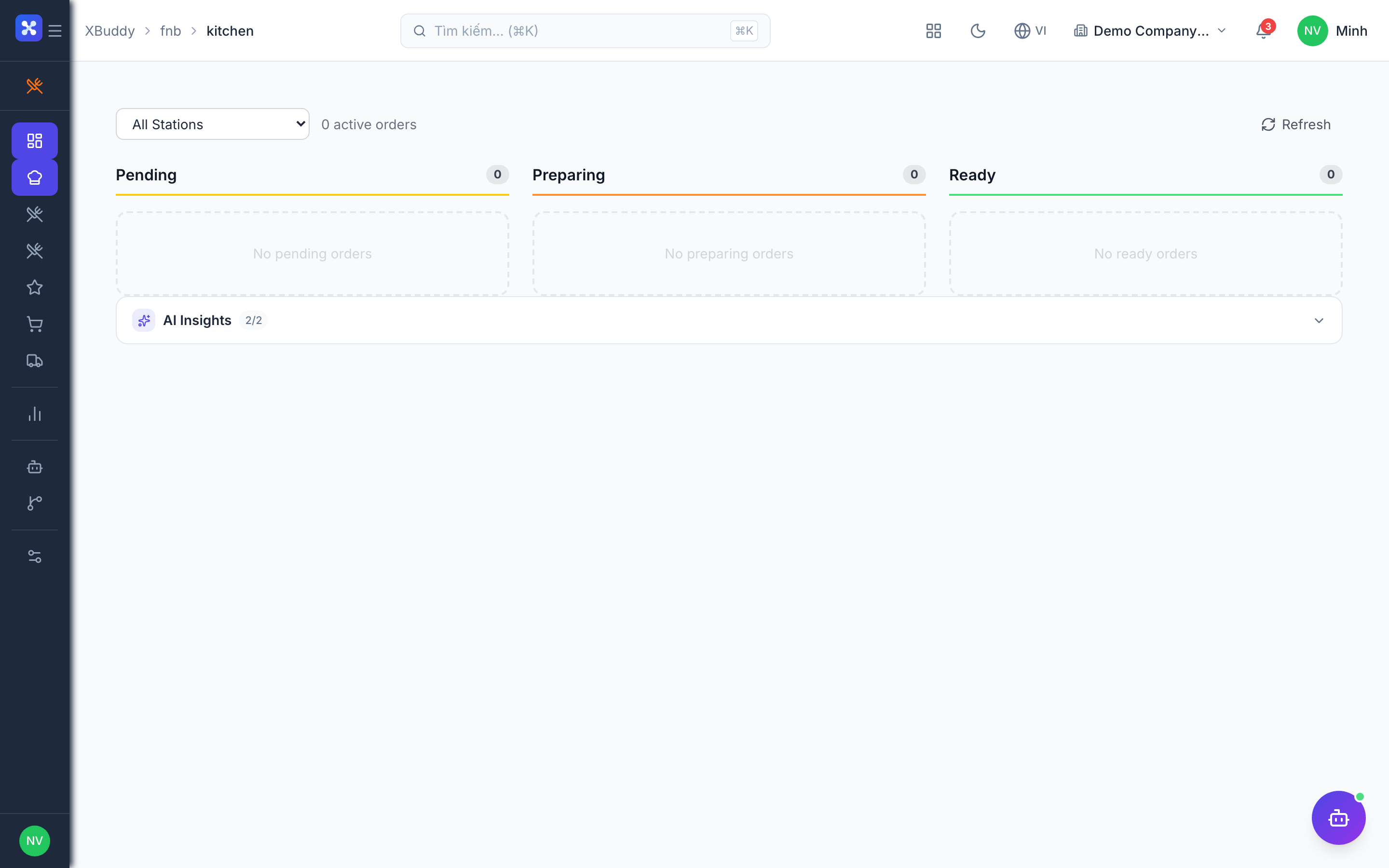
The kitchen display shows kitchen tickets by status so the kitchen can track and update them. Tickets are created automatically from POS sales and from online or phone orders.
⚠️
Beta. The kitchen display is still being matured.
When to use
- You run a pass or a prep station and want one screen with every open ticket.
- You want the front of house to see when a dish is ready.
- You want a cancelled or voided sale to disappear from the kitchen automatically.
Before you start
- Permission:
pos:useto open the screen and see tickets. Creating stations and managing recipes needspos:manage. - Toggles: F&B has no feature toggles in the catalog, so there is nothing to switch on.
- Tickets from POS: pick the POS shops that feed this outlet in F&B → Settings (see Outlet settings). Sales from shops that are not selected never reach the kitchen.
Work a ticket
Open the kitchen screen
Go to F&B → Kitchen Display (/fnb/kitchen). The screen refreshes on its own, so new tickets appear without reloading.
Pick up a new ticket
New tickets arrive as pending. Read the ticket number, table (when the POS sale has one) and items.
Start cooking
Move the ticket to preparing when the station starts work.
Mark it ready
Move the ticket to ready when the dish can leave the pass. For an online order, the order status follows the ticket.
Ticket statuses
| Status | Meaning | Next step |
|---|---|---|
| pending | The ticket has just arrived. | Start cooking. |
| preparing | A station is working on it. | Mark ready. |
| ready | The dish is ready to go out. | Hand over. |
| cancelled | The POS sale was voided or the online order was cancelled while the ticket was still open. | None. |
Tips & common mistakes
- Nothing arrives from POS? Check that the POS shop is selected in outlet settings; a shop that is not assigned is skipped on purpose.
- Re-sent sales do not create a second ticket for the same POS order.
- A voided sale only cancels tickets that are still pending or preparing.
- A ticket that is already ready or completed is not pulled back when the order is cancelled.
- Cancelling an online order cancels its open kitchen ticket as well.