Quality Management setup guide
This page walks through 9 steps to set up Quality Management, in the order the in-app Setup assistant recommends. Each step lists what to prepare, the questions to answer first and the screen to use.
In the app, open Settings → Setup assistant: it measures your current state, asks the survey questions below and proposes a change set you approve before it is applied. This page is the read-only version for preparing ahead or doing it by hand.
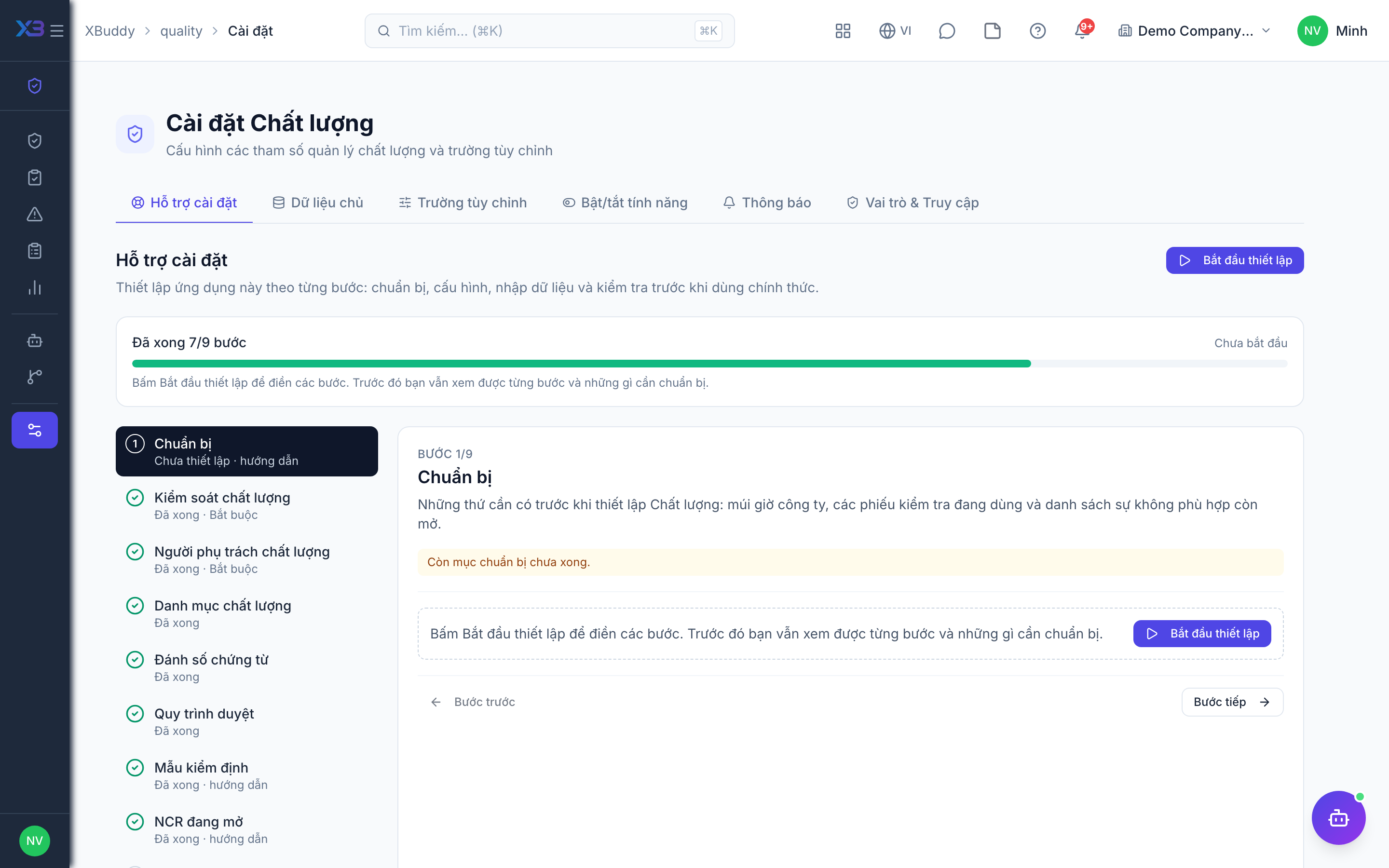
1. Prepare
Optional
What to have ready before setting up Quality: the company time zone, the inspection checklists in use and the list of open non-conformances.
| # | Task | How | Screen |
|---|---|---|---|
| 1 | Time zone confirmed | Company settings: inspection dates, NCR due dates and overdue lists use the company time zone. | /settings/company |
| 2 | Inspection checklists collected | Per product or process: each criterion and its check type (pass/fail, numeric with min/max, text). | — |
| 3 | Open NCR list ready | Non-conformances still open at go-live: severity, owner and due date. | — |
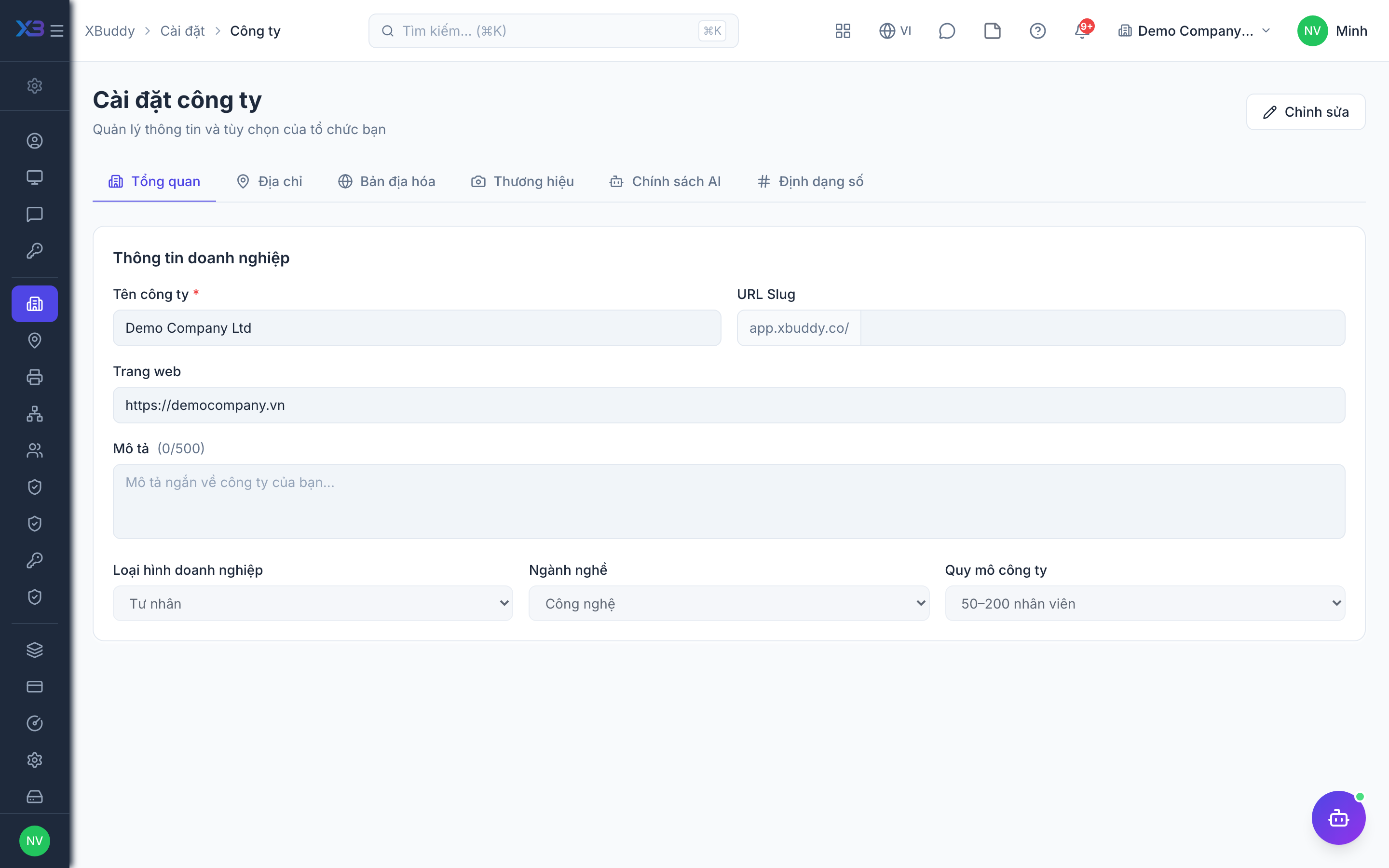
2. Quality controls
Required
Choose how quality control works: inspection sign-off, hold and NCR on failure, the rules for handling NCRs, and inspection of incoming goods.
Prepare first
- A short description of how quality control works today: which goods are inspected (incoming, in-process, final), who signs off, and how non-conformances are handled and closed.
Questions to answer
- Must a passed inspection be signed off by a QA lead before it counts as done? What happens to a failed lot: is it put on hold and does it always open an NCR?
- When handling an NCR, must the root cause and corrective action be written down, must assignments have a due date, and must closing be verified with notes?
- Are goods inspected on receipt from vendors, and must received stock stay blocked until the inspection is decided?
| Toggle | Key | Default | Effect |
|---|---|---|---|
| Require Inspection Approval | quality.require_inspection_approval | On | Passing inspection results wait in Pending approval until someone with quality:approve (or the approval workflow) approves them; failed results are final immediately. |
| Auto-Hold on Inspection Fail | quality.enable_hold_on_inspection_fail | Off | Flag a failed inspection as On hold until it is released. Only the inspection record is flagged — stock and documents are not blocked. |
| Auto-Create NCR on Fail | quality.auto_create_ncr_on_fail | Off | Automatically create a minor Non-Conformance Report when an inspection fails (manufacturing operation inspections get their NCR from Manufacturing). |
| Require Root Cause | quality.require_root_cause_on_ncr | On | Block moving an NCR to Under review without a root cause. |
| Require Corrective Action | quality.require_corrective_action_on_ncr | On | Block resolving an NCR without documenting the corrective action plan. |
| Due Date Required on NCR Assignment | quality.ncr_due_date_required | Off | Require a due date when assigning an NCR to a responsible person. |
| Verification Notes Required on Close | quality.ncr_verification_notes_required | Off | Require verification notes when verifying a resolved NCR — verification is the step before closing. |
| Auto-inspect on goods receipt | quality.auto_inspect_on_grn | Off | Automatically create a quality inspection when a goods receipt is confirmed |
| Hold received stock until inspection | quality.hold_stock_until_inspection | Off | Received quantity stays on hold (not available to sell or issue) until the goods-receipt inspection is decided; rejected quantity stays held until returned to the supplier |
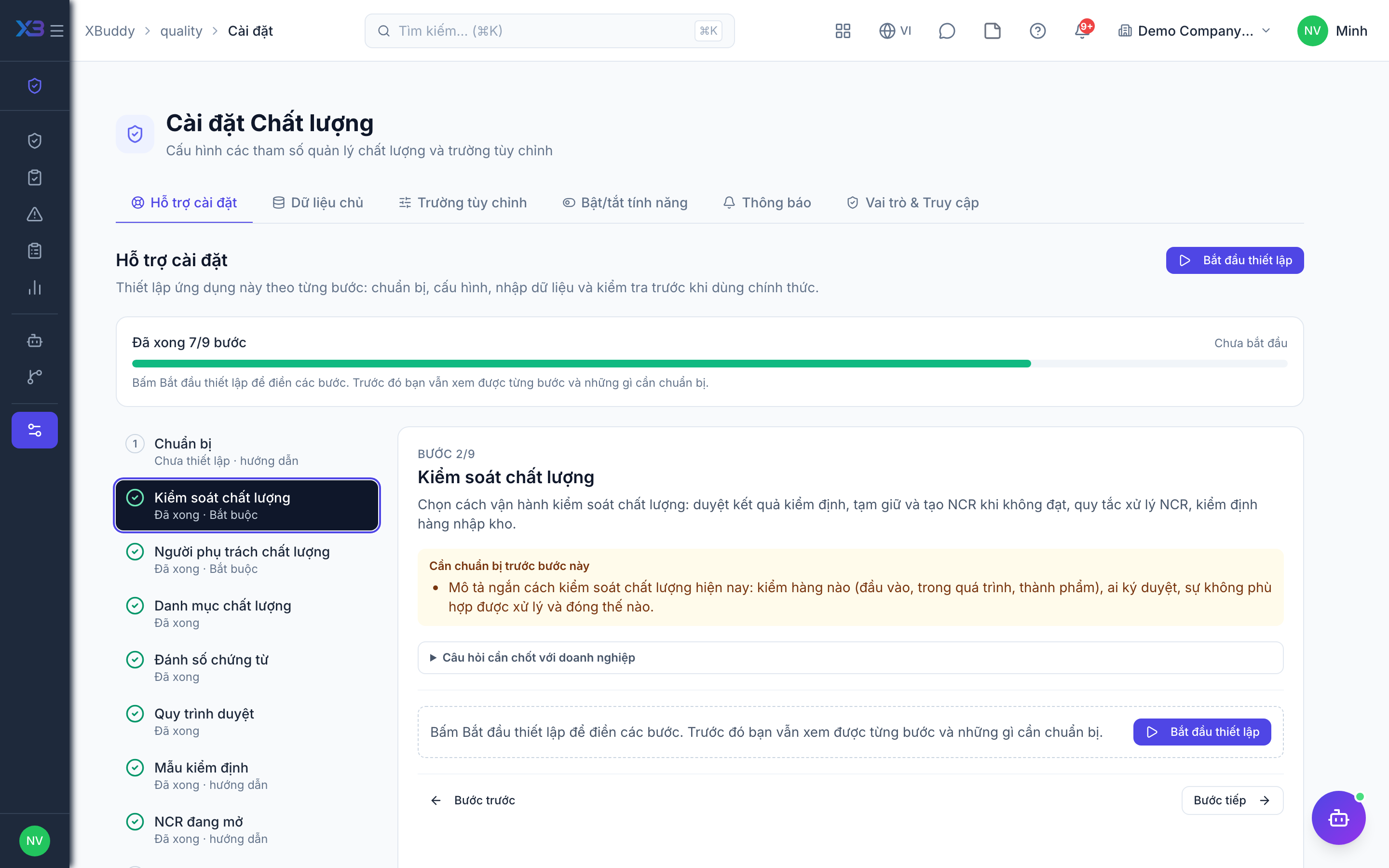
3. Quality people
Required
Choose who runs quality: the QA lead and the inspectors. You cannot remove a person’s last role here.
Prepare first
- The list of QA leads and inspectors — each must already be invited as a user.
Questions to answer
- Who leads quality (approves inspections, verifies NCRs), and who carries out inspections?
- Should the person who records an inspection be allowed to approve it too?
| Role template | Key | For |
|---|---|---|
| Quality Manager | quality_manager | Quality manager: owns Quality settings and templates, approves inspections, verifies NCRs |
| Quality Inspector | quality_inspector | Quality inspector: records inspections and NCRs, cannot approve |
4. Quality lists
Optional
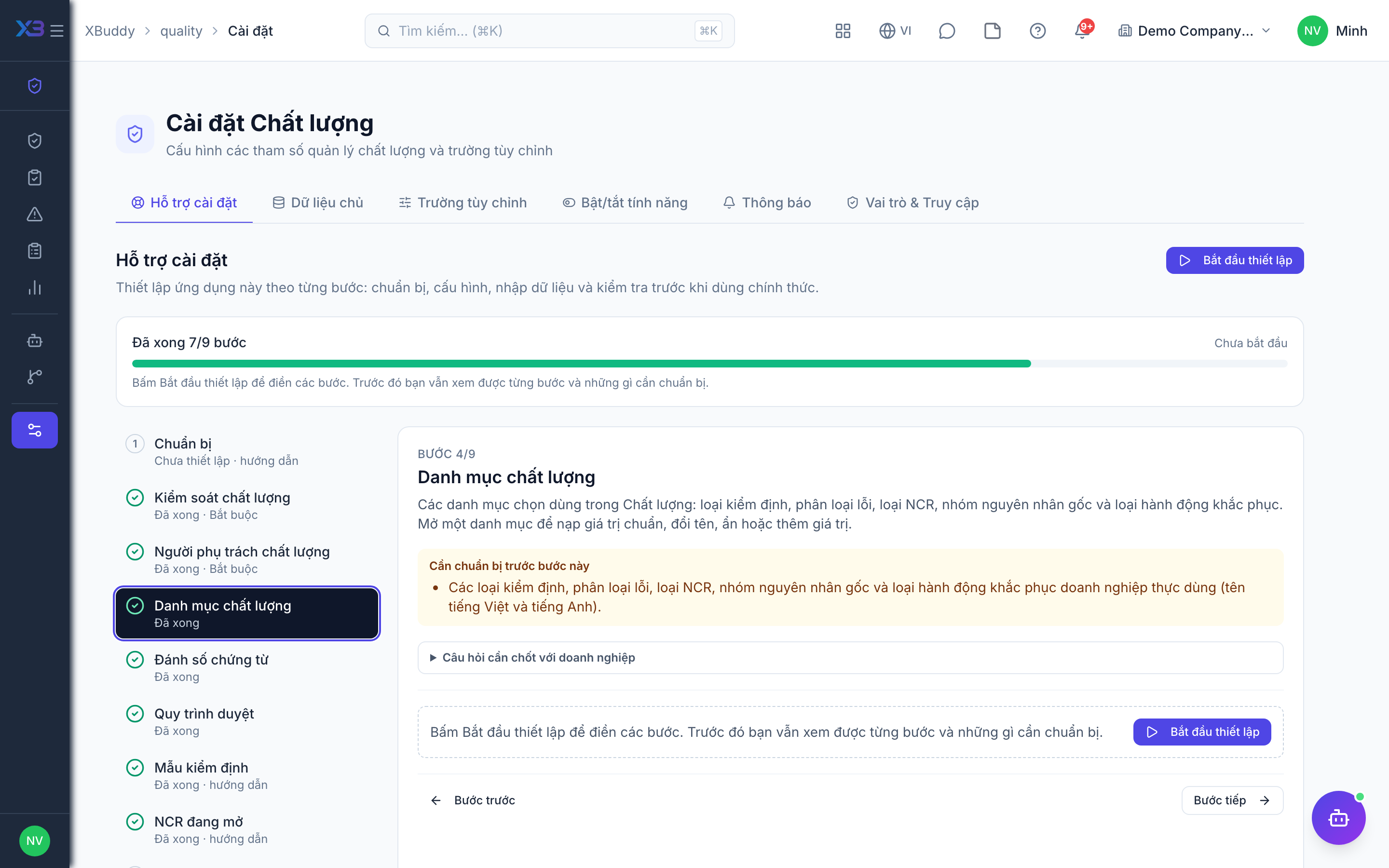
The choice lists used in Quality: inspection types, defect categories, NCR types, root-cause categories and corrective-action types. Open a list to fill it with the standard values, rename, hide or add values.
Prepare first
- The inspection types, defect categories, NCR types, root-cause categories and corrective-action types the business really uses (Vietnamese and English names).
Questions to answer
- Which kinds of inspection do you run, and how do you classify defects?
- How do you classify non-conformances, their root causes and the corrective actions taken?
Lookups to review (Settings → Lookups):
- Corrective Action Types (
corrective_action_types) - Defect Categories (
defect_categories) - Inspection Types (
inspection_types) - Non-Conformance Types (
non_conformance_types) - Root Cause Categories (
root_cause_categories)
5. Document numbering
Optional
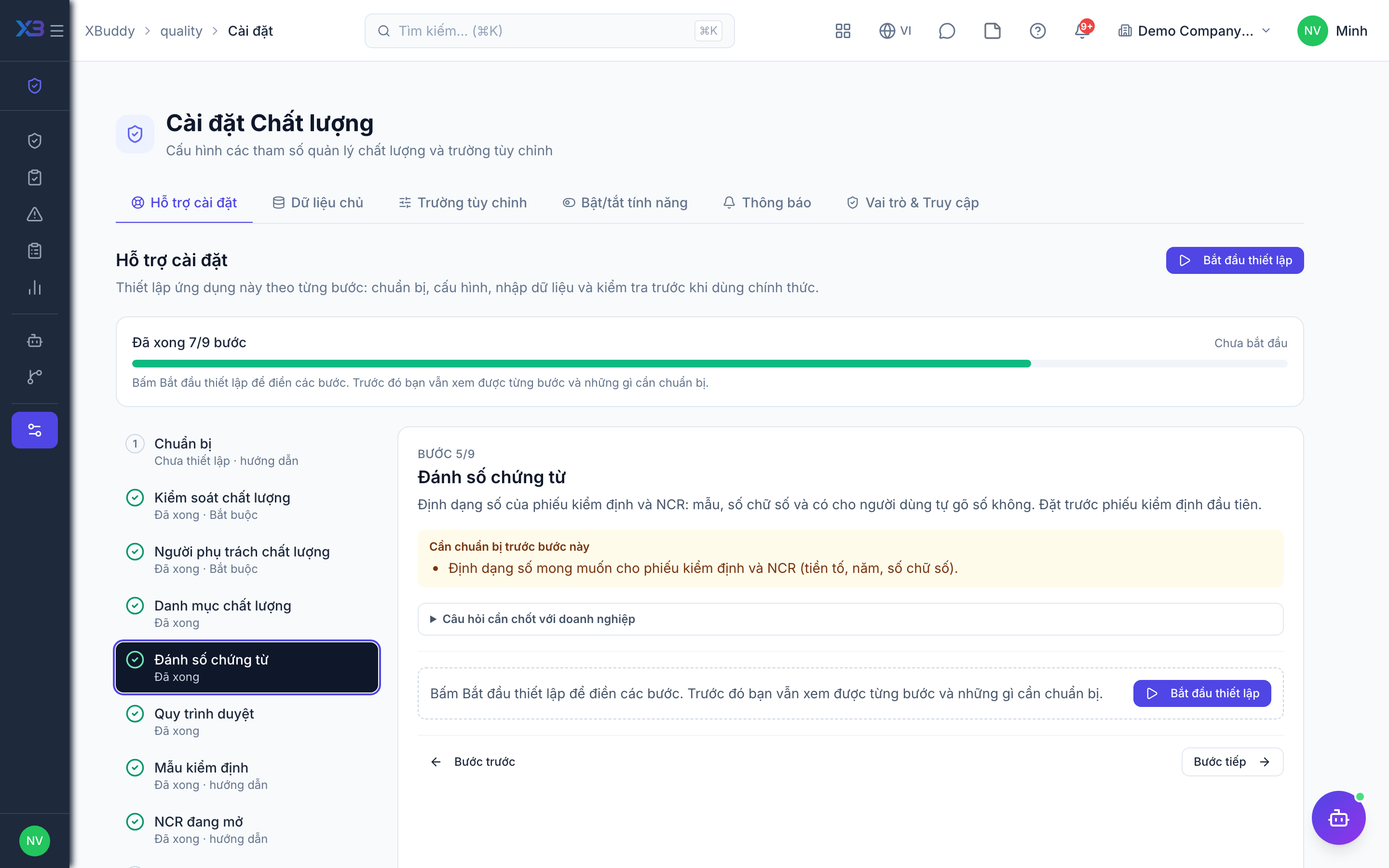
The number format of inspections and NCRs: pattern, digits and whether users may type the number. Set it before the first inspection.
Prepare first
- The numbering format wanted on inspections and NCRs (prefix, year, digits).
Questions to answer
- Do inspections and NCRs follow a fixed numbering format, or keep the defaults?
Document types to configure numbering for (Settings → Document numbering):
qc_inspectionncr
6. Approval workflows
Optional · After step: Quality controls, Quality people
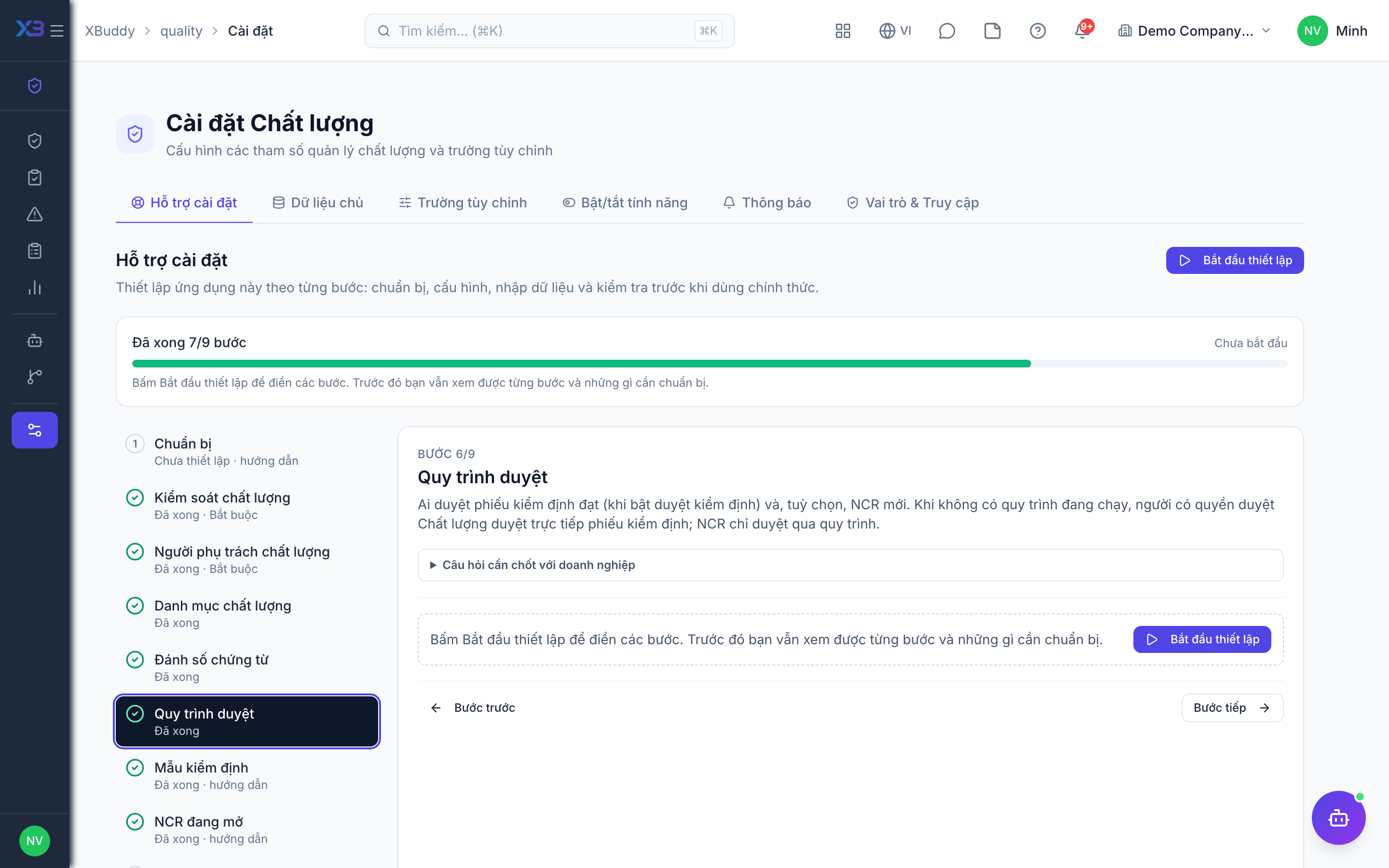
Who approves passed inspections (when inspection approval is on) and, optionally, new NCRs. Without an active workflow, users holding the Quality approve permission approve inspections directly; NCRs are approved only through a workflow.
Questions to answer
- Does one QA lead approve passed inspections directly, or should approval go through levels (e.g. by number of defects)?
- Must a new NCR be approved before work on it starts?
Approval workflows to enable (Workflow → Template library) — see Workflow templates:
qc_inspectionquality_ncr
7. Inspection templates
Optional
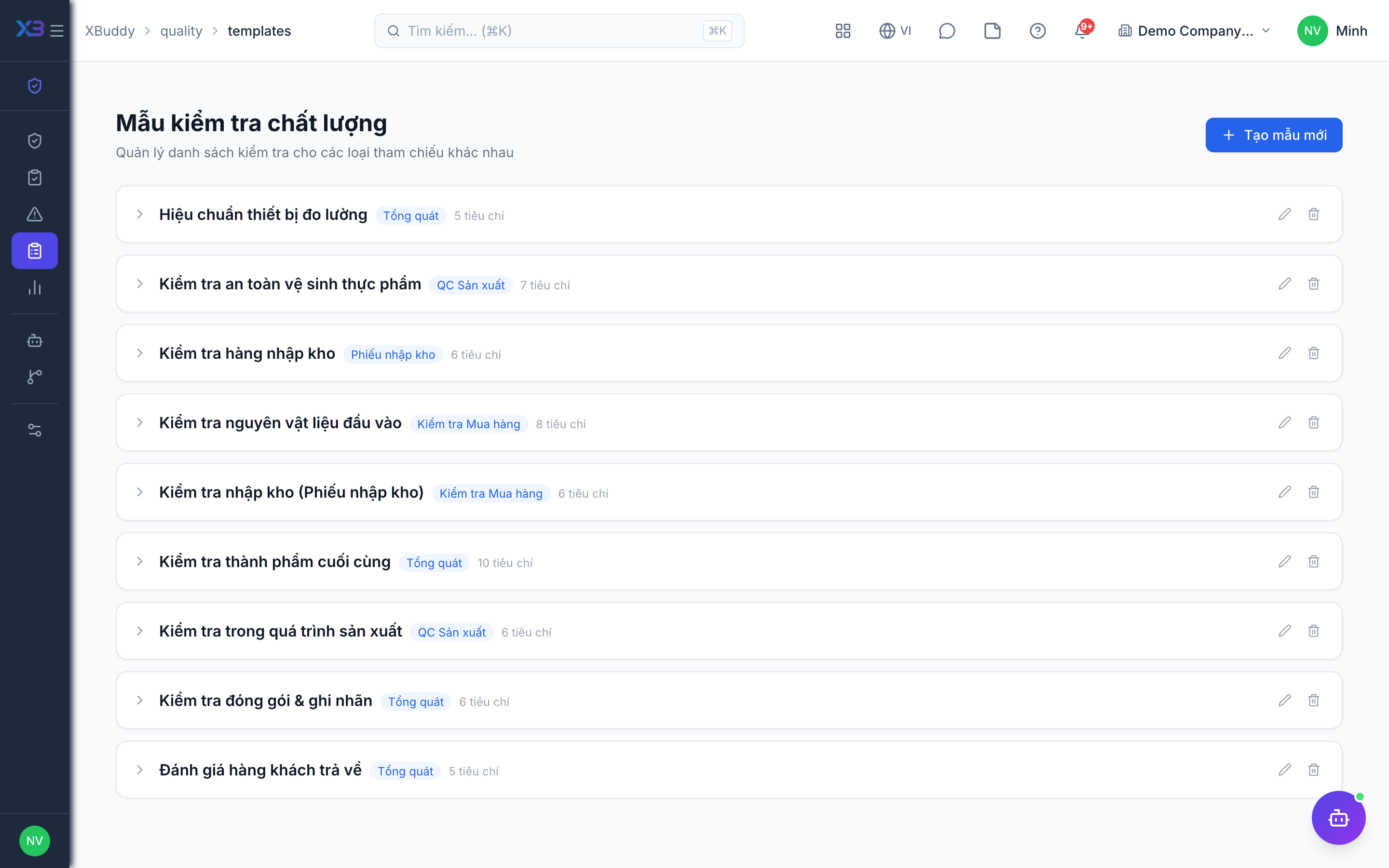
Create the inspection templates that inspections copy their criteria from. Counts come from real data.
Prepare first
- Create inspection templates first — inspections created from them copy their criteria.
Questions to answer
- Where are the inspection checklists kept today, and how many are there?
| # | Task | How | Screen |
|---|---|---|---|
| 1 | Inspection templates | Quality → Templates: criteria and reference type (goods receipt, work order, general). | /quality/templates |
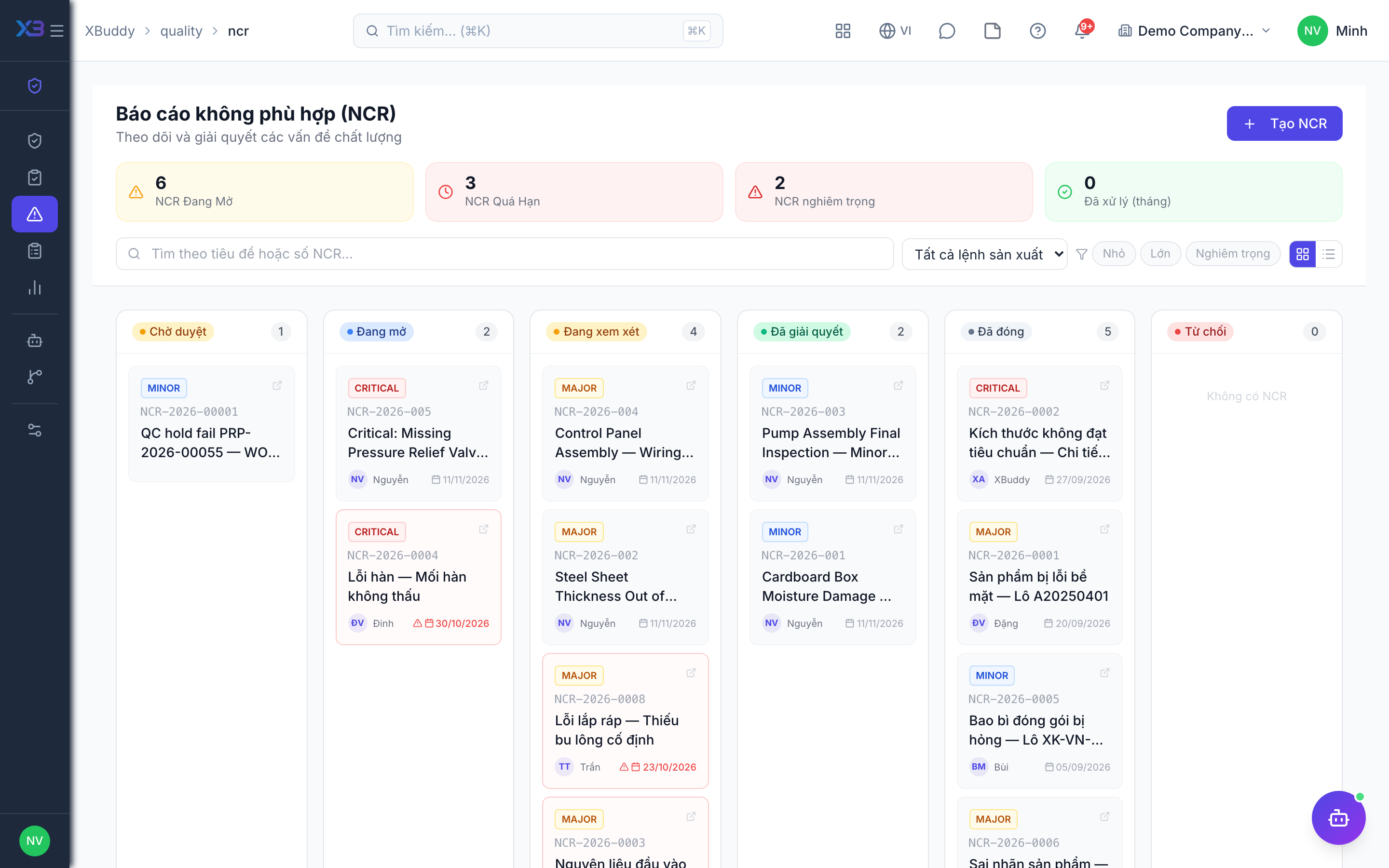
8. Open NCRs
Optional
Enter the non-conformances still open at go-live; closed ones stay in the old system.
Prepare first
- Agree the cut-over date: NCRs still open on that day are entered in XBuddy; closed ones stay in the old system.
| # | Task | How | Screen |
|---|---|---|---|
| 1 | Open NCRs | Quality → NCR → New, with severity, owner and due date. | /quality/ncr |
9. Test run
Optional
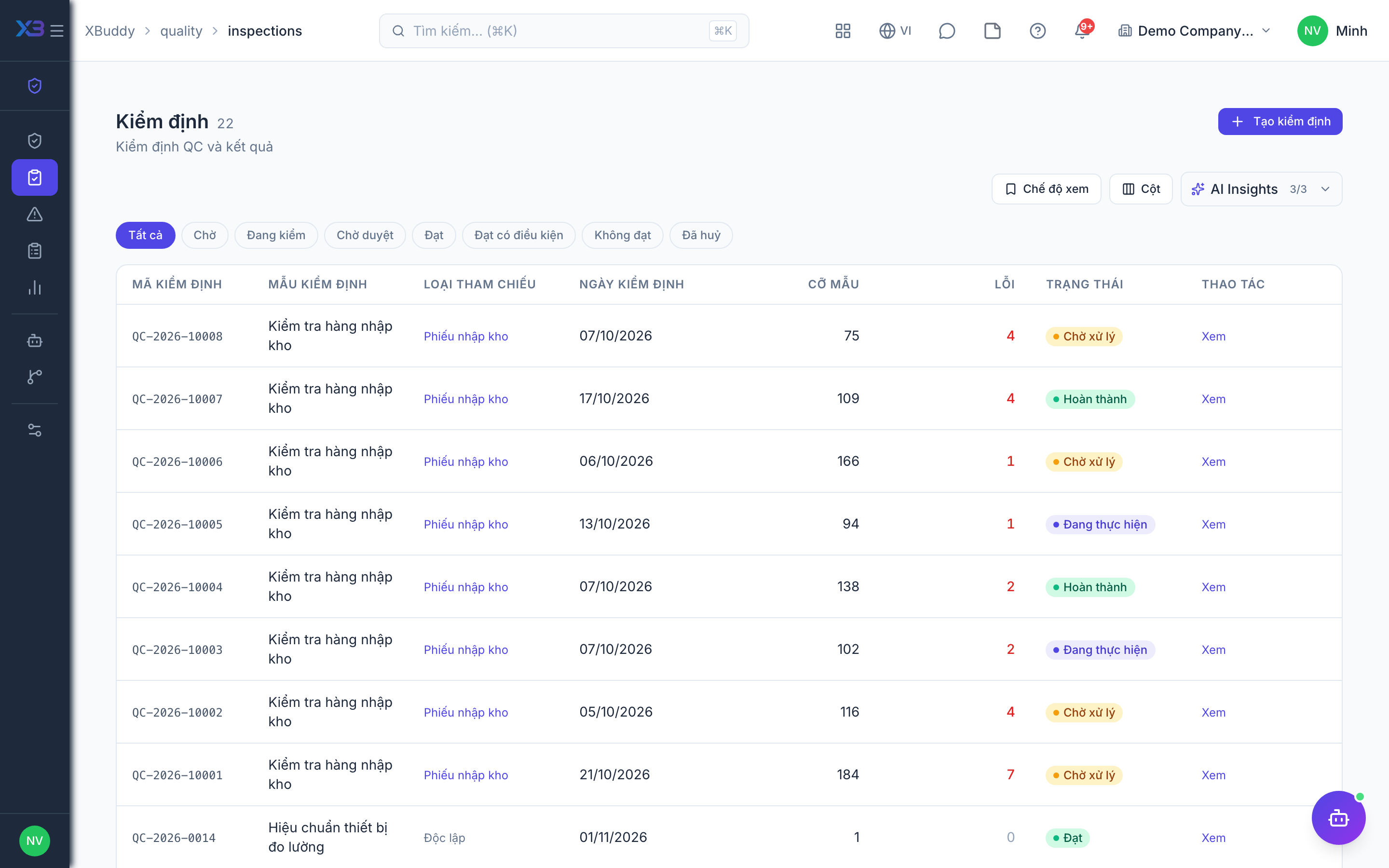
Walk through one inspection and one NCR end to end before go-live.
Prepare first
- Use one real template and one test lot; agree with the QA lead who checks each result.
| # | Task | How | Screen |
|---|---|---|---|
| 1 | Record a passing inspection | Its number follows the format and, if approval is on, it waits for approval. | /quality/inspections |
| 2 | Approve it | As the QA lead, directly or through the approval inbox if a workflow is active. | /quality/inspections |
| 3 | Record a failing inspection | It is put on hold and an NCR is opened if those switches are on. | /quality/inspections |
| 4 | Close an NCR | Under review → resolved → verified, checking the root cause, corrective action and notes rules. | /quality/ncr |
| 5 | Receive goods | Only if incoming inspection is on: confirming a goods receipt creates an inspection (and holds stock until decided). | /inventory/grn |
Next
See the feature pages of this app in the left menu, or the setup guides of every app.