Asset Management setup guide
This page walks through 9 steps to set up Asset Management, in the order the in-app Setup assistant recommends. Each step lists what to prepare, the questions to answer first and the screen to use.
In the app, open Settings → Setup assistant: it measures your current state, asks the survey questions below and proposes a change set you approve before it is applied. This page is the read-only version for preparing ahead or doing it by hand.
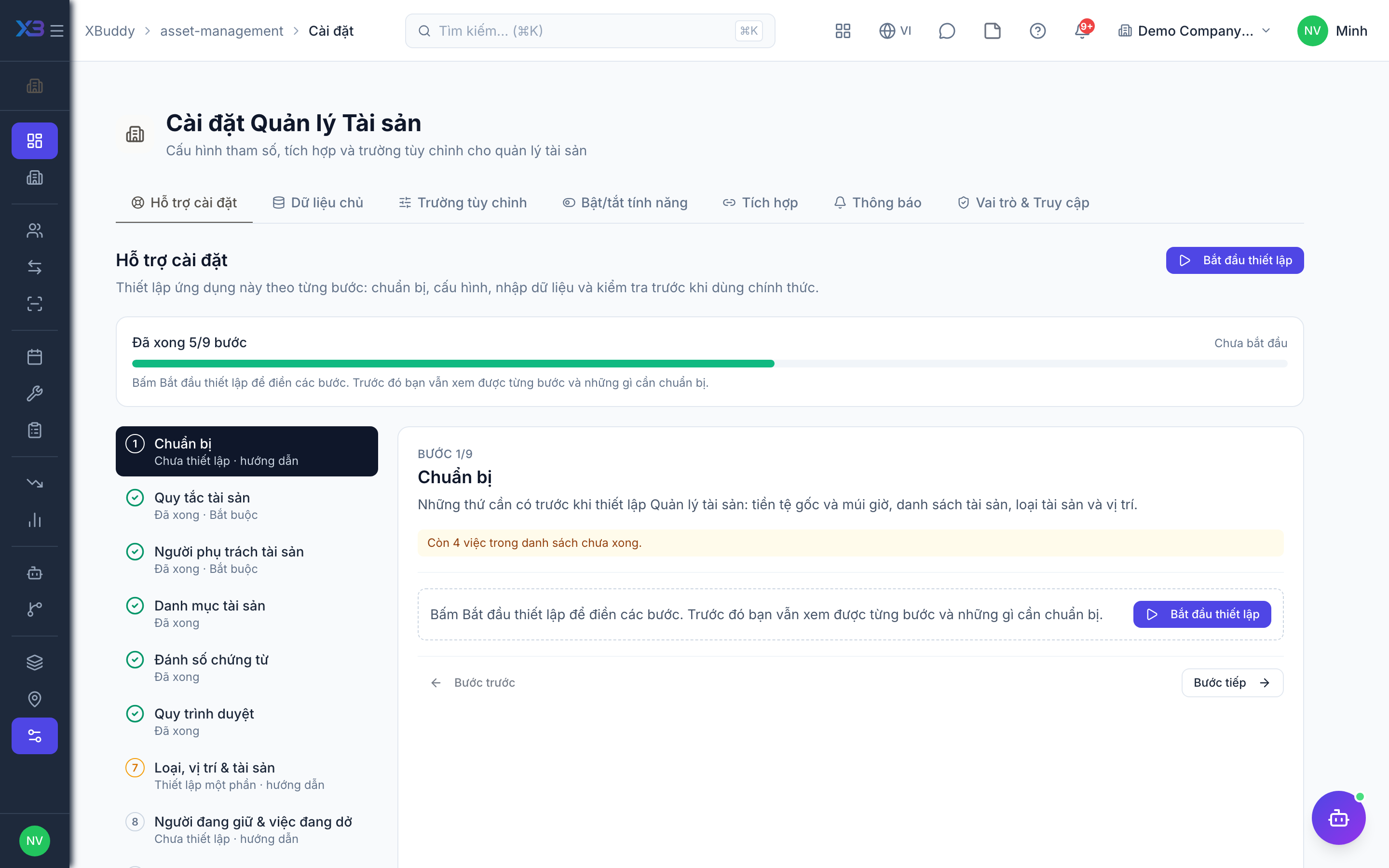
1. Prepare
Optional
What to have ready before setting up Asset Management: base currency and time zone, the asset list, categories and locations.
| # | Task | How | Screen |
|---|---|---|---|
| 1 | Base currency and time zone confirmed | Asset values, the work order approval threshold and maintenance dates use them. | /settings/company |
| 2 | Asset list cleaned up | Code, name, category, location, holder, purchase date and cost, serial number. | — |
| 3 | Asset categories agreed | Useful life and maintenance interval for each category. | — |
| 4 | Locations listed | Offices, sites and rooms where assets are kept. | — |
2. Asset rules
Required
How assets are handed out and returned, whether every asset needs a category, and (optional) automatic preventive maintenance. Whether work order parts deduct stock is set in ERP configuration.
Prepare first
- A written description of how assets are handed out and returned, and how preventive maintenance is planned today.
Questions to answer
- Can an asset under repair or reserved still be handed out? Must the condition be recorded when it comes back?
- Is every asset classified into a category (IT equipment, vehicles, machinery…)?
- Do assets have fixed maintenance intervals, and should the system create maintenance slips and work orders automatically?
| Toggle | Key | Default | Effect |
|---|---|---|---|
| Block checkout when unavailable | asset.block_checkout_when_unavailable | On | Only assets in Active status can be checked out or reassigned (not under maintenance, reserved or lost). Disposed assets are always blocked. |
| Require condition on check-in | asset.require_condition_on_checkin | Off | Require an asset condition to be recorded on check-in |
| Require category on create | asset.require_category_on_create | Off | Block creating an asset with no category |
| Auto-generate preventive maintenance | asset.pm_auto_generate | Off | Every night, create a preventive maintenance slip for assets whose interval (category or asset override) is due. One open slip per asset. |
| Auto-create a work order for each slip | asset.pm_auto_create_work_order | Off | Each preventive slip the nightly job creates also gets a draft work order linked to it, ready to assign or dispatch to Field Service. |
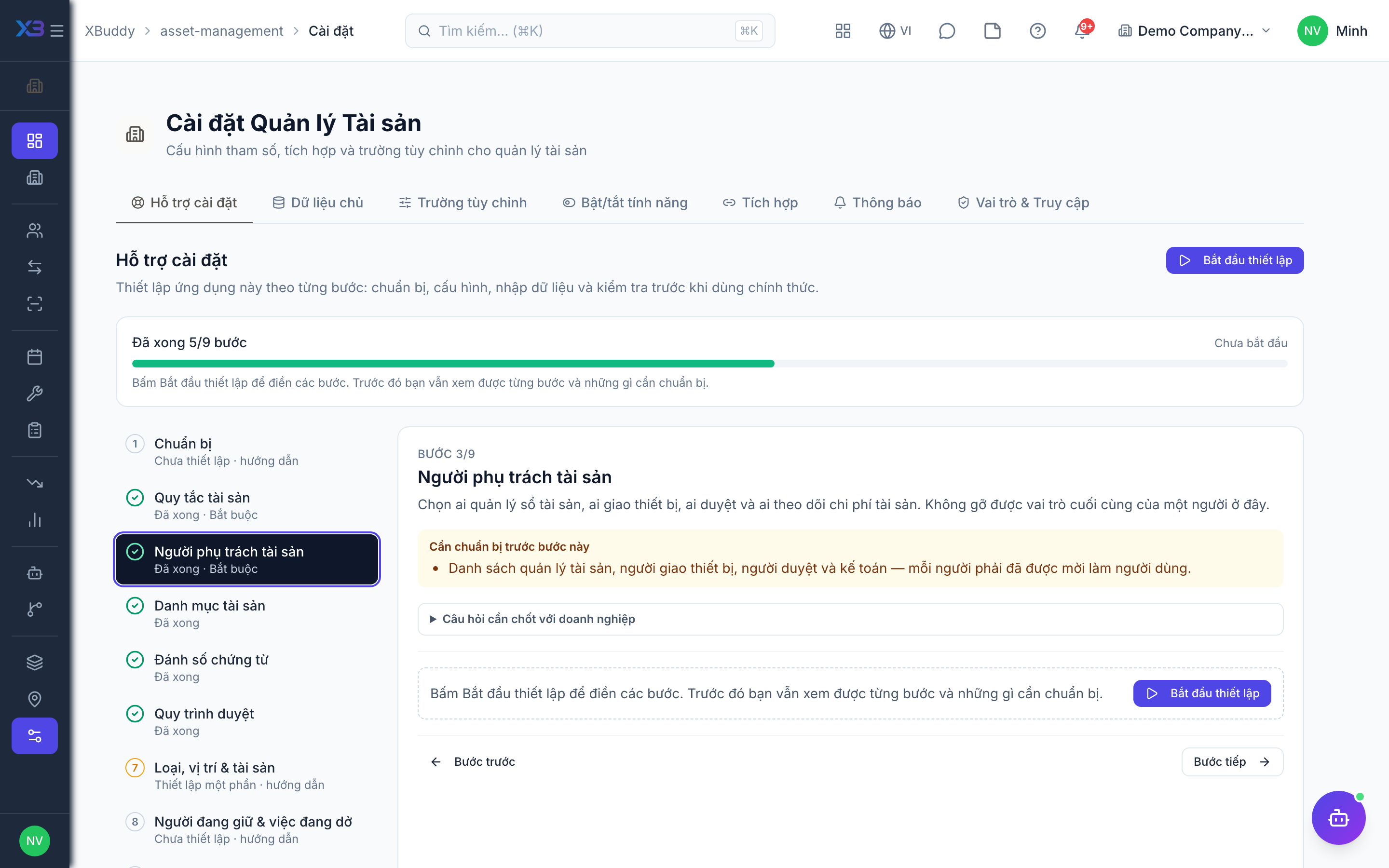
3. Asset people
Required
Choose who owns the asset register, who hands out equipment, who approves and who follows asset costs. You cannot remove a person’s last role here.
Prepare first
- The list of asset managers, people who hand out equipment, approvers and accountants — each must already be invited as a user.
Questions to answer
- Who owns the asset register, who hands out equipment, and who approves transfers, disposals and repairs?
| Role template | Key | For |
|---|---|---|
| Asset Manager | asset_manager | Asset manager: owns the register, approves transfers, disposals and work orders, administers settings |
| Operations Manager | operations_manager | Operations manager: oversees operations and approves |
| IT Helpdesk Agent | it_helpdesk_agent | Hands out and takes back IT equipment |
| Accountant | accountant | Follows depreciation and asset costs |
| Internal Auditor | internal_auditor | Reads everything for audits and stock-takes |
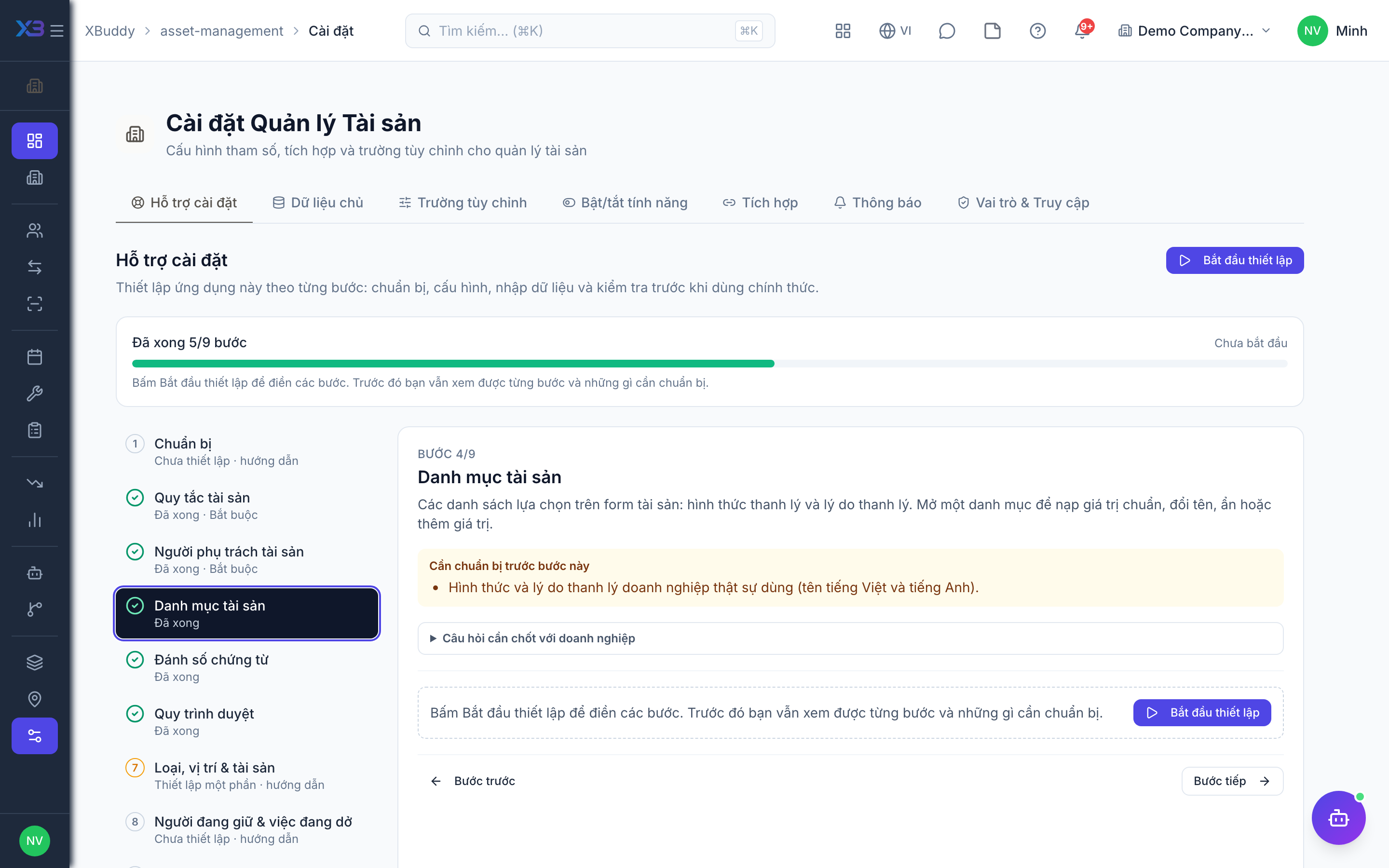
4. Asset lists
Optional
The choice lists used on asset forms: disposal methods and disposal reasons. Open a list to fill it with the standard values, rename, hide or add values.
Prepare first
- The disposal methods and disposal reasons the business really uses (Vietnamese and English names).
Questions to answer
- How are assets disposed of (sale, scrap, donation, write-off), and for which reasons?
Lookups to review (Settings → Lookups):
- Disposal Methods (
disposal_methods) - Disposal Reasons (
disposal_reasons)
5. Document numbering
Optional
Code format of assets, transfers, stock-takes, maintenance slips and work orders. Changing the format after codes were issued leaves two code styles.
Prepare first
- The code format the business wants (prefix, year, number of digits).
Questions to answer
- Do assets already carry codes or labels that must be kept, or can the system number them?
Document types to configure numbering for (Settings → Document numbering):
assetasset_transferasset_auditmaintenance_orderwork_order
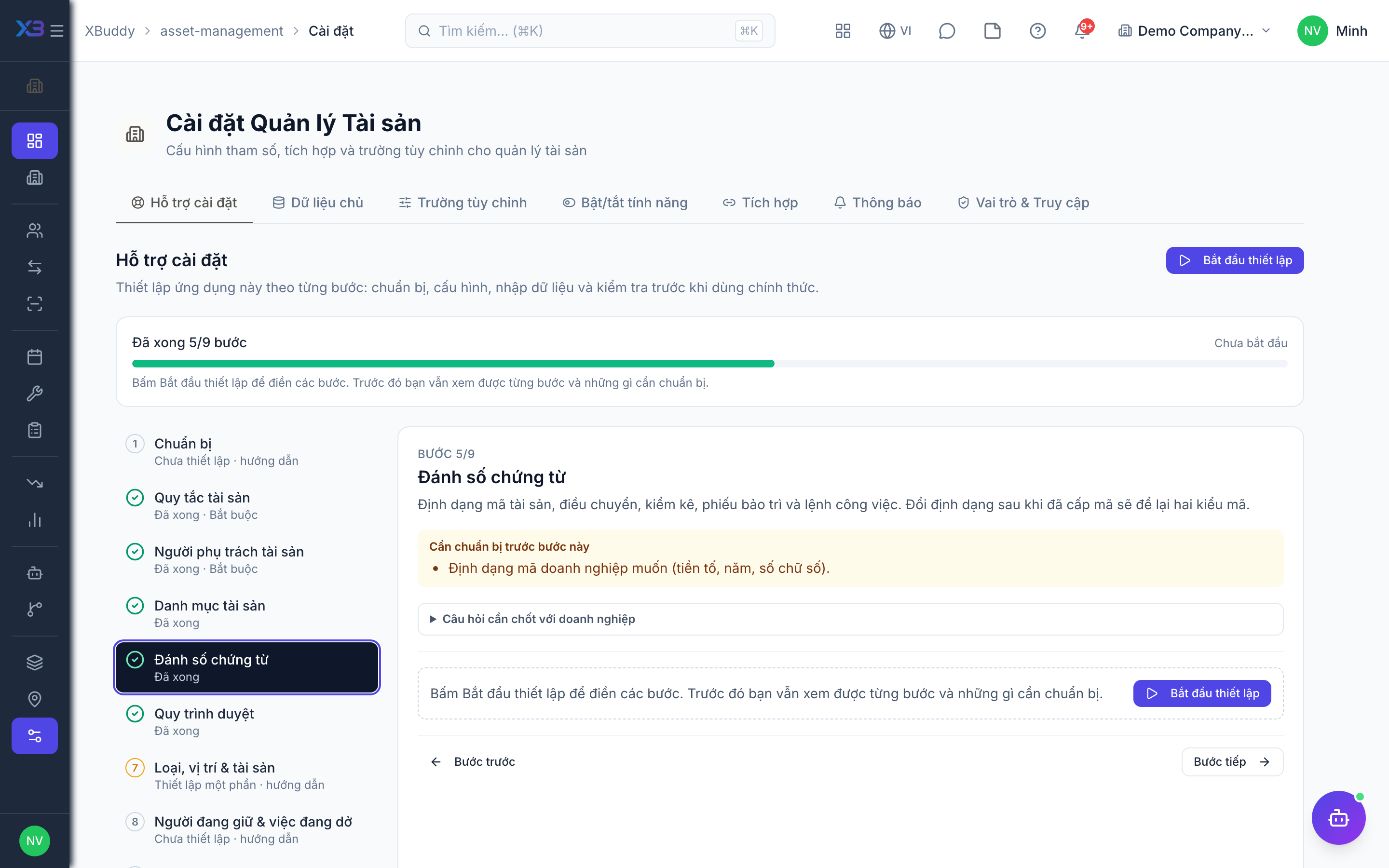
6. Approval workflows
Optional · After step: Asset rules, Asset people
Transfers always wait for approval, and work orders wait when their cost reaches the threshold in Settings. Each needs an active workflow or at least one person who approves directly. Disposals and acquisitions can use a workflow if you want one.
Questions to answer
- Who approves moving an asset to another person, department or location?
- Above which cost must a repair or maintenance work order be approved, and by whom?
- Must disposals go through several approval levels (manager, director, accounting)?
Approval workflows to enable (Workflow → Template library) — see Workflow templates:
asset_transferasset_work_orderasset_disposalasset_acquisition
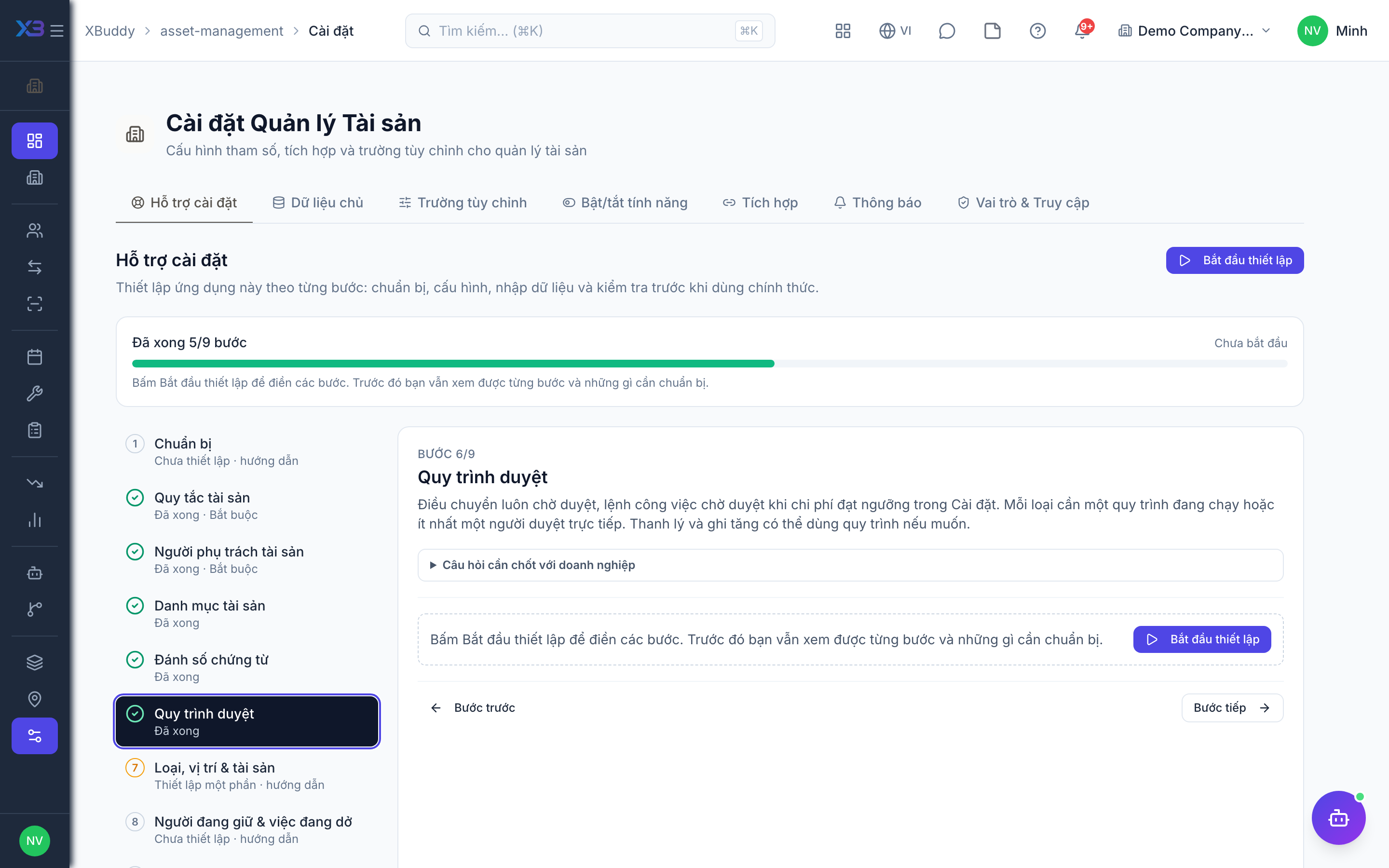
7. Categories, locations & assets
Optional
Create categories and locations, import the asset register and set the work order approval threshold — on the existing screens.
Prepare first
- Create in this order: categories → locations → asset register. Assets reference a category and a location.
Questions to answer
- Where is the asset list kept today, and roughly how many assets are there?
| # | Task | How | Screen |
|---|---|---|---|
| 1 | Asset categories | Create the categories with depreciation and maintenance defaults. | /asset-management/categories |
| 2 | Locations | Create the locations where assets are kept. | /asset-management/locations |
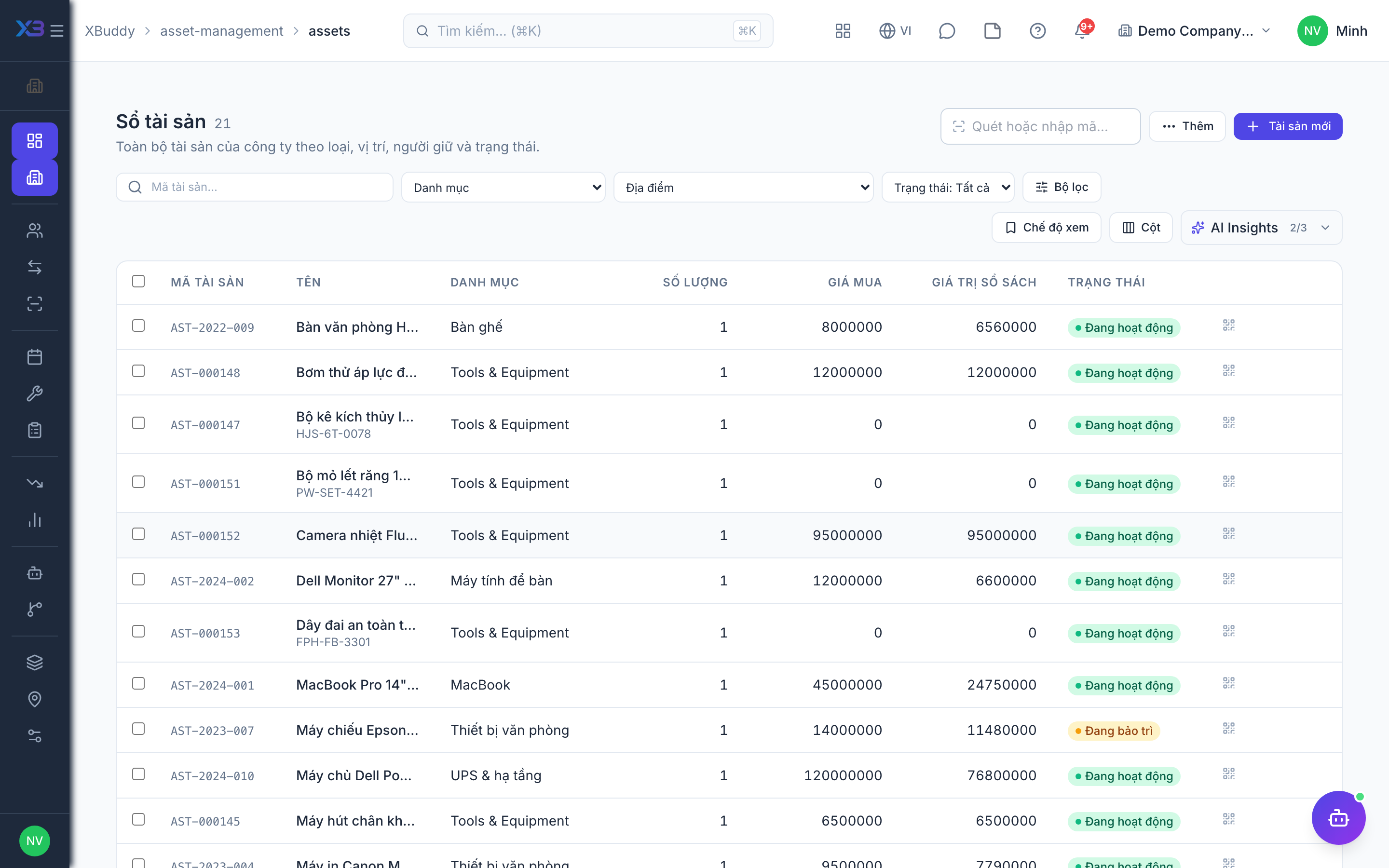
| 3 | Asset register | Import the asset list with the template. | /asset-management/assets (Import + template) |
| 4 | Work order approval threshold | Set the cost above which a work order needs approval, plus checkout and maintenance defaults. | /asset-management/settings |
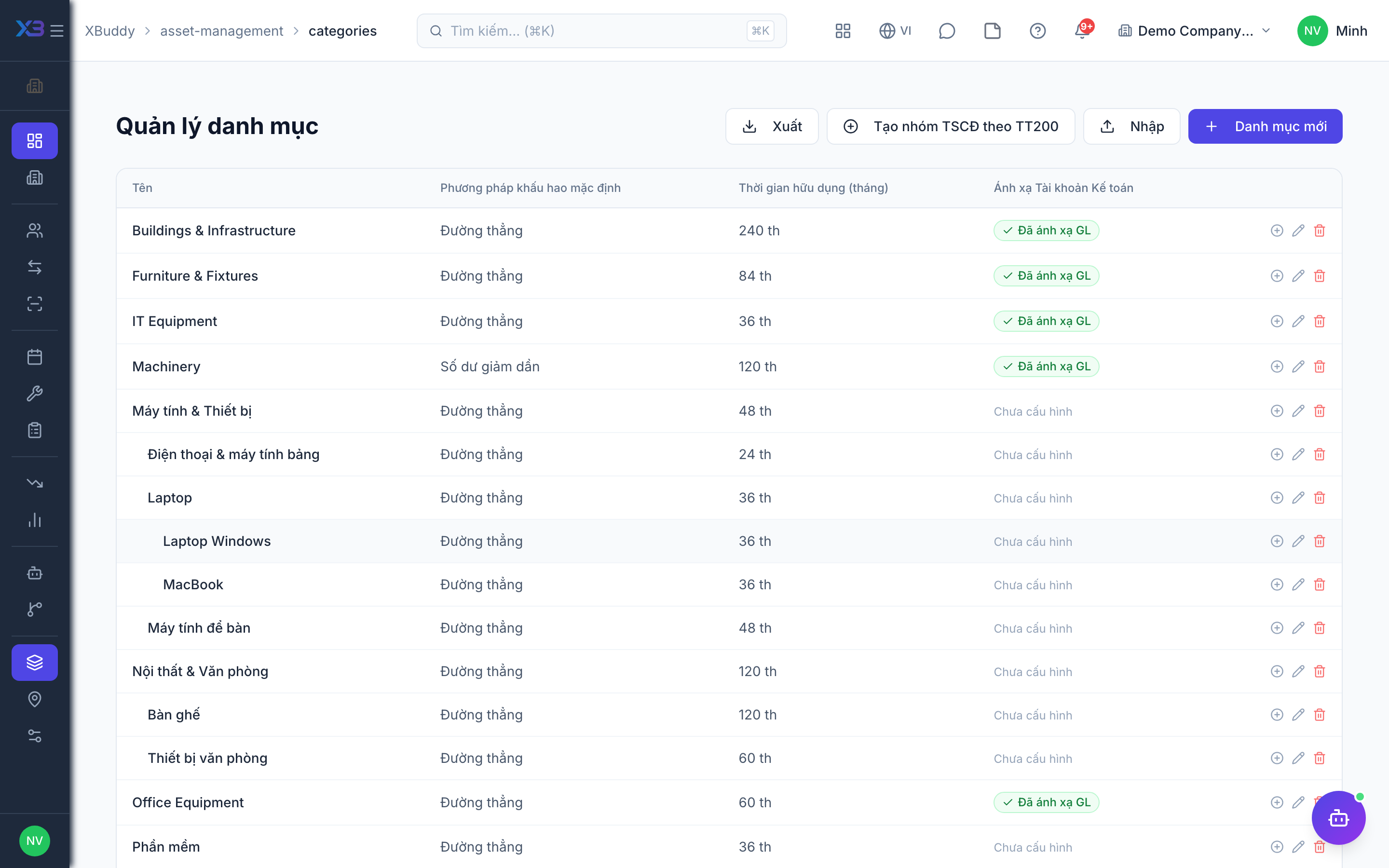
8. Current holders & open work
Optional
Bring in who holds each asset today and the repairs still in progress.
Prepare first
- Agree the cut-over date: who holds each asset on that day, and which repairs and transfers are still open.
| # | Task | How | Screen |
|---|---|---|---|
| 1 | Current holders | Check each asset out to the person who holds it so the register matches reality. | /asset-management/assignments |
| 2 | Open work orders | Create the repair and maintenance work orders still in progress. | /asset-management/work-orders |
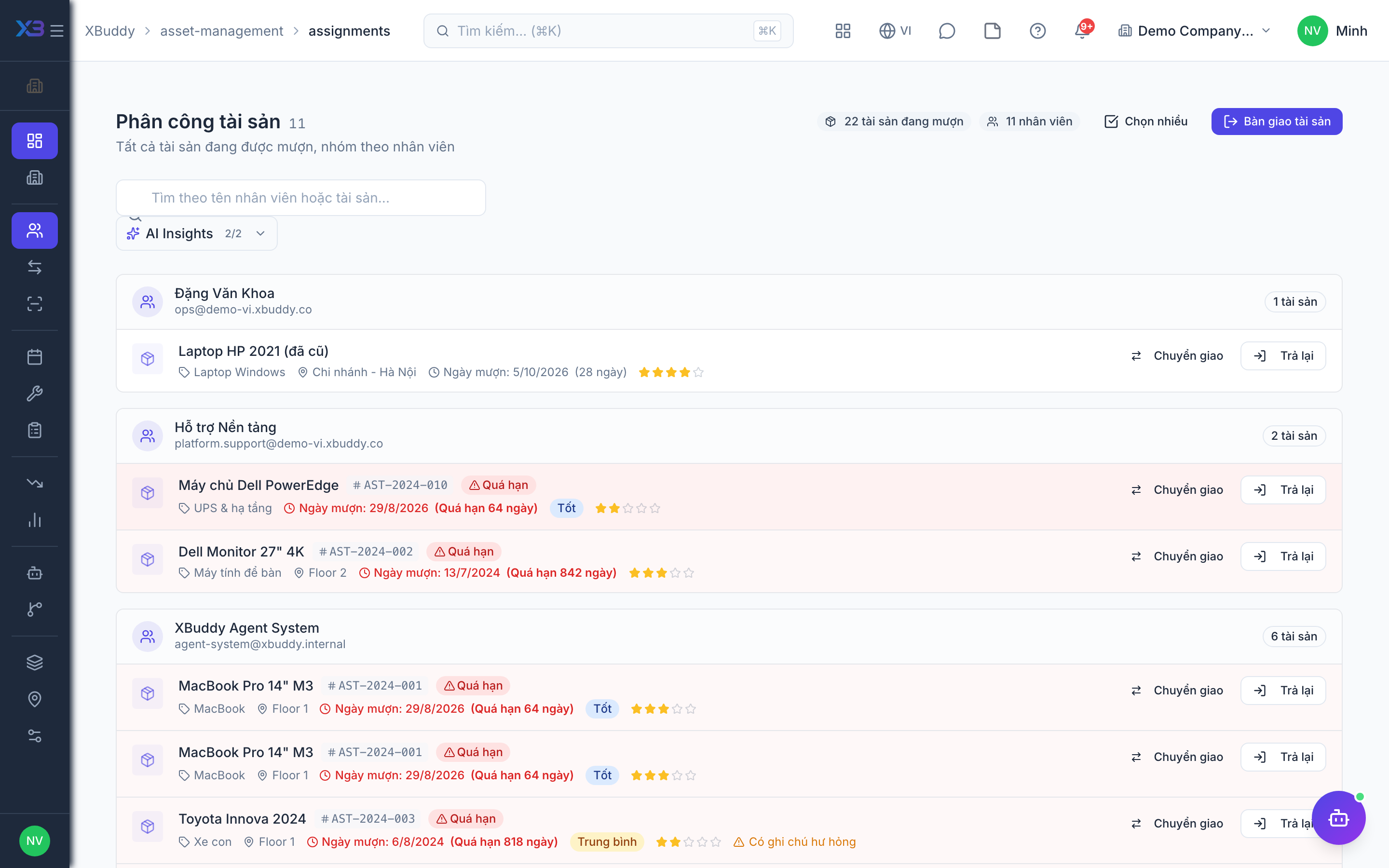
9. Check before going live
Optional
Run one asset through its main flows with the key user before going live.
Prepare first
- Use one real asset and one real holder; agree with the key user who checks each result.
| # | Task | How | Screen |
|---|---|---|---|
| 1 | Check out and back in | Check an asset out to a person and back in, recording its condition. | /asset-management/assets |
| 2 | Transfer | Request a transfer to another location and approve it as another person. | /asset-management/transfers |
| 3 | Work order | Create a work order above the approval threshold: it waits for approval, then complete it. | /asset-management/work-orders |
| 4 | Stock-take | Run a small stock-take of one location and close it. | /asset-management/audit |
Next
See the feature pages of this app in the left menu, or the setup guides of every app.