Goods issue & returns
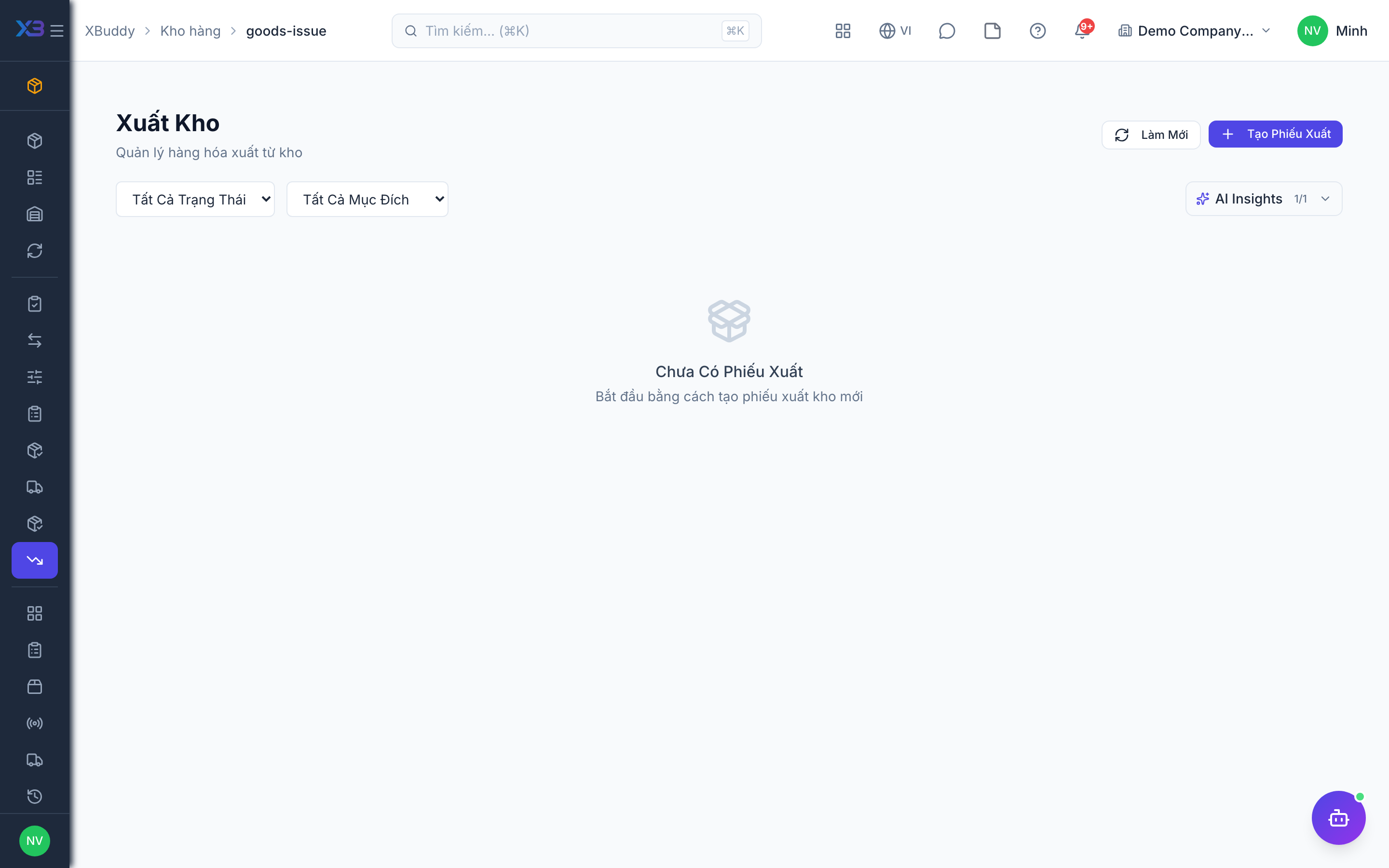
A goods issue takes stock out for internal use (project, maintenance, field job, sample). Returns bring goods back from customers (RMA).
When to use
Use a goods issue to give materials to a team or job. Use RMA returns when a customer sends goods back. Do not use a goods issue to ship a sales order.
Before you start
- Open
/inventory/goods-issueand/inventory/returns. Permissions:inventory:readto view,inventory:writeto create,inventory:approveto void a confirmed document. - Stock requests can be converted into goods issues; Field Service and Asset Management parts issues also use this document.
Create the issue
Choose the warehouse and lines. Each line must come from the issue’s warehouse. Units are converted to base automatically.
Confirm
Confirming reduces stock and creates the cost-of-goods entry in Accounting.
Void if wrong
A draft can be voided by the writer; a confirmed issue needs inventory:approve. Voiding restores quantities, serials and cost layers.
Process a return
Create an RMA from /inventory/returns against the original invoice, and confirm it to put stock back.
Statuses
| Status | Meaning | Who moves it |
|---|---|---|
| Draft | Prepared; no stock effect. | Warehouse (inventory:write). |
| Confirmed | Stock deducted; cost entry made. | Warehouse. |
| Voided | Stock and entries reversed. | Writer for draft; approver for confirmed. |
Tips & common mistakes
- Never issue goods for a sale with a goods issue — sales stock moves with the delivery order.
- Quantities returned cannot exceed what the invoice sold.
- Tracked items need the lot or serial on the line.
- Void rather than editing a confirmed document; the audit trail is preserved.