Store stock
⚠️
Beta — this feature is in beta; behaviour and limits may change.
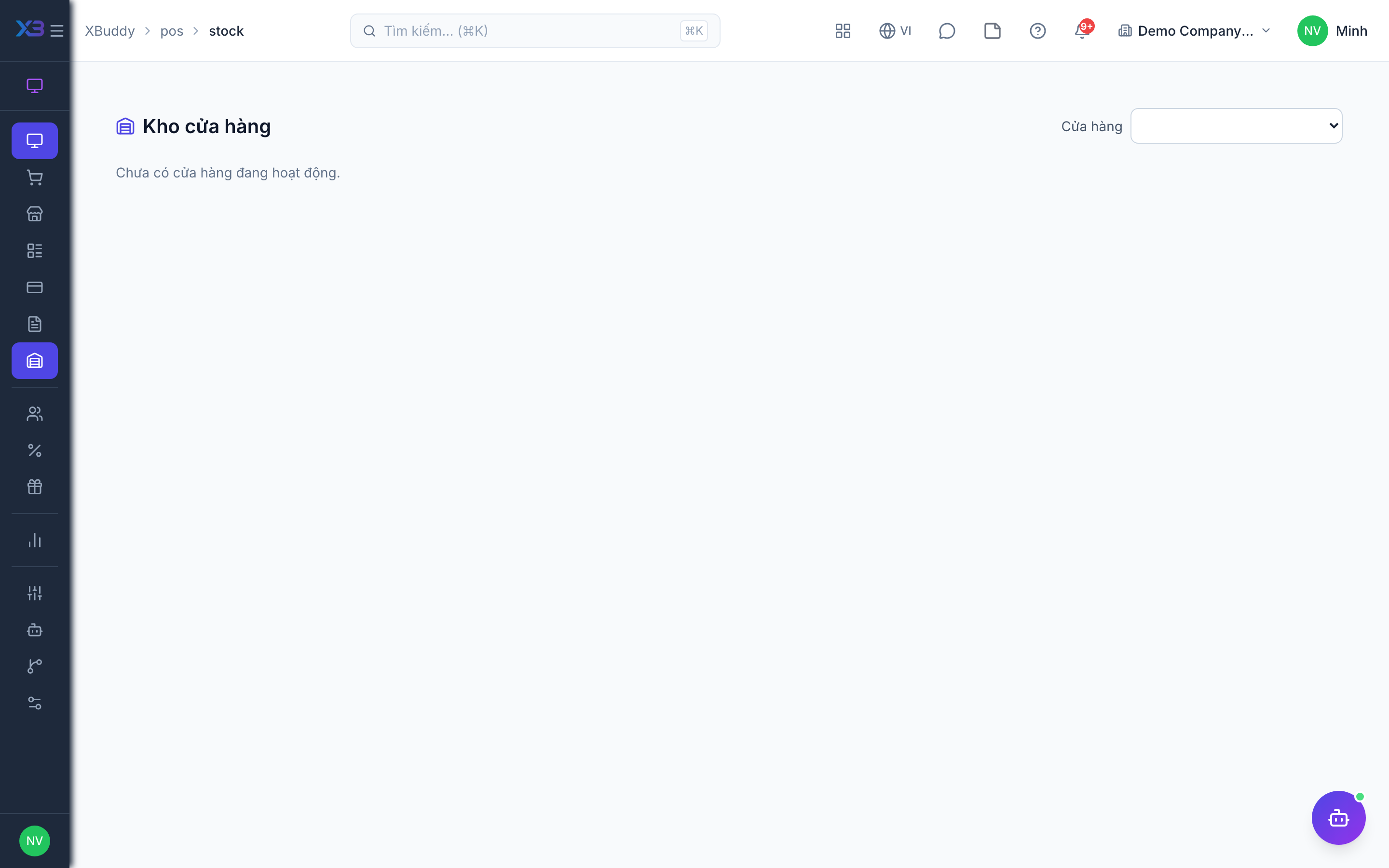
Store stock is the shop’s own stock desk: confirm goods leaving because of sales, receive from suppliers and move or count stock without leaving POS.
When to use
Use it when a shop keeper (rather than a central warehouse) handles day-to-day stock: confirming sale issues, receiving deliveries, transfers and stocktakes.
Before you start
- Open
/pos/stock. Permission:pos:stock:readto view. - Toggle
pos.auto_issue_on_sale(default on) issues stock automatically when selling; shops can inherit this or wait for the keeper to confirm.pos.inventory_sync_on_sale(default on) must be on for sales to touch stock.
Confirm pending sale issues
Review sales waiting to be issued from stock and confirm them.
Receive from suppliers
Record goods received from a supplier into the shop.
Other issues and transfers
Record other stock issues, transfer stock to another location and receive incoming transfers.
Count and post
Run a stocktake, review differences and post the result to the stock ledger.
Tips & common mistakes
- If stock does not drop after a sale, check the two toggles above and whether the issue is waiting for confirmation.
- Post a stocktake only after reviewing differences; posting changes on-hand stock.
- Warehouse-level reporting and costing stay in Inventory — POS only handles the shop desk.