Workflows & examples
The workflows below illustrate what cashiers and store managers do every day in POS, from opening a shift to promotions, gift cards, and refunds.
1. Open, trade, close a shift
- Cashier opens a session in POS → Sessions → Open Session with the starting float.
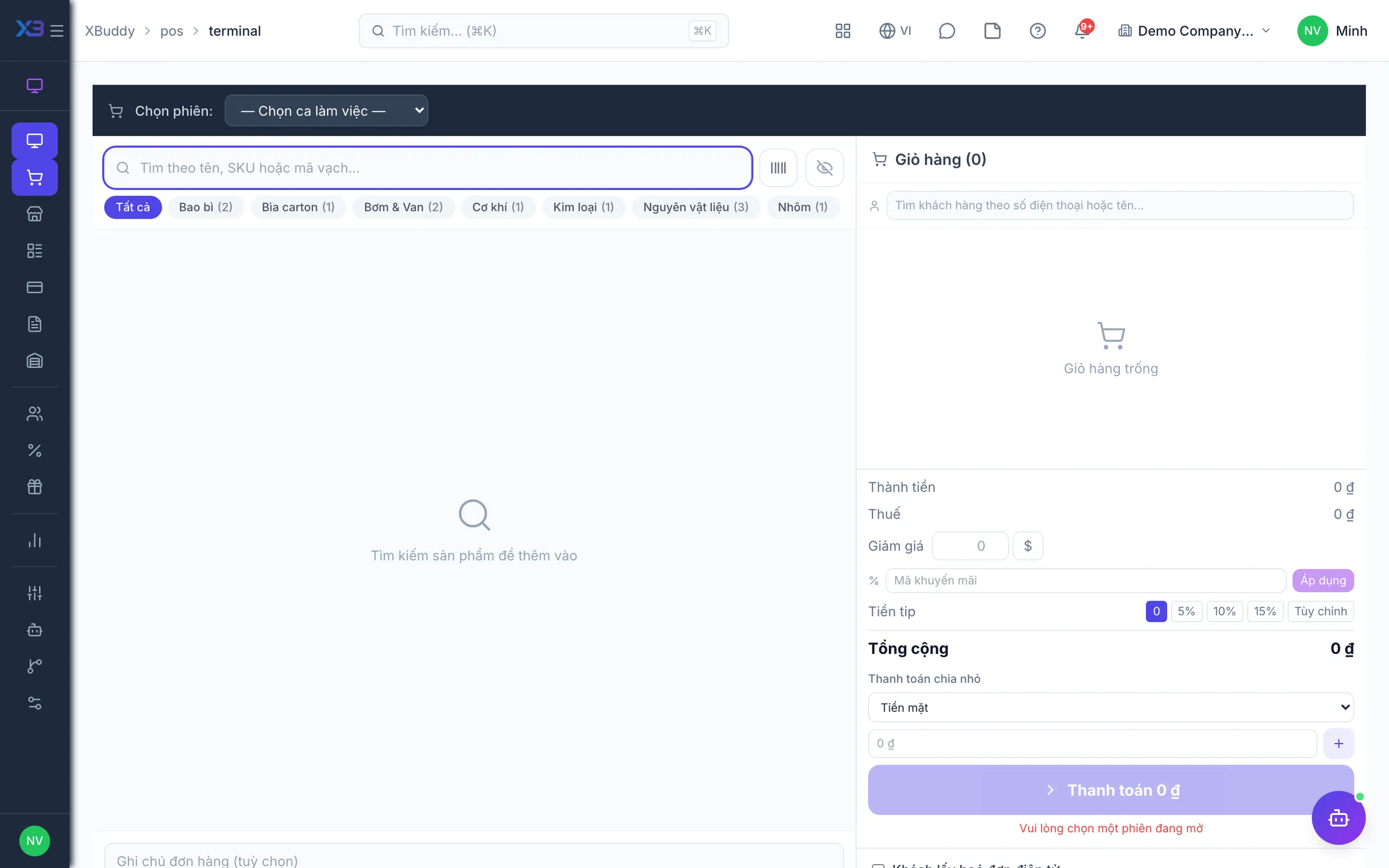
- They ring up sales on POS → Terminal, applying modifiers, promotions, and gift cards.
- Each sale decrements inventory and posts revenue to Finance.
- At shift end, they Close the session and reconcile counted vs. expected cash.
2. Run a promotion
- Create a Promotion with type, products, and dates.
- During its active window, qualifying carts get the discount automatically at the Terminal.
- Review uptake and margin impact in Reports.
3. Issue and redeem a gift card
- Under Gift Cards → Issue, set a value and hand the card to the customer.
- On a later visit, the customer tenders the gift card as payment on the Terminal.
- The remaining balance updates instantly and is tracked for future visits.
4. Refund a transaction
- Open the sale in POS → Transactions.
- Process a refund or return; if the reason-required toggle is on, enter a reason.
- The amount reverses in Finance and the goods return to inventory.
When to use it
- When training a new cashier on the sequence of a sales shift.
- When a manager wants to standardize how promotions and gift cards are run.
- When you need a quick guide on handling a refund.
Steps
Prepare before the shift
Make sure the shop, counter, products, and modifiers are set up, then open the session with the starting float.
During the shift
Sell on the Terminal, applying promotions and gift cards where relevant; follow sales under POS → Transactions.
At shift end
Close the session, enter the counted cash, and review the over/short difference; then check Reports for revenue, top products, and the VAT summary.
Notes
The workflows run end to end when inventory and accounting are connected: a sale decrements stock according to the toggle pos.inventory_sync_on_sale (on by default) and posts entries to Accounting.
There is no offline mode, so all four workflows need a stable network connection at the counter.