Reviewing and publishing
Control what becomes official knowledge.
When to use
Use review for policies and procedures where a second person should approve the content, and versions when you need to see or restore an earlier text.
Before you start
- Authors need
kb:write. Publishing, reviewing and bulk actions use separate permissions (kb:publish, kb:review, kb:manage) assigned by your administrator. knowledge.approval_required_for_publish: when on, a KB article cannot go straight from draft to published. Documents has its own separate flag.knowledge.version_control(default: on) keeps versions you can view and restore.
Steps
-
Open the article at
/knowledge/kb/[id]and send it for review. -
The reviewer approves or rejects it; the article then moves to Published or back for changes.
-
To approve through a workflow, attach one at
/knowledge/automation/workflows(subjects: article and folder). -
To undo a bad edit, open the version history on the article and restore an earlier version.
-
When something is obsolete, archive the article.
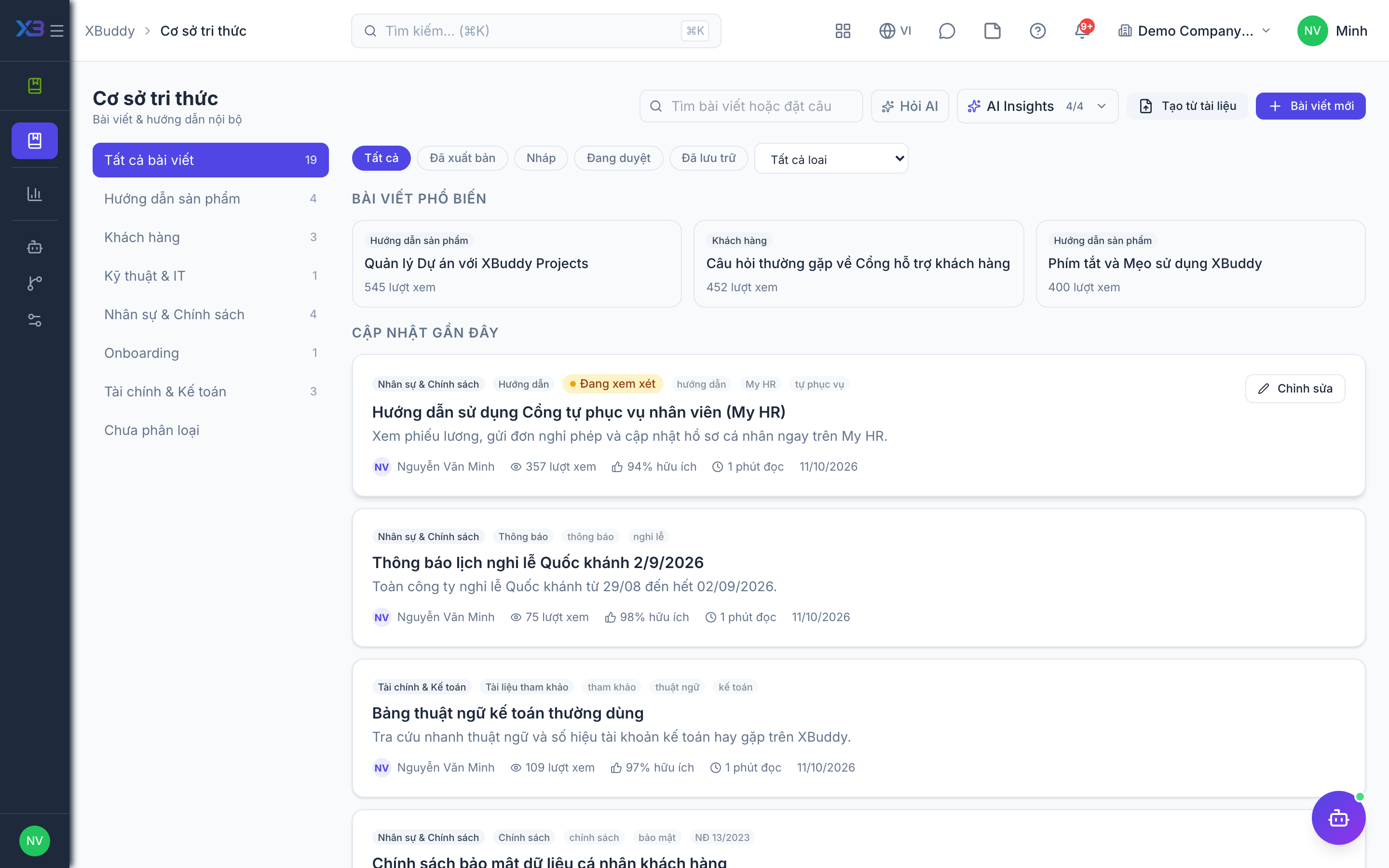
Lifecycle
| From | To | Condition |
|---|---|---|
| Draft | Review | Author sends for review |
| Review | Published | Reviewer approves |
| Draft | Published | Only when review is not required |
| Published | Archived | Article retired |
Tips & common mistakes
- If the Publish button is missing, you probably lack the publishing permission or review is required.
- Do not edit a published article without checking version control is on; otherwise you cannot restore old text.
- Archive instead of deleting so history stays available.