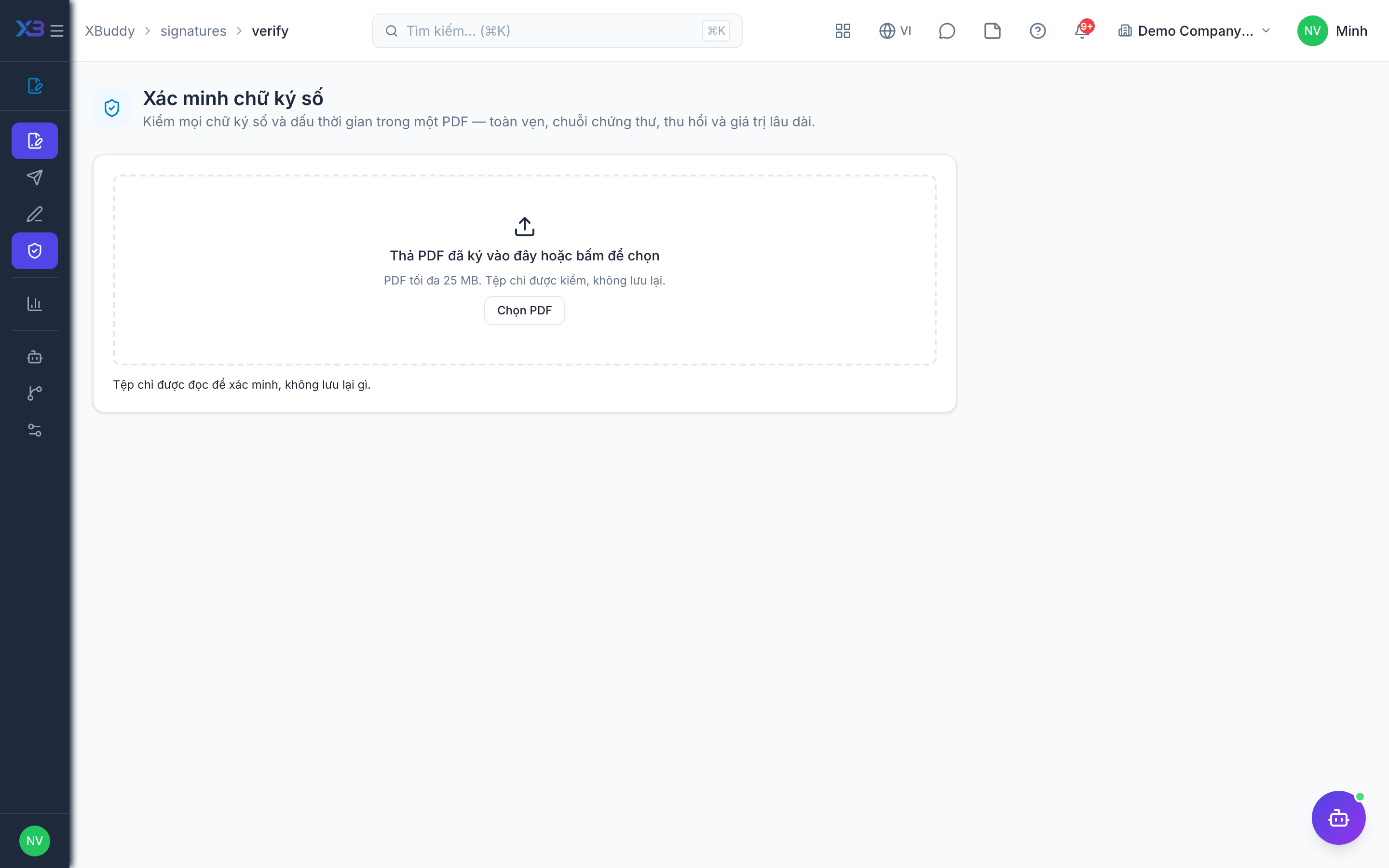
Verify signatures on a PDF
When to use
Use verification when you receive a signed PDF from outside and need to know whether the signature is genuine, or when you want to re-check a file signed through XBuddy.
Before you start
- You need
signatures:readto open/signatures/verify. - Full verification applies to PAdES signatures, including a revocation check. For other signed PDFs the screen only reports that a signature is present.
Open the verify screen
Go to E-Signatures → Verify signatures.
Upload the PDF
Choose the PDF file you want to check.
Read the result
Review each signature found and whether it was verified.
Tips & common mistakes
- “Signature present” is not the same as “verified”: only PAdES signatures are fully verified.
- Verify the original file; editing or re-saving a signed PDF can break its signatures.
- Keep the verification result with the file when you archive it.
Related