Distribution setup guide
This page walks through 7 steps to set up Distribution, in the order the in-app Setup assistant recommends. Each step lists what to prepare, the questions to answer first and the screen to use.
In the app, open Settings → Setup assistant: it measures your current state, asks the survey questions below and proposes a change set you approve before it is applied. This page is the read-only version for preparing ahead or doing it by hand.
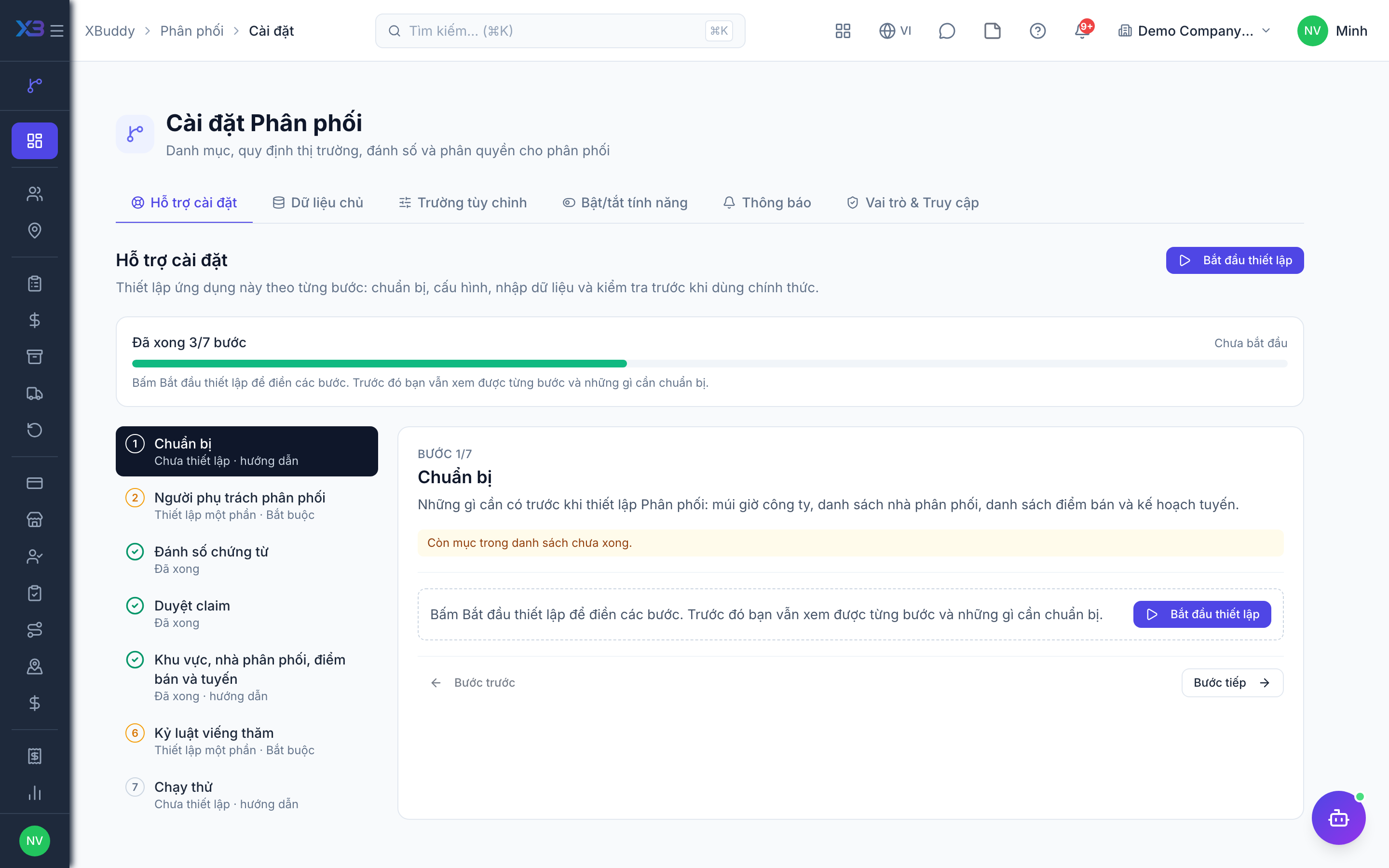
1. Prepare
Optional
What to have ready before setting up Distribution: the company time zone, the distributor list, the outlet list and the route plan.
| # | Task | How | Screen |
|---|---|---|---|
| 1 | Time zone confirmed | Company settings: beat days, visit dates and monthly rebate periods use the company time zone. | /settings/company |
| 2 | Distributor list collected | Code, name, territory, tier, credit limit and payment terms. | — |
| 3 | Outlet list collected | Code, name, address, channel, tier, GPS coordinates and the serving distributor. | — |
| 4 | Route plan agreed | Which salesperson covers which outlets on which weekdays. | — |
2. Distribution people
Required
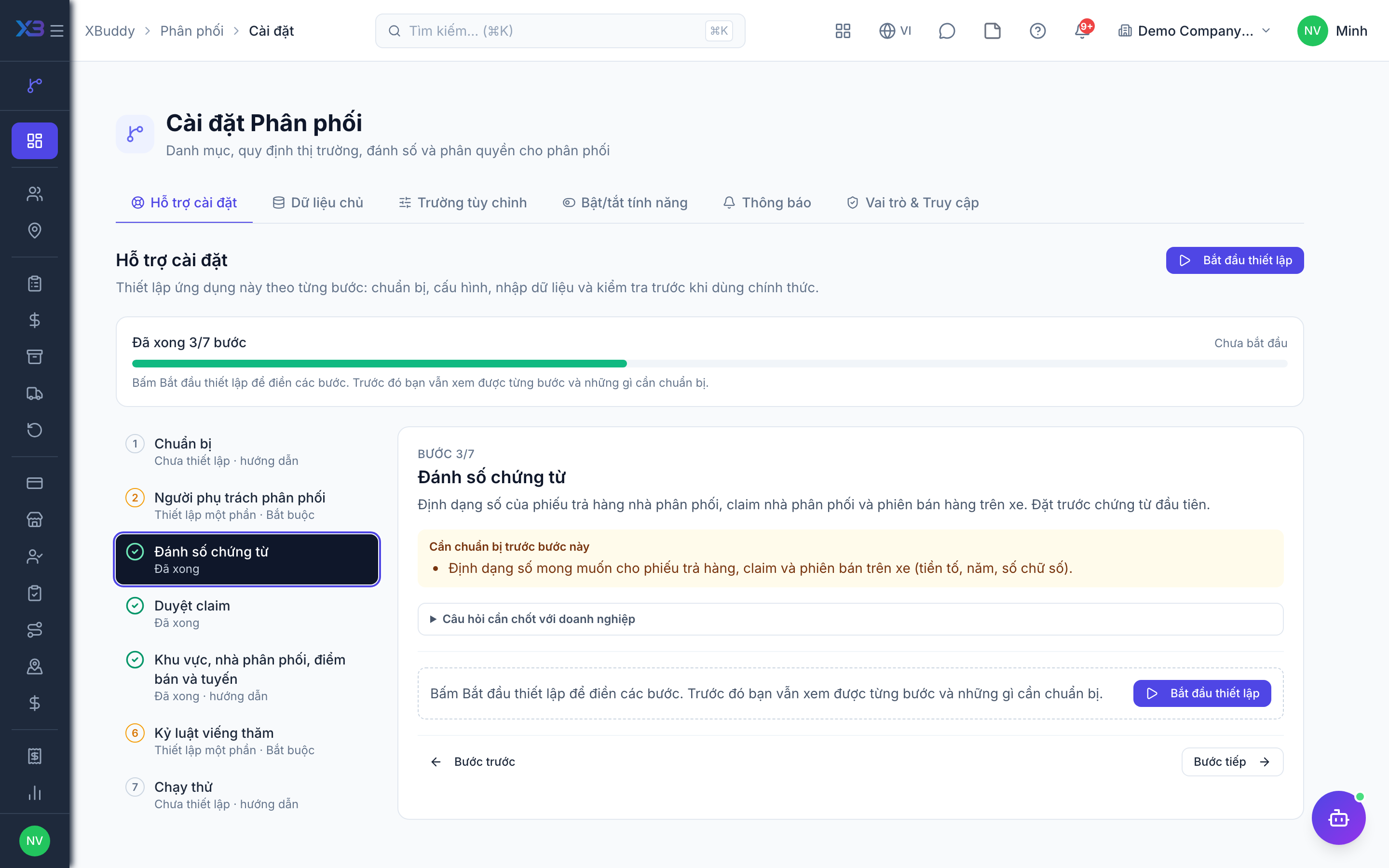
Choose who runs distribution: the manager, the field salespeople and the van drivers. You cannot remove a person’s last role here.
Prepare first
- The list of the distribution manager, field salespeople and van drivers — each must already be invited as a user.
Questions to answer
- Who manages distributors and approves their claims, who visits outlets, and who drives van-sales routes?
- Should the person who raises a distributor claim be allowed to approve it too?
| Role template | Key | For |
|---|---|---|
| Distribution Manager | distribution_manager | Distribution manager: owns distributors, territories, beats, credit and claims; approves distributor claims |
| Distribution Salesman | distribution_salesman | Field salesperson: runs beats, checks in at outlets and places orders |
| Driver / Delivery | driver | Driver: runs van-sales sessions |
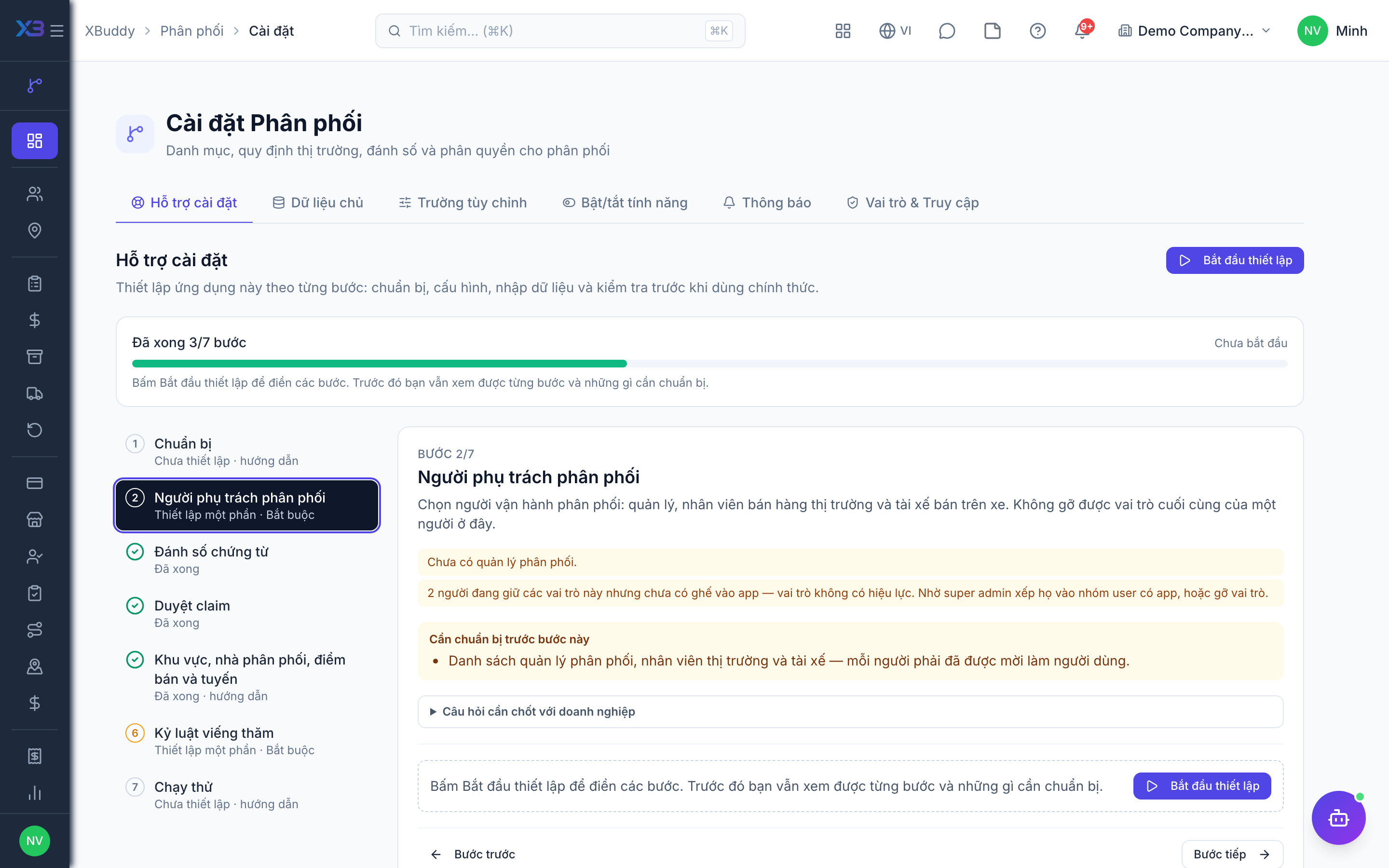
3. Document numbering
Optional
The number format of distributor returns, distributor claims and van-sales sessions. Set it before the first document.
Prepare first
- The numbering format wanted on distributor returns, claims and van-sales sessions (prefix, year, digits).
Questions to answer
- Do distributor returns, claims and van sessions follow a fixed numbering format, or keep the defaults?
Document types to configure numbering for (Settings → Document numbering):
distribution_returndistribution_claimvan_session
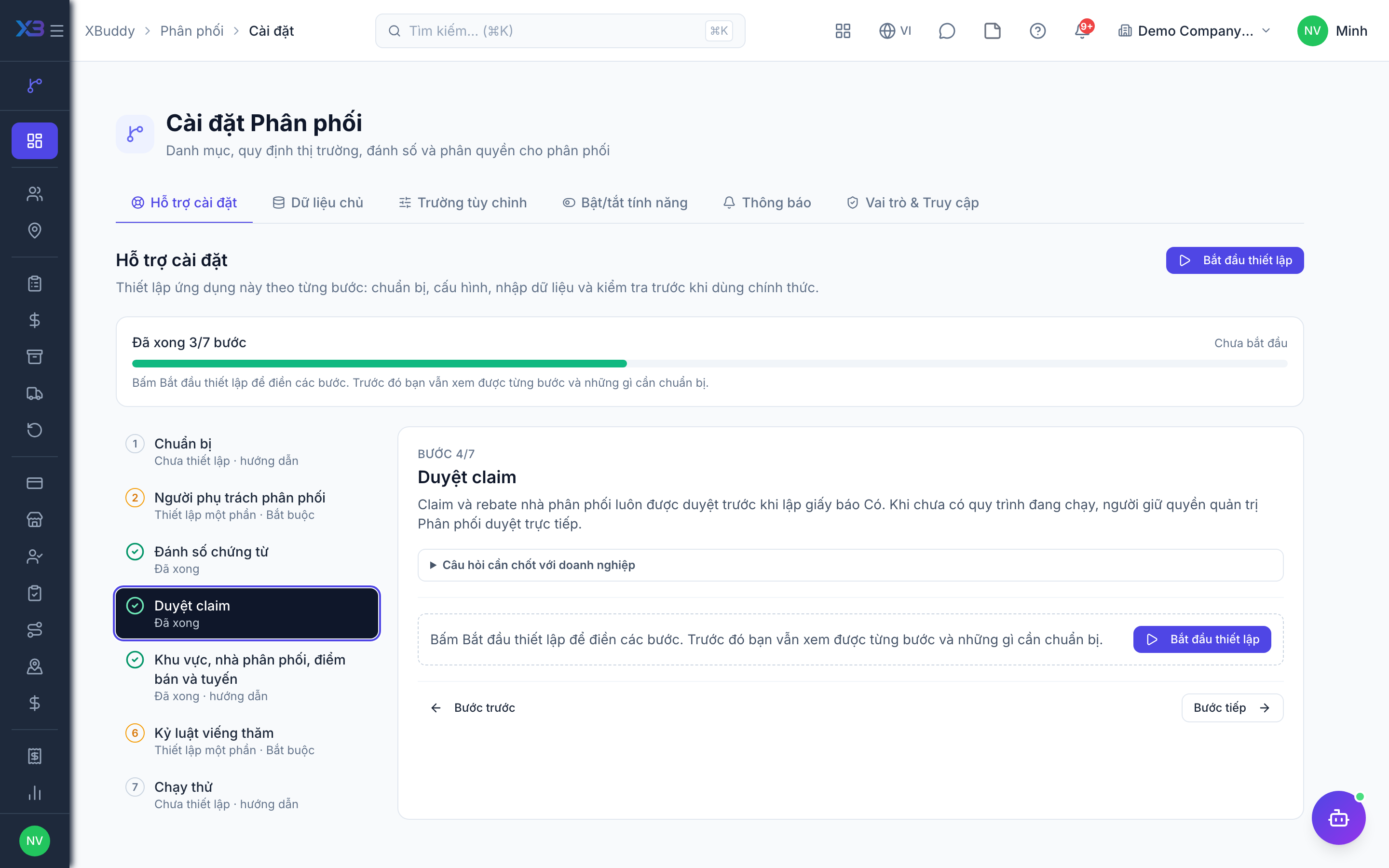
4. Claim approval
Optional · After step: Distribution people
Distributor claims and rebates are always approved before a credit note is issued. Without an active workflow, users holding the Distribution admin permission approve them directly.
Questions to answer
- Does one manager approve distributor claims and rebates directly, or should approval go through levels (e.g. by amount)?
Approval workflows to enable (Workflow → Template library) — see Workflow templates:
distribution_claimdistribution_returndistribution_van_sessiondistribution_commission
5. Territories, distributors, outlets and beats
Optional
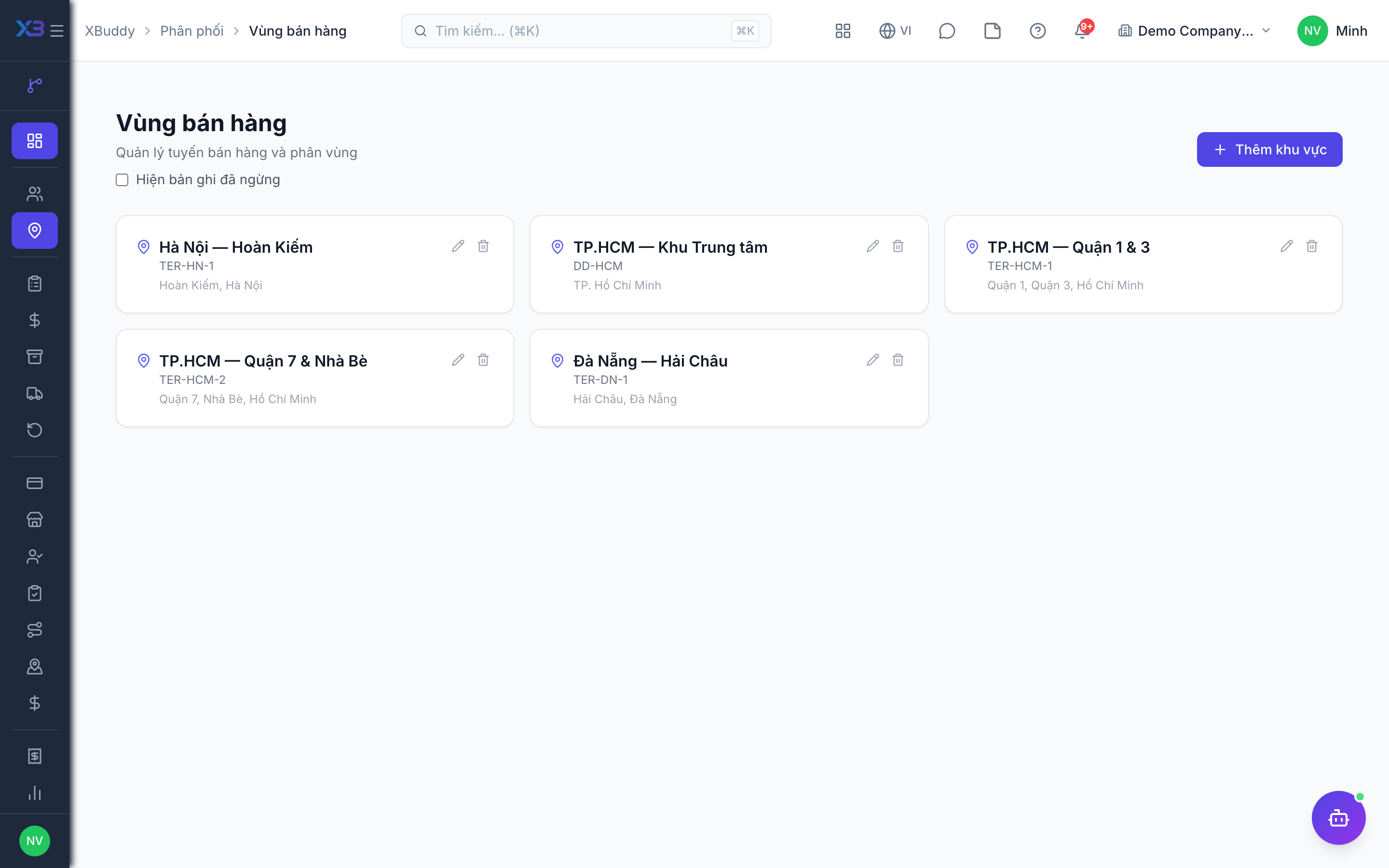
Create the master data the field team works from, in order. Counts come from real data.
Prepare first
- Create territories first, then distributors, then outlets, then beats — each later step picks from the earlier ones.
Questions to answer
- Where are the distributor and outlet lists kept today, and how many outlets are there?
- Do you have GPS coordinates for outlets, or will salespeople capture them on the first visit?
| # | Task | How | Screen |
|---|---|---|---|
| 1 | Territories | Distribution → Territories. | /distribution/territories |
| 2 | Distributors | With linked contact, territory, credit limit and commission plan. | /distribution/distributors |
| 3 | Outlets | With a linked contact (needed to place orders) and GPS coordinates (needed for check-in distance). | /distribution/outlets |
| 4 | Beats | Salesperson, weekdays and the ordered list of outlets. | /distribution/beats |
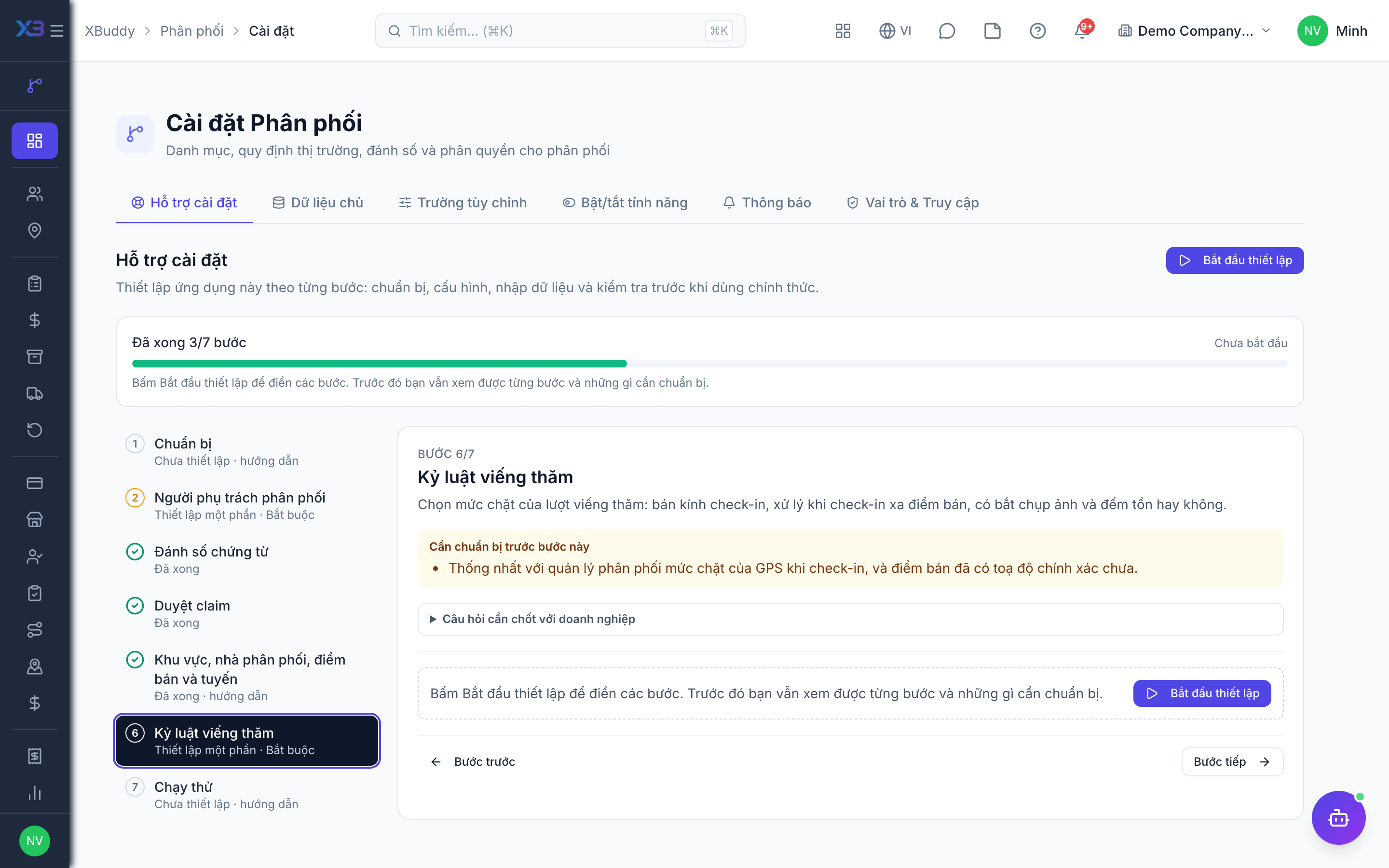
6. Visit discipline
Required
Choose how strict field visits are: check-in radius, what happens on a far check-in, and whether a photo and a stock count are required.
Prepare first
- Agree with the distribution manager how strict check-in GPS should be, and whether outlets have accurate coordinates yet.
Questions to answer
- How far from the outlet may a salesperson check in, and should a far check-in be blocked or only flagged?
- Must every visit have a shelf photo, and must stock be counted before taking an order?
| Toggle | Key | Default | Effect |
|---|---|---|---|
| Check-in distance limit (m) | distribution.visit_radius_m | 300 | How far (in metres) from the outlet’s location a salesman may check in before the visit is treated as “far from outlet”. Default 300. |
| Check-in far from the outlet | distribution.visit_far_policy | Warn — record and flag | What happens when a check-in is beyond the distance limit, or has no GPS while the outlet has a location. Warn records the visit and flags it; Block refuses the check-in. |
| Photo required at check-out | distribution.visit_photo_required | Off | A visit cannot be checked out until at least one photo of the outlet has been uploaded. Off = photos are optional. |
| Stock count required before ordering | distribution.visit_stock_count_required | Off | The salesman must record the outlet’s shelf stock before placing an order and before checking out. Suggested order quantities use this count. Off = counting is optional. |
| Field-salesman commission on cash collected | distribution.field_commission_on_collected | Off | Orders taken at outlets or sold from a van earn the field salesman commission on the cash collected that month (before tax), using the Sales commission plan. These orders leave the order-value basis, so an order is never paid twice. Off = commission on order value to the order creator. |
| Credit the new salesman when an invoice changes hands | distribution.field_commission_reattribution_credit | Off | When an invoice moves to another field salesman, cash collected in earlier periods is always clawed back from the old salesman. Off = the new salesman does not receive that amount (they only earn on cash collected from this period on). On = the new salesman receives all cash collected on the invoice that has not yet been paid to them; these lines are marked as reattribution credit in the commission breakdown. |
| Field salesman profile required | distribution.salesman_profile_required | Off | Routes, targets and van sessions can only be assigned to a person with an active field-salesman profile (employee, van, source warehouse). Off = any company user can be assigned. |
| GPS required at check-in | distribution.visit_gps_required | Off | A check-in without the phone’s location is refused. Off = check-in without GPS is allowed (distance shows as not measured). |
| Photo first, before any visit action | distribution.visit_checkin_photo_required | Off | After checking in, the salesman must take at least one photo at the outlet before counting stock, outlet care, ordering, selling or taking returns. Off = photos can come later. |
| Van sale only during a visit | distribution.van_sale_requires_visit | Off | A sale from the van must belong to a visit the salesman is currently checked in to at that outlet. Off = van sales can be recorded without a visit. |
| Outlet care checklist | distribution.visit_care_required | Off | When the outlet care checklist must be completed: Off; before check-out; or before ordering/selling (and before check-out). |
| Returns only during a visit | distribution.return_requires_visit | Off | A field salesman with an active salesman profile must be checked in to a visit at the outlet to record a return (with or without a van session). Office users without a salesman profile are not affected. |
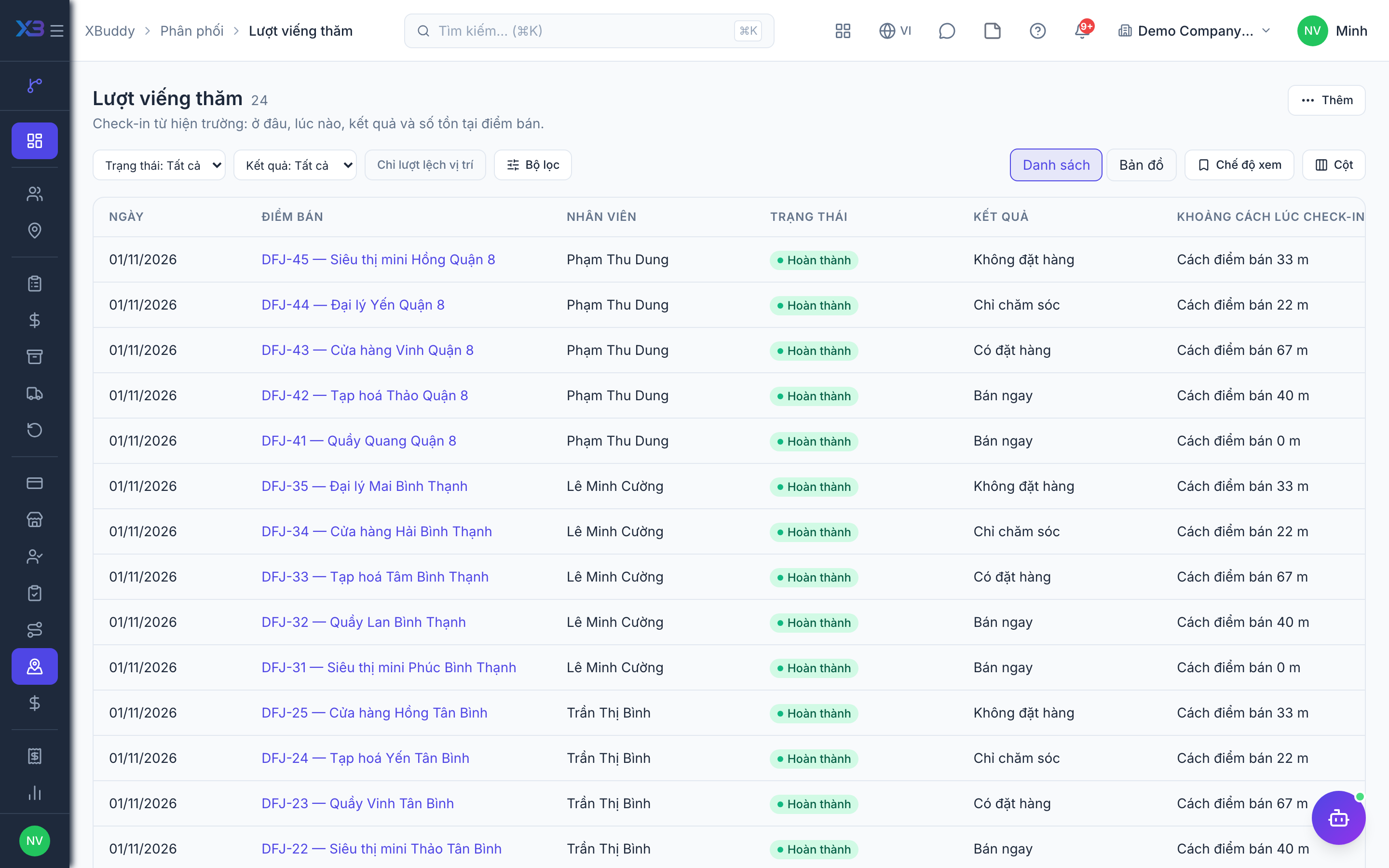
7. Test run
Optional
Walk through one beat day, one claim and one sell-out import before go-live.
Prepare first
- Use one real beat and one sellable item with a selling price; agree with the distribution manager who checks each result.
| # | Task | How | Screen |
|---|---|---|---|
| 1 | Visit with an order | Check in at an outlet on today’s beat, place an order and check out: a sales order is created at list prices. | /distribution/visits |
| 2 | Visit without an order | Check out of another visit with no order and a reason. | /distribution/visits |
| 3 | Route KPIs | Planned calls, on-plan rate and strike rate reflect the test visits. | /distribution/performance |
| 4 | Claim to credit note | Create, submit and approve a distributor claim: a draft credit note is created for the distributor. | /distribution/claims |
| 5 | Sell-out import | Import one month of sell-out from a distributor’s file and check the totals. | /distribution/performance |
Next
See the feature pages of this app in the left menu, or the setup guides of every app.