Procurement setup guide
This page walks through 12 steps to set up Procurement, in the order the in-app Setup assistant recommends. Each step lists what to prepare, the questions to answer first and the screen to use.
In the app, open Settings → Setup assistant: it measures your current state, asks the survey questions below and proposes a change set you approve before it is applied. This page is the read-only version for preparing ahead or doing it by hand.
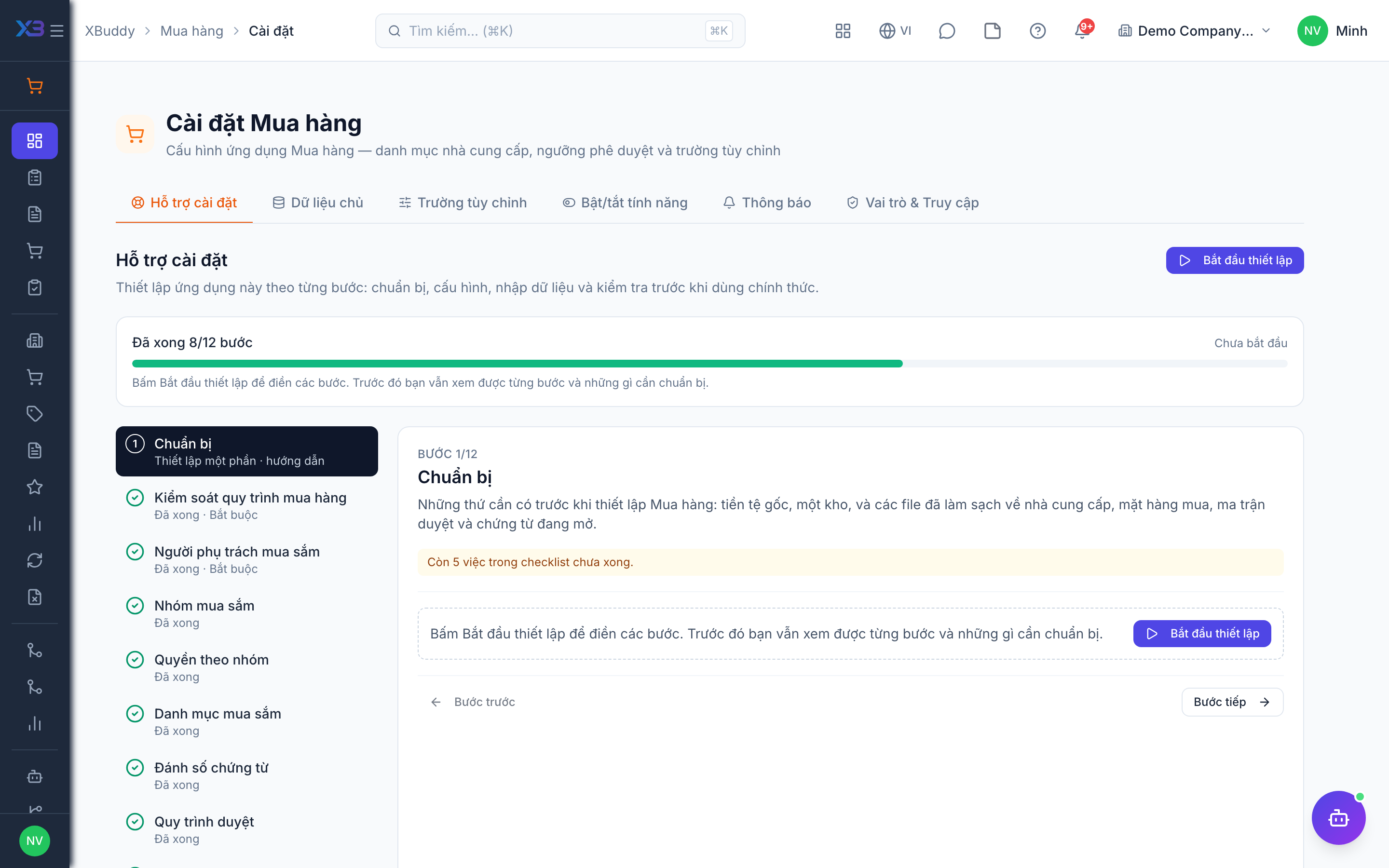
1. Prepare
Optional
What to have ready before setting up Procurement: base currency, a warehouse, and cleaned-up files of vendors, purchased items, the approval matrix and open documents.
| # | Task | How | Screen |
|---|---|---|---|
| 1 | Base currency and time zone confirmed | Company settings: PO approval thresholds and reports use the base currency. | /settings/company |
| 2 | At least one active warehouse | Goods receipts put stock into a warehouse. Set up warehouses first, or import them. | /inventory/warehouses (Import + template) |
| 3 | Vendor file ready | Name, tax code, address, contact, payment terms and old-system code for each vendor. | — |
| 4 | Purchased item file ready | SKU, name, unit, purchasable flag and last purchase price for each item. | — |
| 5 | Approval matrix written down | Who approves requisitions and purchase orders, and at which amounts. | — |
| 6 | List of open requisitions and orders | Documents still open at go-live — they are re-entered by hand, not imported. | — |
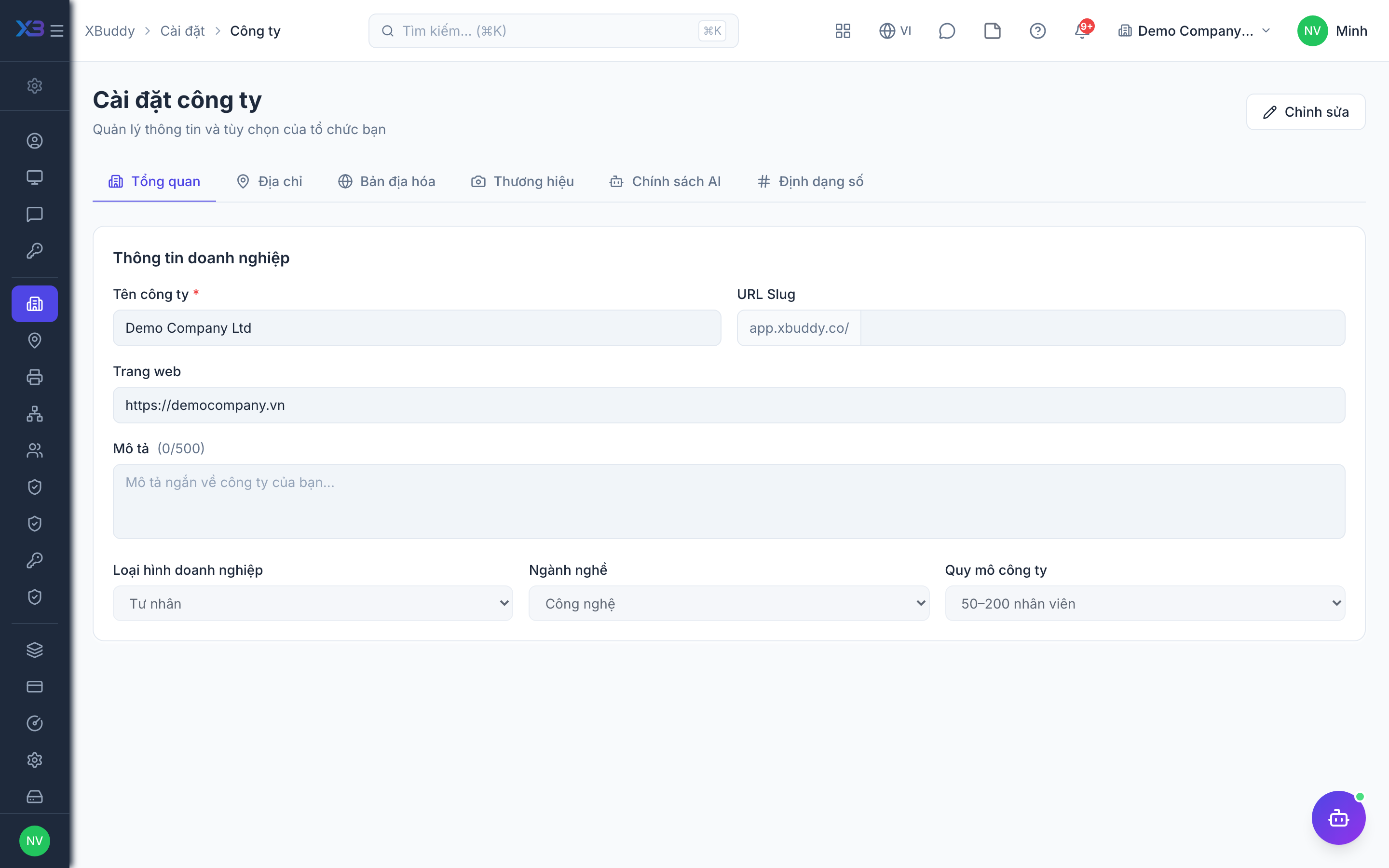
2. Purchasing process controls
Required
Decide every check a purchase must pass, grouped by stage: sourcing, PO approval, receiving, bill matching, then optional vendor contracts, landed costs, vendor returns and purchase categories. Settings shared with other apps (3-way match tolerances, purchase price variance, one PO per RFQ, partial requisition conversion) are in Settings → ERP Configuration.
Prepare first
- A short description of today’s purchasing flow: requisition, quotation, order, receipt, vendor bill, returns.
- The PO approval rule agreed with management: always, only above an amount, and whether converted POs also need approval.
Questions to answer
- Must every order start from an approved requisition? Do you collect vendor quotations (RFQ) before ordering?
- Which purchase orders need approval: all, only above an amount, and also those converted from a requisition?
- Are orders received in several deliveries, and should the remainder stay open as a backorder?
- Must vendor bills match the PO and goods receipt before payment?
- Do you sign a vendor contract after choosing a vendor, and must it be active before the PO is approved?
- Do you add freight, duty or insurance to the cost of imported goods?
- Is purchasing split into categories (IT, materials, services) with different owners or approvers?
| Toggle | Key | Default | Effect |
|---|---|---|---|
| Require Purchase Requisition before PO | procurement.require_pr | Off | New purchase orders, on every creation path, must come from an approved requisition (linked lines, header requisition, or an RFQ converted from one). Checked at creation; subcontracting POs, blanket releases and migration import are exempt. |
| Require RFQ before Purchase Order | procurement.require_rfq | Off | New purchase orders, on every creation path, must reference an RFQ that has been sent and has at least one vendor quote; requisitions cannot be converted straight to a PO. |
| Require vendor quotation file | procurement.require_quote_attachment | On | A vendor quote must have its original quotation file attached before it can be entered manually, proposed for selection, or turned into a PO. Off = quotes may be selected without a file. |
| Require PO Approval | procurement.require_po_approval | On | Every purchase order created directly must be approved before it is sent to the vendor. A direct PO also needs approval when it reaches the PO approval threshold, even with this off. POs converted from a requisition follow “Require approval when converting a requisition to a PO” instead. |
| Require approval when converting a requisition to a PO | procurement.require_po_approval_on_conversion | On | Purchase orders created from an approved requisition or RFQ enter the PO approval gate instead of going straight to draft — independent of “Require PO approval”. With a PO approval threshold set, only converted POs at or above it wait. Off by default — turning it on changes what today’s conversions produce. |
| PO Approval Threshold | approval.po_amount_threshold | (empty) | Purchase orders whose total (in company currency) reaches this amount need approval, even when “Require PO approval” is off. Blank = no amount rule — except POs converted from a requisition while “approval on conversion” is on, where blank means every PO. 0 = every PO. |
| Allow Partial Receipt | procurement.partial_receipt | On | Goods receipts can be created for partial quantities against a purchase order |
| Keep PO backorder open | procurement.backorder_po | On | When a goods receipt covers only part of a PO, the unreceived remainder stays open on the same PO (Partially received). When off, a partial receipt closes the PO as Received. No new PO is created. |
| Auto-Create GRN from PO | procurement.auto_create_grn_from_po | Off | Automatically generate a draft goods receipt note when a purchase order is approved |
| Three-Way Matching | procurement.three_way_match | Off | Vendor bill goods lines must link to PO lines and cannot bill more than received; when a bill is marked received, price/quantity differences against the PO are recorded as exceptions. Blocking payment is a separate toggle. |
| Block payment on 3-way exception | procurement.block_pay_on_match_exception | Off | Refuse bill payment while a quantity or price discrepancy is open on the PO |
| Require GRN Before Billing | procurement.require_grn_before_bill | Off | Vendor bills can only be created after a goods receipt note is confirmed |
| Create vendor contract from RFQ award | procurement.create_vendor_contract_from_rfq_award | Off | When a selected quote becomes a purchase order, also draft a vendor contract that inherits negotiated prices and commercial terms. Legal can review it in Contract Management before activation. |
| Require vendor contract on awarded RFQ POs | procurement.require_vendor_contract_on_awarded_po | Off | A purchase order created from an awarded RFQ must be linked to a vendor contract before it can be submitted. Turning this on also drafts the contract automatically when the quote is awarded. |
| Contract must be active before PO approval | procurement.require_active_contract_before_po_approval | Off | If a PO is linked to a vendor contract, that contract must be active (template and terms approved) before the PO can be submitted or approved. Spend approval stays a separate gate. |
| Landed Costs | procurement.landed_costs | Off | Allocate additional costs (freight, customs, insurance) of a goods receipt onto the cost of received goods. Charge lines on POs and bills are not controlled by this toggle. |
| Recover vendor-return landed cost | procurement.vendor_return_landed_cost_recovery | Off | When shipping a vendor return, treat its landed cost (e.g. return freight) as recoverable from the vendor (DR receivable). Off = write it off as expense. Both post a journal entry. |
| Vendor Return (GRV) | procurement.vendor_return_grv | On | Enable goods return vouchers to send items back to vendors and generate debit notes |
| Purchase categories & category approval | procurement.categories | Off | Category access rules (who can request, view, approve each restricted category) and approval routing to the category’s approver. Documents are stamped with a category from item master data either way. Off = no category access rules, approval follows the standard workflow. |
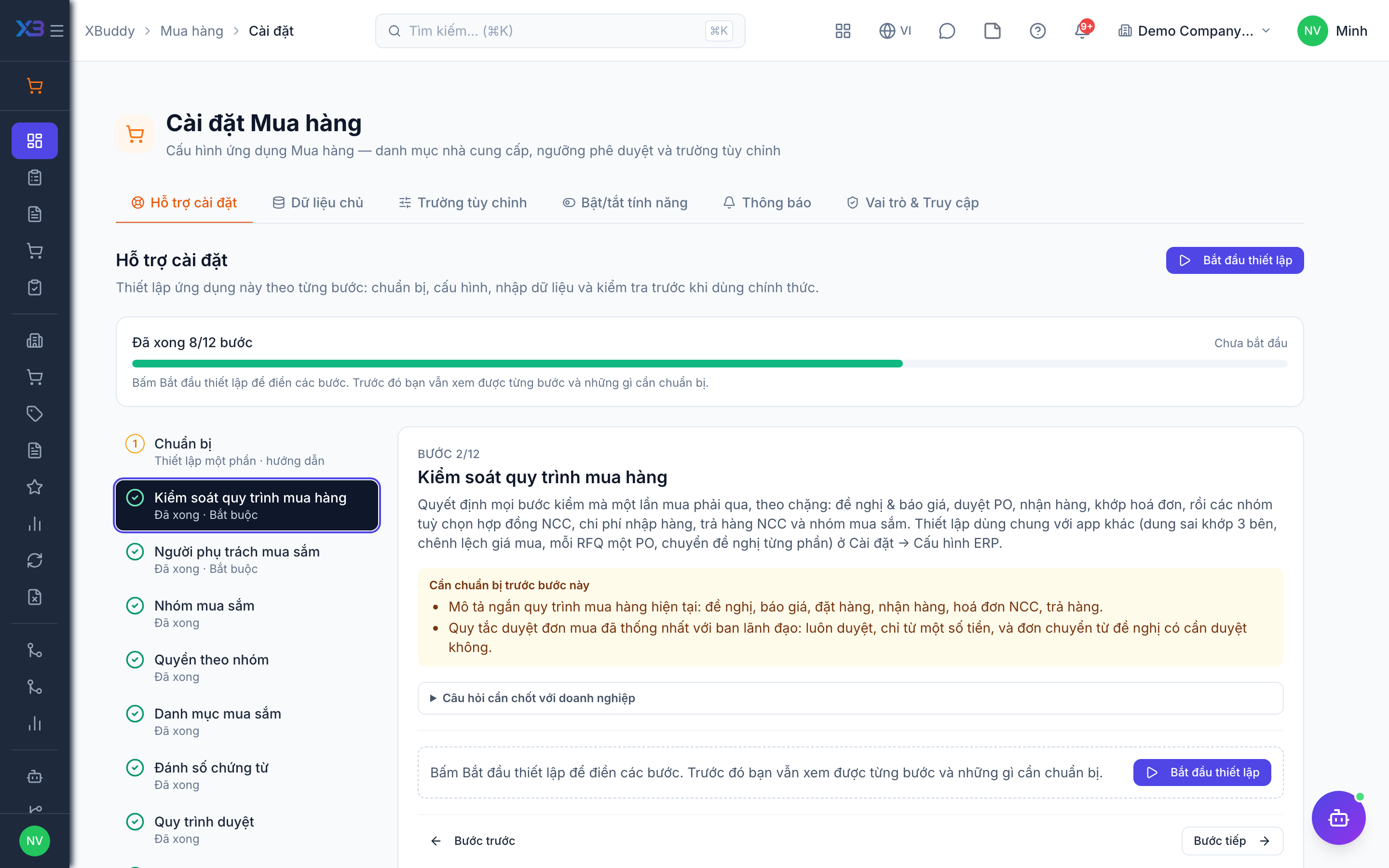
3. Purchasing people
Required
Choose who runs purchasing: the purchasing manager, buyers, category managers, department staff who only raise requisitions, and the CFO who approves large orders. You cannot remove a person’s last role here.
Prepare first
- The list of buyers, purchasing managers, department requesters and approvers — each must already be invited as a user.
Questions to answer
- Who heads purchasing, who are the buyers, and who approves large orders?
- Which departments raise their own purchase requisitions, and who in each department does it?
| Role template | Key | For |
|---|---|---|
| Procurement Manager | procurement_manager | Head of purchasing: approves requisitions and POs — all data |
| Procurement Specialist | procurement_specialist | Buyer: RFQs, POs, vendors; does not approve — own or team data |
| Procurement Officer | procurement_officer | Buyer: creates and follows POs — own data |
| Procurement Category Manager | procurement_category_manager | Approves requisitions and POs of the purchase categories assigned to them |
| Department Purchase Requester | department_purchase_requester | Department staff who raise requisitions — own data |
| Chief Financial Officer | cfo | Approves large purchase orders |
4. Purchase categories
Optional · After step: Purchasing process controls
Group purchases by category (IT, marketing, facilities…) so each group gets its own owner, expense account and approval route. Only applies when purchase categories are turned on.
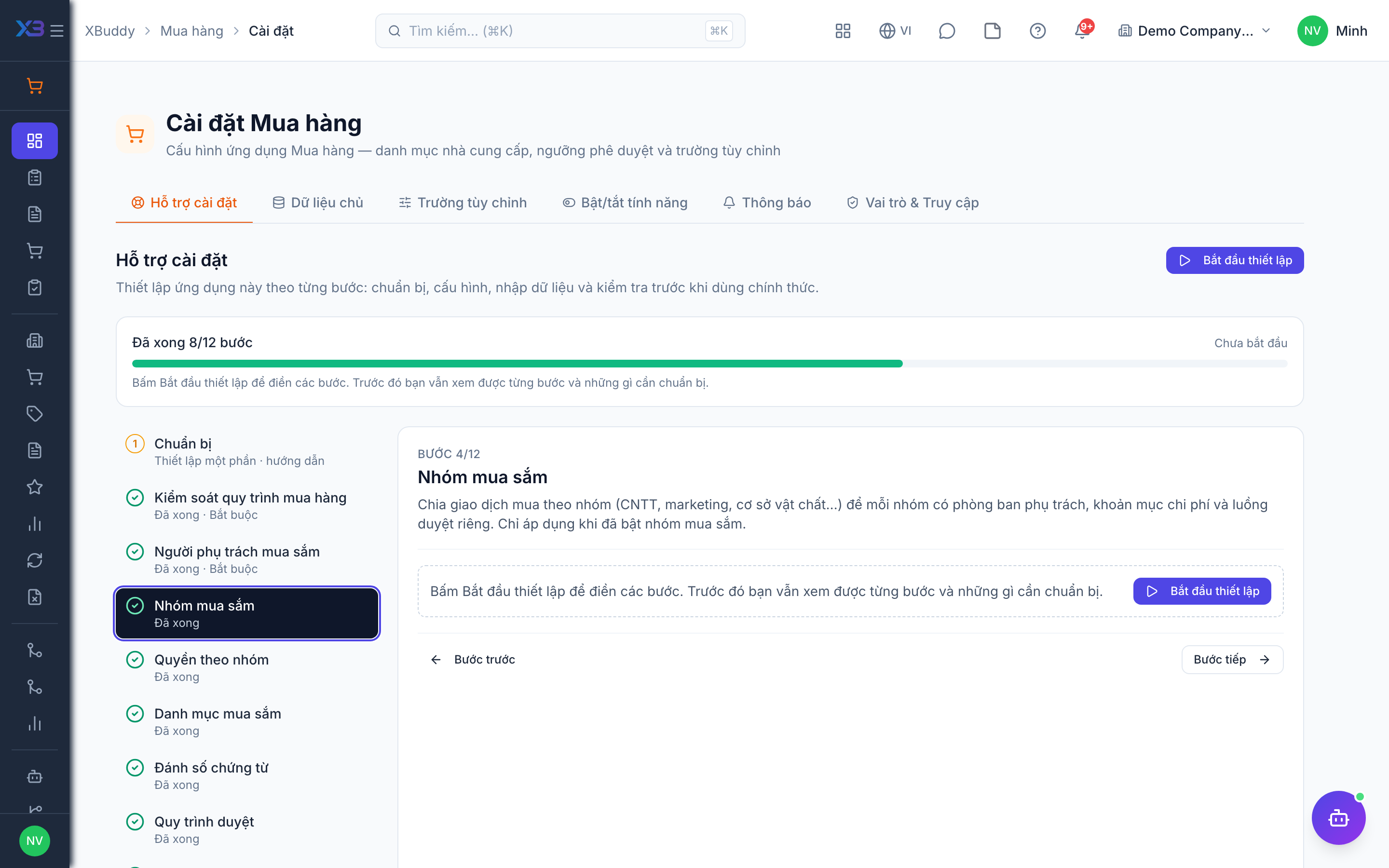
5. Access by category
Optional · After step: Purchase categories
Choose which roles may raise requests in, view, approve or manage each category. Restricted categories can be used only by roles granted here.
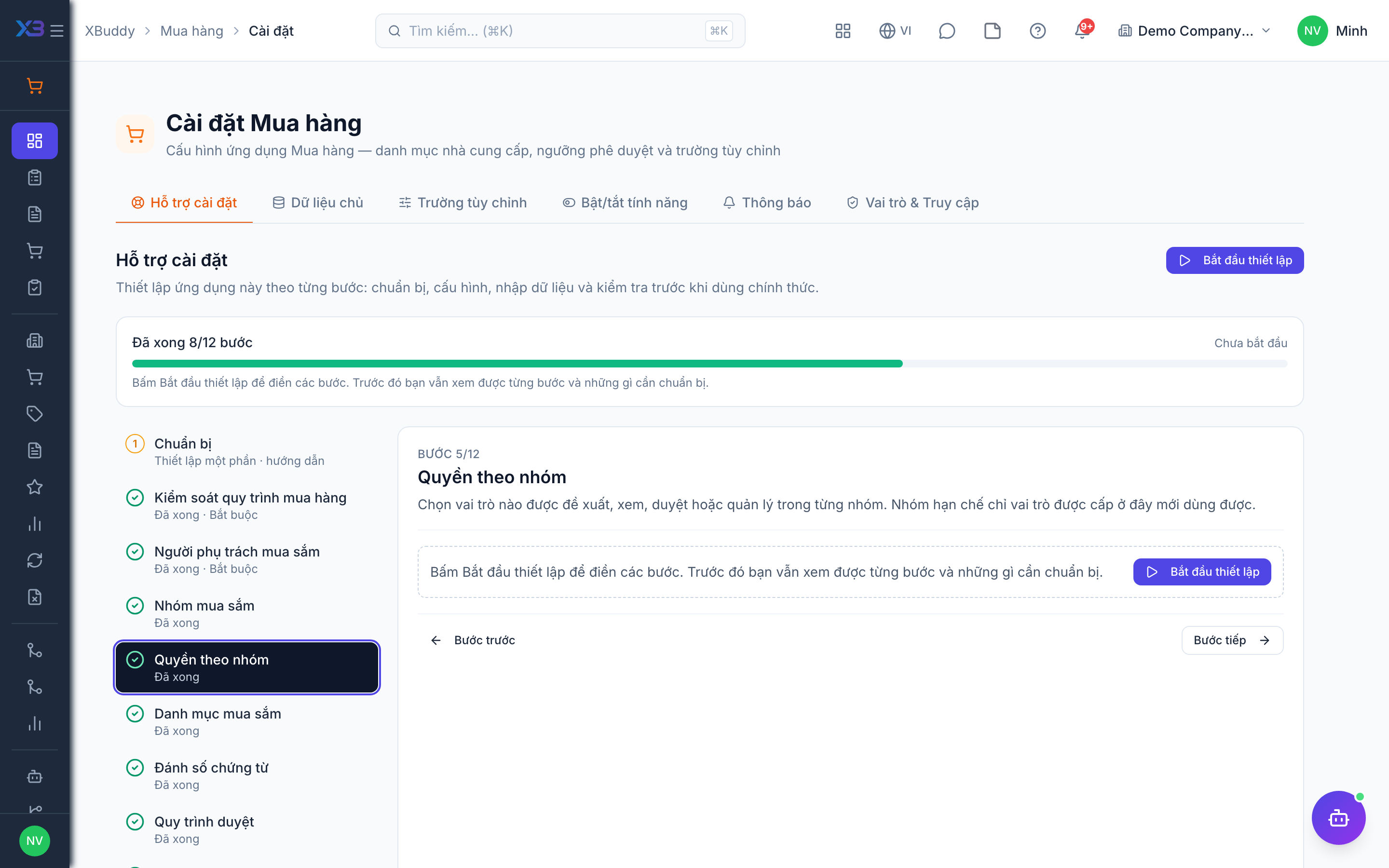
6. Purchasing lists
Optional
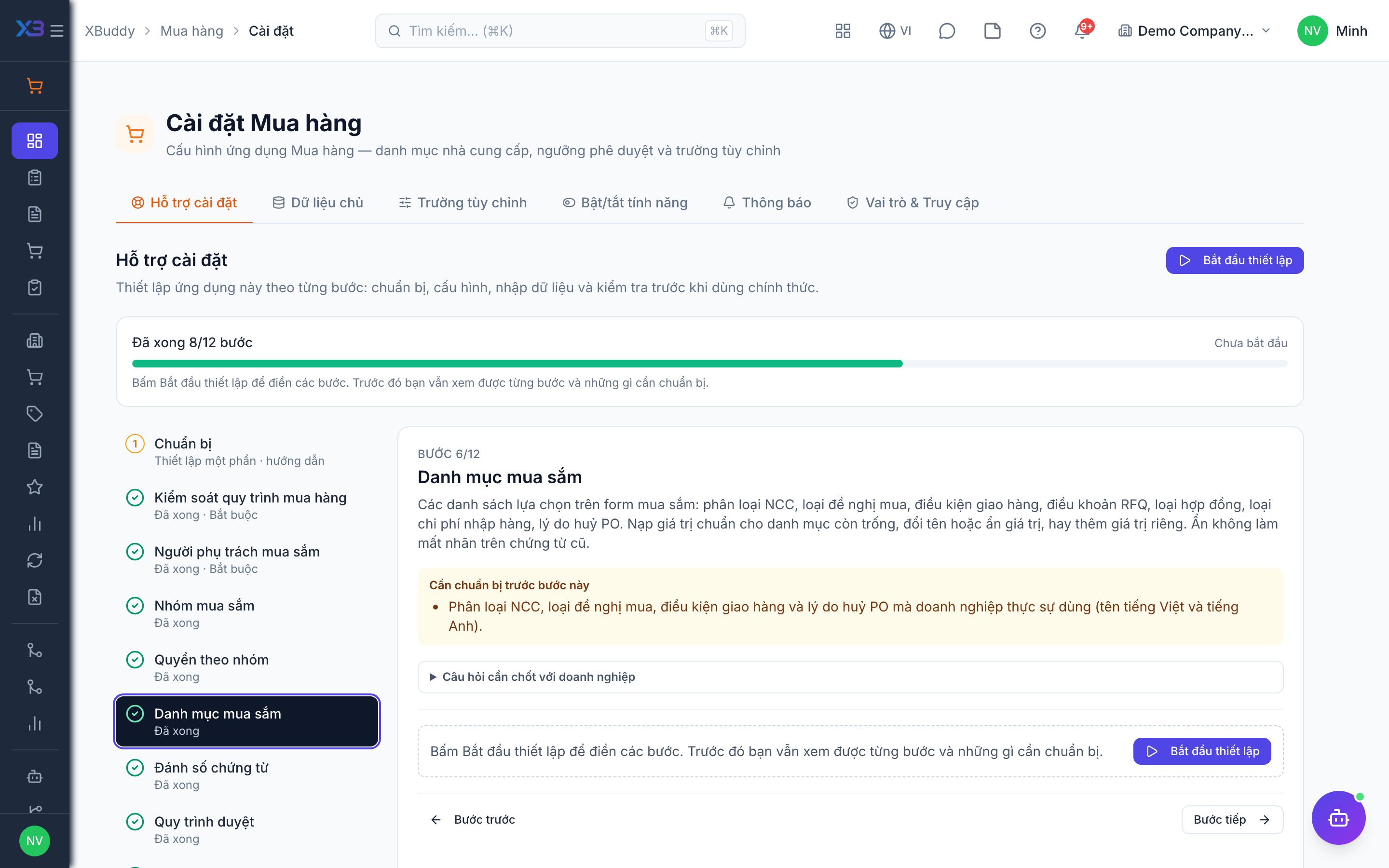
The choice lists used on purchasing forms: vendor categories, requisition types, delivery terms, RFQ terms, contract types, landed cost types, PO cancellation reasons. Fill empty lists with the standard values, rename or hide values, or add your own. Hiding keeps the label on old documents.
Prepare first
- The vendor categories, requisition types, delivery terms and PO cancellation reasons the business really uses (Vietnamese and English names).
Questions to answer
- How are vendors grouped (local, import, service, contractor)?
- Which delivery terms and commercial terms appear on your RFQs and orders?
- Which landed costs (freight, duty, insurance) do you add to stock cost, and how are they allocated?
Lookups to review (Settings → Lookups):
- Cost Allocation Methods (
cost_allocation_methods) - Delivery Terms (
delivery_terms) - Landed Cost Types (
landed_cost_types) - PO Cancellation Reasons (
po_cancellation_reasons) - Contract Types (
procurement_contract_types) - Purchase Request Types (
purchase_request_types) - RFQ Commercial Terms (
rfq_commercial_terms) - Vendor Categories (
vendor_categories)
7. Document numbering
Optional
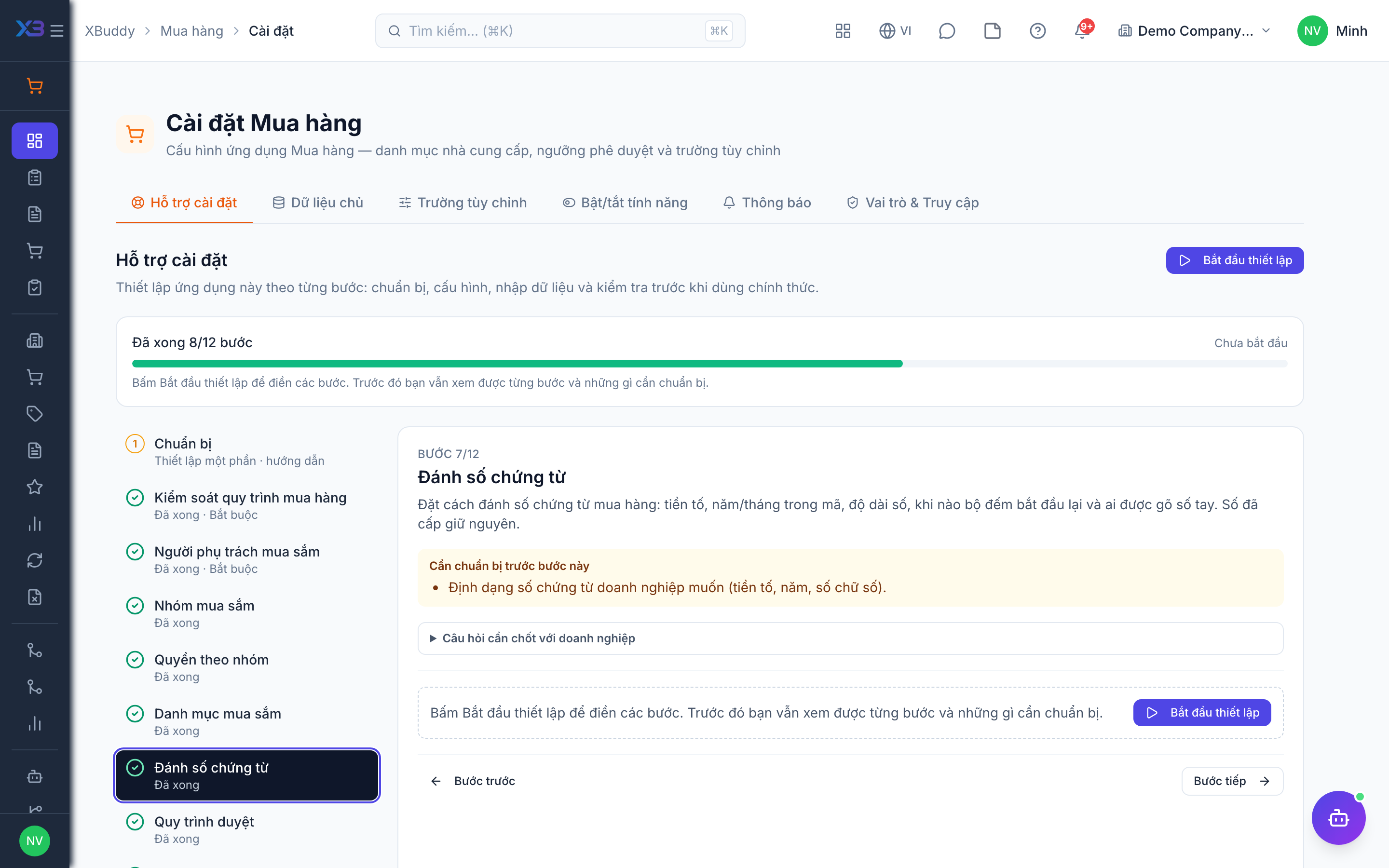
Set how purchase documents are numbered: prefix, year/month in the code, number width, when the counter restarts, and who may type a number by hand. Numbers already issued stay as they are.
Prepare first
- The numbering format the business wants (prefix, year, number of digits).
Questions to answer
- Do you want a specific numbering format for requisitions, purchase orders and goods receipts, or keep the defaults?
Document types to configure numbering for (Settings → Document numbering):
purchase_requisitionrfqpurchase_ordergoods_receiptSCVRVC
8. Approval workflows
Optional · After step: Purchasing process controls, Purchasing people
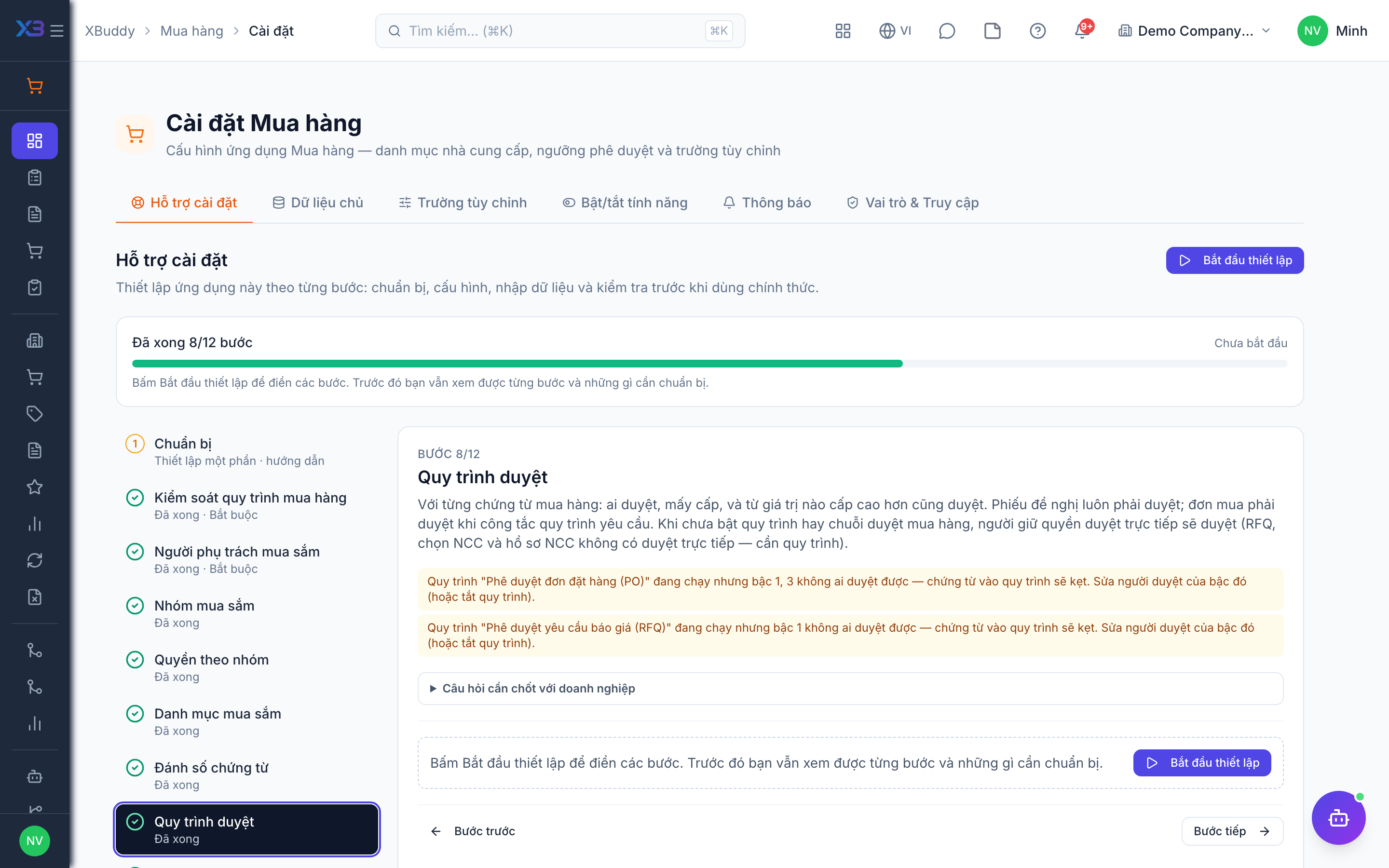
For each purchasing document: who approves, in how many levels, and above which value a higher level also approves. Requisitions always need approval; purchase orders need it when the process controls say so. Without an active workflow or purchase approval chain, users holding the direct-approve permission approve (RFQs, vendor selection and vendor profiles have no direct approval — they need a workflow).
Questions to answer
- Should requisitions and purchase orders go through a multi-step workflow, or does one manager approve directly?
- Who approves at each level, and above which order value does a director or finance also approve?
- Must vendor selection (RFQ award) and new vendor profiles be approved?
Approval workflows to enable (Workflow → Template library) — see Workflow templates:
purchase_requisitionpurchase_orderrfq_awardrfqvendor_onboardingvendor_returndebit_note
9. Approval delegation
Optional · After step: Purchasing people
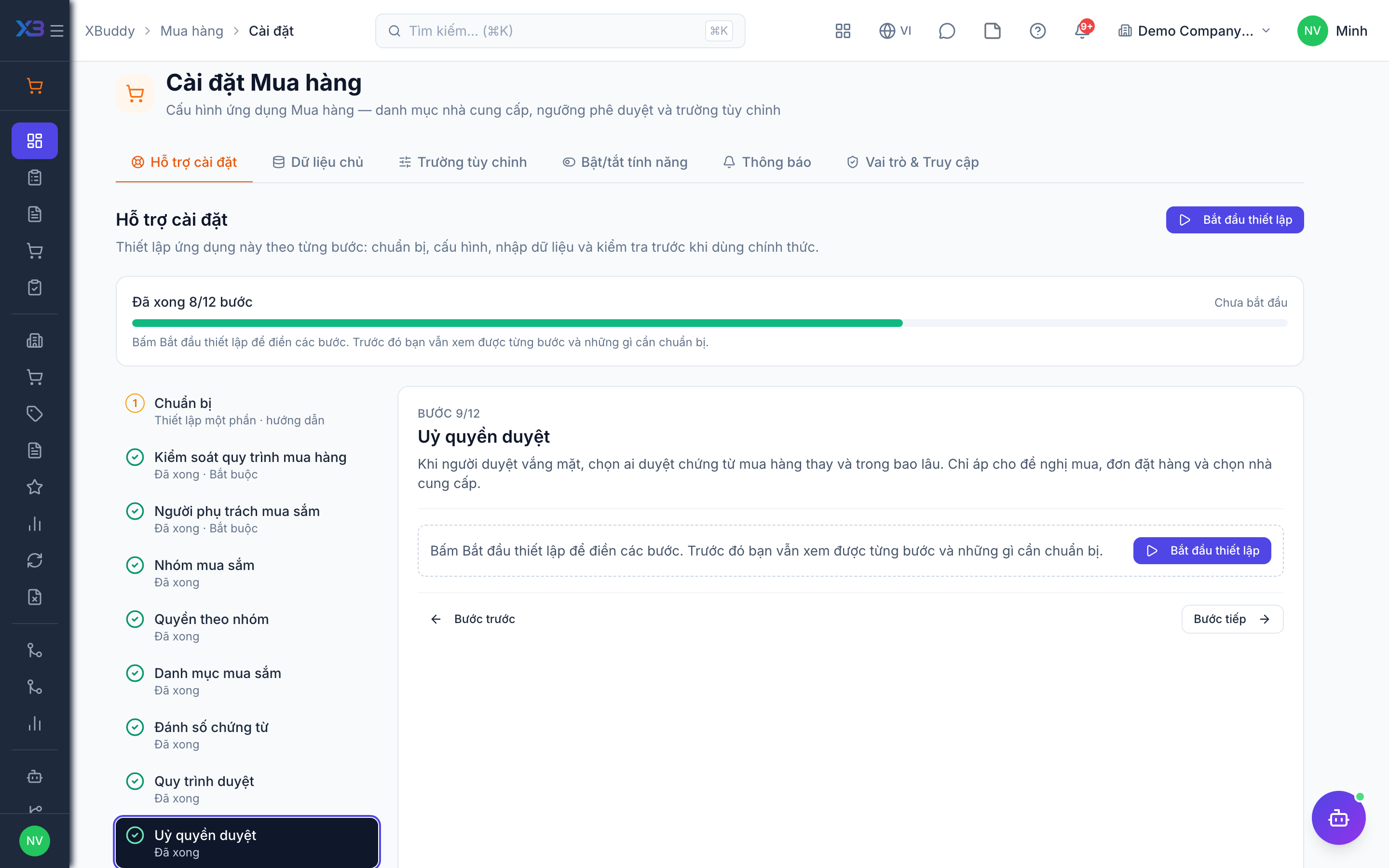
When an approver is away, choose who approves purchase documents in their place and for how long. Only applies to purchase requisitions, purchase orders and vendor selection.
10. Import data
Optional
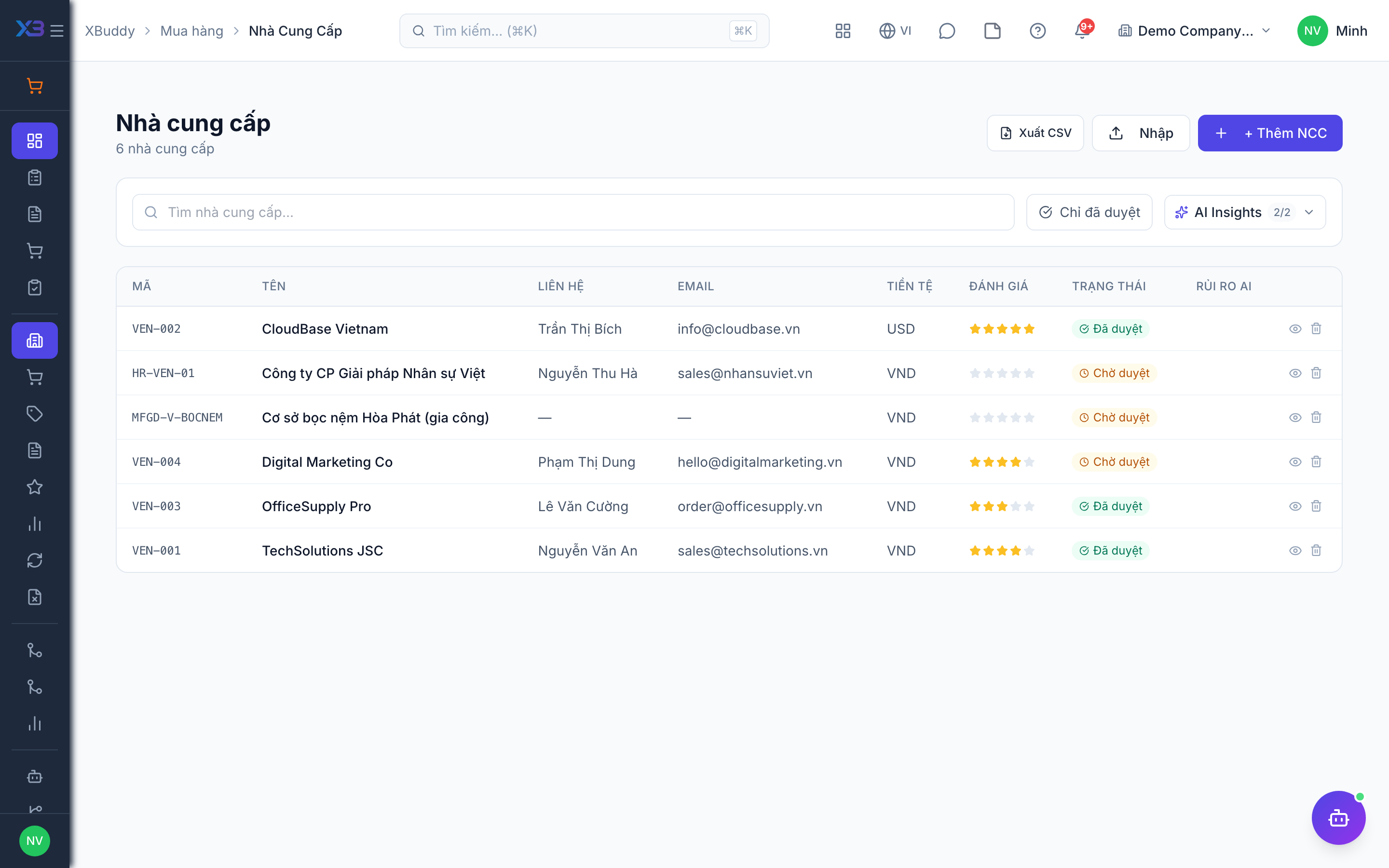
Bring vendors and purchased items in with the existing import screens. Each button opens the import with its template; the counts update from real data.
Prepare first
- Import in this order: vendors → purchased items → opening stock. Items must exist before purchase orders can use them.
- Fill the old-system code column so re-importing the same file updates rows instead of duplicating them.
Questions to answer
- Where are vendors and purchased items kept today, and how many rows of each?
| # | Task | How | Screen |
|---|---|---|---|
| 1 | Vendors | Import vendors, then approve the ones you buy from. | /procurement/vendors (Import + template) |
| 2 | Purchased items | Stocked items with the purchasable flag on. | /inventory/items (Import + template) |
| 3 | Opening stock | Quantities and costs per warehouse on the go-live date. | /inventory/items (Import + template) |
| 4 | Vendor contracts | Only if you buy under framework agreements: enter the active contracts. | /procurement/contracts |
11. Open documents
Optional
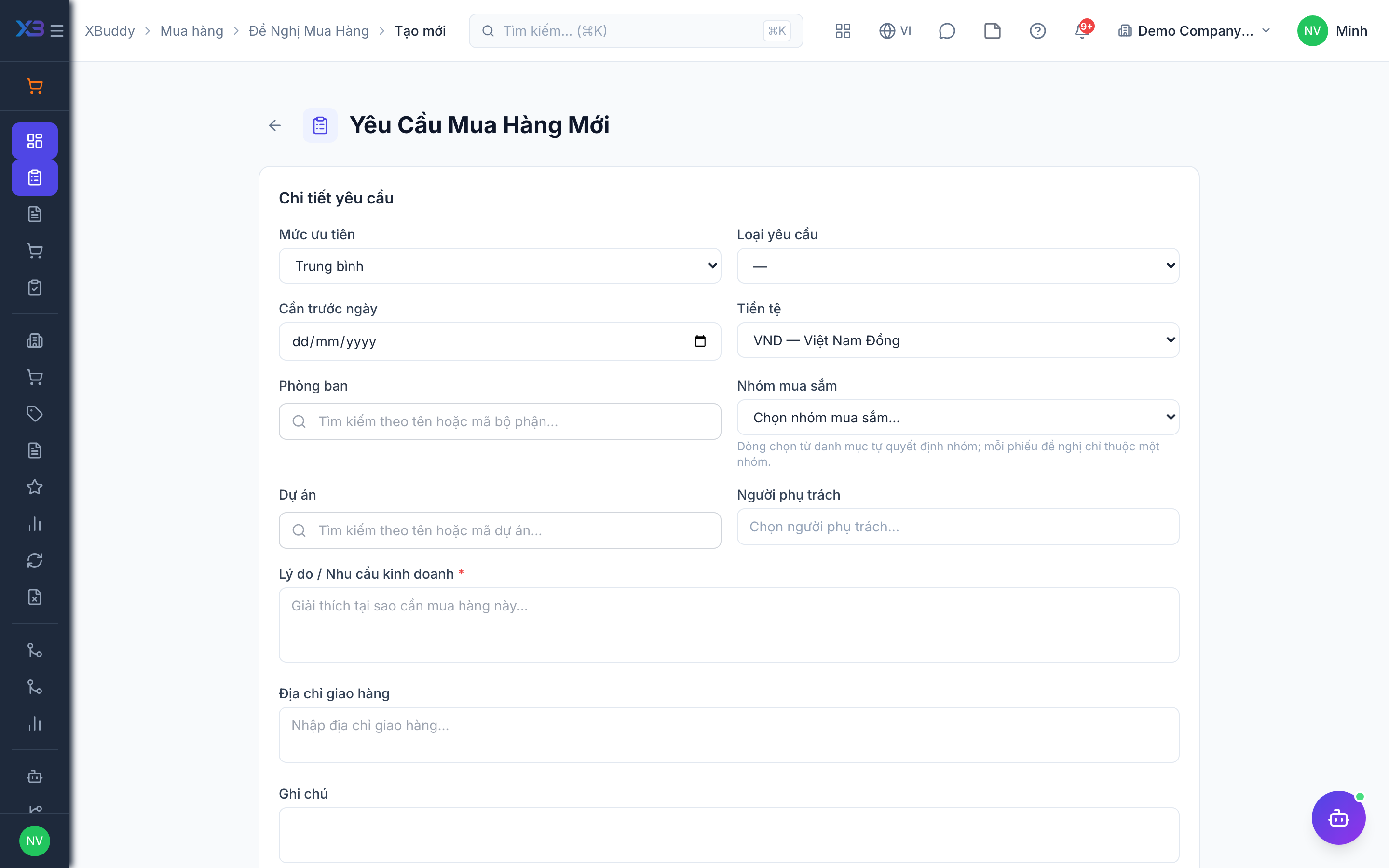
Requisitions and purchase orders still open on the cut-over date are re-entered by hand — documents are not imported from files.
Prepare first
- Agree the cut-over date: what is still open that day is re-entered here; closed documents stay in the old system.
| # | Task | How | Screen |
|---|---|---|---|
| 1 | Open requisitions re-entered | Approved requisitions not yet ordered. | /procurement/requisitions/new (Create) |
| 2 | Open purchase orders re-entered | Orders not yet fully received or billed — only the remaining quantities. | /procurement/purchase-orders/new (Create) |
12. Go-live check
Optional
Run one real purchase end to end with the key user before go-live. Tick each step once its result is checked.
Prepare first
- One real vendor and two real items; agree who checks each result.
| # | Task | How | Screen |
|---|---|---|---|
| 1 | Requisition | As a department requester: create and submit a requisition — it reaches the right approver. | /procurement/requisitions/new (Create) |
| 2 | Quotations | If quotations are used: send an RFQ, record two vendor quotes and award one. | /procurement/rfqs |
| 3 | Purchase order | Convert to a purchase order and get it approved (if approval is on); the buyer cannot approve their own order. | /procurement/purchase-orders |
| 4 | Partial receipt | Receive part of the order — stock increases in the right warehouse. | /procurement/purchase-orders |
| 5 | Vendor bill | Record the vendor bill for the received part; 3-way match passes (if on). | /finance/bills |
| 6 | Vendor return | Return one item to the vendor and check stock and the debit note. | /procurement/vendor-returns |
Next
See the feature pages of this app in the left menu, or the setup guides of every app.