Project budget and cost control
When to use
Use versioned budgets when a budget change must be approved by someone, or when you want to compare plan against actual spend and stop overspending before it happens.
Before you start
- Anyone with
projects:readcan view budgets and plan versus actual. - Creating or submitting a budget version needs
projects:readplusproject_budgets:write. Approving or rejecting needsproject_budgets:approve. - Repricing labor cost needs
projects:readplusaccounting:write. projects.budget_enforcementis a selection with values such as off (default), warn, and block. It checks a new expense against the budget left on the project.projects.budget_approval_required(off by default) makes the project budget come only from an approved version. It cannot be edited by hand and the project cannot move to in progress without an approved version.projects.labor_cost_from_internal_rate(on) takes labor cost from the Accounting internal rate for the person’s position or level.projects.separate_cost_bill_rate(off by default, on for new companies) lets cost differ from the bill rate.
Steps
Draft a budget version
Open the project’s Budget tab and create a budget version. Fill the lines by category, or generate lines from the project plan.
Submit for approval
Submit the version. An approver with project_budgets:approve approves or rejects it.
Compare plan and actual
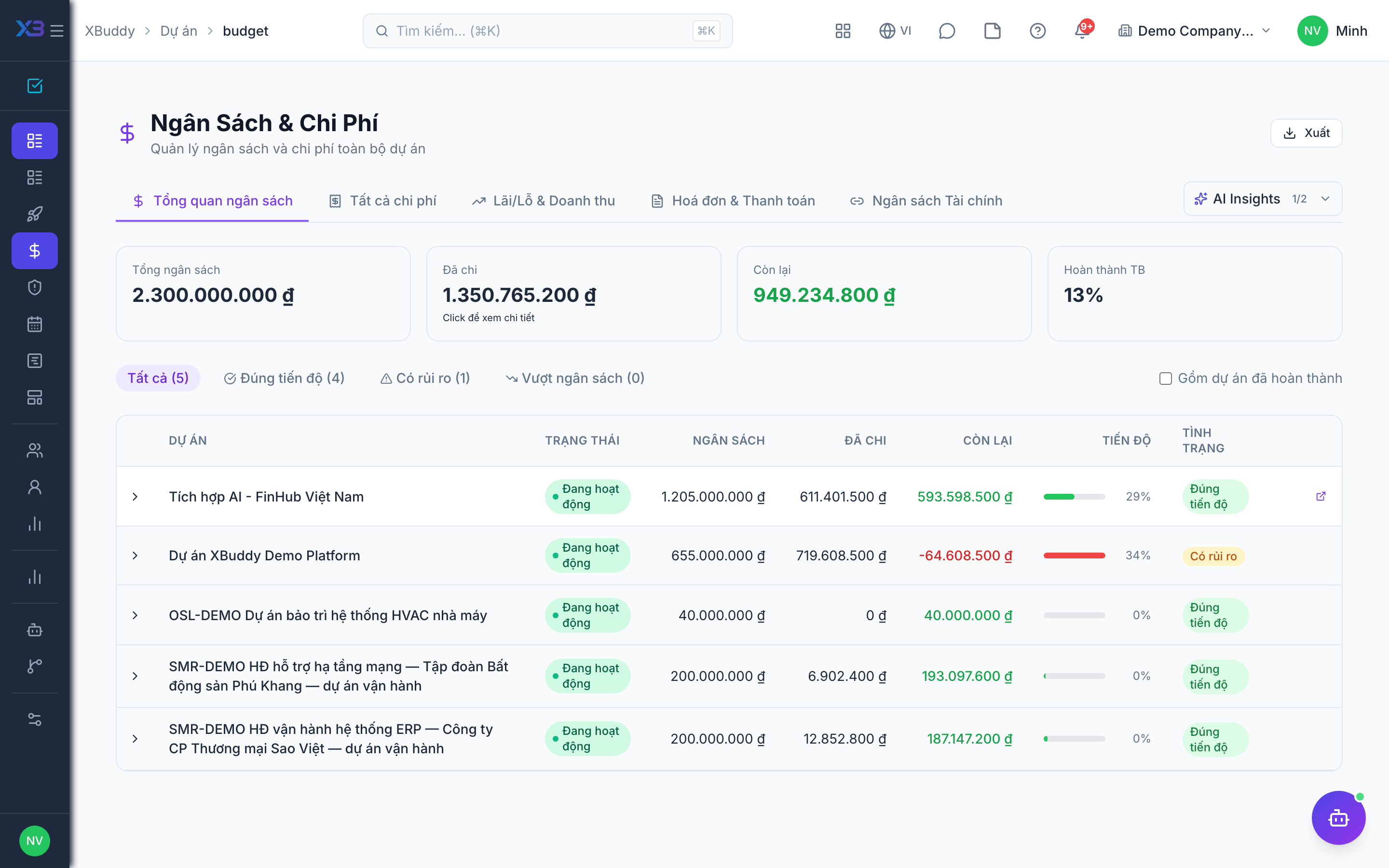
Use plan versus actual on the project, or Budget & Expenses (/projects/budget) for all projects. Spend is counted across labor, expenses, purchase orders, and work orders.
Turn on enforcement
In Settings (/projects/settings) set projects.budget_enforcement to warn or block, so new expenses are checked against what is left.
Reprice labor cost
If internal rates changed, reprice the project’s labor cost so past hours use the right rate.
Statuses
| Status | Meaning |
|---|---|
| Draft | The version is being edited. |
| Submitted | Waiting for an approver. |
| Approved | The version is the project’s budget. |
| Rejected | Sent back; create or edit another version. |
Tips & common mistakes
- Turn on enforcement as warn first, then move to block once people understand the numbers.
- When approval is required, you cannot edit the budget directly. Create a new version.
- Budgets in a different currency from the spend are reported as such rather than silently added together.
- A missing internal rate makes labor cost 0. Check rates before you trust the margin.