Tickets — support requests and their lifecycle
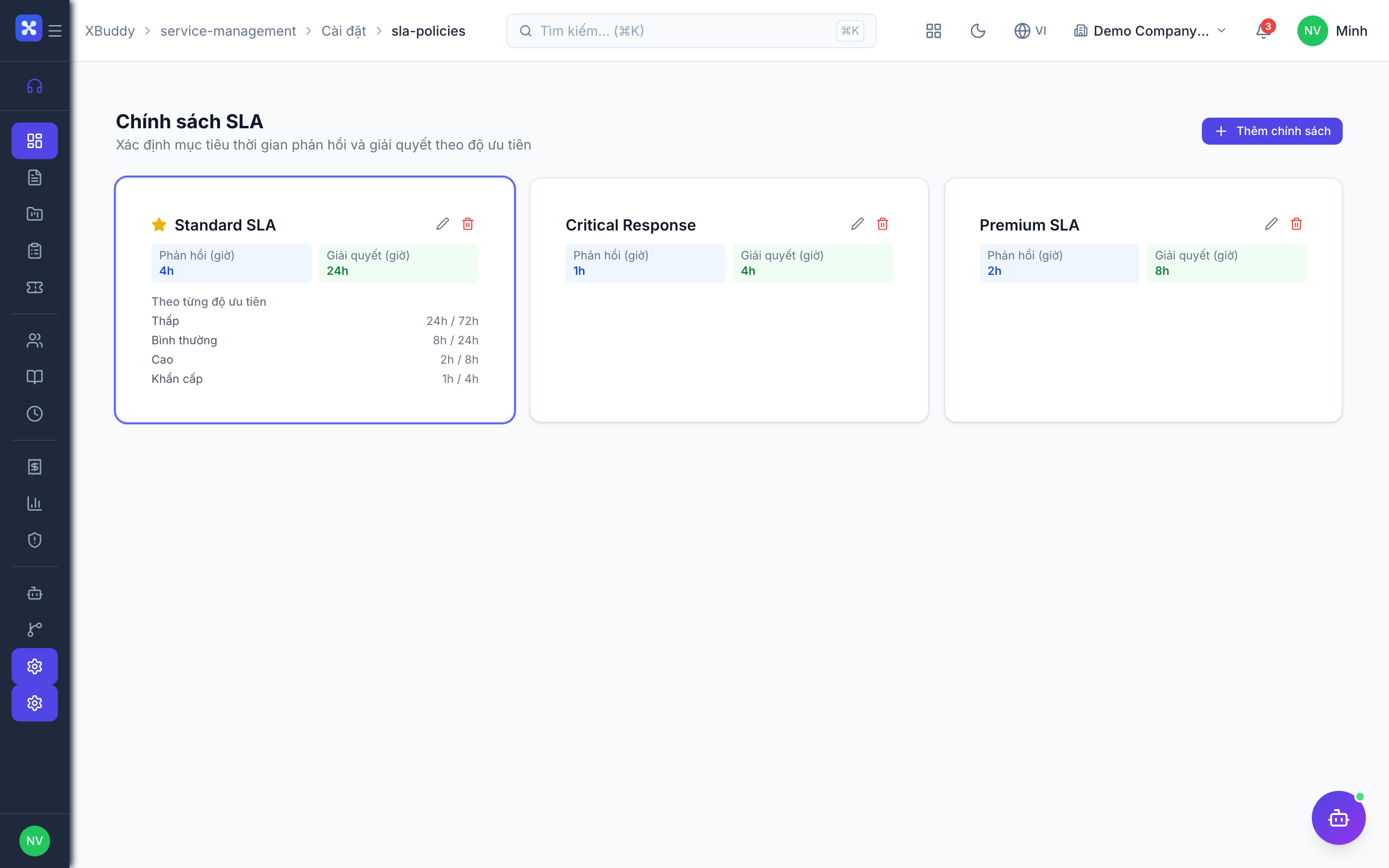
A ticket is a customer’s support request. It moves through a lifecycle (open → in progress → resolved), keeps a full activity timeline of every action taken against it, inherits an SLA deadline from its priority, and can be viewed by the customer through a secure portal link without a login.
Create or receive a ticket
Go to Service Management → Tickets and open a ticket (or one arrives automatically from a connected email channel or the customer portal).
Work it
Assign an agent, respond, add internal notes, and progress the status. Every action lands on the ticket timeline, and the SLA countdown for its priority is visible throughout.
Log billable time
If the ticket is billable, the agent logs time against it via Timesheets — the same mechanism used for Service Orders.
Share the portal
Send the customer the portal link; they can follow status and reply without an account. Responses log back onto the ticket automatically.