Product & Marketing setup guide
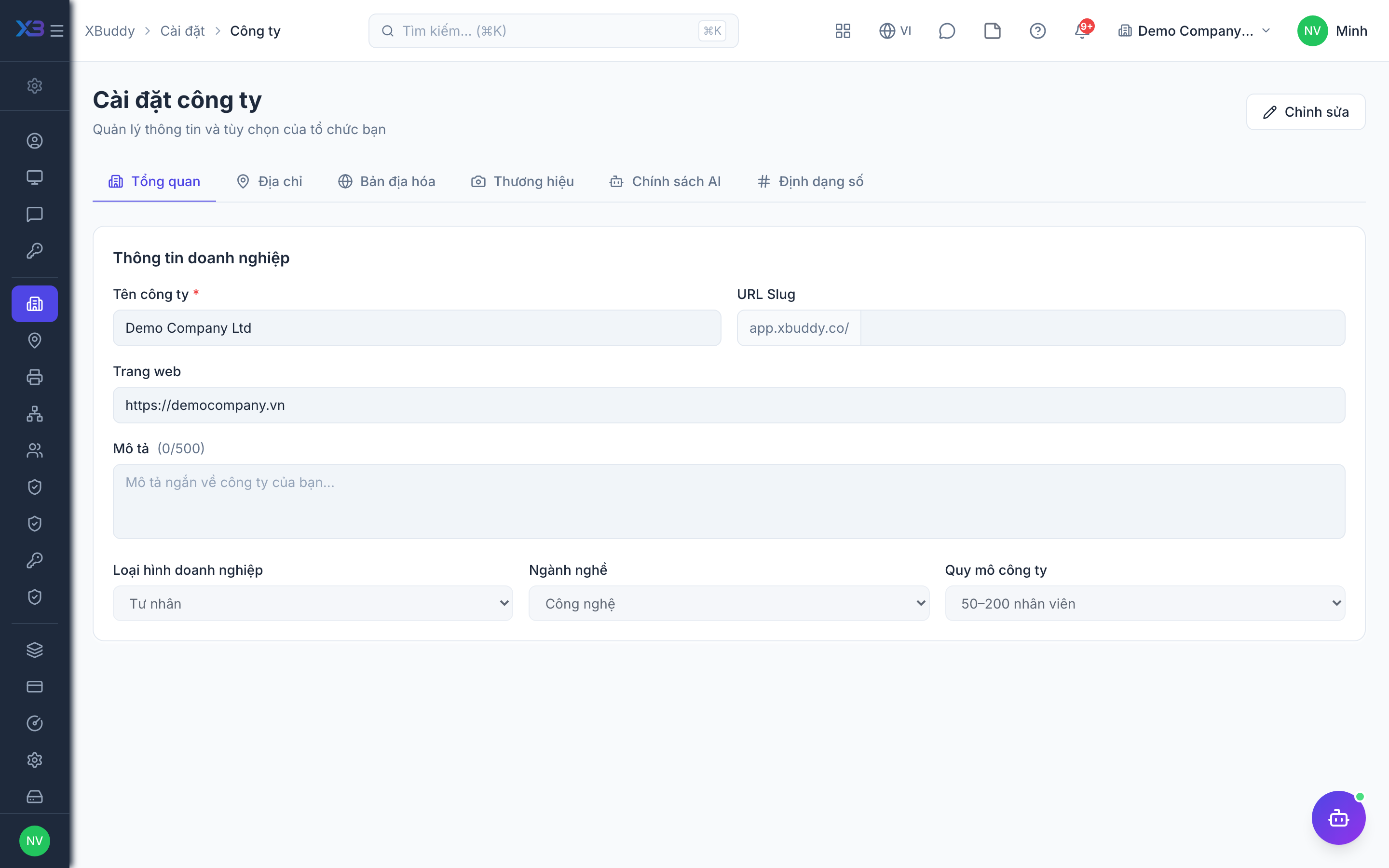
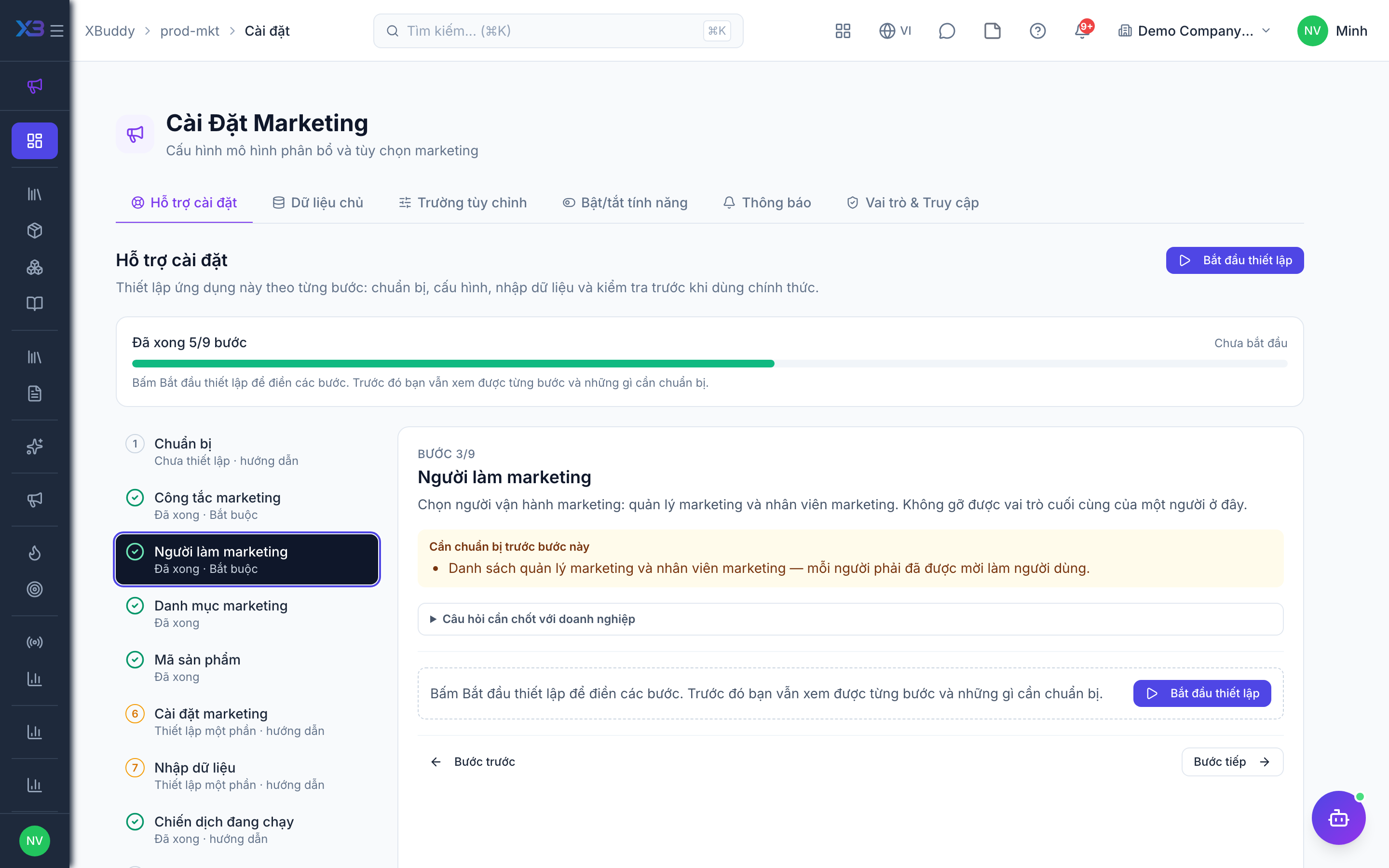
This page walks through 9 steps to set up Product & Marketing, in the order the in-app Setup assistant recommends. Each step lists what to prepare, the questions to answer first and the screen to use.
In the app, open Settings → Setup assistant: it measures your current state, asks the survey questions below and proposes a change set you approve before it is applied. This page is the read-only version for preparing ahead or doing it by hand.
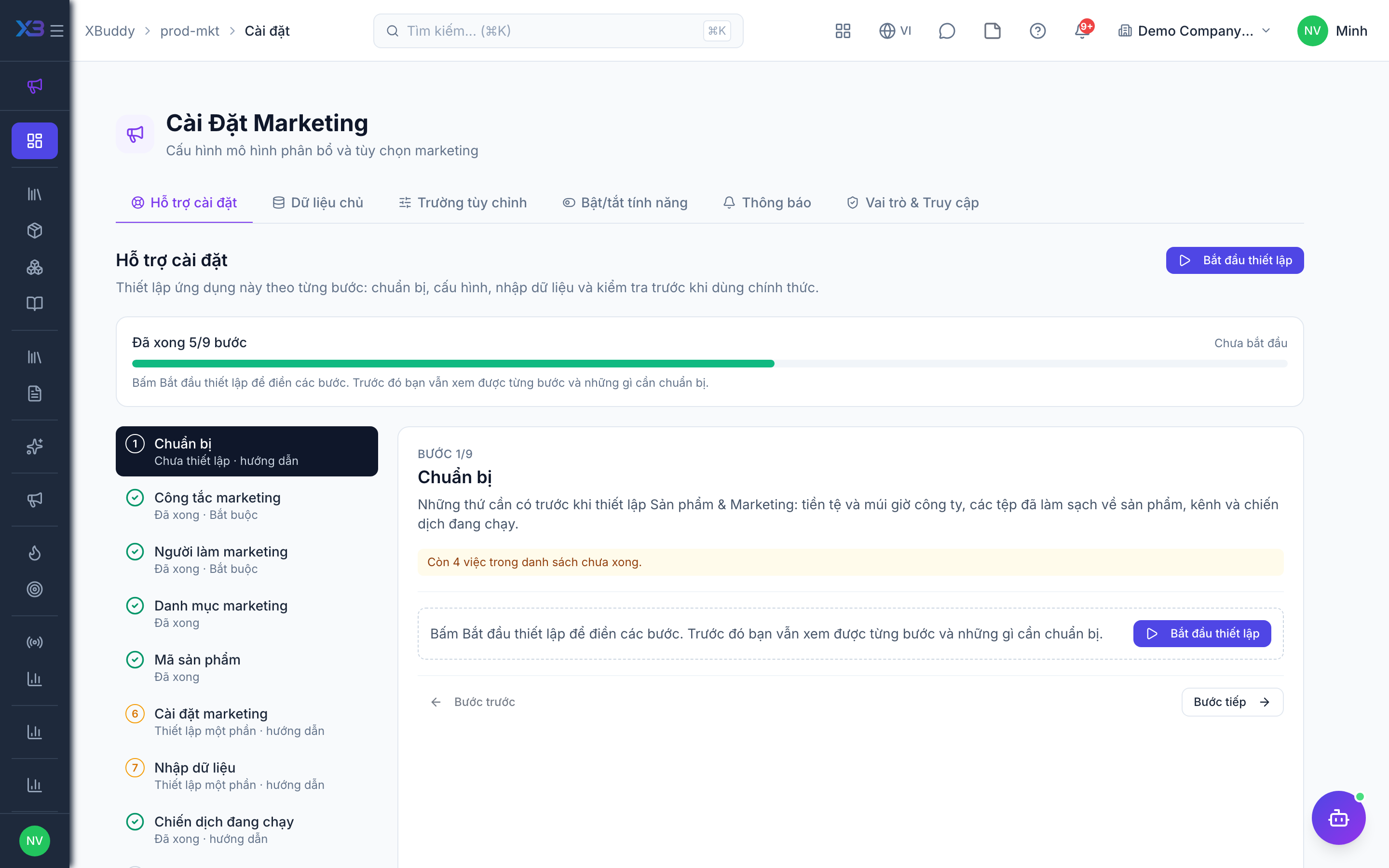
1. Prepare
Optional
What to have ready before setting up Product & Marketing: the company currency and time zone, and cleaned-up files of products, channels and running campaigns.
| # | Task | How | Screen |
|---|---|---|---|
| 1 | Currency and time zone confirmed | Company settings: campaign budgets, costs and ROI use the company base currency and time zone. | /settings/company |
| 2 | Product file ready | Services and non-stock products: code, name, type, unit, sellable flag, old-system code. | — |
| 3 | Channel list ready | Name, type, destination URL and UTM source/medium/campaign of each channel. | — |
| 4 | Campaign list ready | Campaigns still running or planned: type, dates, budget and owner. | — |
2. Marketing controls
Required
Choose how marketing works: campaign budgets and auto-close, campaign attribution and touchpoints, UTM on channels, sending from XBuddy, ad platform sync and product media.
Prepare first
- A short description of how marketing works today: how campaigns are planned and budgeted, which channels and tracking links are used, how leads reach sales.
- A decision on whether campaign e-mails/Zalo messages are sent from XBuddy and whether ad spend is pulled from Meta / Google.
Questions to answer
- Must every campaign have a budget before it is created? Should campaigns close automatically on their end date?
- Do you want to know which campaign brought each deal, and should calls, e-mails and link clicks count as campaign touchpoints automatically?
- Must every marketing channel carry UTM source and medium for tracking?
- Will you send campaign e-mails or Zalo messages from XBuddy, and pull ad spend from Meta / Google?
- Are product images shown on a public website or catalog? How large may a product video be?
| Toggle | Key | Default | Effect |
|---|---|---|---|
| Require campaign budget | business.campaign_budget_required | Off | Block creating a campaign without a positive budget. |
| Auto-close campaigns on end date | business.campaign_auto_close_on_end_date | Off | Every night, mark active campaigns whose end date has passed as completed. Draft and paused campaigns are left alone. |
| Campaign attribution on deals | business.campaign_attribution_on_deal | Off | When a deal is created, credit it to the campaigns (up to 10) its contact or lead is a member of, for campaign ROI. |
| Automatic campaign touchpoints | business.campaign_auto_touchpoints | Off | Automatically log CRM activities (calls, emails, meetings, messages, notes), deal creation and deal won as touchpoints for campaign members, and mark members converted on deal won. |
| Require UTM on channels | business.utm_required_on_channel | Off | Block creating a marketing channel without a UTM source and medium. |
| Send campaigns from XBuddy | business.campaign_outbound_sending | Off | Allow marketers with campaigns:send to email or Zalo campaign members from the campaign page. |
| Ad platform sync | business.ad_platform_sync | Off | Pull daily spend, impressions and clicks from connected Meta / Google ad accounts into campaign performance. |
| Public product images | business.catalog_public_images | On | Copy resized web-ready variants (320px thumbnail, 1024px medium, WebP) of newly uploaded product images to the public bucket so catalogs and the website get stable URLs. Off: new uploads stay private; variants already published stay public until the image is removed. |
| Max product video size (MB) | business.catalog_video_max_mb | 50 | Upper bound for short product videos (MP4/WebM). The effective cap is the smaller of this and the video limit in Settings → Storage. Empty or 0 = 50. |
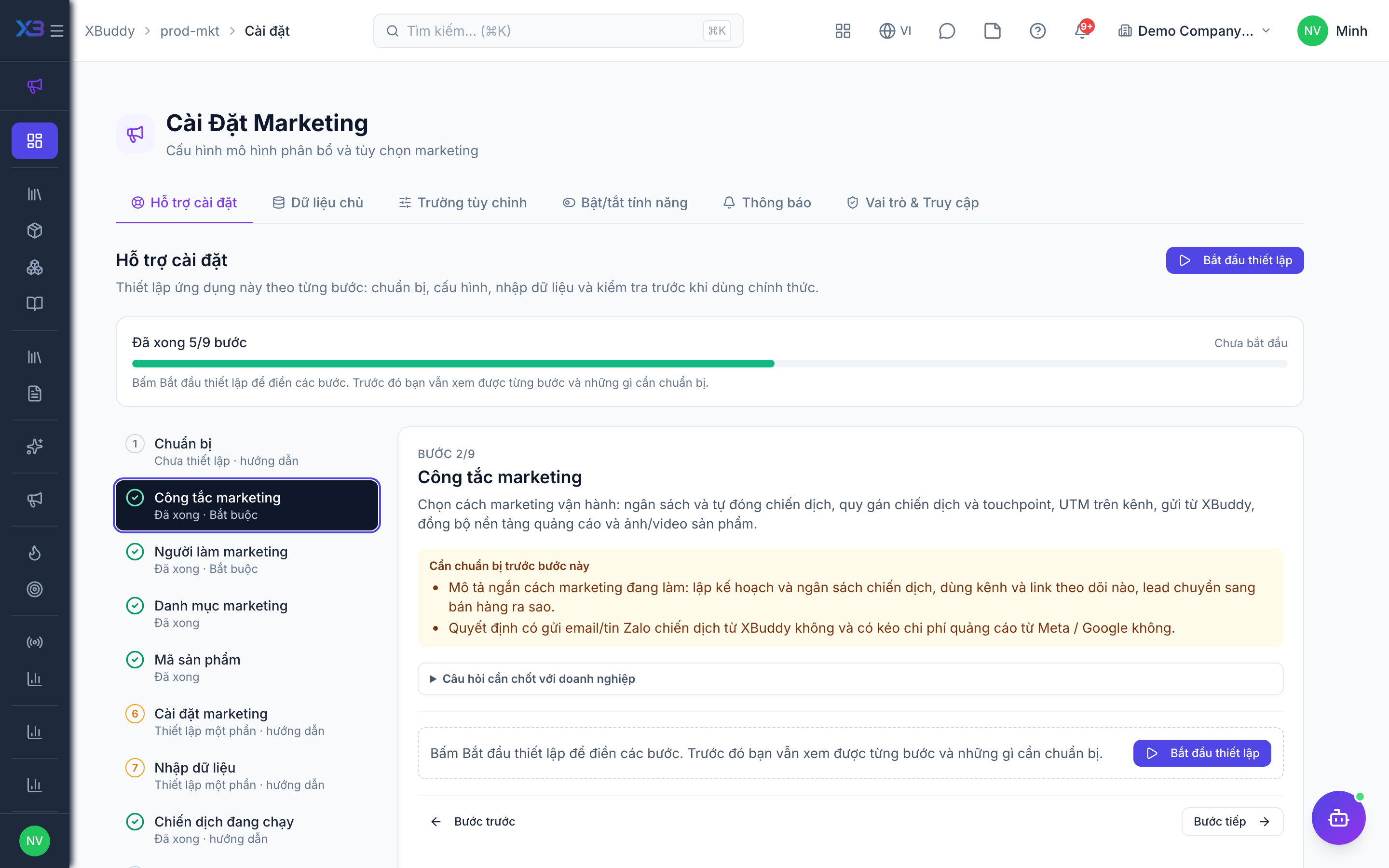
3. Marketing people
Required
Choose who runs marketing: the marketing manager and the marketers. You cannot remove a person’s last role here.
Prepare first
- The list of marketing managers and marketers — each must already be invited as a user.
Questions to answer
- Who heads marketing, and who runs campaigns and content?
- Should a marketer see only their own campaigns, their team’s, or all?
| Role template | Key | For |
|---|---|---|
| Marketing Manager | marketing_manager | Marketing manager: owns Product & Marketing settings, channels, attribution and campaign ROI |
| Marketing | marketing | Marketer: runs campaigns, content and leads |
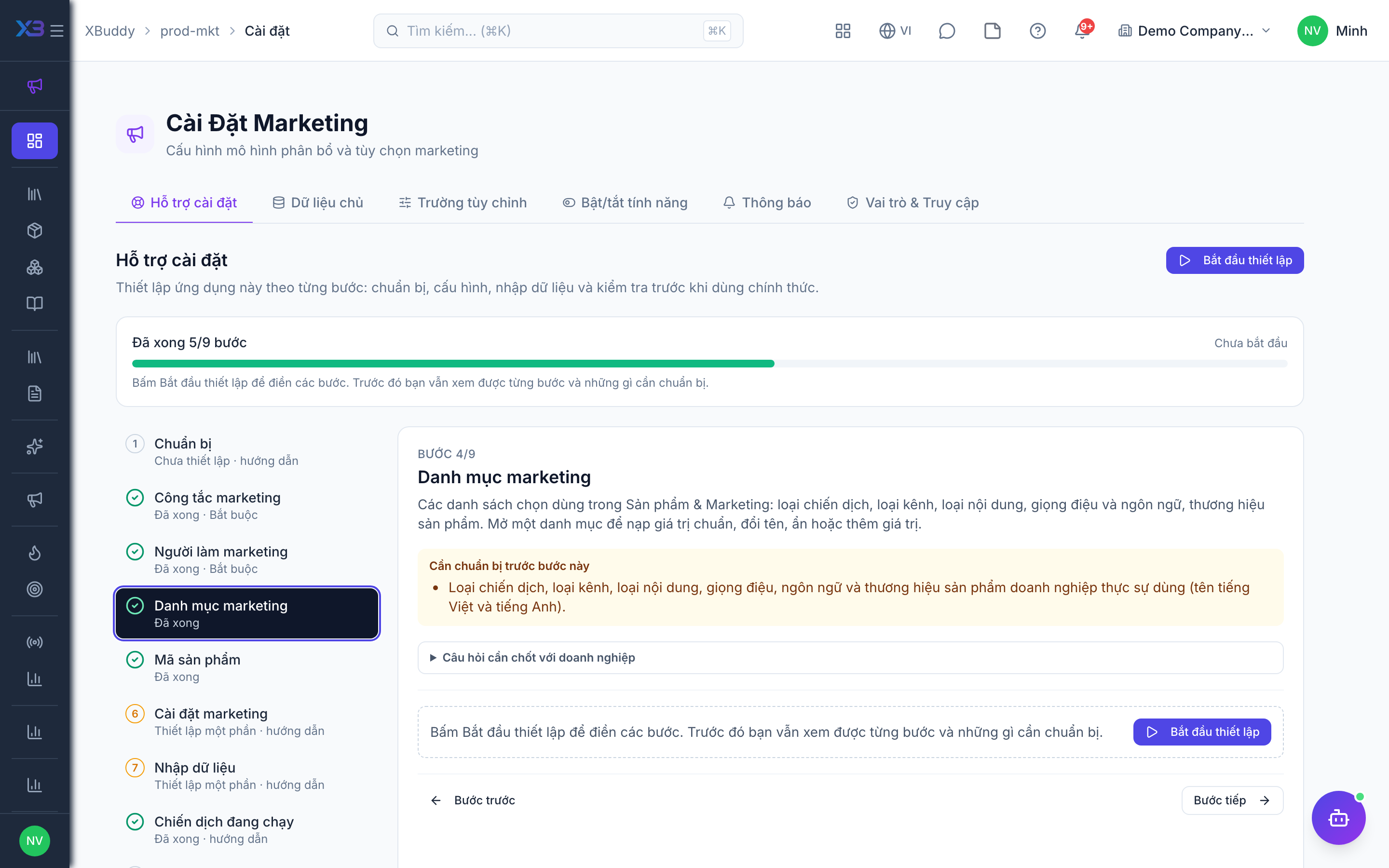
4. Marketing lists
Optional
The choice lists used in Product & Marketing: campaign types, channel types, content types, tones and languages, and product brands. Open a list to fill it with the standard values, rename, hide or add values.
Prepare first
- The campaign types, channel types, content types, tones and languages and product brands the business really uses (Vietnamese and English names).
Questions to answer
- Which campaign types and marketing channel types do you use?
- Which content types, tones and languages do you produce, and which product brands do you sell?
Lookups to review (Settings → Lookups):
- Campaign Types (
campaign_types) - Content Languages (
content_languages) - Content Tones (
content_tones) - Content Types (
content_types) - Marketing Channel Types (
marketing_channel_types) - Product Brands (
product_brands)
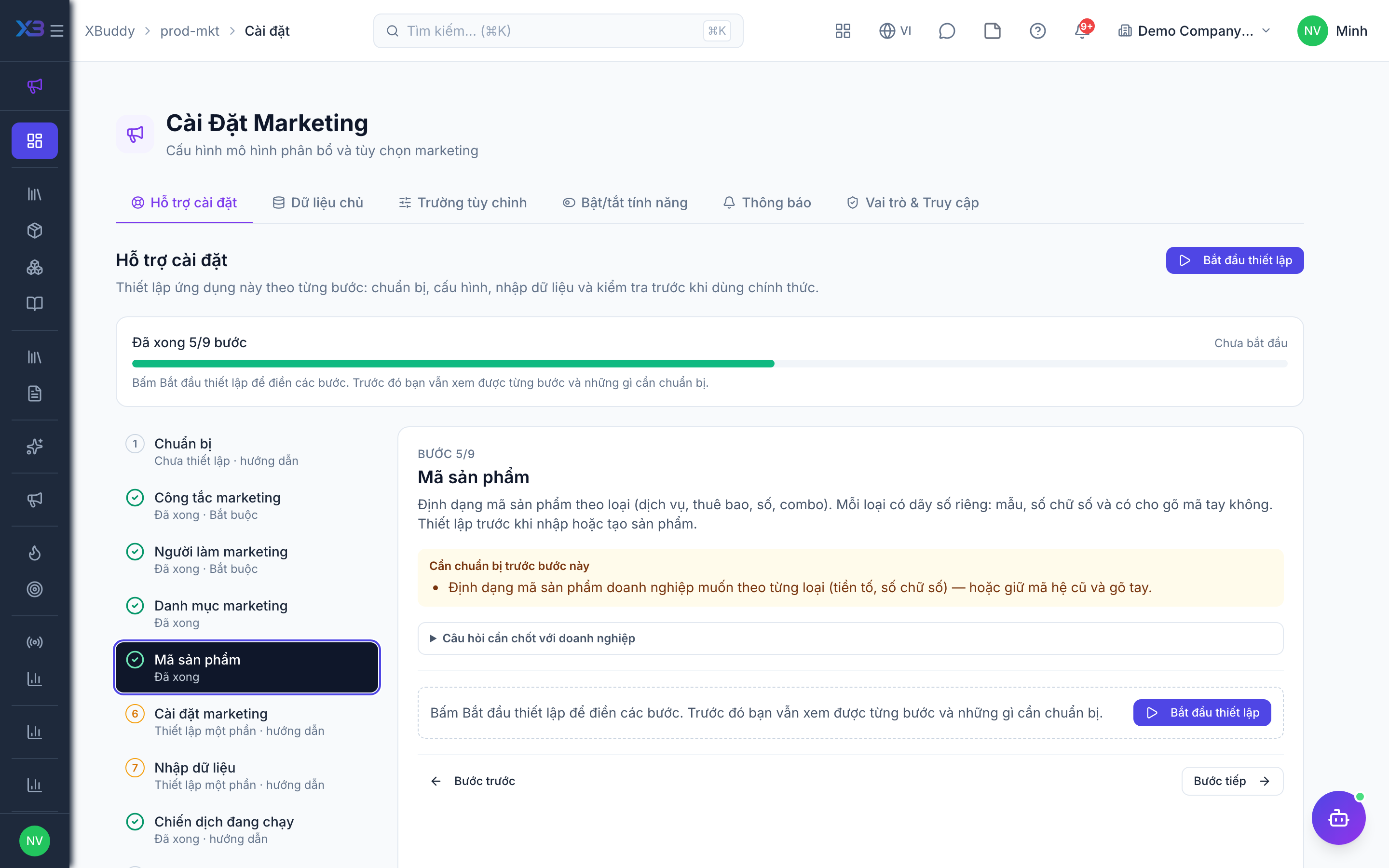
5. Product codes
Optional
The code format of products by type (service, subscription, digital, bundle). Each type has its own numbering: pattern, digits and whether users may type the code. Set it before importing or creating products.
Prepare first
- The product code format the business wants per product type (prefix, digits) — or keep old-system codes and type them by hand.
Questions to answer
- Do product codes follow a fixed format per type, or do you keep the codes from the old system?
Document types to configure numbering for (Settings → Document numbering):
product_serviceproduct_subscriptionproduct_digitalproduct_bundle
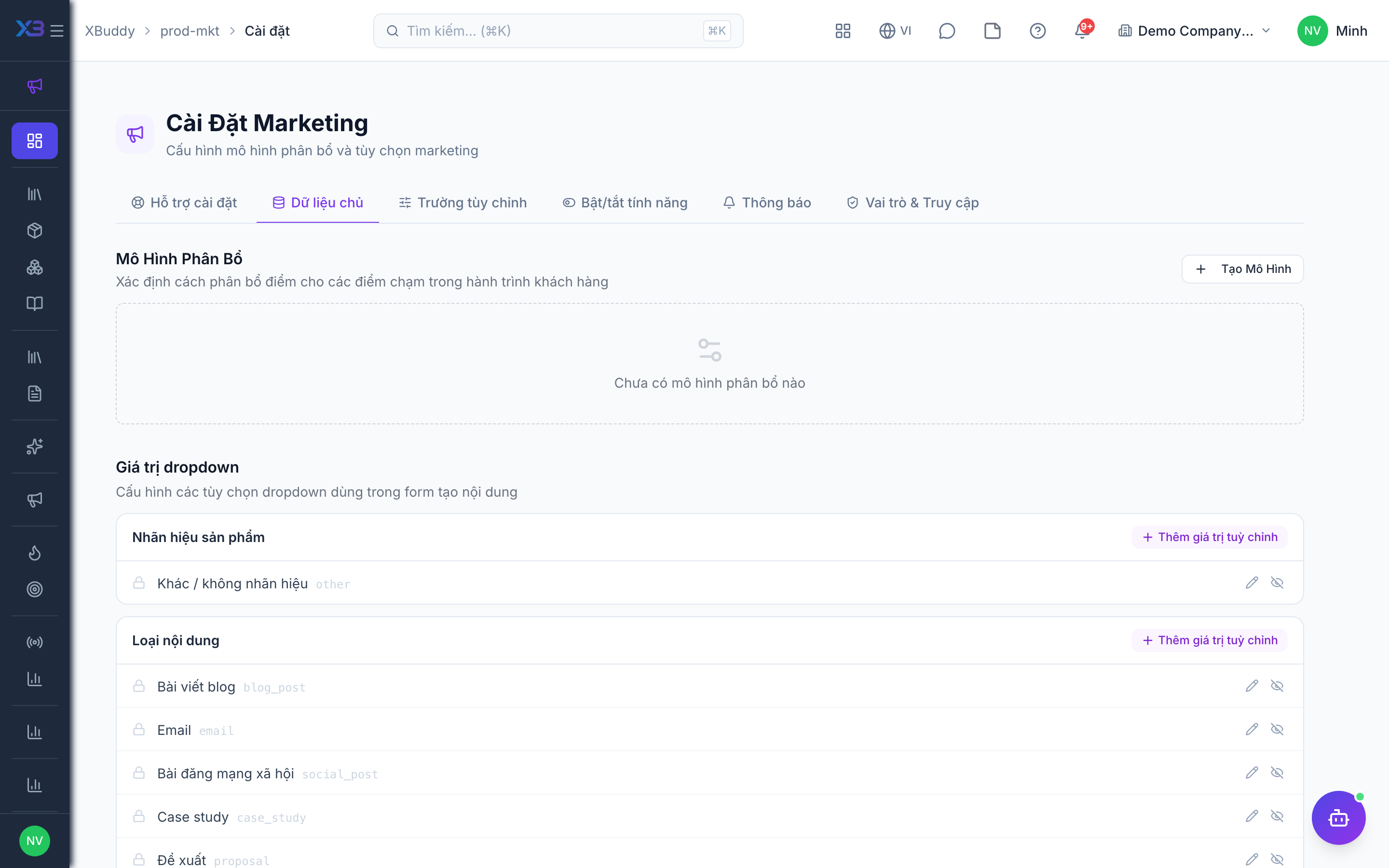
6. Marketing settings
Optional
Set up what campaigns rely on: the default attribution model, e-mail templates for sending and the ad platform connection. Each item opens the existing settings screen.
Prepare first
- Pick the default attribution model first (campaign ROI reads it); then, only if you use them, e-mail templates and the ad platform connection.
Questions to answer
- How should credit for a deal be shared between campaigns: first touch, last touch or spread across all?
| # | Task | How | Screen |
|---|---|---|---|
| 1 | Default attribution model | Product & Marketing settings → Master data: create the models you use and mark one as default. | /prod-mkt/settings |
| 2 | E-mail templates | Only if campaign sending is on: e-mail sends need an active template. | /settings/email-templates |
| 3 | Ad platform connection | Only if ad platform sync is on: connect Meta / Google ad accounts under Settings → Integrations and link each paid channel. | /settings/integrations |
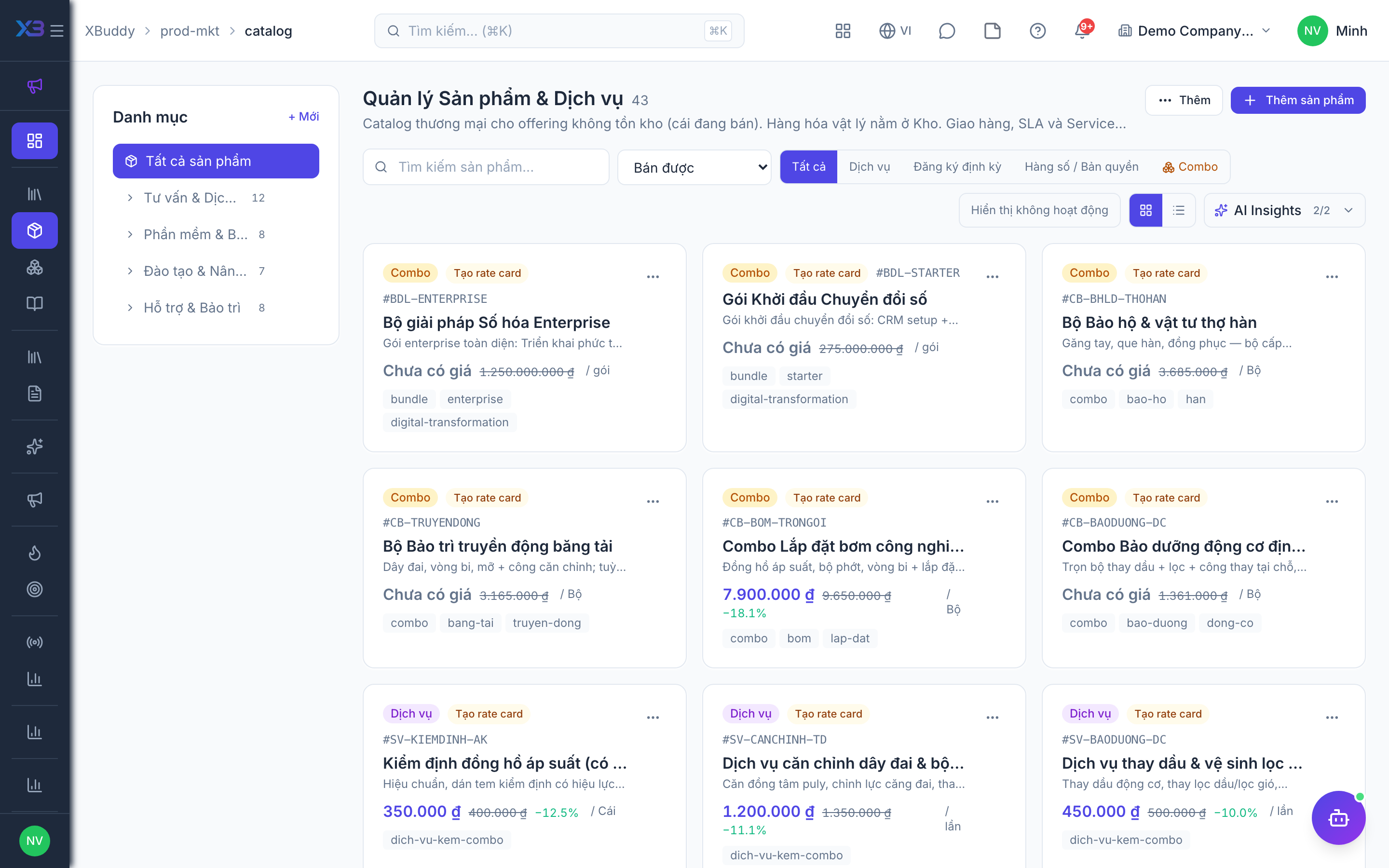
7. Import data
Optional
Bring in products, marketing channels and content with the existing import screens. Each button opens the import box with its template; counts come from real data.
Prepare first
- Import products & services first, then marketing channels — campaigns and content refer to them.
- Fill the old-system code column so re-importing the same file updates rows instead of duplicating them.
Questions to answer
- Where are products, channels and the content plan kept today, and how many rows of each?
| # | Task | How | Screen |
|---|---|---|---|
| 1 | Products & services | Product & Marketing → Catalog → Import. Stocked goods are inventory items (Inventory app); bundles are created on the form. | /prod-mkt/catalog (Import + template) |
| 2 | Marketing channels | Product & Marketing → Channels → Import; each channel gets its own tracking link. | /prod-mkt/channels (Import + template) |
| 3 | Content pieces | Only if you keep a content plan: Product & Marketing → Content → Import. | /prod-mkt/content/pieces (Import + template) |
8. Running campaigns
Optional
Bring in the campaigns still running or planned at go-live; finished campaigns stay in the old system.
Prepare first
- Agree the cut-over date: campaigns still running or planned on that day are brought into XBuddy; finished ones stay in the old system.
| # | Task | How | Screen |
|---|---|---|---|
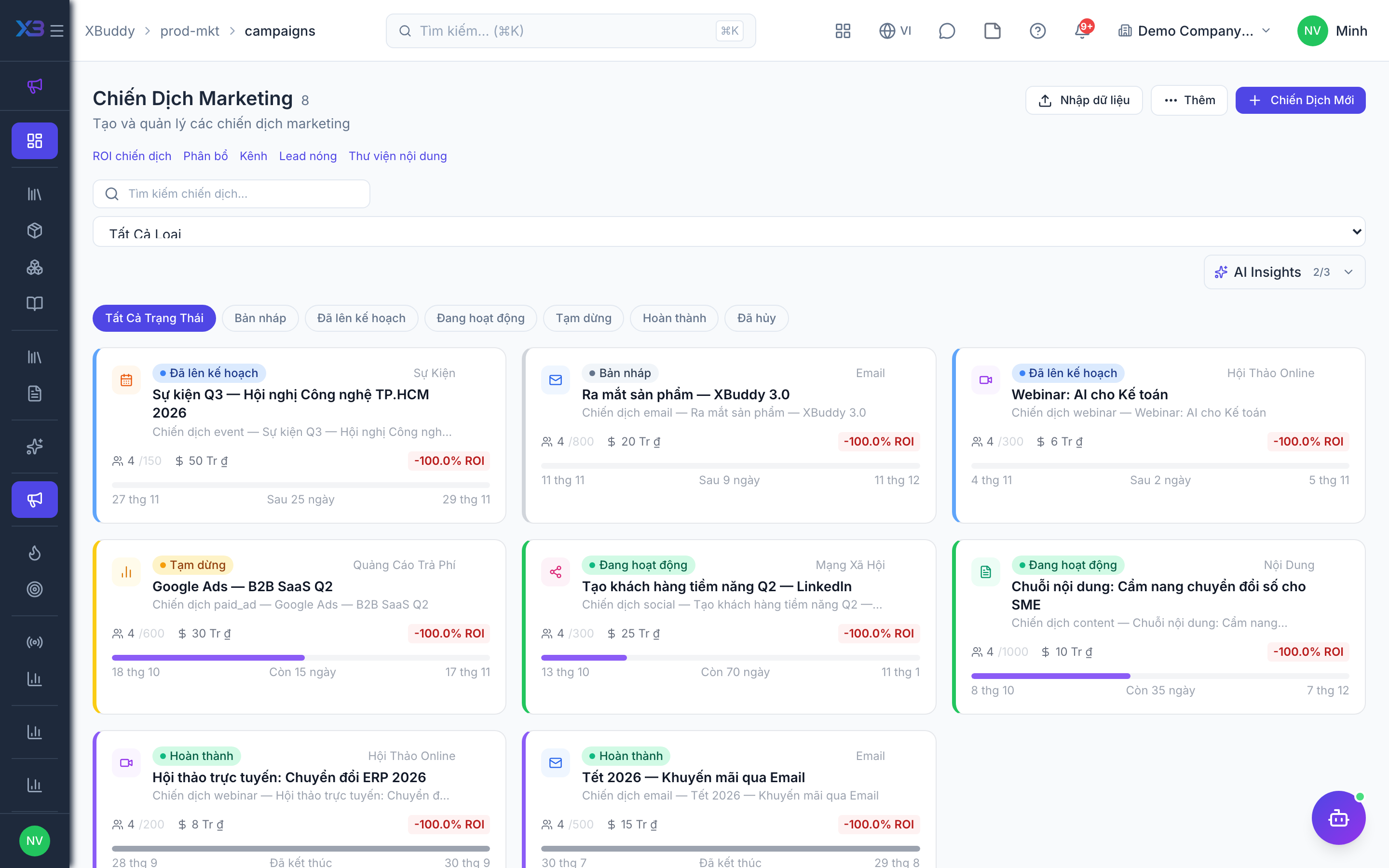
| 1 | Running and planned campaigns | Product & Marketing → Campaigns → Import, then add members on each campaign. | /prod-mkt/campaigns (Import + template) |
9. Test run
Optional
Walk through one product, one channel and one small campaign end to end before go-live.
Prepare first
- Use one real product, one channel and one small test campaign; agree with the key user who checks each result.
| # | Task | How | Screen |
|---|---|---|---|
| 1 | Create a product | Its code follows the numbering format and it can be picked on a quotation. | /prod-mkt/catalog |
| 2 | Run a test campaign | Budget and dates, members, one recorded cost. | /prod-mkt/campaigns |
| 3 | Click a tracking link | The click is counted on the channel (and as a touchpoint if automatic touchpoints are on). | /prod-mkt/channels |
| 4 | Check deal attribution | Only if attribution is on: a deal for a campaign member shows the campaign in attribution and ROI. | /crm/deals |
| 5 | Check a marketer’s view | Logged in as a marketer: only campaigns in their scope, no access to Product & Marketing settings. | /prod-mkt/campaigns |
Next
See the feature pages of this app in the left menu, or the setup guides of every app.