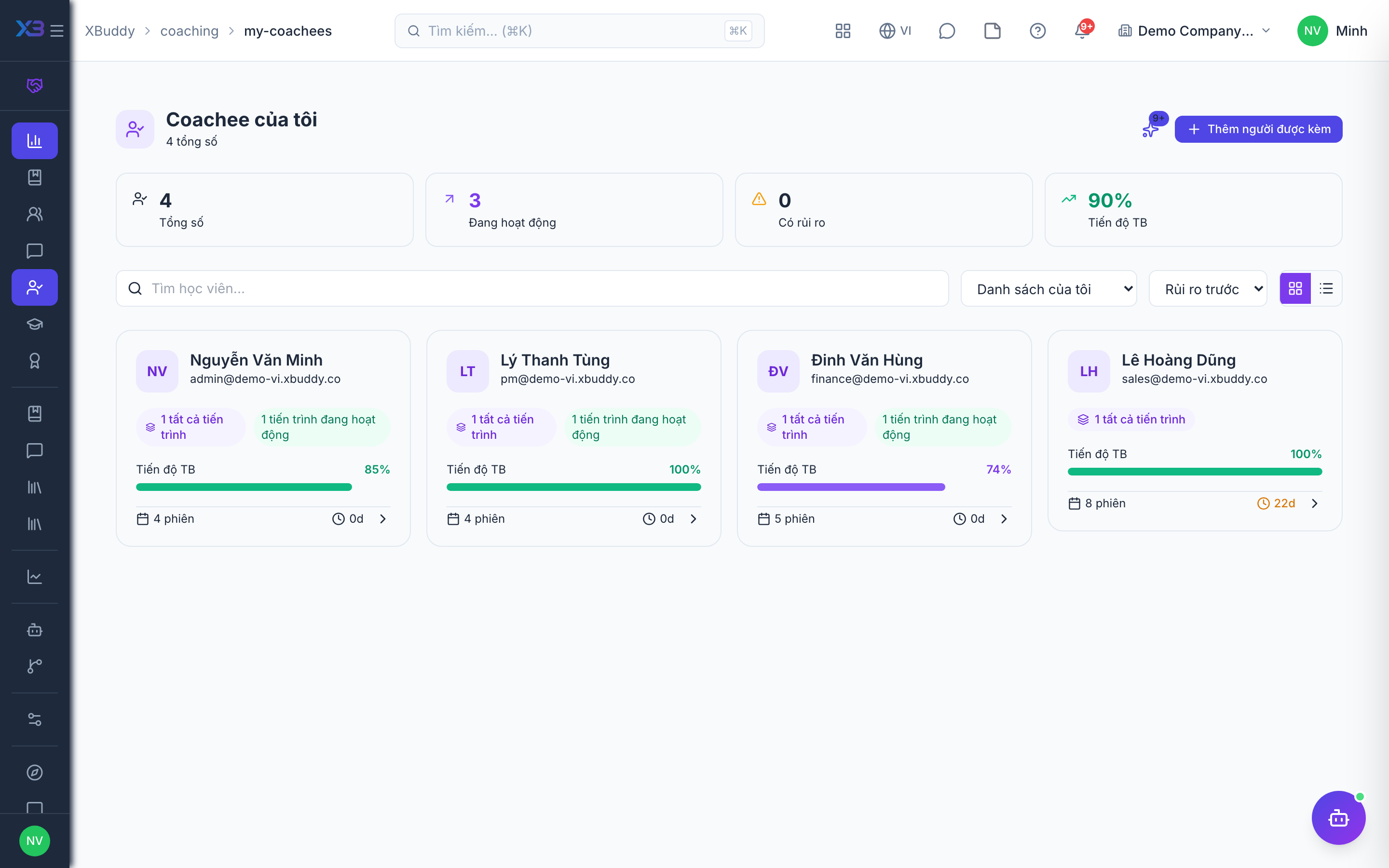
The coachee portal
The Coachee Portal gives people being coached a private view of their journey without needing a full XBuddy seat, using PIN or token access.
When to use
Use this for people being coached, especially those who do not have a full XBuddy seat, such as external coachees. They see their own journey, sessions, goals, competencies and certificates, and nothing else.
Before you start
- Employees with
coachee_portal:accessopen the portal from/coachee-portal; other coachees use a token or PIN link. - Toggle
people.coaching_coachee_self_schedule(default off, on for new companies): coachees can book their own sessions. - Toggle
people.coaching_allow_coachee_private_notes(default on): coachees can keep private notes.
Share access
From an engagement, generate a portal link or PIN and share it with the coachee.
Coachee views their journey
The coachee opens My Journey to see program goals and progress, My Sessions for upcoming and past meetings, and My Goals for personal objectives.
Track competencies and certificates
The coachee reviews My Competencies to see rated development areas and My Certificates for any recognitions earned.
Portal PINs and tokens grant access to a single coachee’s private coaching data. Treat them like credentials — share only with the coachee, and regenerate the link if it may have been exposed.
Portal pages
| Page | Route | Shows |
|---|---|---|
| My Journey | /coachee-portal | Program goals and progress |
| My Sessions | /coachee-portal/sessions | Upcoming and past meetings |
| My Goals | /coachee-portal/goals | Personal objectives |
| My Competencies | /coachee-portal/competencies | Rated development areas |
| My Certificates | /coachee-portal/certificates | Recognitions earned |
Tips & common mistakes
- Share the link or PIN only with the coachee.
- Ask coachees to write a short reflection after each session if you require it.
- Regenerate the link if it was sent to the wrong person.
- External coachees come from CRM contacts and need the external-coaching toggle.