Construction & engineering projects
Control site costs before they overrun
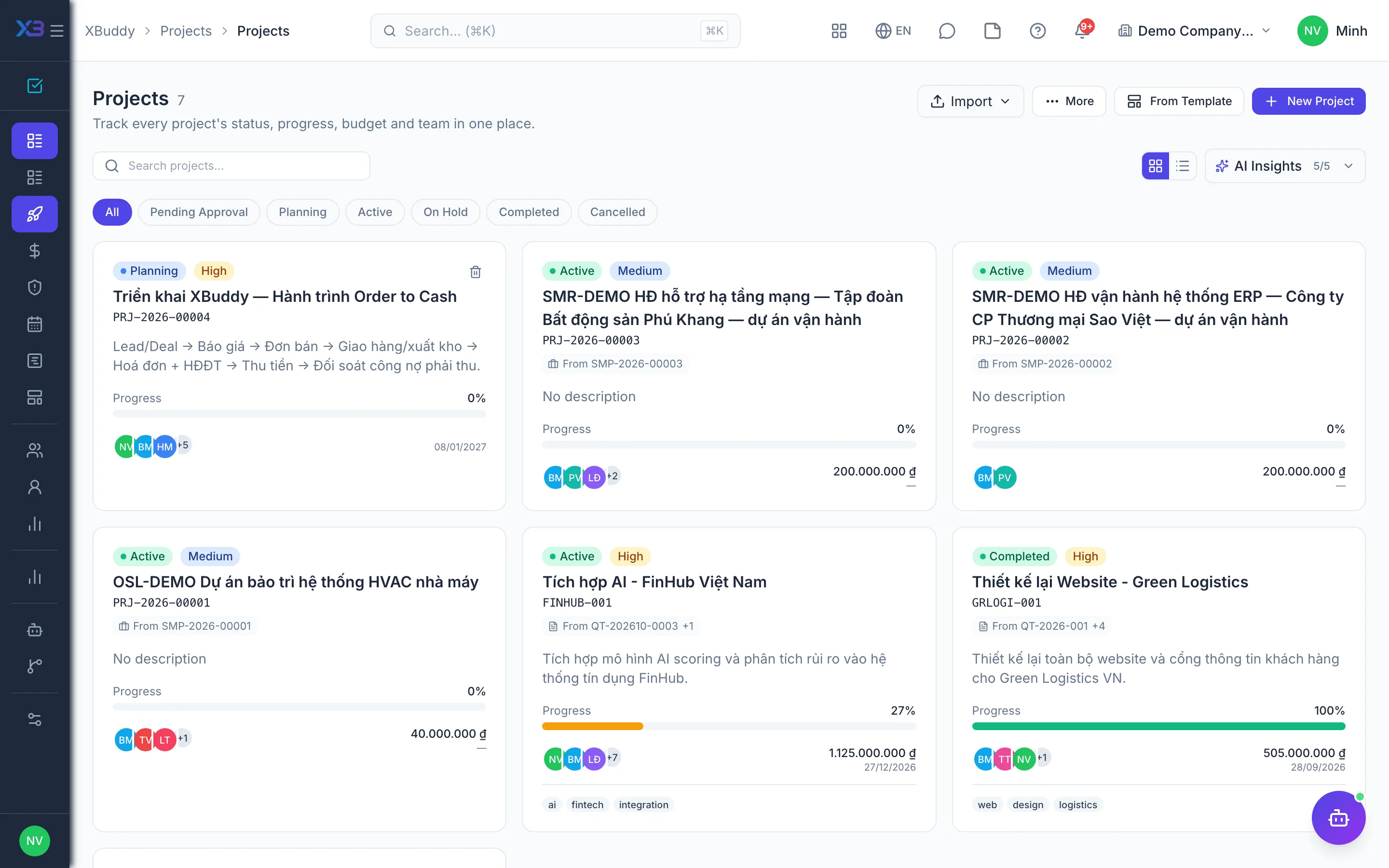
Budgets, material purchasing, stock issues, subcontractors and posting tied to each project — know what is committed and what is spent.
Key outcomes
- See committed cost before money goes out
- Materials issued to the right project at the right cost
- Project profit and loss clear for every cost line
Problems solved
- Budgets live in Excel — The project budget is drafted once and left in a spreadsheet, and every revision adds another copy. No one is sure which version applies, and actuals are never compared against it.
- Purchases not tied to the project — The site phones in material requests and purchasing orders from memory. When the supplier bill arrives, accounting has to ask which project it belongs to.
- Issued materials lose their trail — Issue slips are vague and cost does not land on the right project. Shrinkage and misuse only surface at the stock count.
- Losses discovered at final settlement — Costs committed through purchase orders and subcontracts are not added to reports. The overrun only shows at settlement, when there is no way back.
How it works
- Set up project & budget
- Requisition from the site
- Quote & order
- Receive & issue materials
- Subcontracts
- Sign off subcontract work
- Post to the books
This is a summary. The full content, step screenshots and FAQ are on the original page.
Related operations guide: Construction & engineering projects