The learner experience
Everything a learner needs, from finding a course to keeping a transcript.
When to use
Use this as an employee: to find what you must learn, continue your courses, take tests, submit assignments and keep a record of what you have achieved.
Before you start
- Permission:
courses:read;courses:enrollto enrol yourself. - If your company has not allowed self-enrolment, ask a manager to enrol you.
- Your data is only your own enrollments.
Find a course
Browse the Catalog at /lms and enrol, or open the courses assigned to you.
Learn and take tests
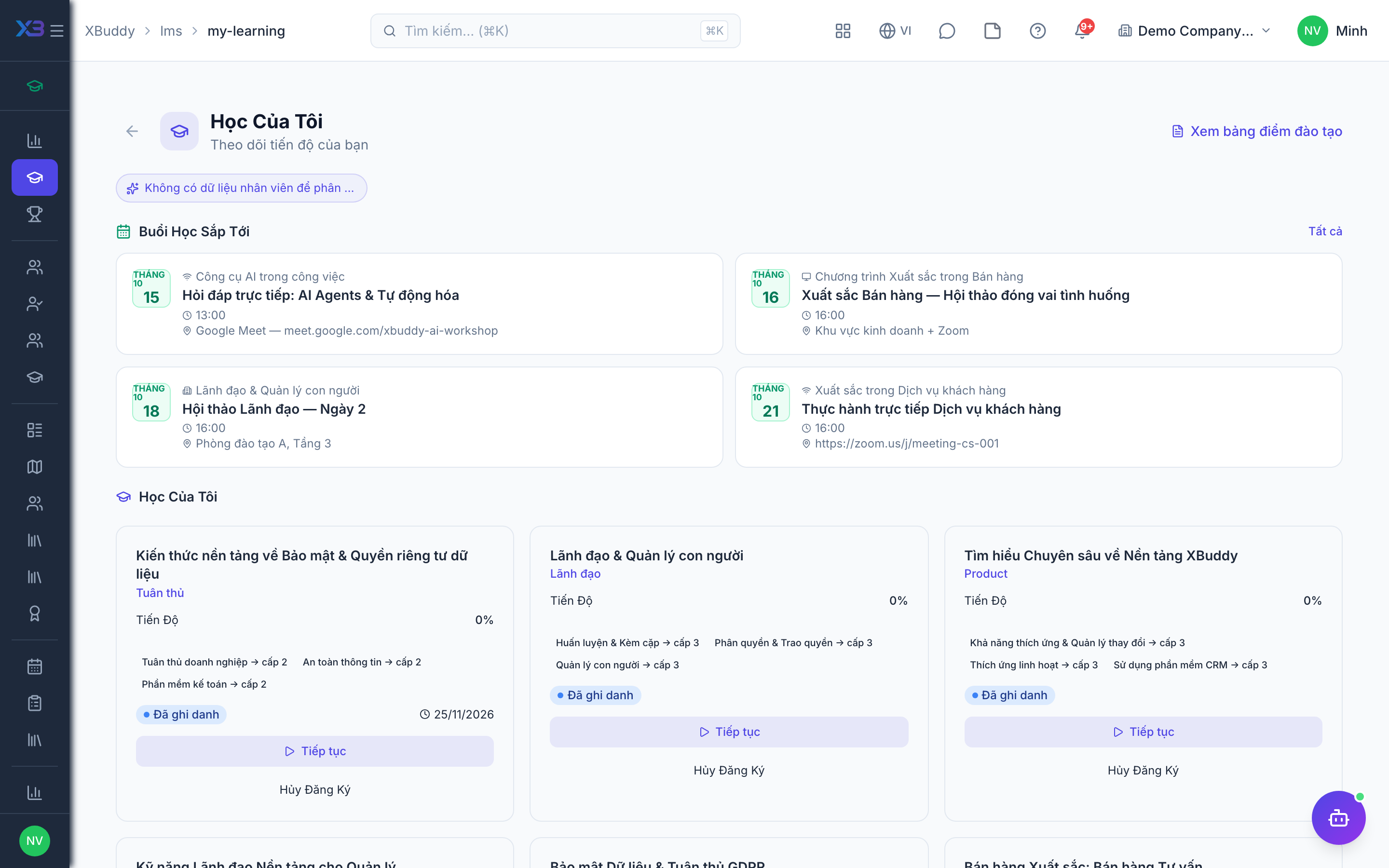
Continue from My Learning (/lms/my-learning), work through lessons, and take assessments.
Keep your record
Certificates and results appear on your transcript (/lms/transcript).
Your pages
| Need | Page | Route |
|---|---|---|
| Browse available courses | Catalog | /lms |
| Continue learning | My Learning | /lms/my-learning |
| Tests you have taken | My attempts | /lms/assessments/my-attempts |
| Assignments you submitted | My submissions | /lms/my-submissions |
| Full record | Transcript | /lms/transcript |
Learning is also reachable from My HR in Self-Service.
Tips & common mistakes
- Start with the courses marked mandatory by your company.
- Finish a course to get its certificate; leaving it half-done does not.
- Check the transcript before a review; it lists what you completed.
- If your enrolment is waiting, it is pending approval, not lost.