Reorder & stock requests
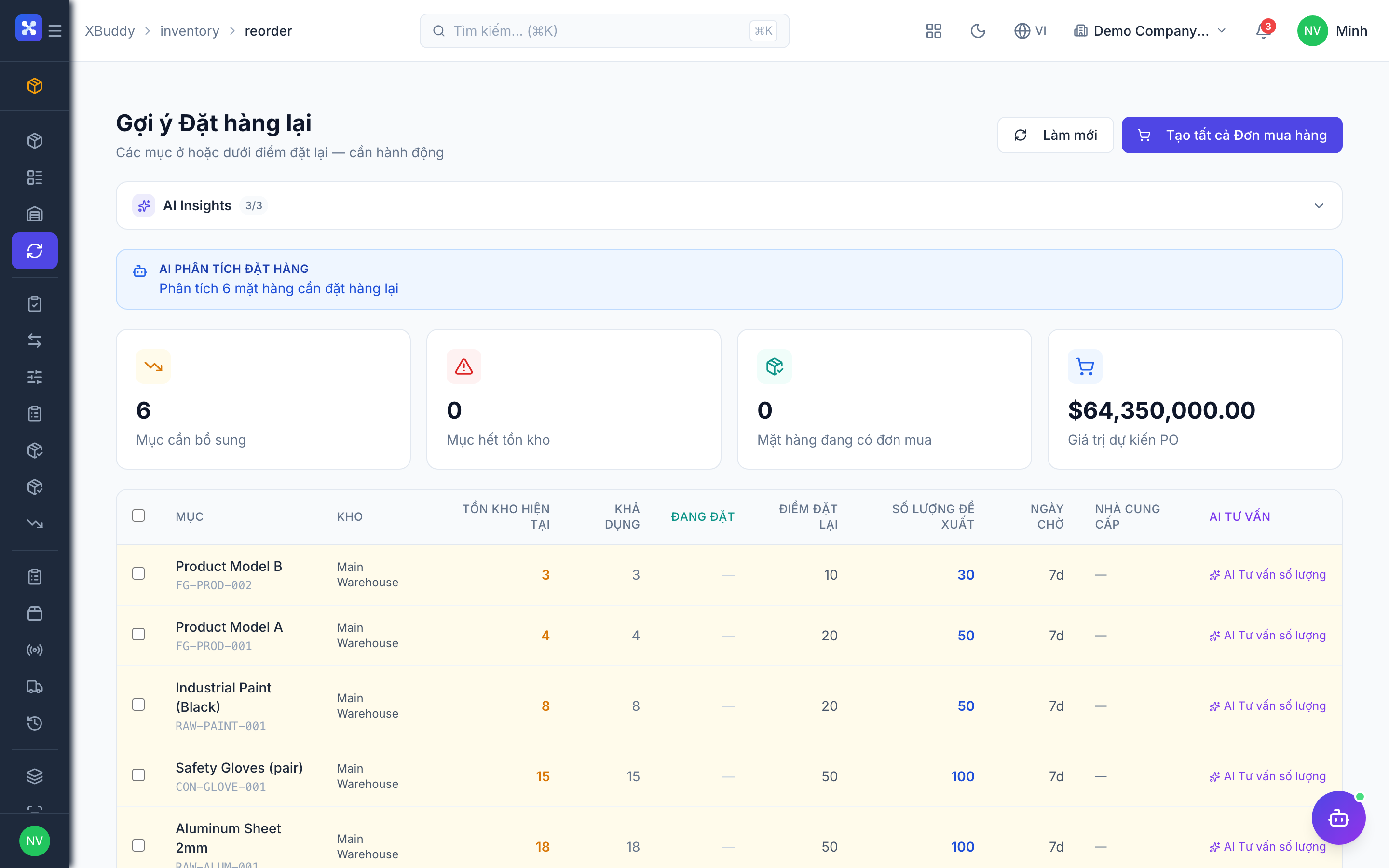
Reorder points trigger replenishment before you run out. When stock dips below the reorder level, a stock request can be raised and cascaded to procurement.
When to use
Use reorder planning to spot items that will run out and turn that into purchase orders. Use stock requests when a team asks the warehouse for goods, a transfer or a receipt.
Before you start
- Permissions:
inventory:readfor/inventory/reorderand/inventory/requests;inventory:requestto raise a request;inventory:auditfor reorder reports;purchase_orders:writeto create a PO from suggestions. - Toggle:
inventory.reorder_point_alert(default on) sends a daily alert for items below the reorder point.
Set reorder levels
On an item (or in Inventory → Reorder), set the reorder point and target quantity.
Raise a stock request
When stock is low, create a request in Inventory → Inventory Requests. The Inventory Planner agent can propose what and how much to reorder, which flows into a purchase order.
Turn a request into documents
Approved requests are converted into the right child document — a goods issue for outbound, a GRN for inbound, a stock transfer for transfers. One request can produce several documents (partial fulfilment); converting does not move stock, confirming the child does.
Create a PO from suggestions
From the reorder plan, select suggested items and create a purchase order.
Statuses
| Status | Meaning | Who moves it |
|---|---|---|
| Draft | Request being written. | Requester (inventory:request). |
| Submitted | Waiting for approval. | Requester. |
| Approved | Approved quantities set; ready to convert. | Approver. |
| Fulfilled | Every line has been fully covered by child documents. | System, automatically. |
| Cancelled | Request dropped. | Requester or approver. |
Tips & common mistakes
- Pick the right request type; an outbound request can only become a goods issue, never a GRN.
- Set realistic reorder points — too low means stock-outs, too high ties up cash.
- The request is not fulfilled until all lines are covered; check the remaining lines before closing.
- Units on the request carry over to the child document.