Order-to-Cash
Use this flow whenever you sell goods or services and need a traceable path to cash and the ledger. It is the commercial backbone shared by Sales, Inventory, Finance, and Accounting.
Apps involved: Sales · Finance · Accounting · Inventory · often CRM
When to use which variant
| Variant | Typical path | Delivery order |
|---|---|---|
| Services | Quote → Sales order → Invoice → Payment | Off — nothing to ship |
| Goods | Quote → Sales order → Delivery → Invoice → Payment | On — warehouse fulfilment |
You can skip the quote for repeat customers. A small company can invoice directly from a confirmed sales order when delivery tracking is off.
Lead → deal → quote is documented under Lead-to-Cash. This page starts at the commercial documents.
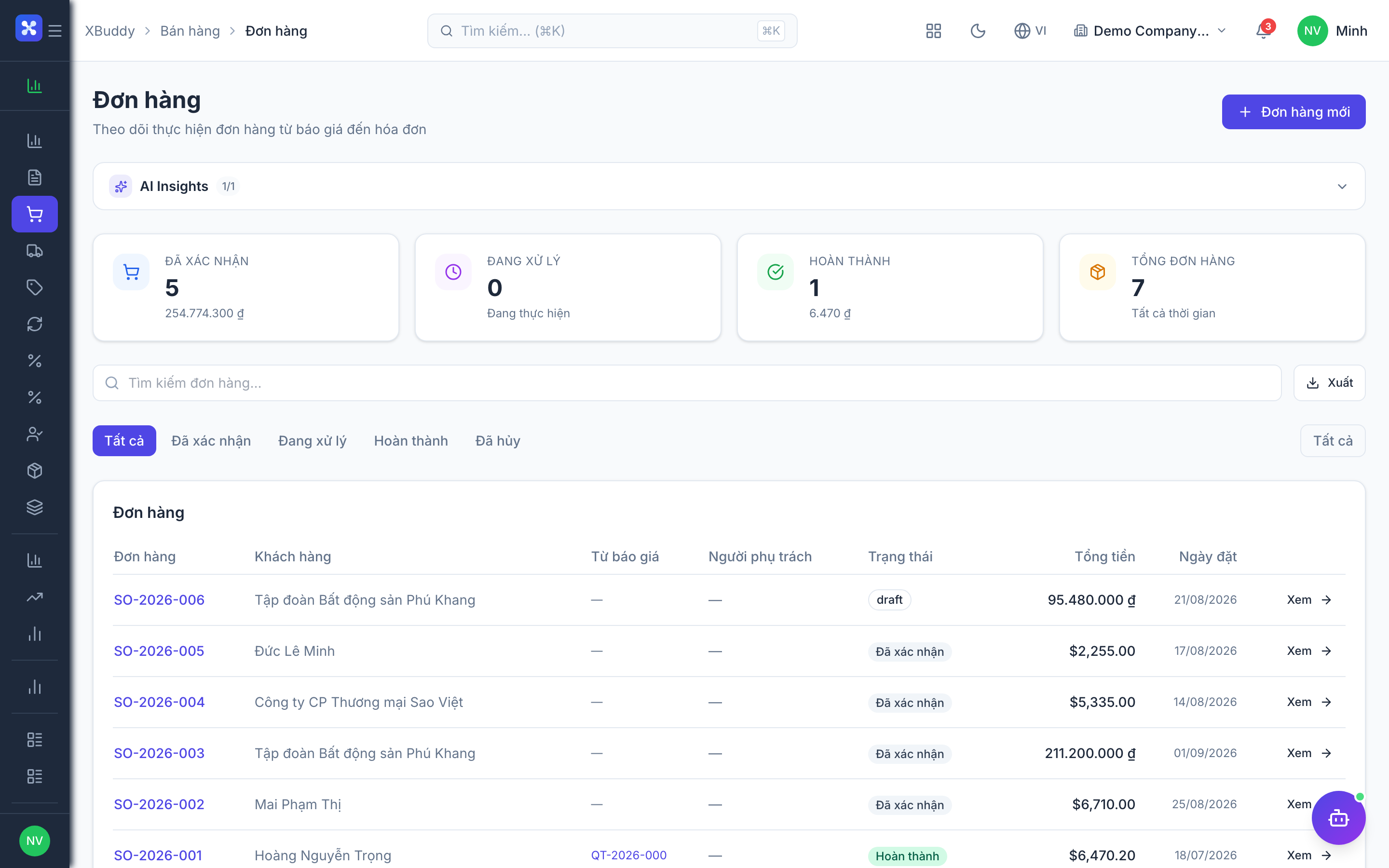
Quote (optional) — Sales
Propose prices, lines, and a validity date. The customer accepts, rejects, or lets it expire. Convert to a sales order in one step — lines and customer carry over.
- Status:
draft→sent→accepted/rejected/expired - Revisions keep history; PDF for the customer
Sales order — Sales
The confirmed commitment. After confirm, it drives delivery (if enabled) and invoicing.
- Status:
draft→confirmed→partially_delivered→fully_delivered/cancelled - Line quantities: ordered → delivered → invoiced
- Several deliveries per order (partial shipments)
Delivery order (optional) — Inventory
Physical goods leaving the warehouse.
- Status:
draft→confirmed→shipped→completed/cancelled - Shipped qty may differ from ordered; stock is deducted on confirm
- Updates the sales order delivery status
Invoice — Finance
Legal demand for payment, linked to the order and (when used) the delivery.
- Status:
draft→sent→partially_paid→paid/cancelled - Strict mode: cannot invoice more than delivered
- Vietnam e-invoice providers when enabled
Payment — Finance / Accounting
Cash against the invoice. Partial payments are allowed. AR and the bank/cash journal update together.
Cross-app hand-offs
| From | To | When |
|---|---|---|
| Sales order confirmed | Inventory reservation / delivery | Goods flow is on |
| Delivery confirmed | Stock + COGS journal | Goods leave the warehouse |
| Invoice issued | AR journal | Depending on revenue policy — see Revenue & Invoicing |
| Payment recorded | AR settlement + bank | Cash received |
Related
- Procure-to-Pay — the buy-side mirror
- Returns & Credit Notes
- Workflow: quote, sales order, delivery, invoice subjects
- AI: AR Collector · Accountant Assistant