Customer 360 (CRM) setup guide
This page walks through 9 steps to set up Customer 360 (CRM), in the order the in-app Setup assistant recommends. Each step lists what to prepare, the questions to answer first and the screen to use.
In the app, open Settings → Setup assistant: it measures your current state, asks the survey questions below and proposes a change set you approve before it is applied. This page is the read-only version for preparing ahead or doing it by hand.
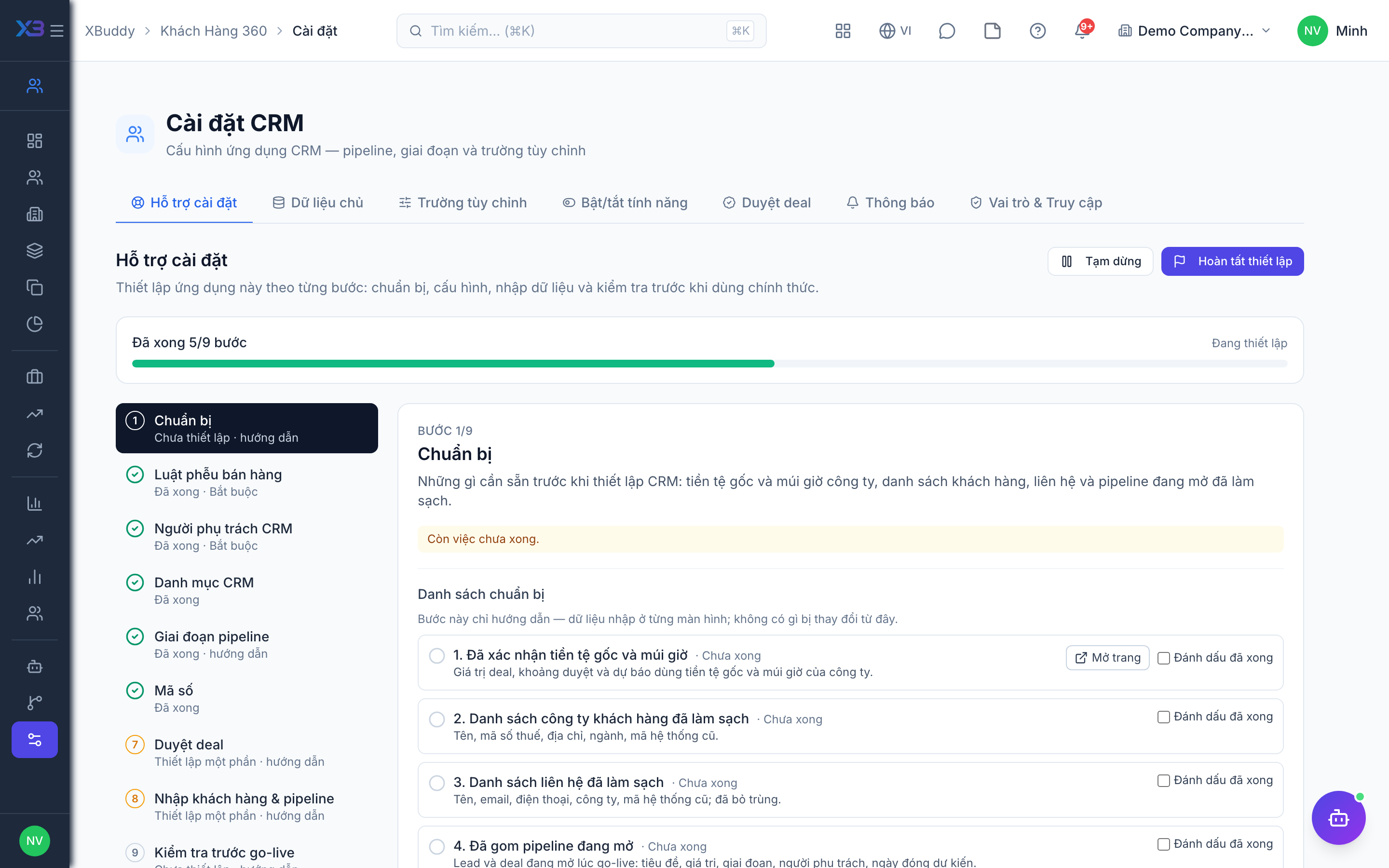
1. Prepare
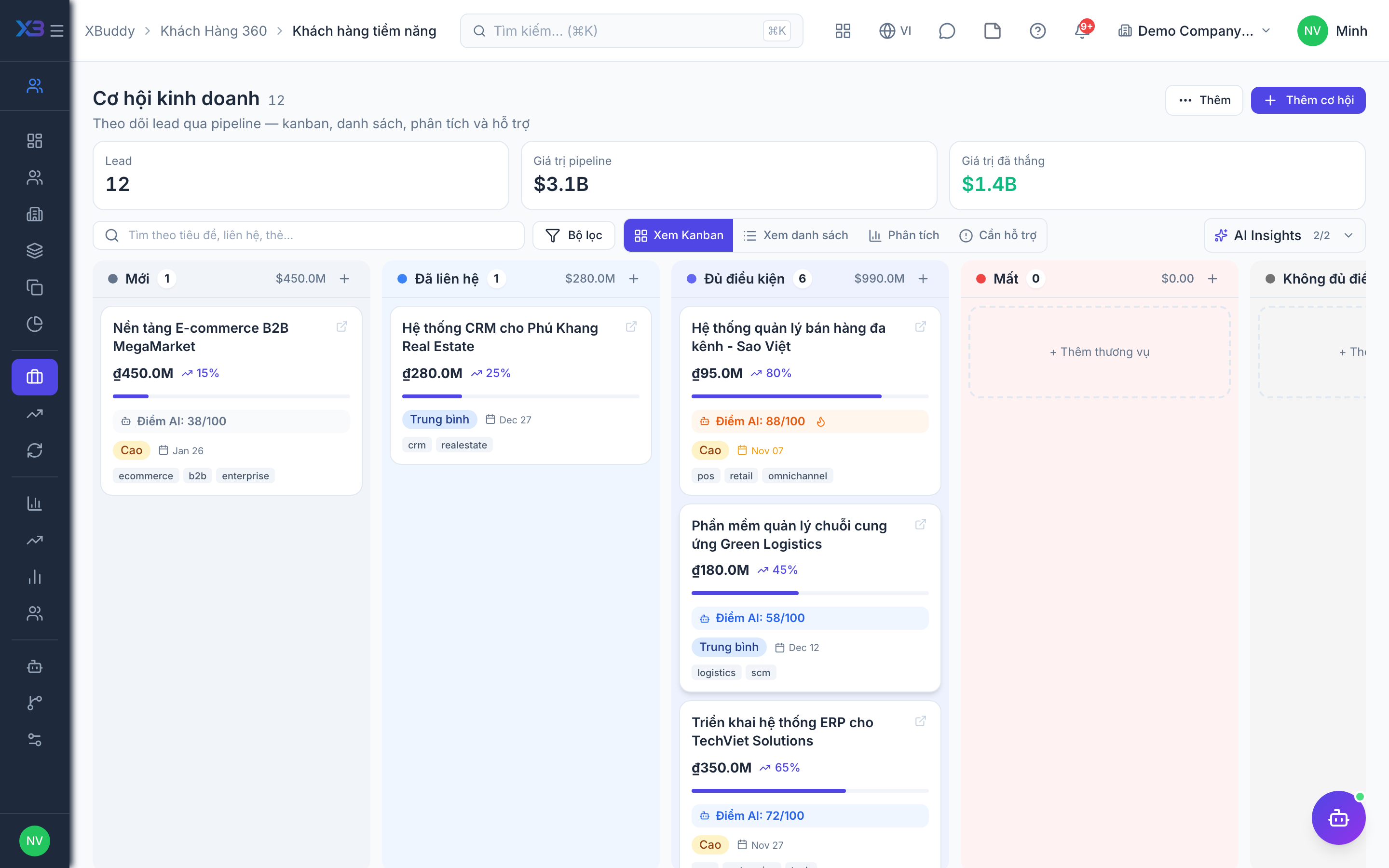
Optional
What must be ready before setting up the CRM: company currency and time zone, and cleaned-up lists of customers, contacts and the open pipeline.
| # | Task | How | Screen |
|---|---|---|---|
| 1 | Base currency and time zone confirmed | Deal values, approval bands and forecasts use the company base currency and time zone. | /settings/company |
| 2 | Customer company list cleaned up | Name, tax code, address, industry, old-system code. | — |
| 3 | Contact list cleaned up | Name, email, phone, company, old-system code; duplicates removed. | — |
| 4 | Open pipeline collected | Leads and open deals at go-live: title, value, stage, owner, expected close date. | — |
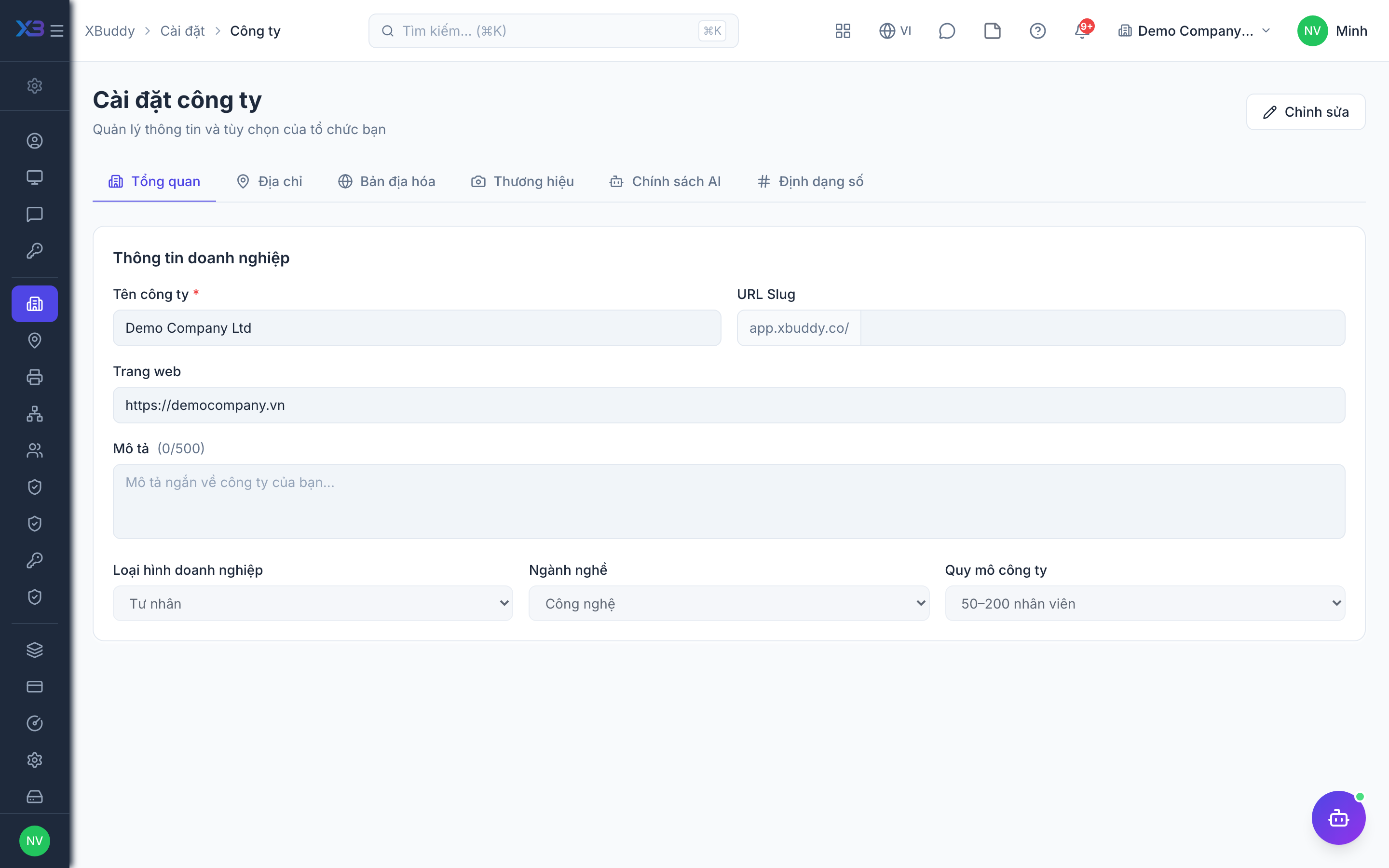
2. Funnel rules
Required
How leads become deals, the minimum data on every deal, how deals move between stages, and (optional) automation. Each switch shows what it blocks or warns.
Prepare first
- A written description of the current funnel: where leads come from, when a lead becomes a deal, and the stages a deal goes through.
- The minimum data the business wants on every deal: account, expected close date, win/loss reason.
Questions to answer
- Must a lead be qualified before it becomes a deal? Should a contact be created automatically on conversion?
- Should duplicate contacts be detected by phone as well as email? Warn when a contact already has an open deal?
- Must every deal have an account and an expected close date? Is a win reason required?
- Do stages have entry criteria? Must reps log an activity before moving a deal? After how many idle days is a deal stale?
- Do you want AI lead scoring, automatic lead assignment, or a service contract created when a deal is won?
| Toggle | Key | Default | Effect |
|---|---|---|---|
| Lead Qualification Required | business.lead_qualification_required | Off | Require leads to be qualified before converting to deals |
| Auto-create Contact from Lead | business.auto_create_contact_from_lead | On | Create a contact when a lead without one is converted, and when a website lead arrives with an email or company name. |
| Contact Deduplication | business.contact_dedup_check | On | Also reject a new contact whose phone number already exists. Duplicate email is always rejected. |
| Require Account on Deal | business.require_account_on_deal | Off | A deal must have a contact that belongs to a Company / Account — checked on create and on deal import. |
| Expected Close Date Required | business.deal_close_date_required | Off | Every deal must have an expected close date — checked on create and on deal import. |
| Duplicate Deal Check | business.duplicate_deal_check | Off | Warn (not block) when the contact already has an open deal. |
| Win Reason Required | business.deal_win_reason_required | Off | Require a win reason when closing a deal as won |
| Forecast Categories on Deals | business.forecast_category_enabled | Off | Let reps classify each deal as Commit / Best Case / Pipeline instead of relying only on stage probability. Off: the forecast keeps using the weighted calculation and no number changes. |
| Stage Transition Criteria | business.stage_criteria_enabled | On | Let each pipeline stage carry its own entry criteria. Required criteria block the move until they are met; advisory ones only warn. With no criteria configured, nothing is blocked. |
| Stage Direction Control | business.stage_direction_control | On | Honour each stage’s ‘allow moving backwards’ and ‘allow skipping ahead’ switches. Off, records may move between any two stages freely. |
| Activity Log on Stage Change | business.activity_log_required_on_stage_change | Off | An activity must be logged on the deal within the last 24 hours before its stage changes (including won/lost). |
| Stale deal alert (days) | business.stale_deal_alert_days | 14 | Days without movement after which the deal coach flags a deal as stalled and the daily alert notifies its owner. Empty = 14; values are kept between 1 and 365. |
| Lead Scoring | business.lead_scoring_enabled | Off | Allow creating lead-scoring models and let the lead-scoring assistant score leads. Off: new models are rejected and the assistant skips. |
| Lead Auto-Assignment | business.lead_auto_assign_enabled | Off | Automatically assign new leads to owners by assignment rules |
| Create service delivery contract on Deal Won | business.deal_won_creates_service_contract | Off | When a won deal includes service lines, create a Service Management contract and project. Goods-only deals never create one, even if this is on. |
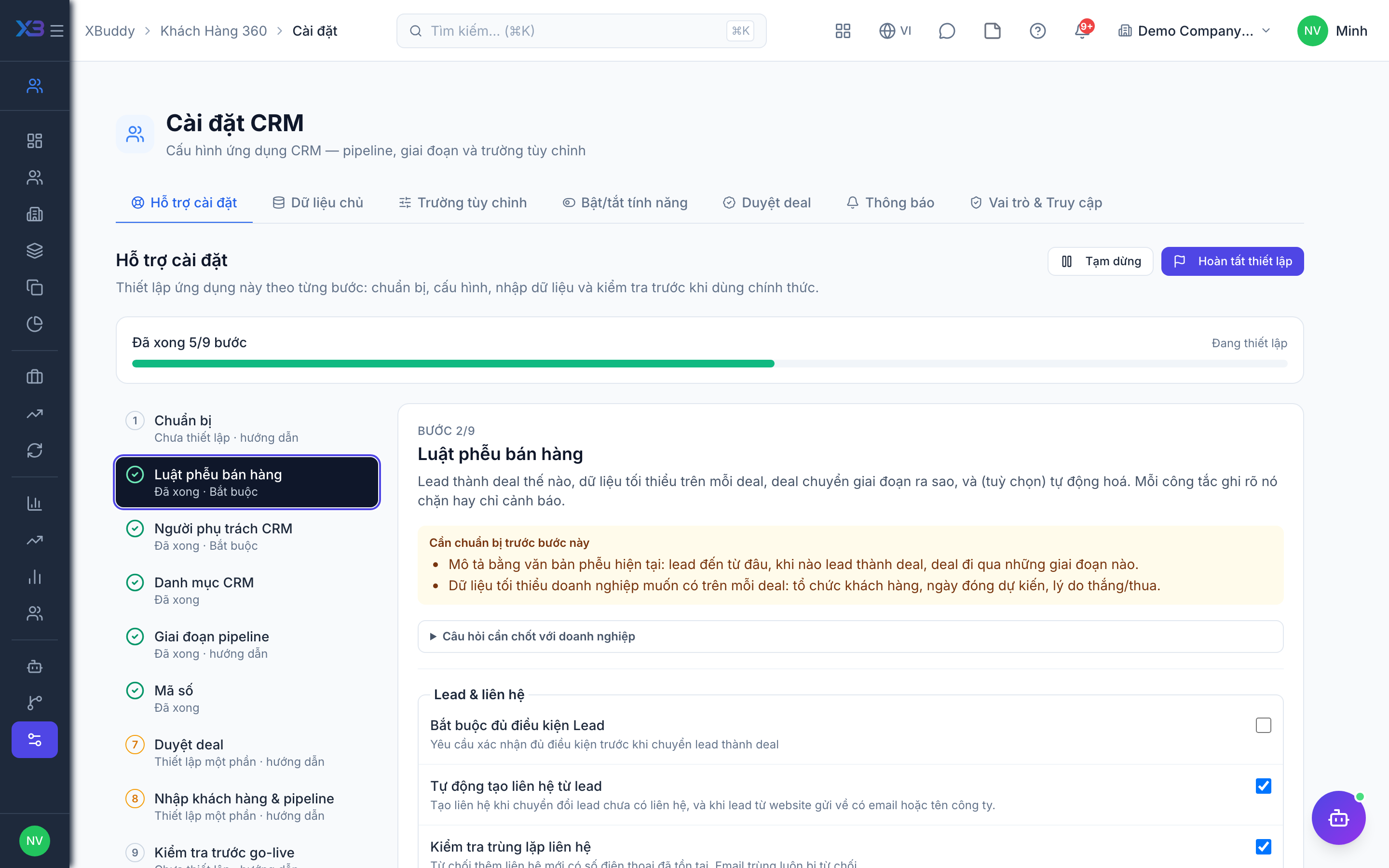
3. CRM people
Required
Choose who owns the CRM (pipeline, stages, deal approvals, settings), the sales managers, reps, account managers and marketers. Deal approval bands pick their approver roles from these. A person’s last role cannot be removed here.
Prepare first
- The list of salespeople, account managers, marketers and the CRM owner — each must already be invited as a user.
Questions to answer
- Who owns the CRM, who are the reps and account managers, and who approves large deals?
- Should a rep see only their own leads and deals, their team’s, or all?
| Role template | Key | For |
|---|---|---|
| CRM Manager | crm_manager | Owns the CRM: pipeline, stages, deal approvals and CRM settings |
| Sales Manager | sales_manager | Leads the sales team and its deals |
| Sales Representative | sales | Sales rep: works leads and deals — own data |
| Account Manager | account_manager | Looks after existing customer accounts |
| Marketing | marketing | Runs campaigns and hands leads over to sales |
4. CRM lists
Optional
Pick-lists on CRM forms: lead sources, customer segments, industries, activity types, contact roles, win/loss and churn reasons.
Prepare first
- The lead sources, customer segments, industries, activity types and win/loss reasons the business really uses (names in Vietnamese and English).
Questions to answer
- Where do leads come from (website, referral, event…)? How do you segment customers?
- What are the usual reasons deals are won or lost, and why customers churn?
Lookups to review (Settings → Lookups):
- Account Contact Roles (
account_contact_roles) - Account Tiers (
account_tiers) - Activity Types (
activity_types) - Call Outcomes (
call_outcomes) - Deal Challenge Categories (
challenge_categories) - Churn Reasons (
churn_reasons) - Contact Types (
contact_types) - Customer Segments (
customer_segments) - Deal Lost Reasons (
deal_lost_reasons) - Deal Win Reasons (
deal_won_reasons) - Industry Types (
industry_types) - Lead Sources (
lead_sources) - Proposal Types (
proposal_types) - Relationship Types (
relationship_types) - Salutations (
salutations)
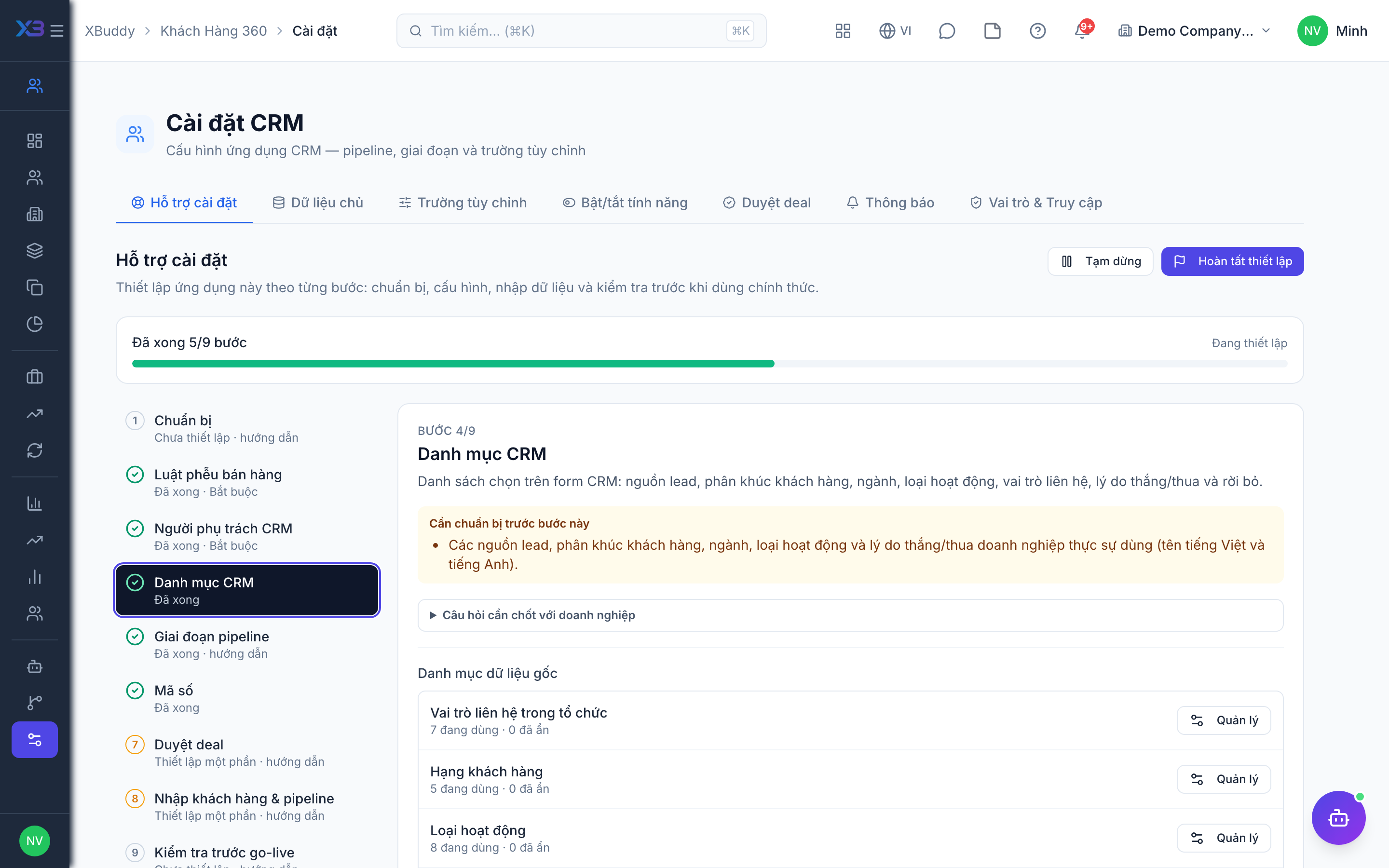
5. Pipeline stages
Optional
The stages of leads and deals, their order and win probability, and the entry criteria of each stage. Edit them in CRM settings → Master data → Stages.
Prepare first
- The list of lead and deal stages in order, the win probability of each, and what must be true before entering it.
Questions to answer
- Which stages does a deal go through from first contact to won/lost, and what is required to enter each?
| # | Task | How | Screen |
|---|---|---|---|
| 1 | Lead stages | Keep a “qualified” stage if lead qualification is required. | /crm/settings |
| 2 | Deal stages | Order, probability and entry criteria (used when stage criteria are on). | /crm/settings |
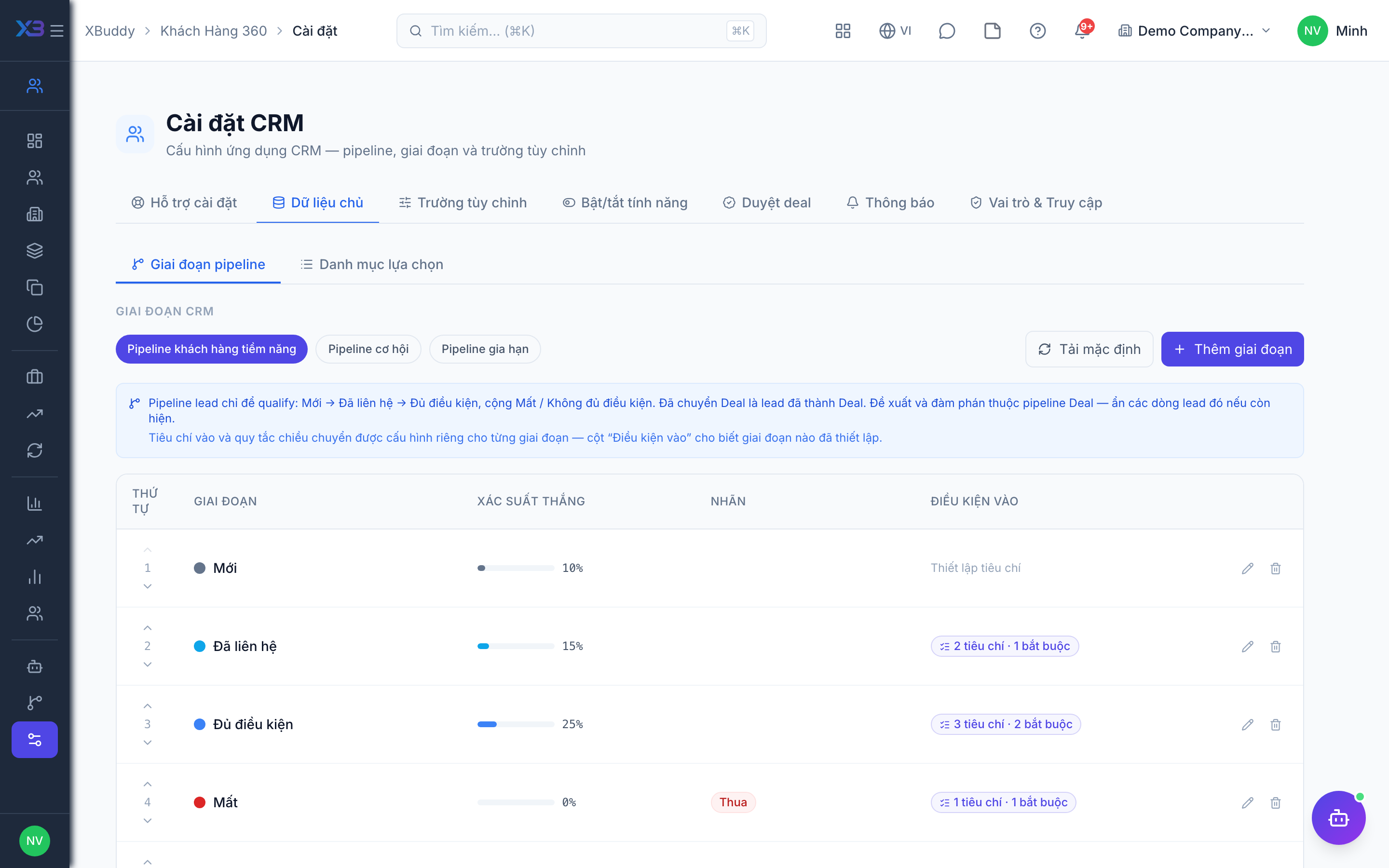
6. Codes
Optional
The code format of deals, customer companies and contacts. Each type has its own sequence: pattern, reset period, digits and whether users may type a code. Set it before importing data.
Prepare first
- The code format the business wants on deals, accounts and contacts (prefix, year, digits).
Questions to answer
- Do you want a specific code format for deals, accounts and contacts, or keep the defaults?
Document types to configure numbering for (Settings → Document numbering):
dealaccountcontact
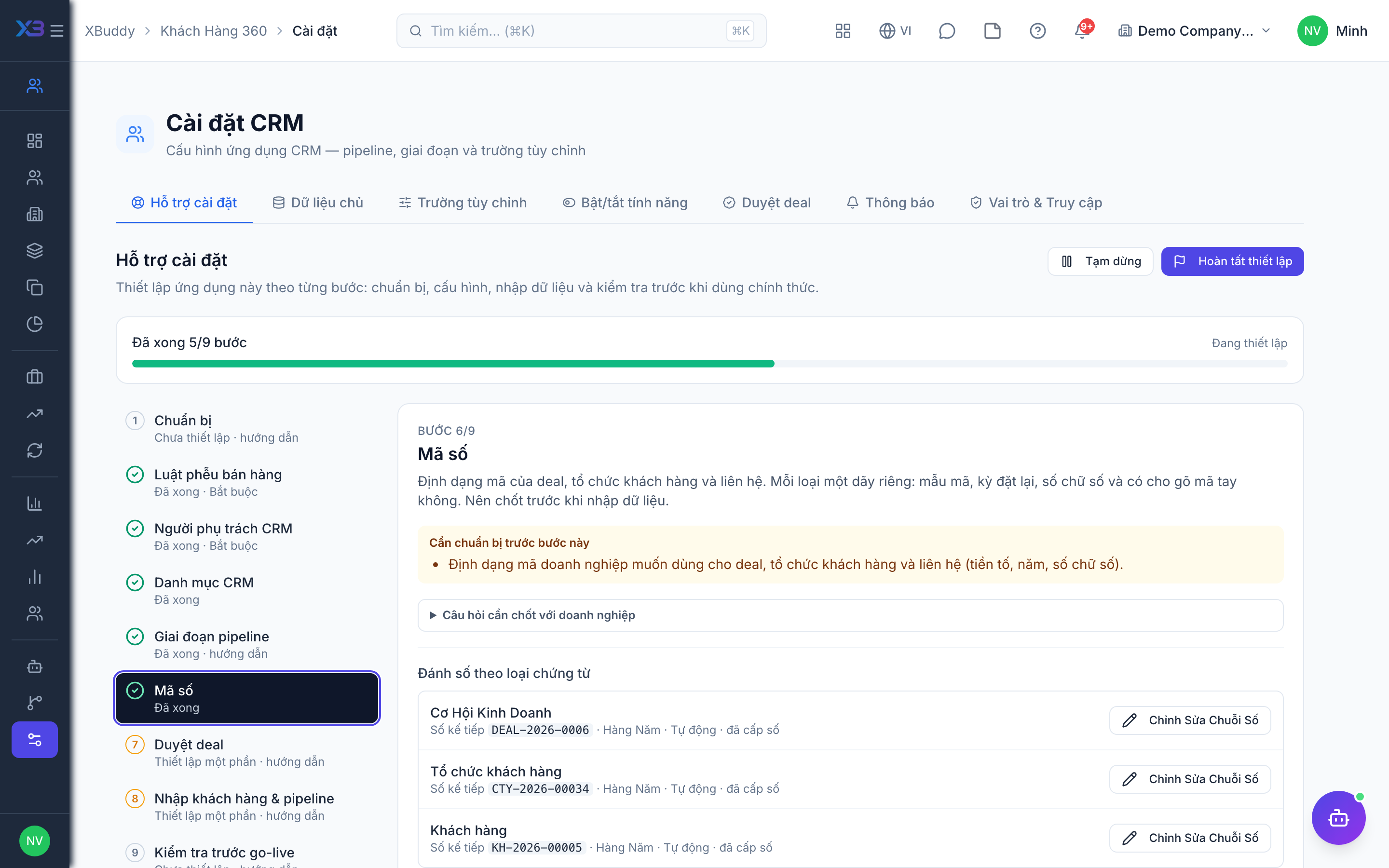
7. Deal approvals
Optional · After step: CRM people
Large deals can wait for approval by value band. No band means deals are never held. Each band needs someone who can approve it.
Prepare first
- The deal approval rule agreed with management: above which deal value approval is needed and which role approves each value band.
Questions to answer
- Do large deals need approval? Above which value, and who approves each band?
| # | Task | How | Screen |
|---|---|---|---|
| 1 | Approval bands decided | If large deals need approval, add value bands (minimum, maximum, approver roles, number of approvals). No band = no deal approval. | /crm/settings |
| 2 | Every band can be approved | Each band has at least one active user in its roles (or with the approve permission when the band has no roles). | /crm/settings |
8. Import customers & pipeline
Optional
Import customer companies, contacts, open leads and deals with the existing import dialogs.
Prepare first
- Import in this order: accounts → contacts → leads → open deals. Contacts link to accounts and deals link to contacts by code.
- Fill the old-system code column so re-importing the same file updates rows instead of duplicating them.
Questions to answer
- Where are customers, contacts and the pipeline kept today, and how many rows of each?
| # | Task | How | Screen |
|---|---|---|---|
| 1 | Customer companies | CRM → Accounts → Import. | /crm/accounts (Import + template) |
| 2 | Contacts | CRM → Contacts → Import. | /crm/contacts (Import + template) |
| 3 | Open leads | CRM → Leads → Import; stages map to the lead stages configured earlier. | /crm/leads |
| 4 | Open deals | CRM → Deals → Import with value, stage, owner and expected close date. Imported won deals do not fire won-deal automation. | /crm/deals |
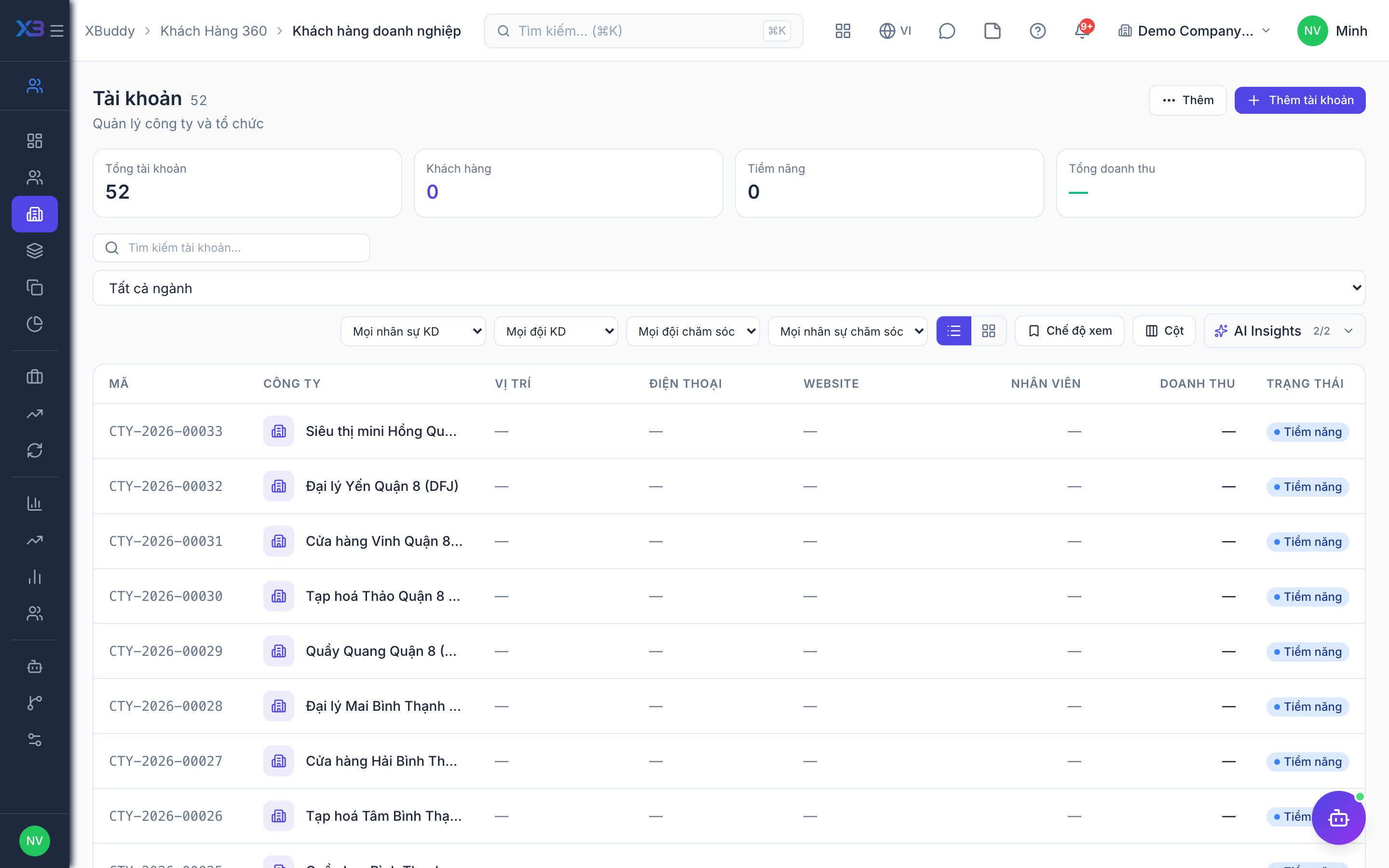
9. Go-live check
Optional
Run one lead through to a won deal with the key users before going live.
Prepare first
- Use one real prospect; agree with the key user who checks each result.
| # | Task | How | Screen |
|---|---|---|---|
| 1 | Lead to deal | Create a lead, move it through the stages and convert it: the deal (and contact) are created. | /crm/leads |
| 2 | Stage rules | Move the deal through its stages: criteria and the activity rule block or warn as configured. | /crm/deals |
| 3 | Deal approval | If approval bands exist: a deal above the threshold waits and the approver sees it. | /crm/deals |
| 4 | Won deal | Mark the deal won (with a reason if required) and create the quotation from it. | /crm/deals |
| 5 | Rep permissions | Log in as a sales rep: they see only their own leads and deals and cannot approve their own deal. | /crm/deals |
Next
See the feature pages of this app in the left menu, or the setup guides of every app.