Coaching setup guide
This page walks through 8 steps to set up Coaching, in the order the in-app Setup assistant recommends. Each step lists what to prepare, the questions to answer first and the screen to use.
In the app, open Settings → Setup assistant: it measures your current state, asks the survey questions below and proposes a change set you approve before it is applied. This page is the read-only version for preparing ahead or doing it by hand.
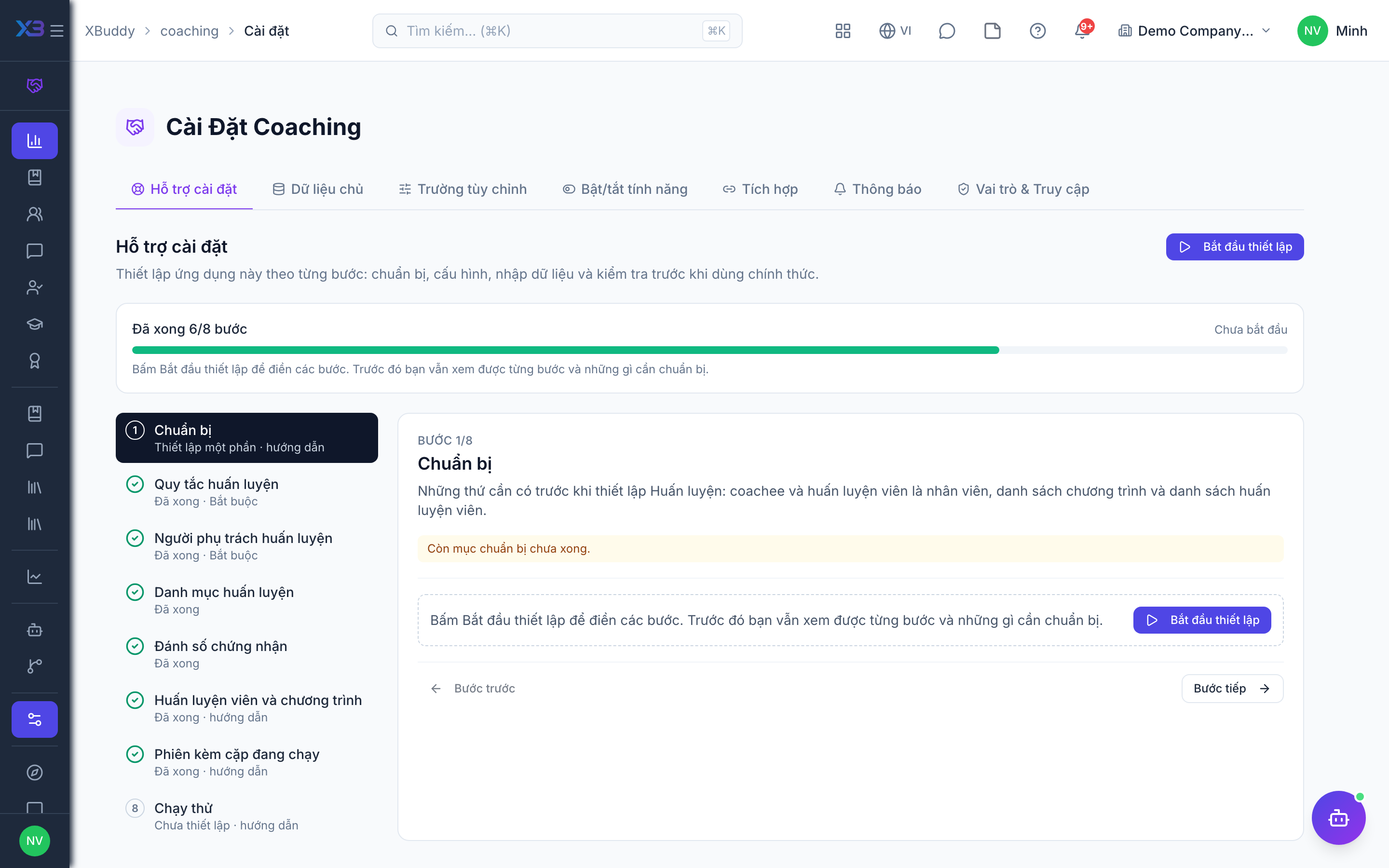
1. Prepare
Optional
What to have ready before setting up Coaching: coachees and coaches as employees, the list of programs and the coach list.
| # | Task | How | Screen |
|---|---|---|---|
| 1 | Employees exist | HR → Employees: coachees and internal coaches are picked from the employee list. | /hr/employees |
| 2 | Program list written down | Goal, number of sessions, typical length and the competencies each program develops. | — |
| 3 | Coach list ready | Internal coaches (employees) and external coaches with contact details and specialties. | — |
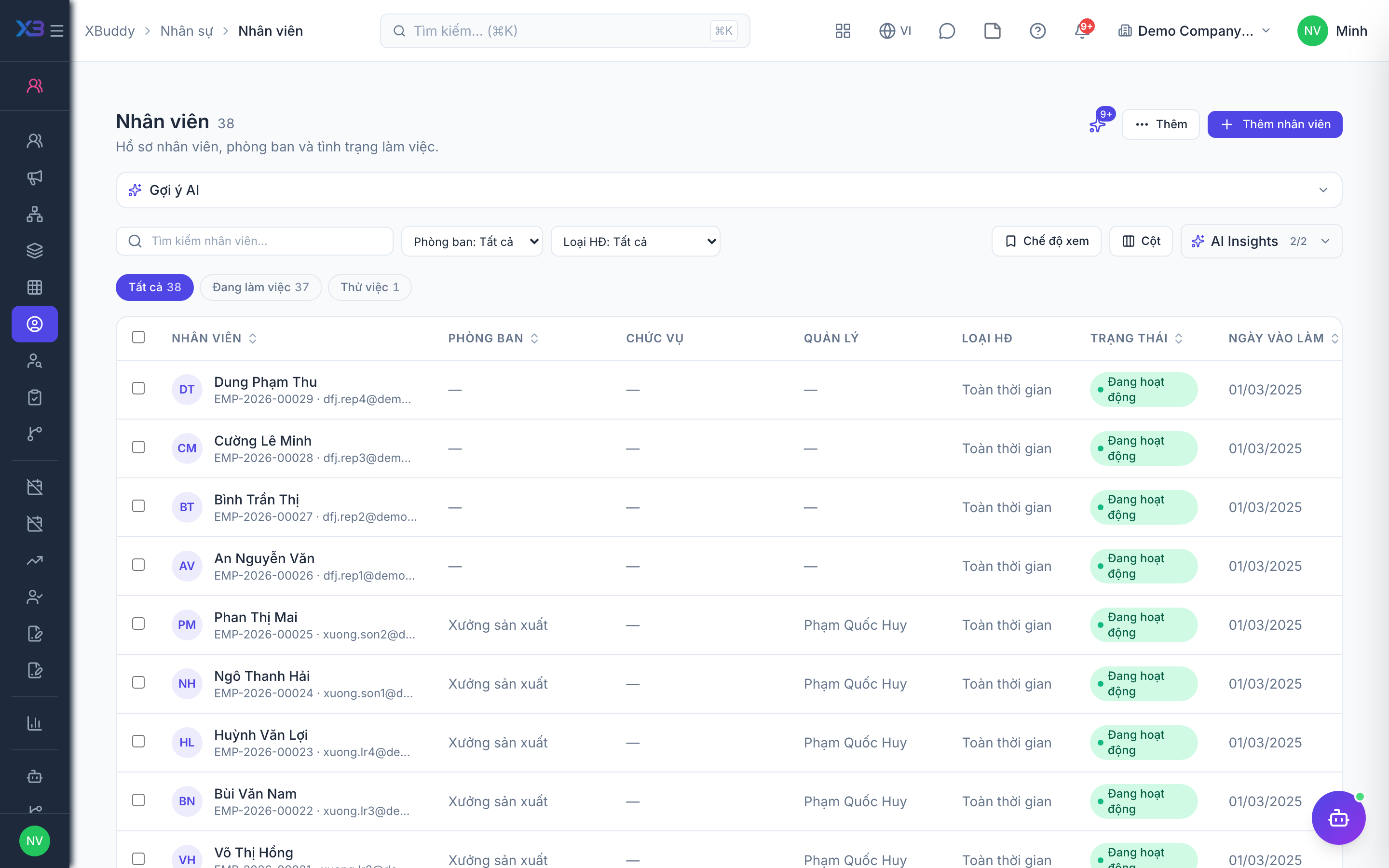
2. Coaching rules
Required
Choose how coaching engagements work: the assessments and reflections they require, external coaching, what coachees can do themselves, and which other apps coaching connects to.
Prepare first
- The coaching policy: who can be coached (staff only or also customers/partners), whether progress is measured with an intake and an outcome assessment, and whether coachees reflect after sessions.
- Which other apps coaching must connect to: training courses (LMS), development plans (IDP), time sheets, calendars, tasks, documents and the Knowledge Base.
Questions to answer
- Do you coach only your own staff, or also customers and partners with external coaches?
- Do you measure each coaching engagement with an intake assessment at the start and an outcome assessment at the end?
- Must coachees write a reflection on every session before the engagement can be closed?
- May coachees book their own sessions and keep private notes? Do coaches want AI-written session summaries?
- Should coaching link to training courses, development plans, time sheets, calendars, tasks, documents or Knowledge Base articles?
| Toggle | Key | Default | Effect |
|---|---|---|---|
| Require intake assessment | people.coaching_require_intake_assessment | Off | A paused engagement cannot be re-activated until an intake score is recorded. New engagements start active, so starting one is not blocked. |
| Require outcome assessment | people.coaching_require_outcome_assessment | Off | An engagement cannot be completed until an outcome score is recorded. |
| Require coachee reflection | people.coaching_require_coachee_reflection | Off | An engagement cannot be completed while a session already held has no coachee reflection. |
| External coaching | people.coaching_external_enabled | Off | Allow engagements with an external CRM contact as coachee, and onboarding external coaches. |
| Coachee self-scheduling | people.coaching_coachee_self_schedule | Off | Coachees can book sessions of their own engagements from the coachee portal. |
| Coachee private notes | people.coaching_allow_coachee_private_notes | On | Coachees can keep private notes on their sessions that only they see. |
| AI session notes | people.coaching_ai_session_notes | Off | Coaches can generate an AI session summary and report on request. |
| LMS integration | people.coaching_lms_integration | Off | Link LMS courses to programs, auto-enroll coachees in required courses and take intake/outcome scores from linked assessments. |
| Performance sync | people.coaching_performance_sync | Off | When an engagement is completed, write its outcome as a note on the matching goal of the coachee development plan (IDP). |
| Time tracking sync | people.coaching_time_tracking_sync | Off | A session created with a duration logs the coach time as a time entry (coaches with a user account). |
| Calendar sync | people.coaching_calendar_sync | On | Dated sessions get a calendar event for coach and coachee, updated when the session changes. |
| Tasks sync | people.coaching_tasks_sync | Off | Action items agreed in sessions also create tasks in the Tasks app. |
| Document attachments | people.coaching_document_attachments | On | Attach documents to programs, engagements and sessions. |
| Knowledge base resources | people.coaching_kb_resources | Off | Link Knowledge Base articles to programs and engagements as resources. |
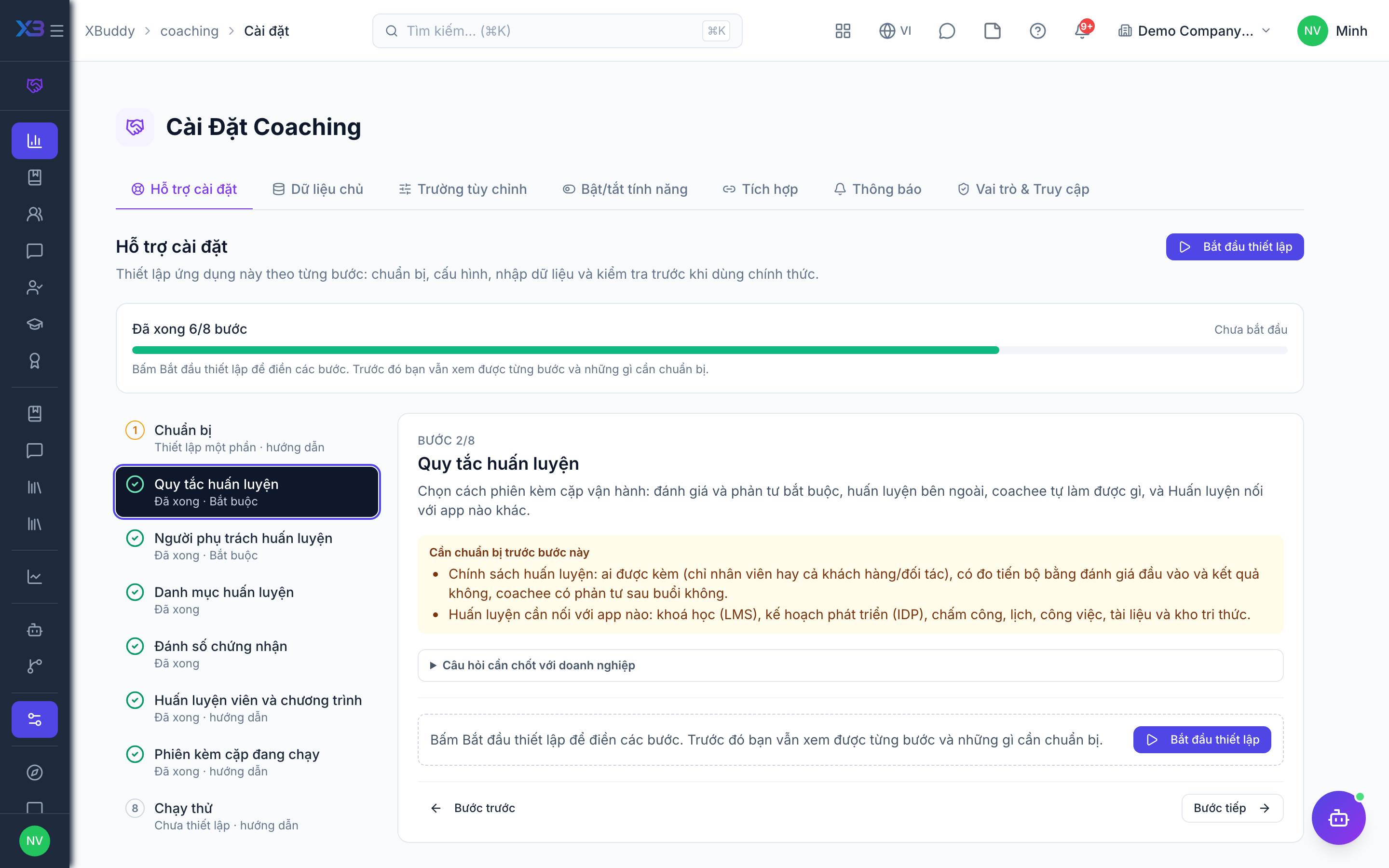
3. Coaching people
Required
Choose who runs coaching: the coaching lead, HR and the coaches. You cannot remove a person’s last role here.
Prepare first
- The coaching lead, the internal and external coaches and the HR partners who run engagements — each must already be invited as a user.
Questions to answer
- Who owns the coaching programme (settings, coaches, programs, certificates)?
- Who coaches: managers, internal coaches, HR partners or external coaches?
| Role template | Key | For |
|---|---|---|
| Coaching Administrator | coaching_admin | Coaching admin: owns settings, coaches, programs and certificates |
| Chief Human Resources Officer | chro | CHRO: same coaching rights, from HR |
| HR Manager | hr_manager | HR manager: same coaching rights, from HR |
| HR Business Partner | hr_business_partner | HR business partner: runs engagements and sessions, cannot manage programs or coaches |
| External Coach | external_coach | External coach: sees and runs only their own engagements |
| Director / General Manager | director | Director: reads coaching analytics |
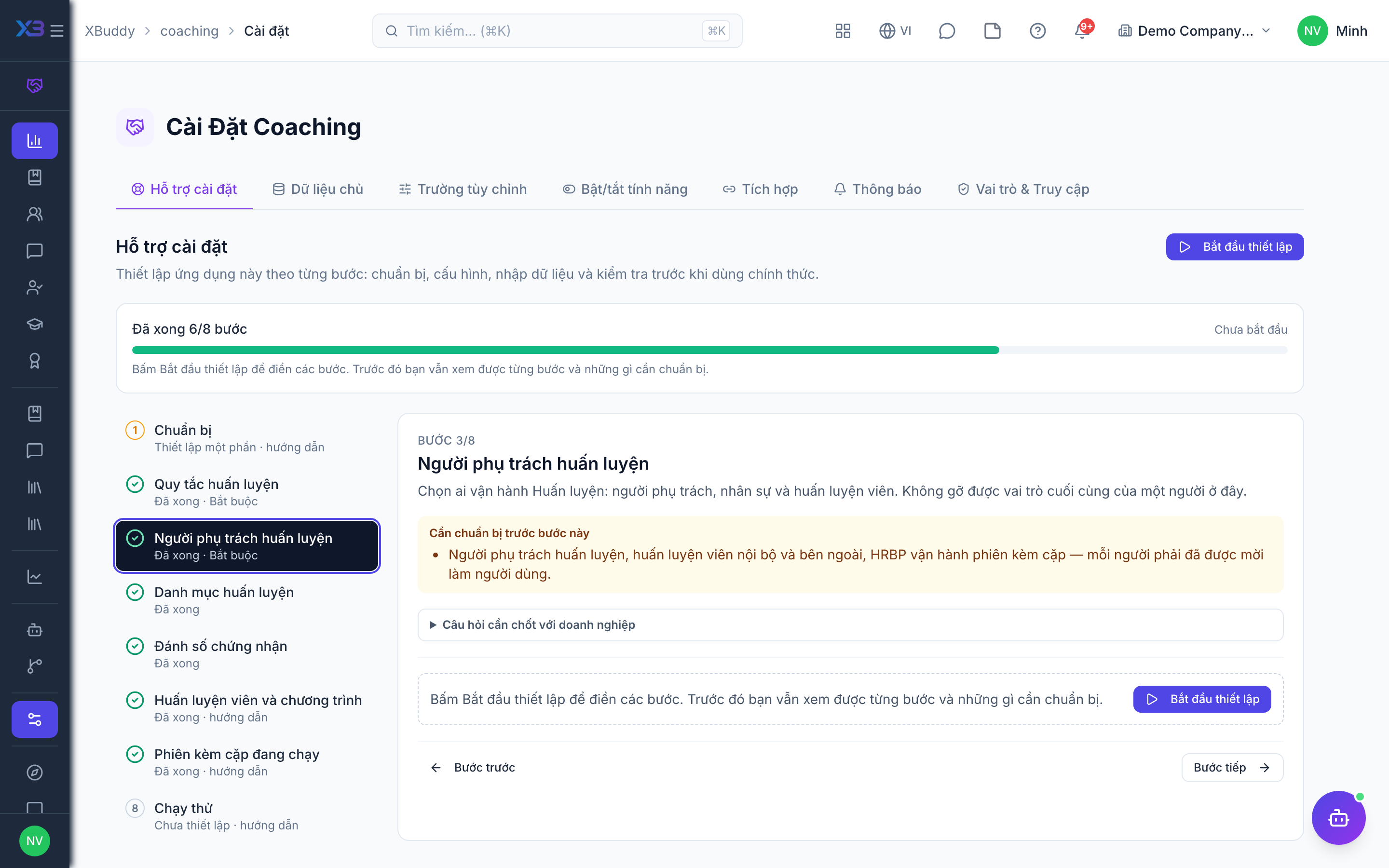
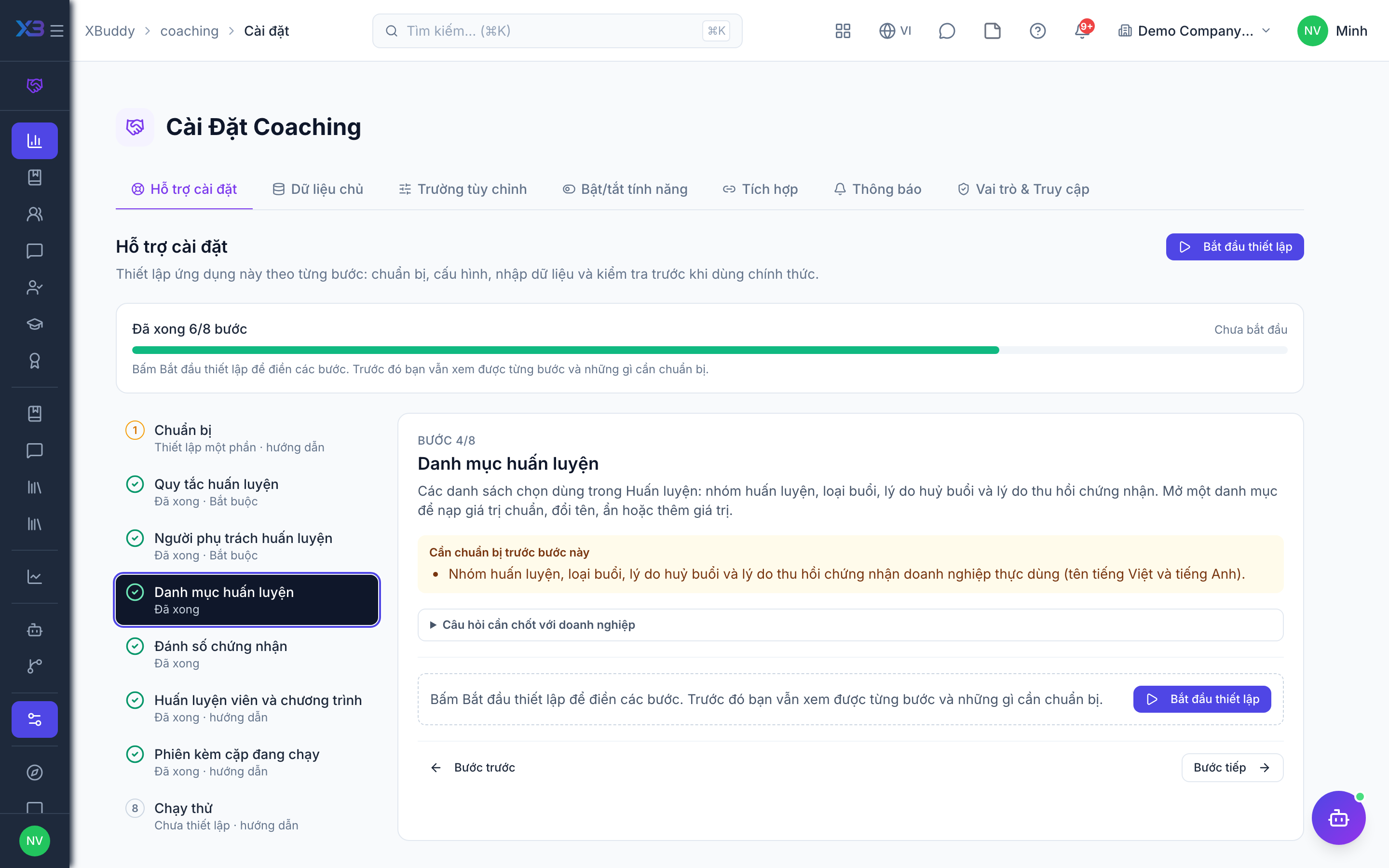
4. Coaching lists
Optional
The choice lists used in Coaching: coaching categories, session types, cancellation reasons and certificate revoke reasons. Open a list to fill it with the standard values, rename, hide or add values.
Prepare first
- The coaching categories, session types, cancellation reasons and certificate revoke reasons the business really uses (Vietnamese and English names).
Questions to answer
- How do you group coaching programs (leadership, sales, onboarding…) and which kinds of session do you hold?
- Which reasons do you record when a session is cancelled or a certificate is revoked?
Lookups to review (Settings → Lookups):
- Coaching Cancellation Reasons (
coaching_cancellation_reasons) - Coaching Categories (
coaching_categories) - Certificate Revocation Reasons (
coaching_certificate_revoke_reasons) - Coaching Session Types (
coaching_session_types)
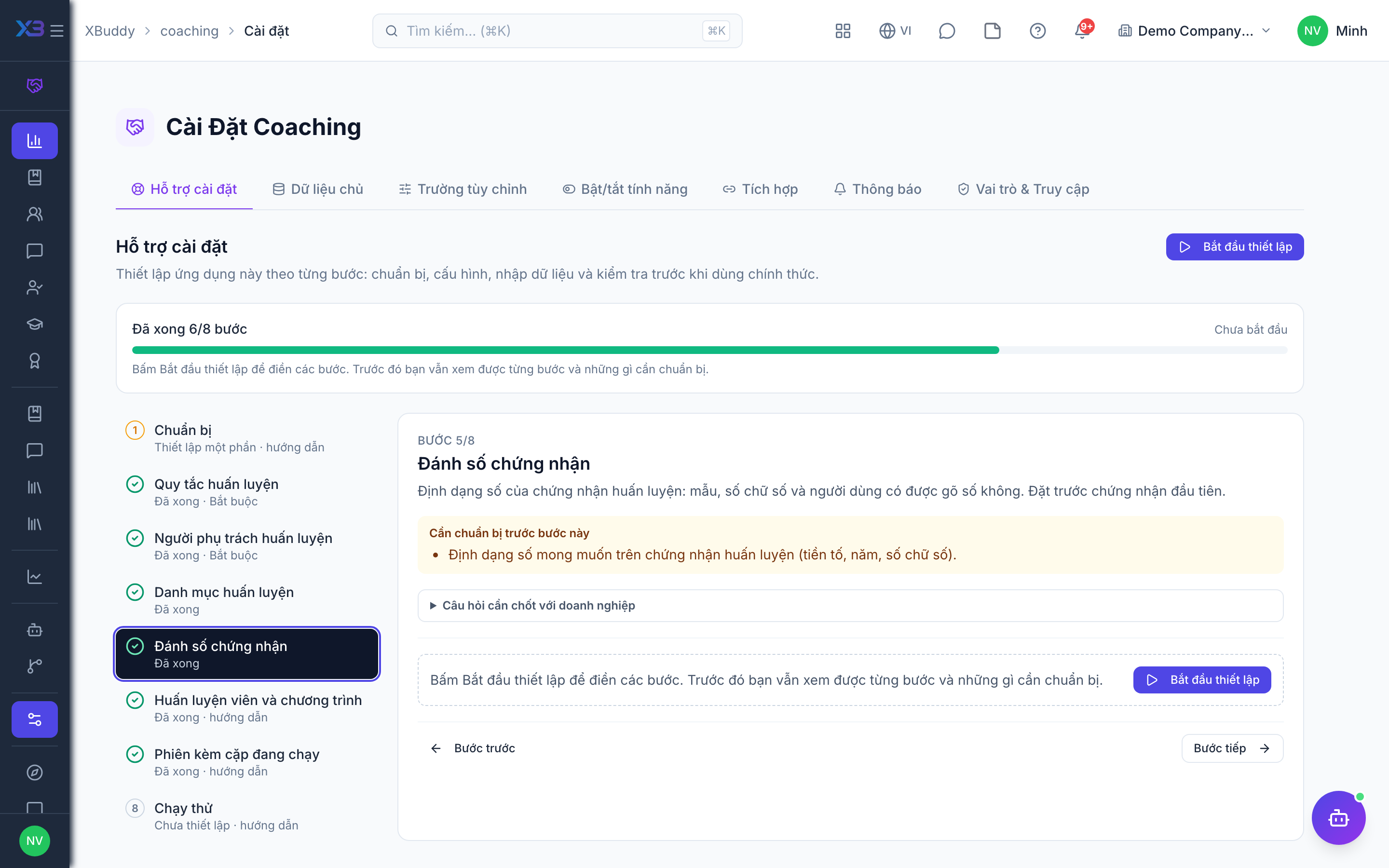
5. Certificate numbering
Optional
The number format of coaching certificates: pattern, digits and whether users may type the number. Set it before the first certificate.
Prepare first
- The numbering format wanted on coaching certificates (prefix, year, digits).
Questions to answer
- Do coaching certificates follow a fixed numbering format, or keep the default?
Document types to configure numbering for (Settings → Document numbering):
coaching_certificate
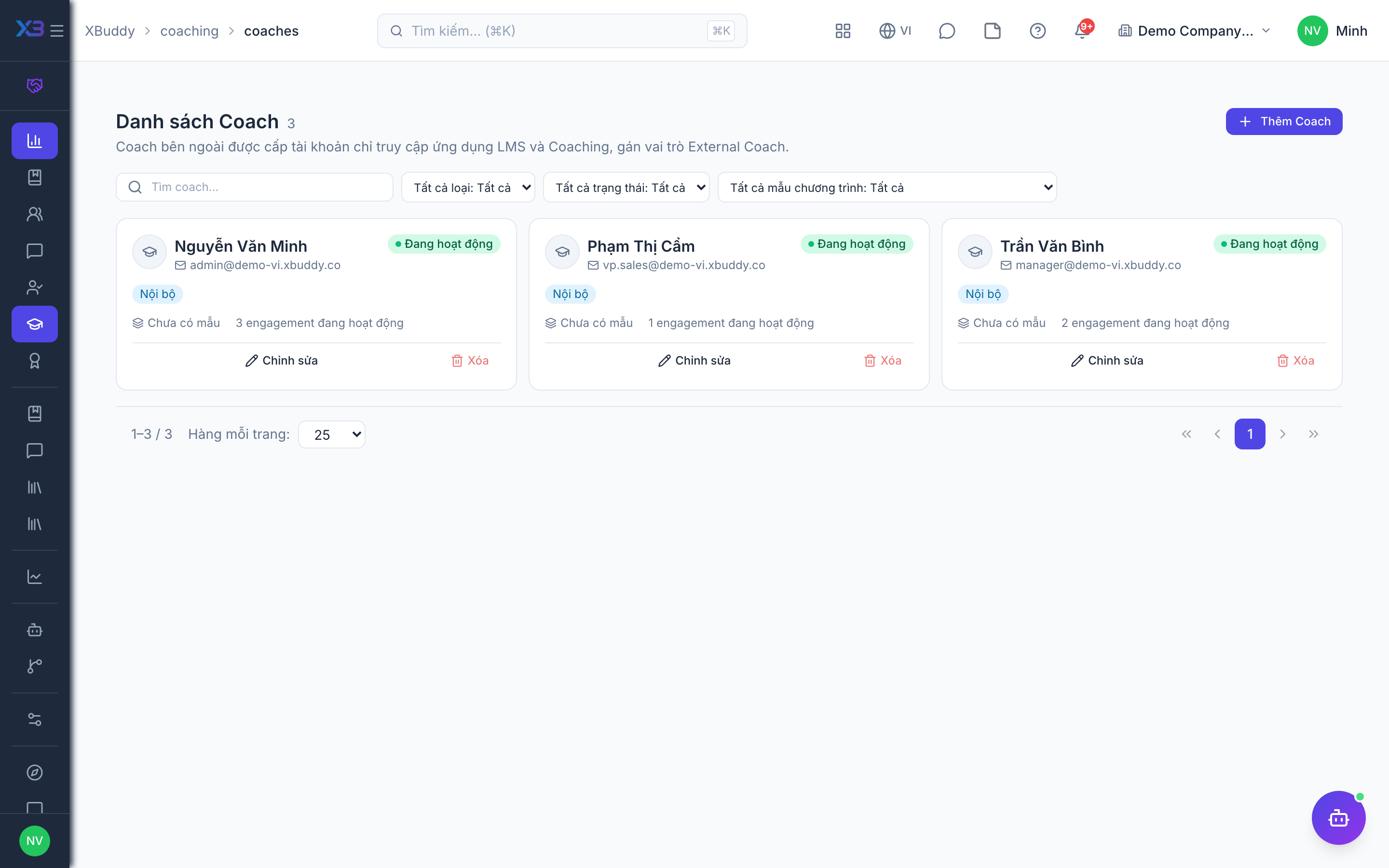
6. Coaches and programs
Optional
Register the coaches, the session templates and the program templates engagements start from. Counts come from real data.
Prepare first
- Create coaches and session templates first — programs and their session plans use them.
Questions to answer
- Where are your coaching programs and coach list kept today, and how many are there?
| # | Task | How | Screen |
|---|---|---|---|
| 1 | Coaches | Coaching → Coaches: internal coaches from the employee list, external coaches if that switch is on. | /coaching/coaches |
| 2 | Session templates | Coaching → Session templates: agenda, questions and duration coaches reuse. | /coaching/session-templates |
| 3 | Program templates | Coaching → Programs → Templates: session plan, then publish. | /coaching/programs/templates |
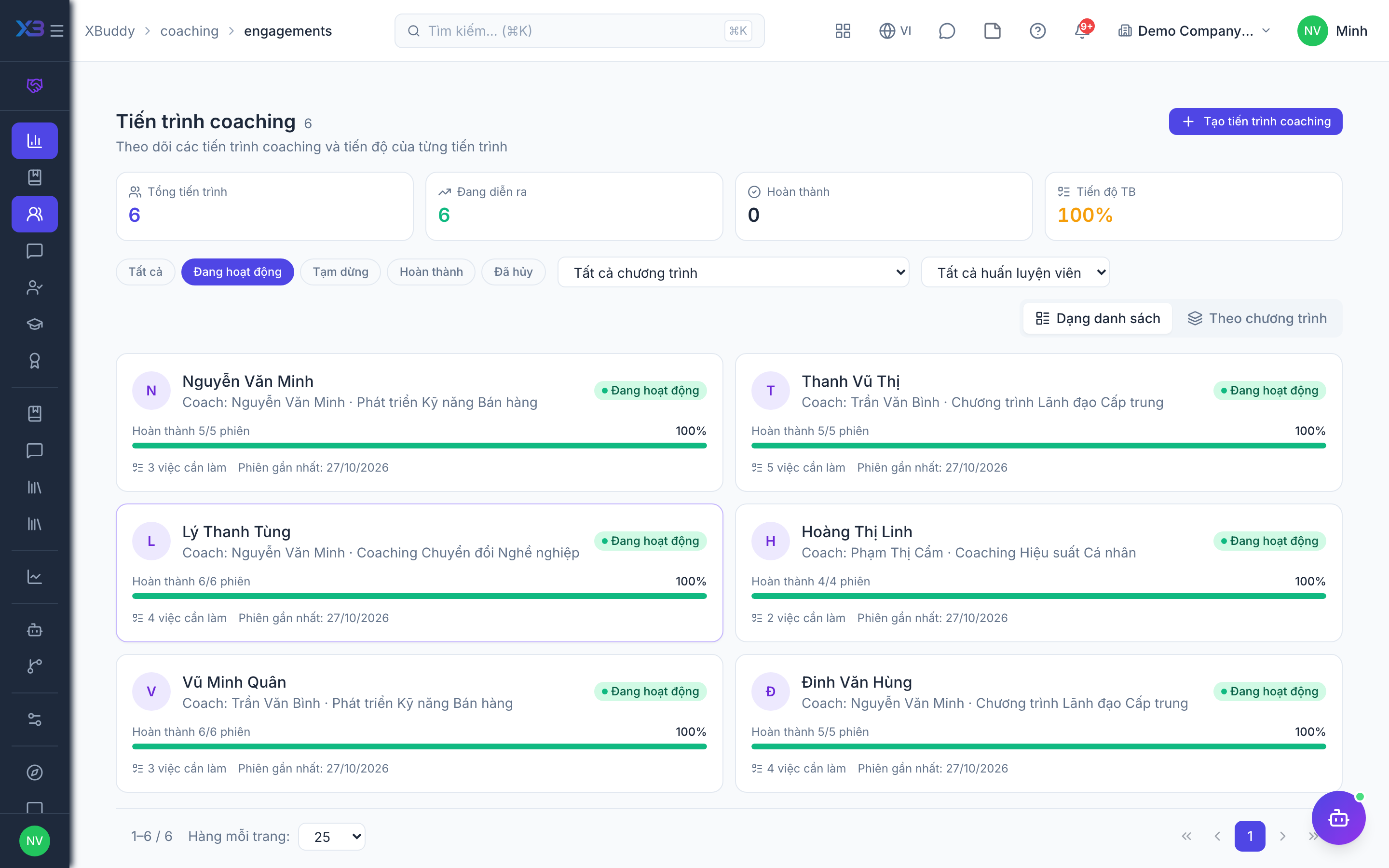
7. Running engagements
Optional
Enter the coaching engagements still running at go-live with their remaining sessions; finished ones stay in the old records.
Prepare first
- Agree the cut-over date: coaching engagements still running on that day are entered in XBuddy with the sessions still to come; finished ones stay in the old records.
| # | Task | How | Screen |
|---|---|---|---|
| 1 | Running engagements | Coaching → Engagements → New, with coach, coachee, program and start date. | /coaching/engagements |
8. Test run
Optional
Walk through one engagement end to end before go-live.
Prepare first
- Pick one coach and one test coachee to run the test with.
| # | Task | How | Screen |
|---|---|---|---|
| 1 | Start an engagement | Create it from a program (it starts active) and record the intake score. | /coaching/engagements |
| 2 | Hold a session | Check the calendar event, time entry and tasks appear if those switches are on. | /coaching/sessions |
| 3 | Check the coachee portal | As the coachee: see the session, write a reflection, book a session if self-scheduling is on. | /coachee-portal/sessions |
| 4 | Complete the engagement | Blocked until the outcome score and reflections exist if those switches are on. | /coaching/engagements |
| 5 | Issue a certificate | Its number follows the format. | /coaching/certificates |
Next
See the feature pages of this app in the left menu, or the setup guides of every app.