Customer service
Tickets with someone on call, SLAs, and customers who track their own
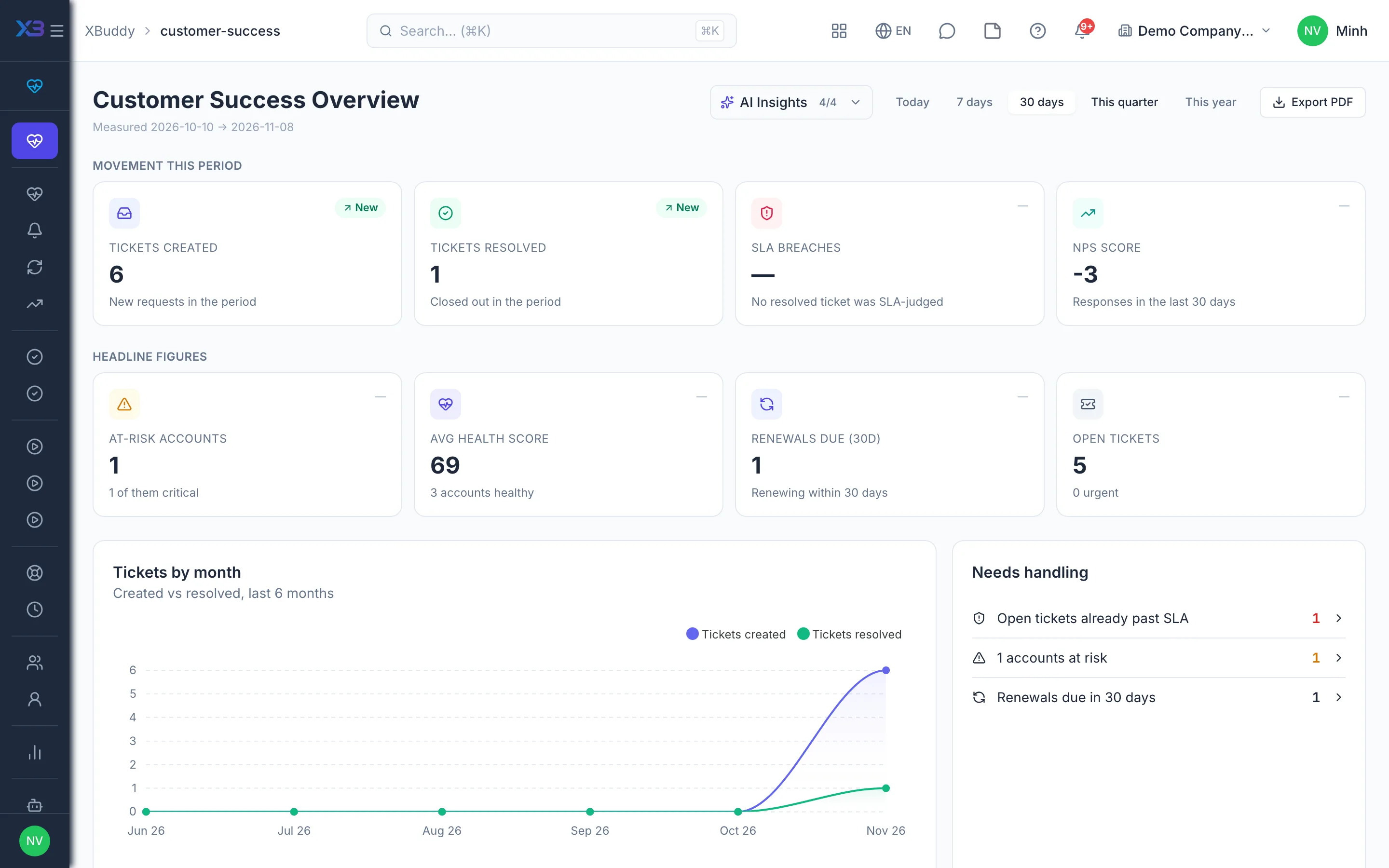
A helpdesk with rotating on-call shifts, SLAs, customer portal accounts, health scores and renewals shared with CRM — spot churn risk before it is too late.
Key outcomes
- New tickets assigned to whoever is on call
- Customers create and track tickets on the portal
- Health alerts trigger playbooks automatically
Problems solved
- Nobody knows who is on duty — Customer requests arrive by phone, email and chat and land with whoever is free. After hours or at shift change, tickets wait with no owner, and response-time commitments are broken.
- Customers call back just to ask for status — Customers cannot see where their request stands, so they call again and again. The support team spends its time answering status questions instead of solving problems.
- The same questions every week — The same question is answered again and again, differently by each person. Instructions live in chats and loose files, so customers cannot look anything up themselves.
- Churn discovered too late — Tickets, surveys and contract end dates sit in different tools. Nobody sees a customer gradually souring, and sales looks at a different renewal list than customer success.
How it works
- Open the portal to customers
- Rotating on-call shifts
- Work tickets against SLA
- Escalate to service
- Knowledge customers can look up
- Track customer health
- One renewal record
This is a summary. The full content, step screenshots and FAQ are on the original page.
Related operations guide: Customer service